Xhorse vvdi key tool plus now support reading original VAG MQB49/5C and 5D key data to add a spare key function
Requirement:
Update key tool plus IMMO Database to V142, PROG database to V187 and newer version
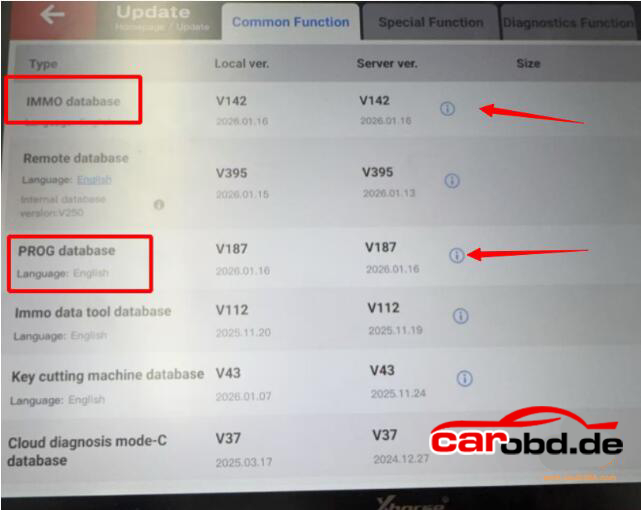
What Xhorse device supports this functions ?
Xhorse VVDI Key Tool Plus with MQB license activation
Other Xhorse devices don’t support 5C 5D function yet.
What keys should be used ?
- For 5C type you can use Xhorse XS smart remote or original key
- For 5D system, must use original key
How to add VAG MQB49 5C or 5D key with vvdi key tool plus
Go to IMMO Programming – VW- Select by type -MQB instruction-Read key to obtain data- MQB49(5C) key disassembly reading or MQB49(5D) key dismantling and reading.
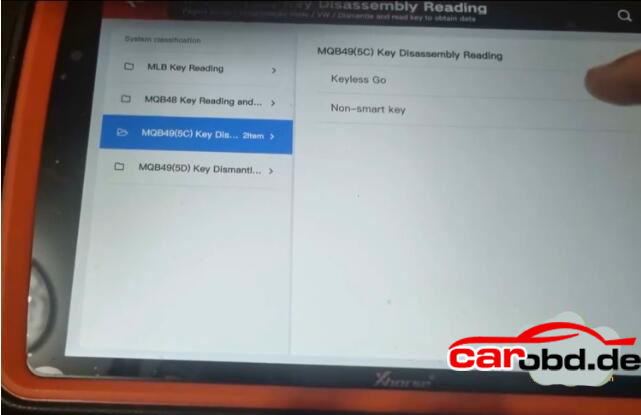
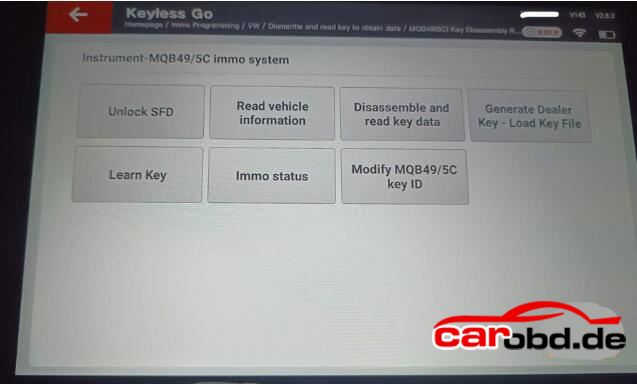
- Step 1: Read original key data
Either solder wires to original key pcb(Xhorse will show you the key wiring diagrams) or use solder free adapter(coming soon) to read key data
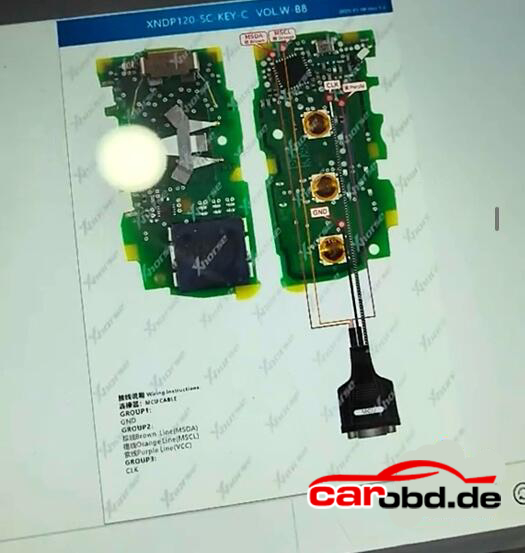
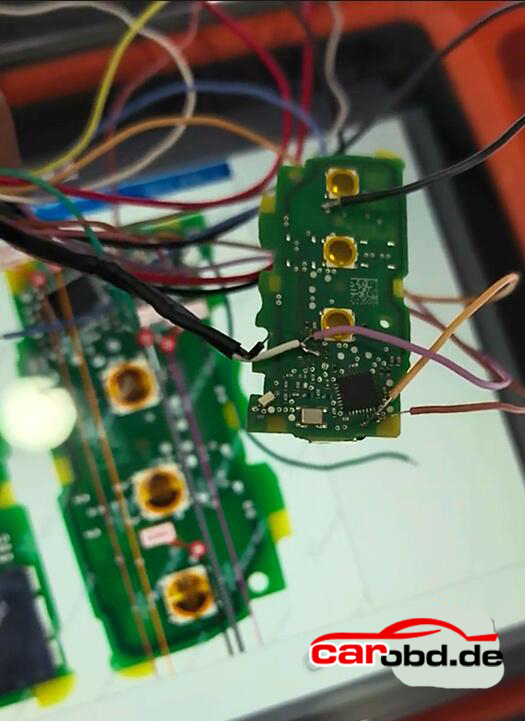
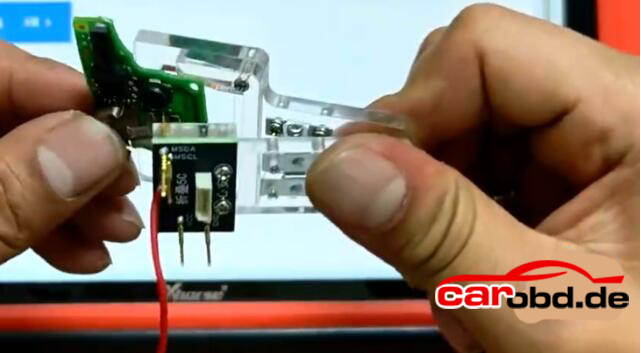
Read and save key data
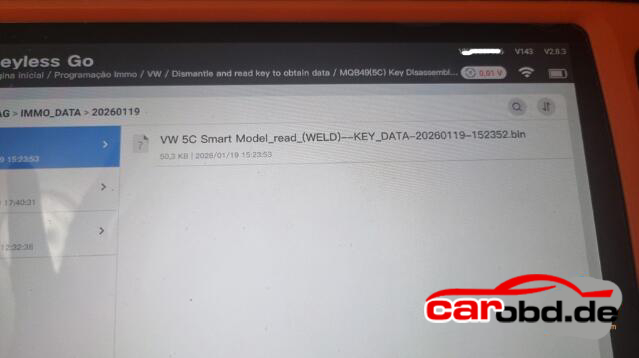
- Step2; Generate dealer key(by uploading key file)
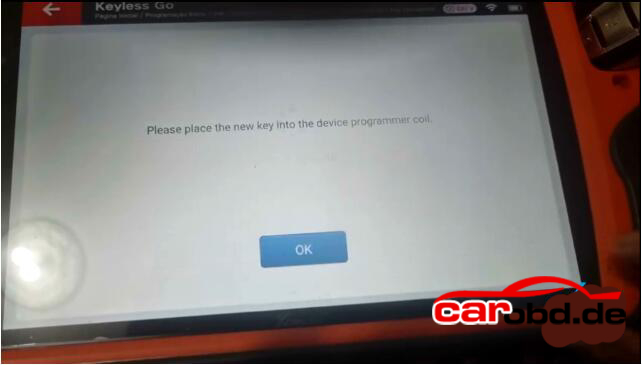
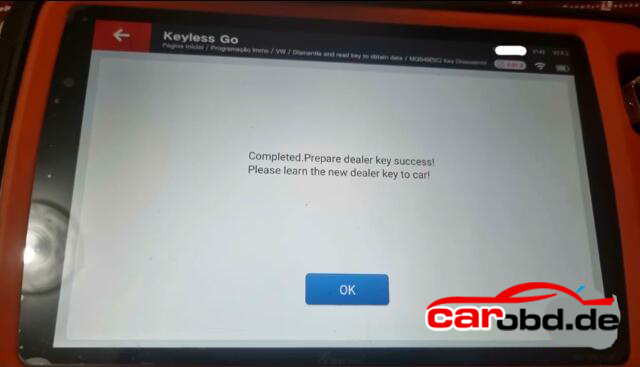
- Step3: Learn key in car
For some 2023+ models you may also need to unlock SFD gateway before learning key in car.
For more informations, please contact
Whatsapp: +86 19947637411
Email: Sales@Carobd.de