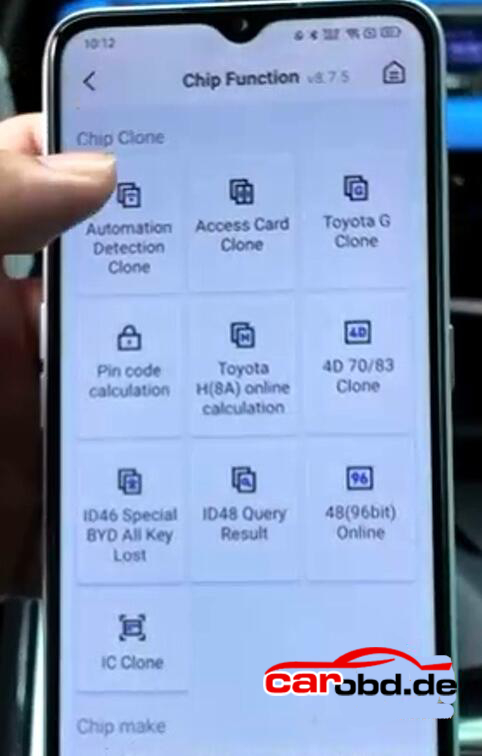
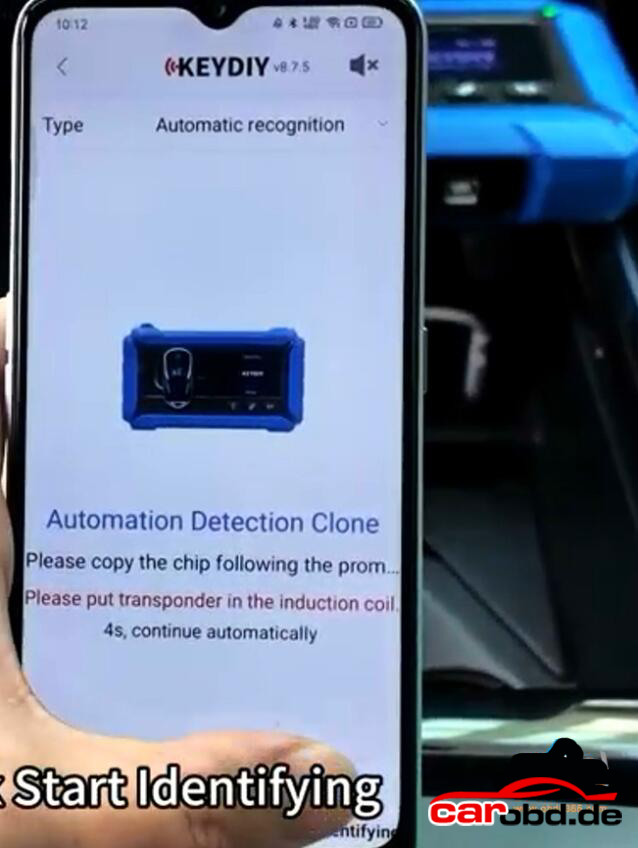
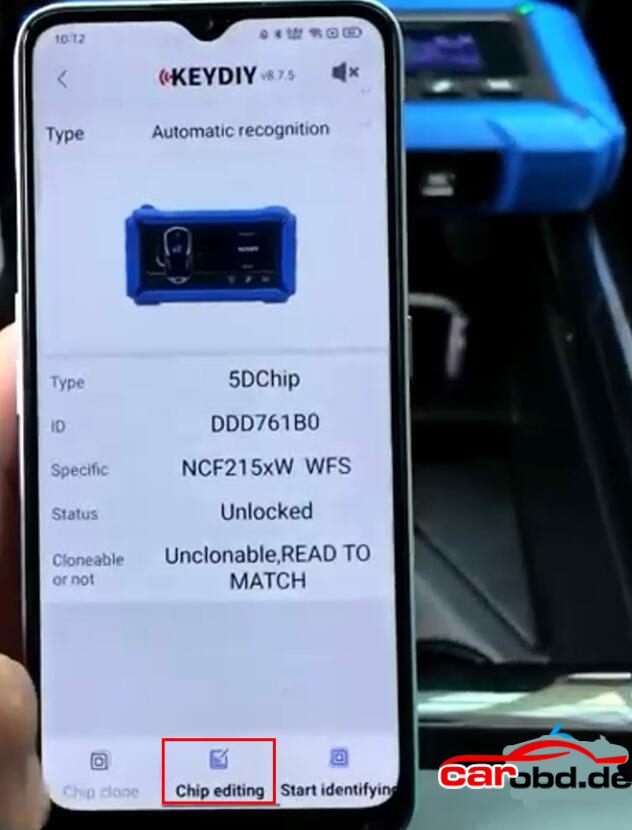
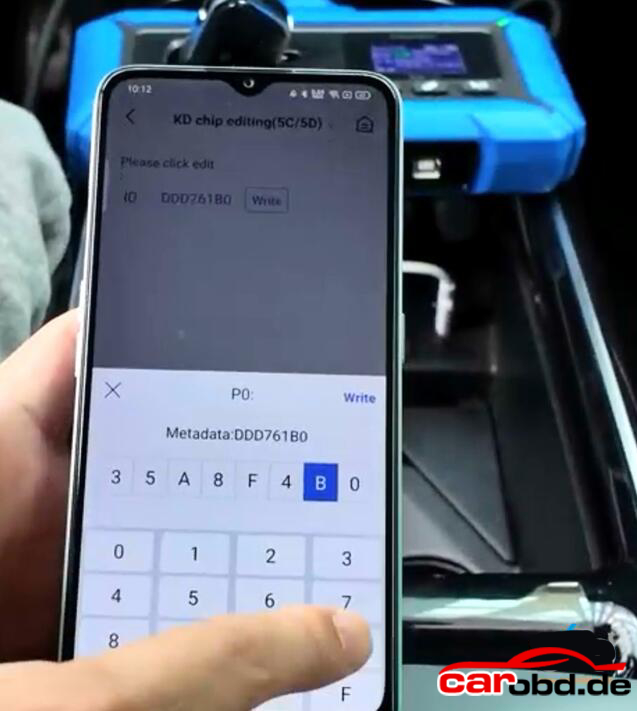
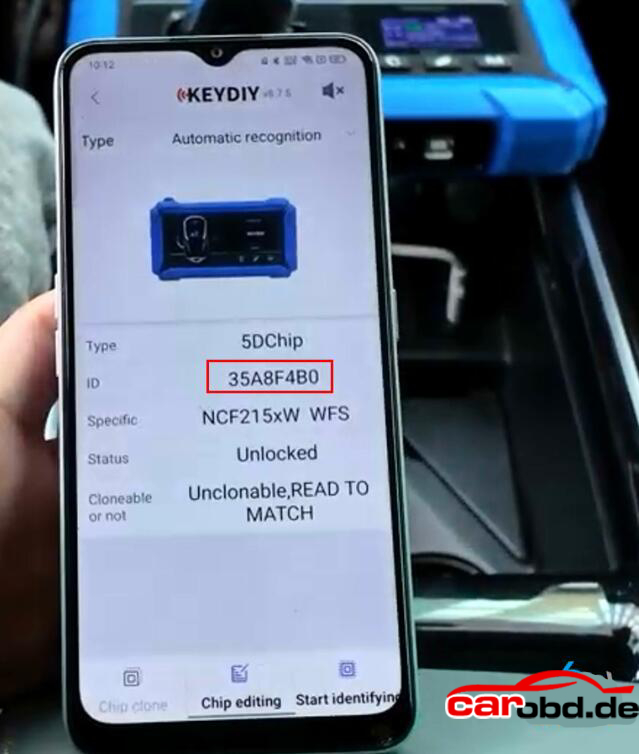
This is a guide on how to register & update Xhorse VVDI Key Tool Max PRO for the first time. Follow the steps below to get started.
How to register VVDI Key Tool Max PRO?
- Power on Key Tool Max PRO>> Select language >> Set date & time zone >> Agree to enter >> Start to set >> Connect WiFi
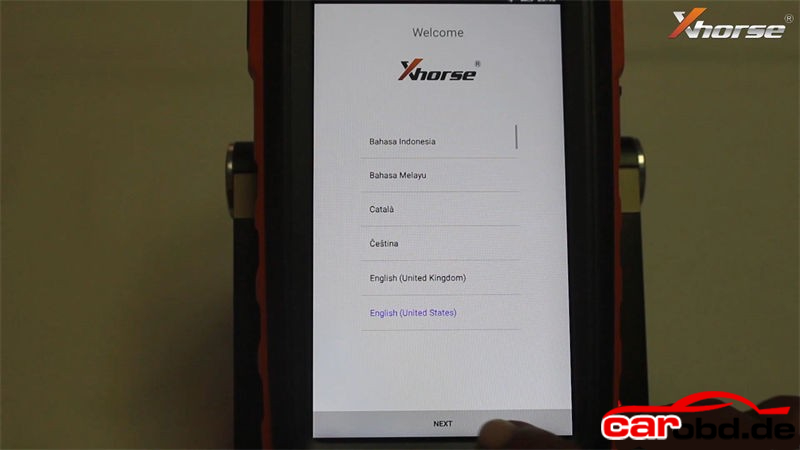
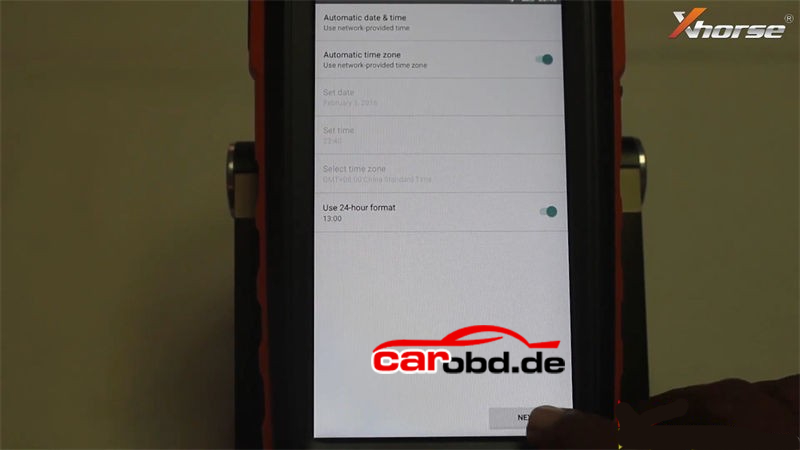
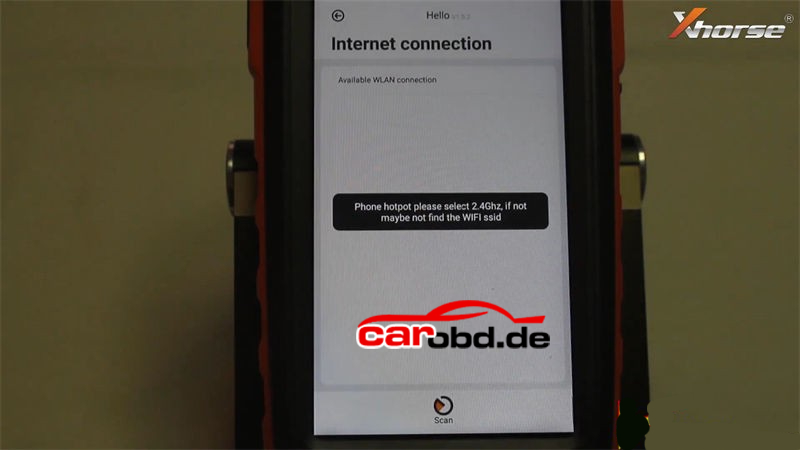
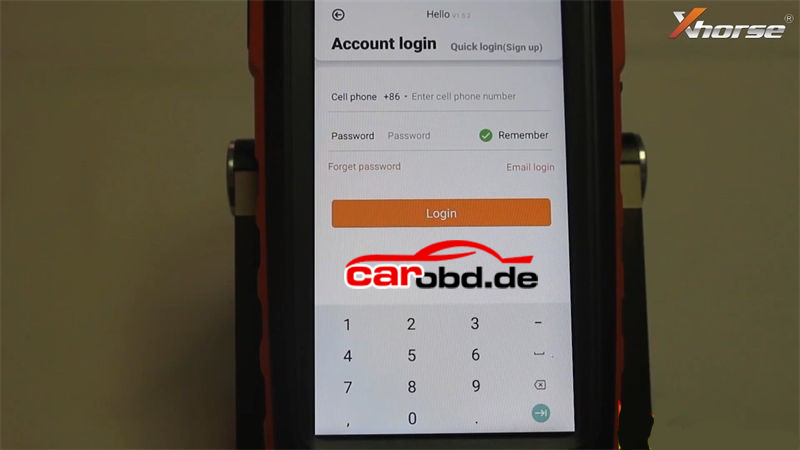
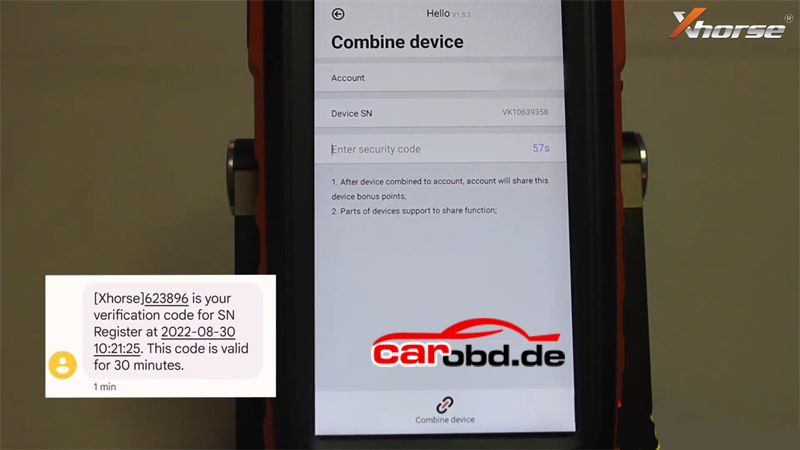
- Enter cell phone number & password to login >> Send >> Enter security code >> Combine device
Tip: Please contact your dealer if cannot receive security code.
Warning
– After device combined to account, account will share this device bonus points;
– Parts of devices support to share function.
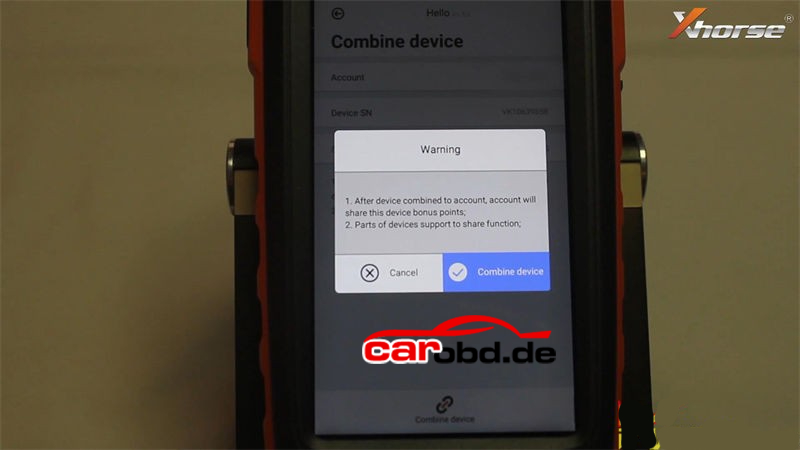
Press “Combine device”.
Combined device success.
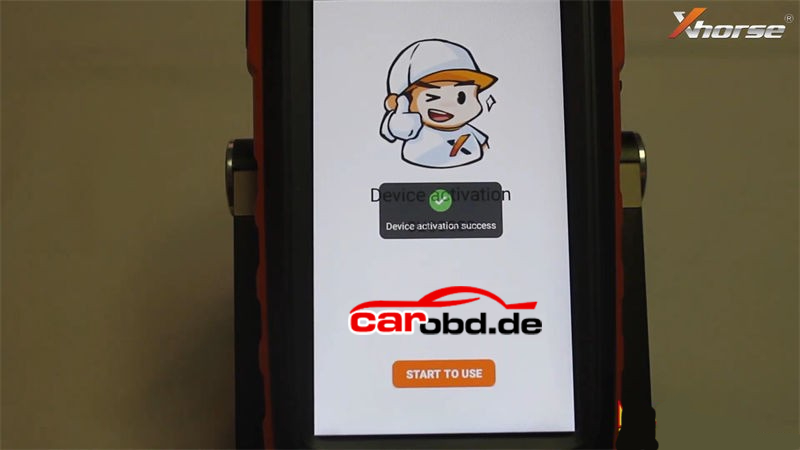
Device activation success.
Press “Start to use” to next step.
How to update Xhorse Key Tool Max PRO?
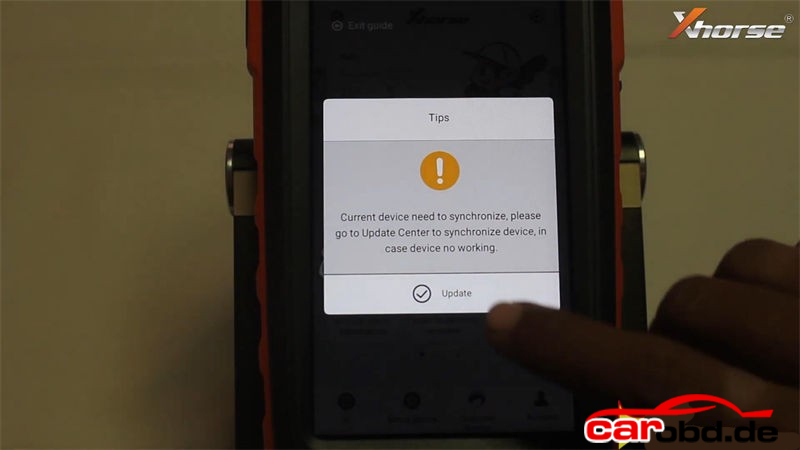
Tips: current device need to synchronize, please go to Update Center to synchronize device, in case device no working.
Press “Update”.
* This may take some time, make sure good network before upgrade.
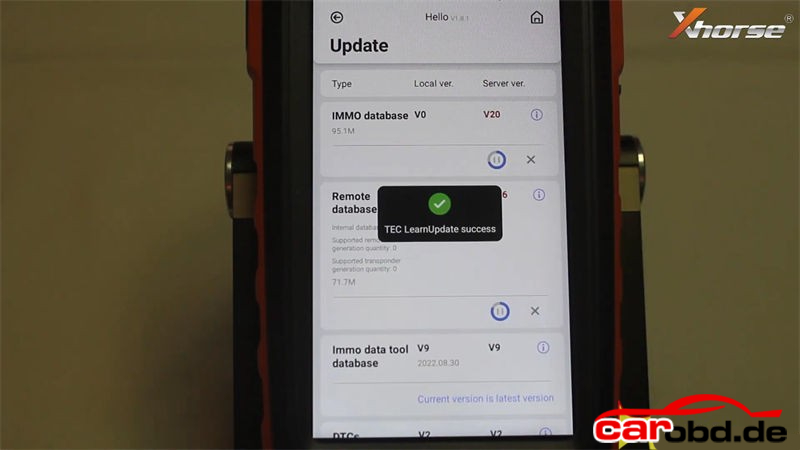
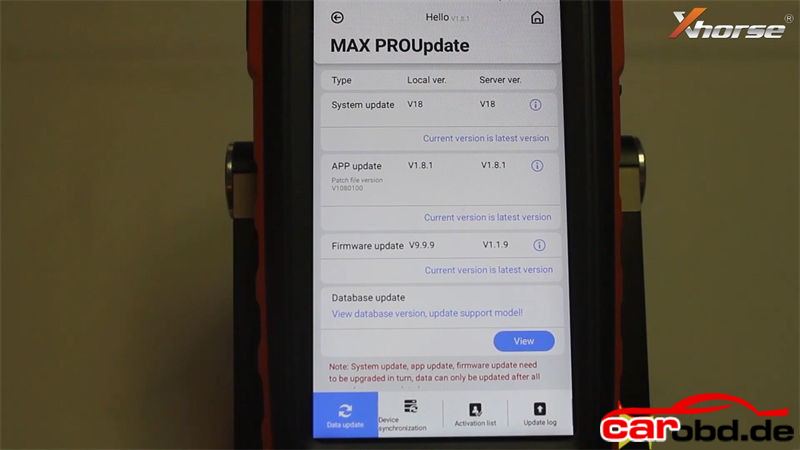
Here users can update system, APP, firmware & database.
Please update to the latest version as prompted:
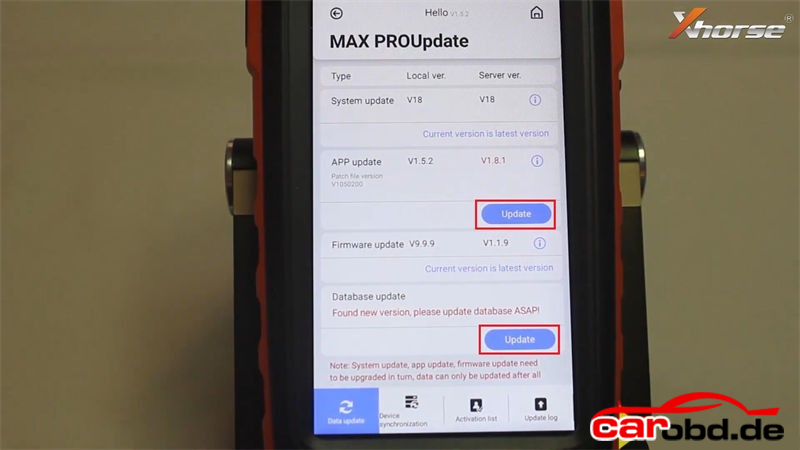
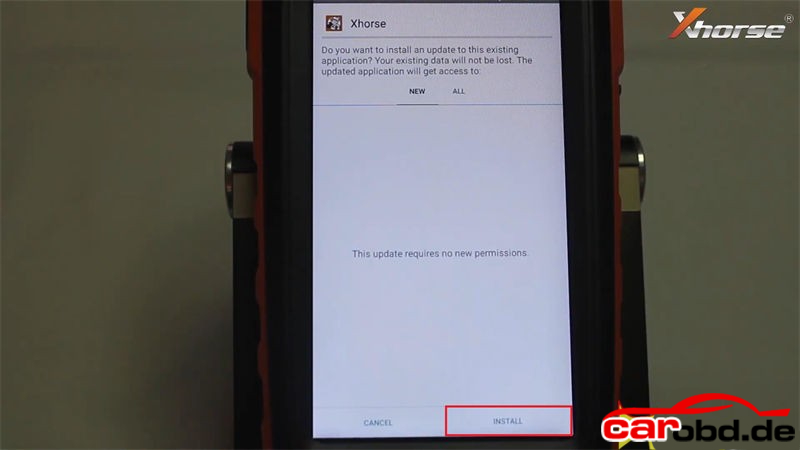
Update APP >> Install >> Open >> Agree to enter >> Update
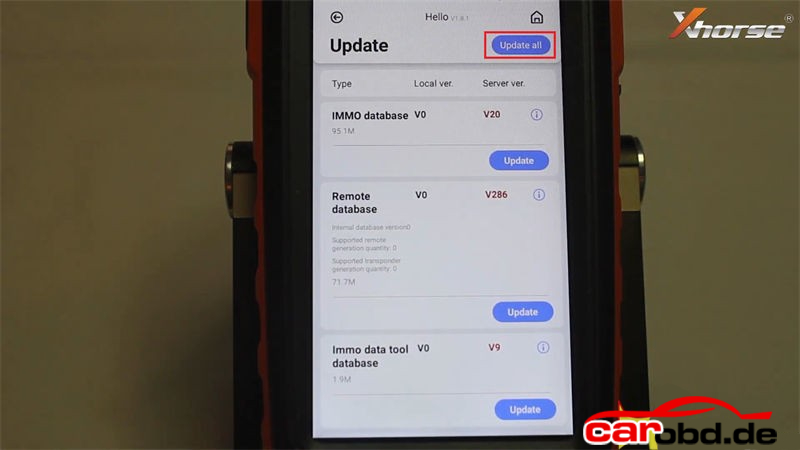
Update database >> Update all
Completed.
For more support,please contact Service
Jenny
Whatsapp: +86 19947637411
Email: Sales@Carobd.de