Tag Archive | 5c

How to Choose Keydiy KD VAG MQB49 5C 5D Keys ?

How to Choose Keydiy KD VAG MQB49 5C 5D Keys ?

One of the biggest challenges whe working with VAG MQB49 vehicles is identifying the exact remote type-whether it’s a flip key, a smart key, an older model, or a newer generation. Getting it wrong can waste time and create unnecessary complications.

With KeyDIY (KD) devices, however that distinction is no longer necessary when programming 5C and 5D keys.

Key Advantage: No Manual Pre-Generation

Unlike many other programming devices, KD equipment does not require the technician to pre-select or pre-generate a program before reading the key. During both the key reading process and dealer key generation, the KD device automatically matches the appropriate program in the background. This seamless process means the technician can focus on the job without having to manually indentify the remote type.

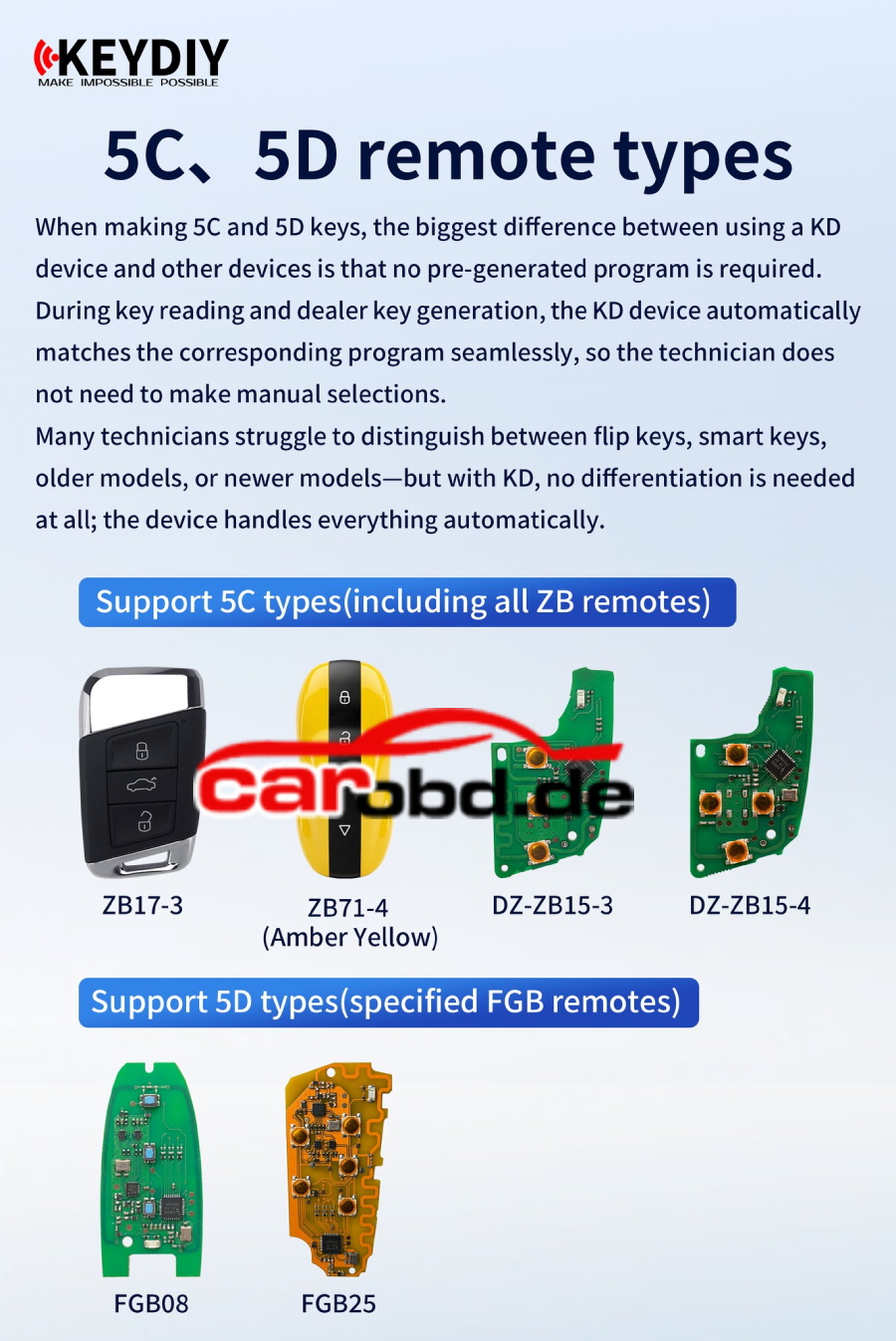
Supported 5C Types (including all ZB remotes)

The KD platform fully supports the following 5C remote types:

Regular ZB15-3 is not an OEM solution. DZ-ZB15-3 and DZ ZB15-4 are OEM solution remote.

Supported 5D Types (specified FGB remotes)

For 5D keys, KD supports the following FGB remote models:

Bottom Line
Whether you are dealing with an older 5C remote or a newer 5D FGB model, the KD device eliminates guesswork. Automatic program matching simplifies the workflow, reduces errors, and saves valuable time on each job.
For more technical service ,please contact

Jenny

Whatsapp: +86 19947637411
Email: Sales@Carobd.de
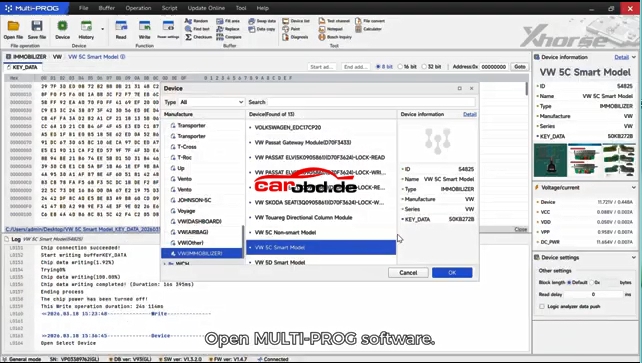
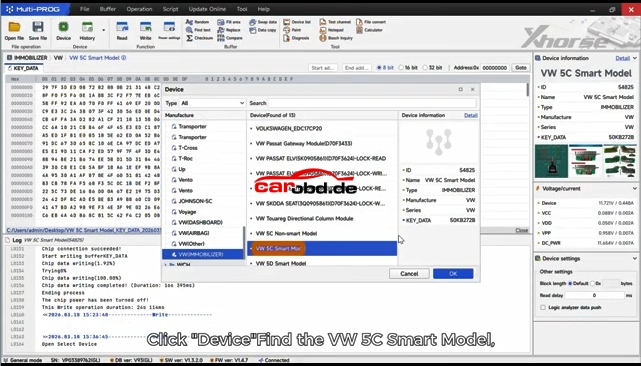
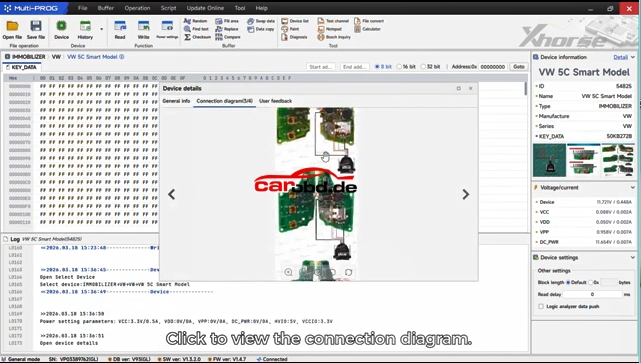
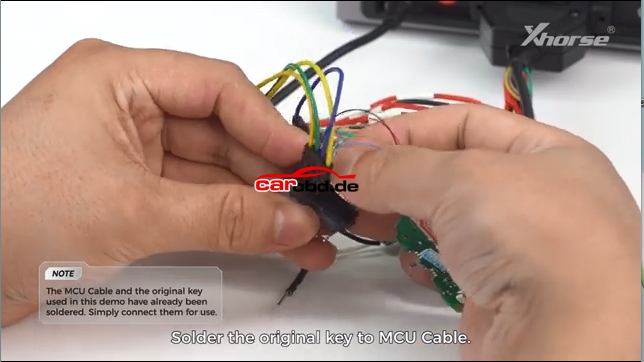
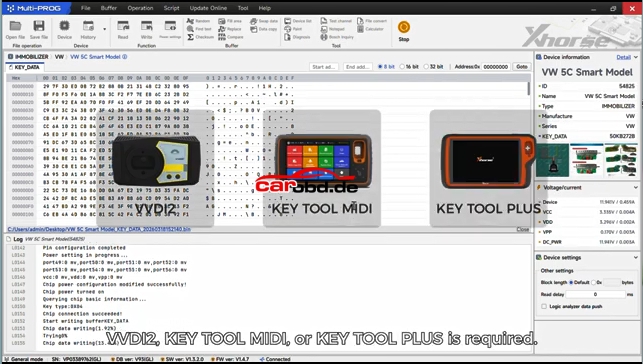
How to Read VW Audi 5C5D Key Data & Generate a Dealer Keys By Using Xhorse Multiprog

Brief Guide: Read VW/Audi 5C/5D Key Data & Generate Dealer Key with Xhorse Multi Prog

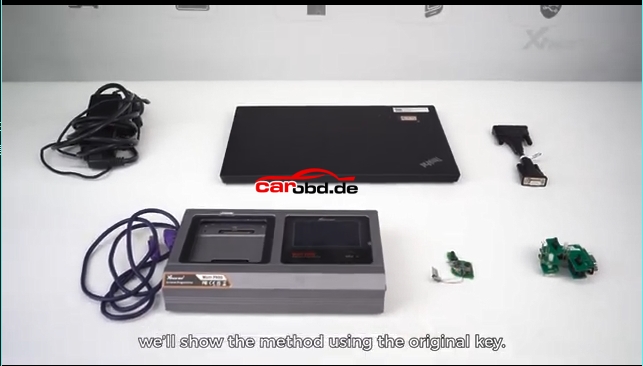
Preparation

  1. Xhorse Multi Prog programmer + PC with latest software
  2. Original 5C/5D smart key
  3. New blank key (original blank for 5D; Xhorse XM38/original for 5C)
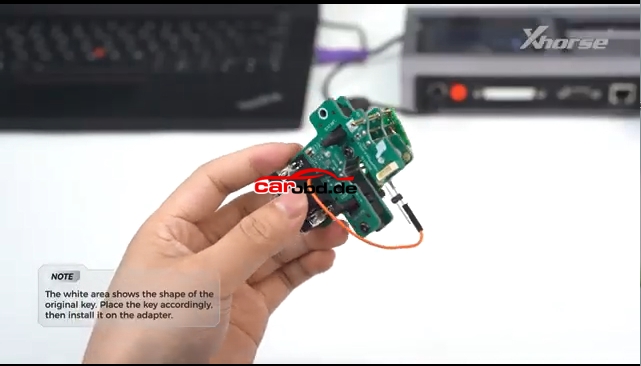
  4. MQB49 5C/5D adapter (solder-free recommended)

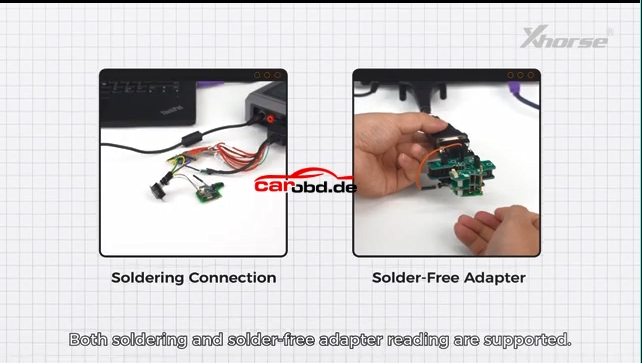
Two connection method: Soldering Connetion & Solder Free Adapter

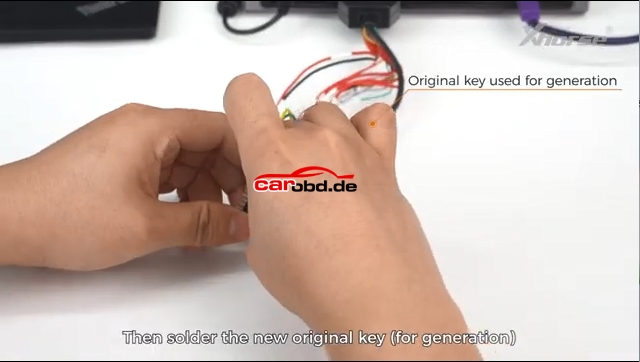
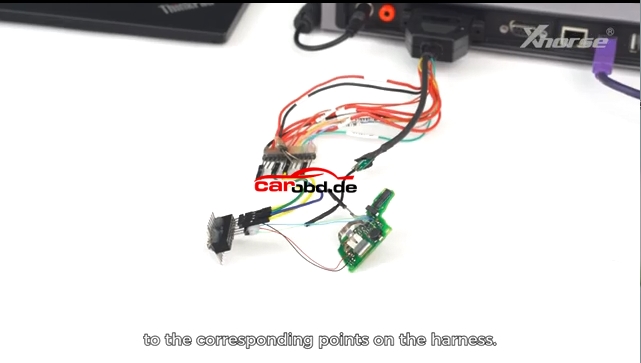
First Connection Method: Soldering Connection

Operation Procedure:

Read Original Key Data

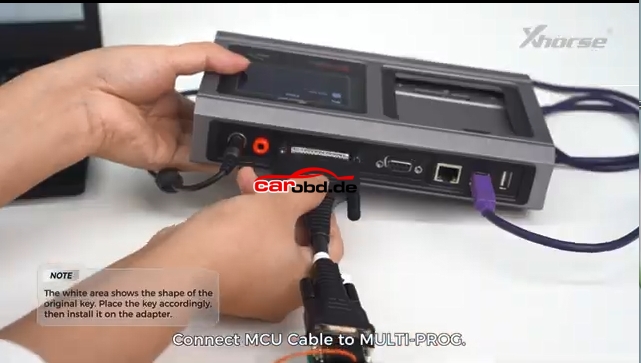
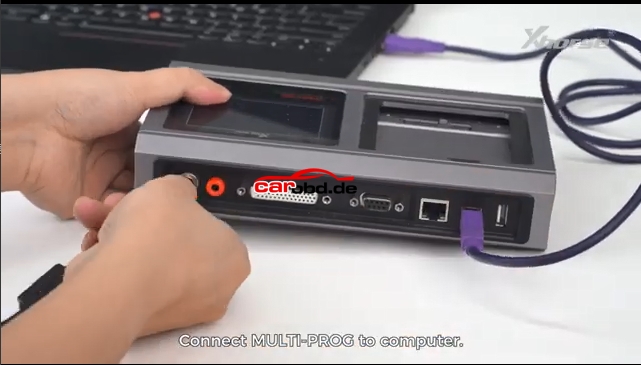
  • Connect Multi Prog to PC, open software
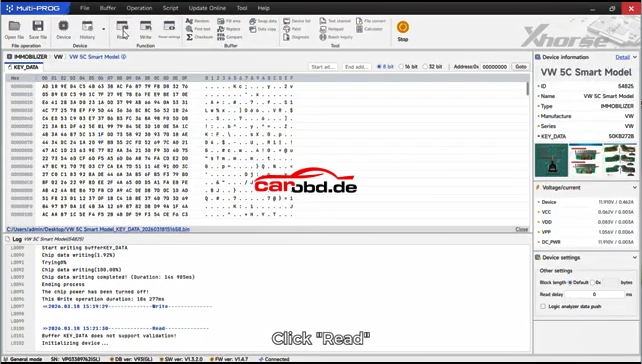
  • Select function: VW → MQB49 → 5C/5D Key
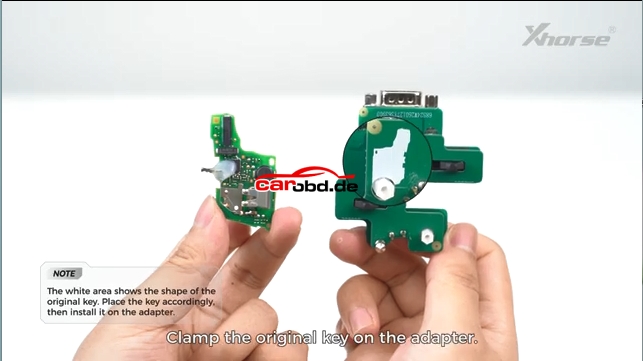
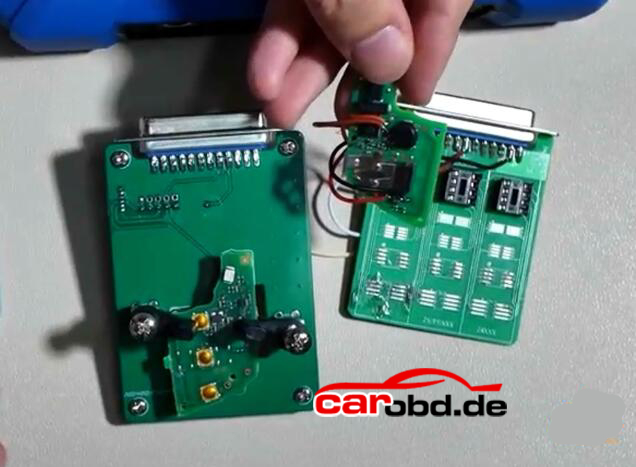
  • Place original key PCB into adapter
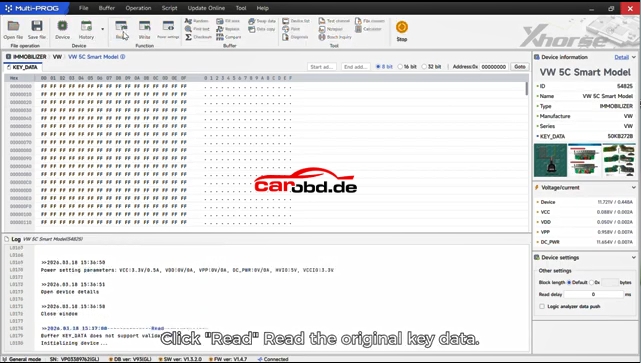
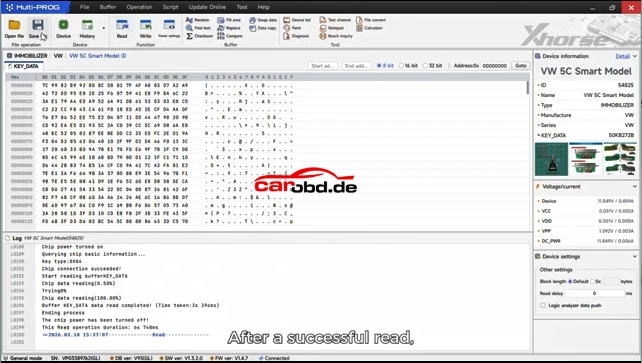
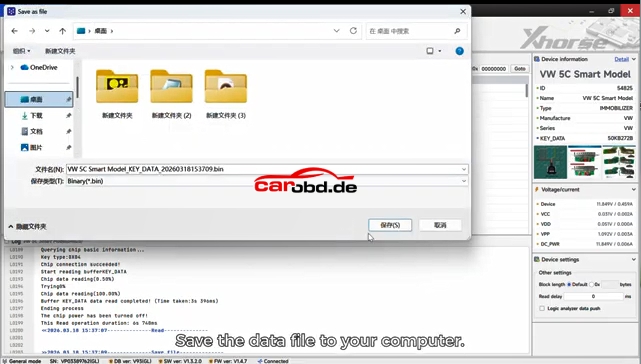
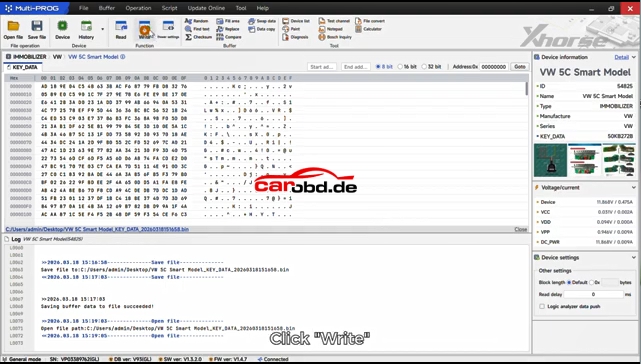
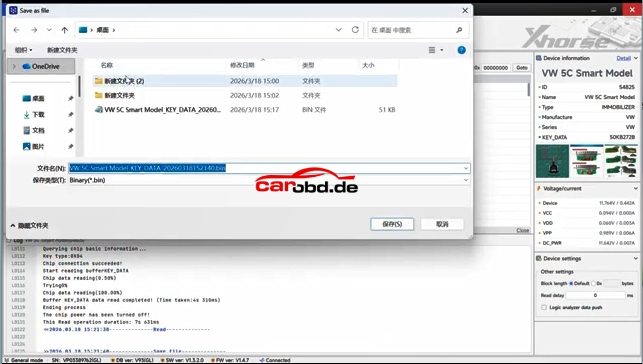
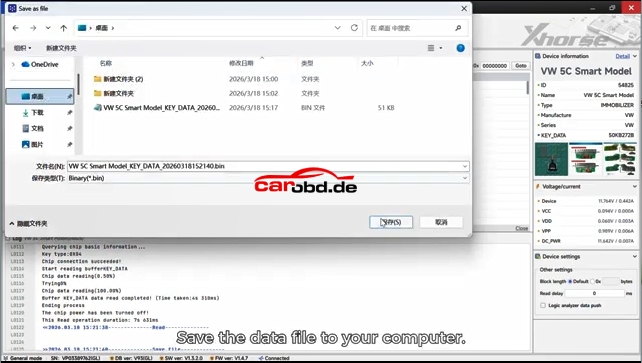
  • Click Read and save the key data file (.bin)

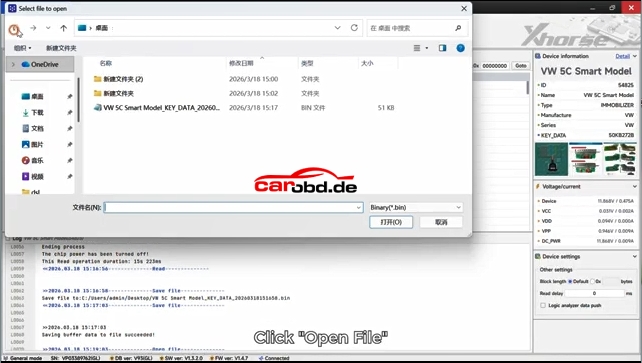
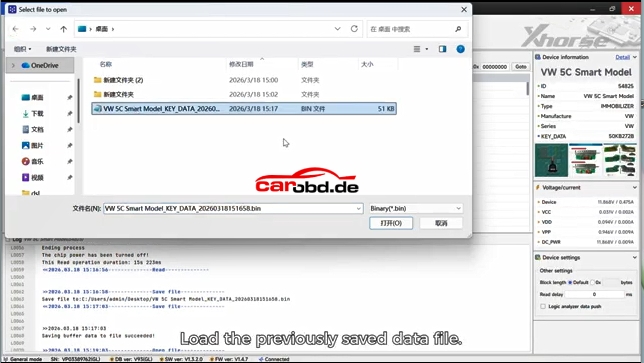
Generate Dealer Key

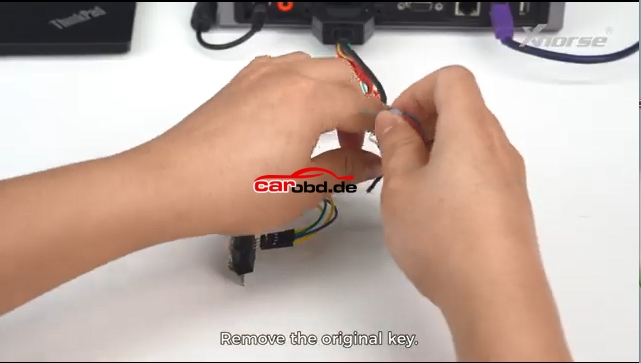
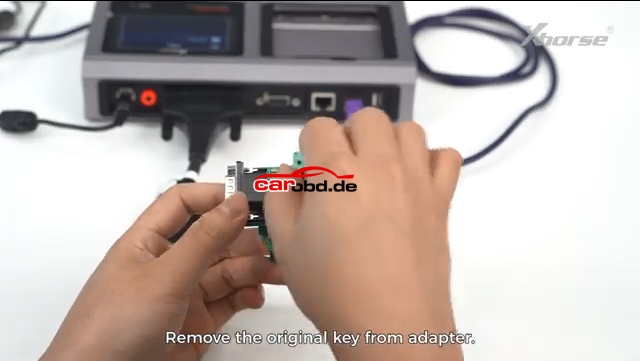
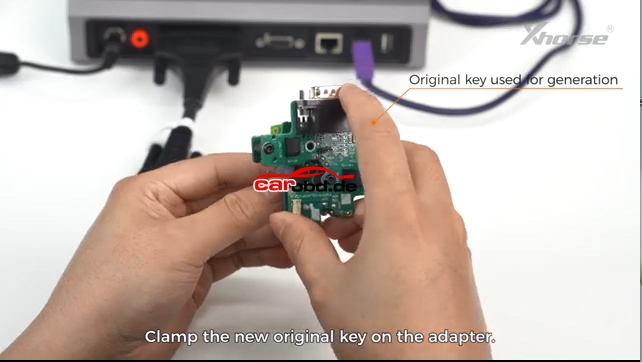
  • Remove original key, put new blank key into adapter
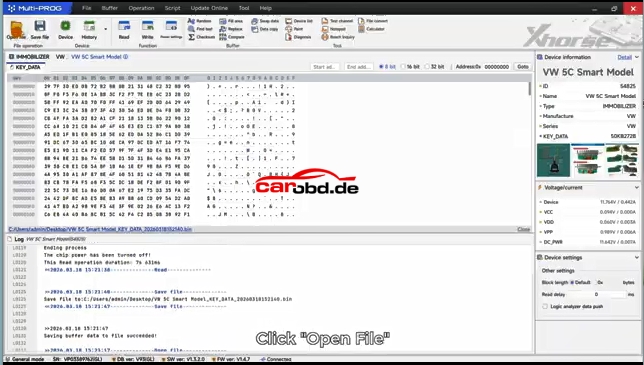
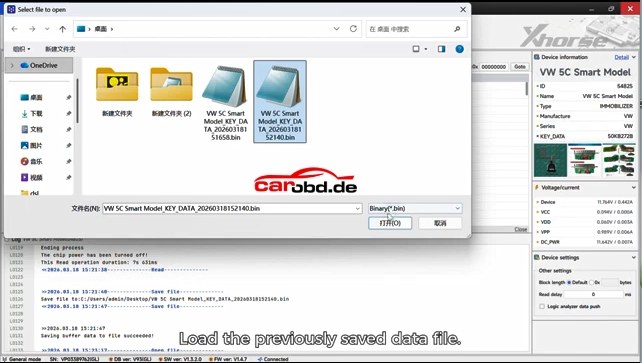
  • Load the saved .bin data file
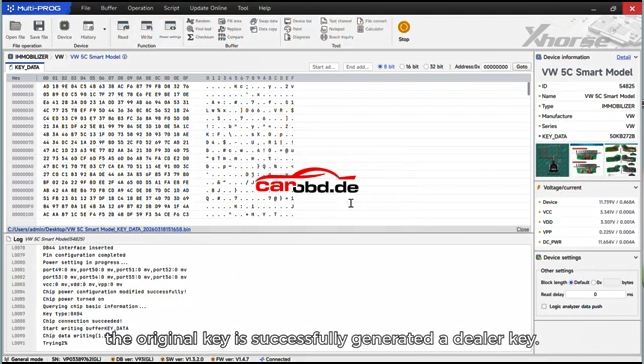
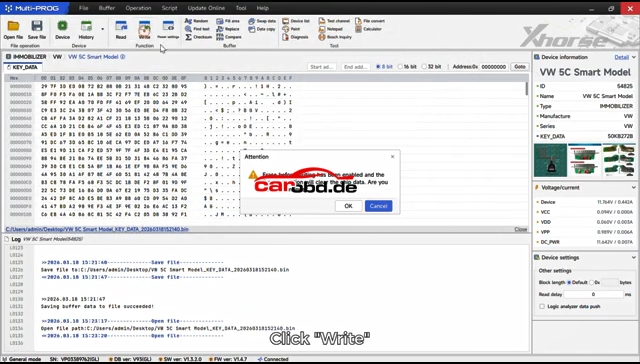
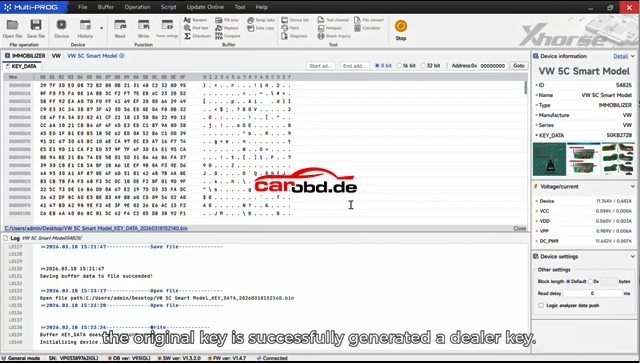
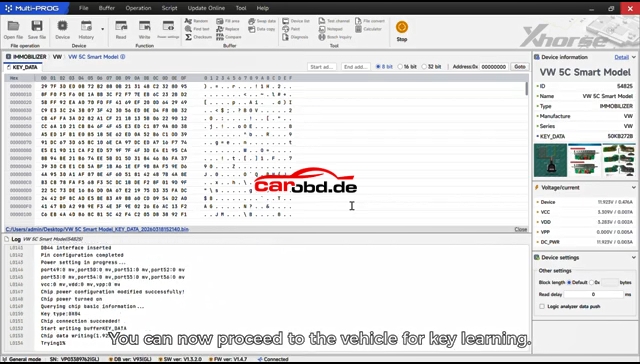
  • Click Write to program the new key
  • The new key becomes a valid dealer key

Second Connection Method:Solder Free Adapter 

Same procedure as Soldering Connection method, read key information and save file and then write again.


Final Step
Use matching tool (Key Tool Plus, VVDI2, etc.) to learn the new key to the vehicle immo system.

Simple summary:Read original key → Save data → Write to new blank → Match on car

For more informations,please contact Techincal Service

Jenny

Whatsapp: +86 19947637411
Email: Sales@Carobd.de
Keydiy KD-X4 Now Will Modify Original VAG MQB49 5C 5D Key ID !!!

Good News for everyone- the KEYDIY KD-X4 key programmre can modify the ID of original factory VAG MQB49 5C and 5D keys.
. In previous versions, the KD-X4 could only change the ID of the KD’s own 5C/5D keys. With latest update, the KD-X4 can also change the ID of original keys.

Fairly new update within the past few days.

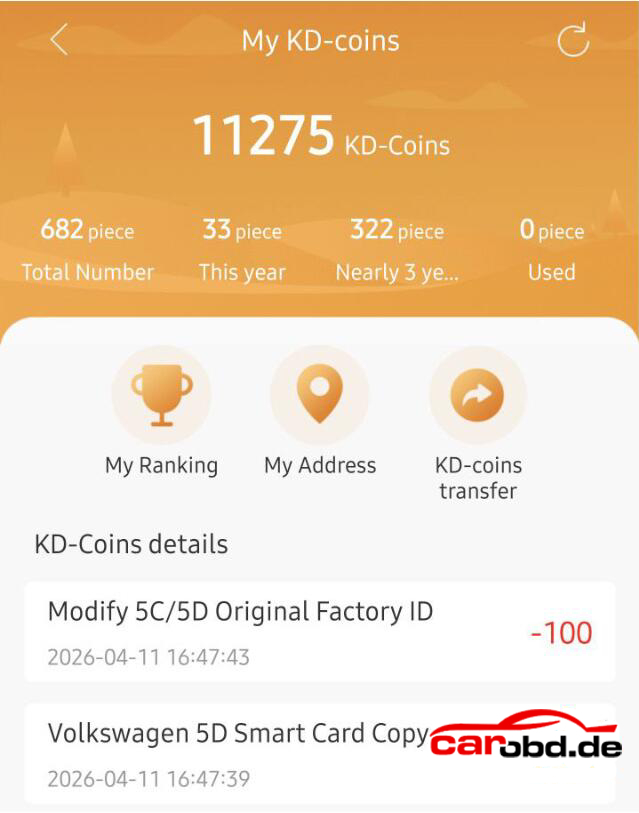
Changing the original key ID will take 100 coins each time.


Example:

Done a VW ID.3 2021 MQB49 5D key. Changed factory key ID. Cost 100 coins to do. No SFD lock, 5D done today for ID.3 2021, changed factory key, cost 100 coins to do.

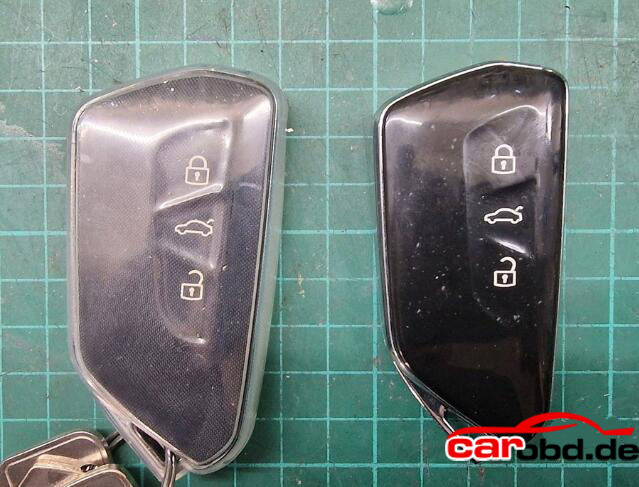
Used OEM board, second hand from ebay. Worked a treat, carefully split case, then glued together and reassembled. No one will even know. It does cost 100 coins to rewrite original board ID, but did the job.

To be fair KD FGB would be better option with the wireless remote generation. Without KD solderless adapter, you have to solder wires on the origina key.

NOTE:
Modify the ID of KD’s FGB remote does not require points.
CGDI K2 and YANHUA ACDP will also modify OEM 5C/5D key ID.

For more informations and technical support,please contact

Whatsapp: +86 19947637411
Email: Sales@Carobd.de
How to Add VAG MQB49 5C 5D Key with KEYDIY KD-X4 Step by Step ?

How to Add VAG MQB49 5C 5D Key with KEYDIY KD-X4 Step by Step ?

Tutorial: add VAG VW Audi MQB49/5C and 5D key using KD-x4 key programmer step by step

Tools Used:
KEYDIY KD-X4 Programmer
Original Car Key
5C 5D dedecated cable or KD circuit board to read key data.
New Key to be programmed (5C: original key or KD ZB MQB smart remote; 5D: Must use original key)

Requirement:
Update Keydiy APP version to V8.7.1 and KD-X4 firmware version 1.53 and higher.

Procedure:
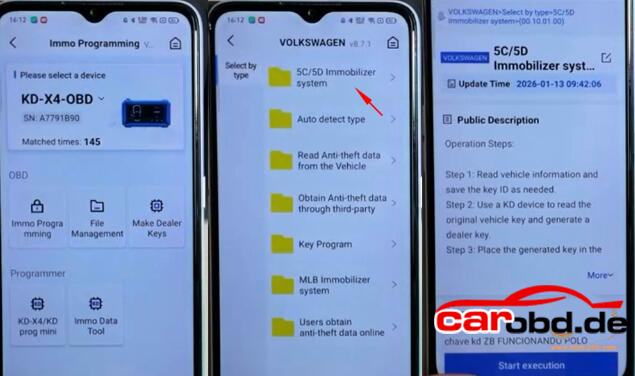
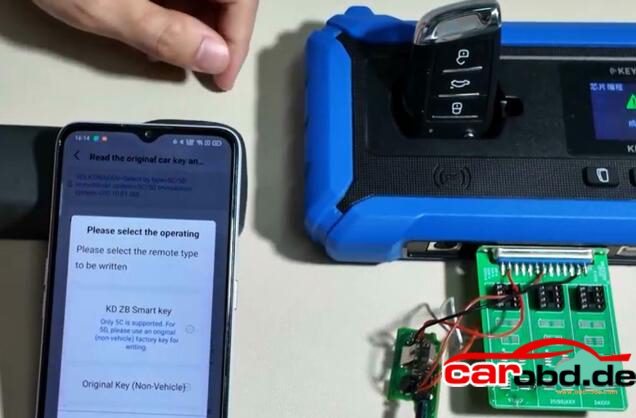
Step 1: Read original key data

Select IMMO Programming-VW-5C/5D Immobilizer System-Start execution
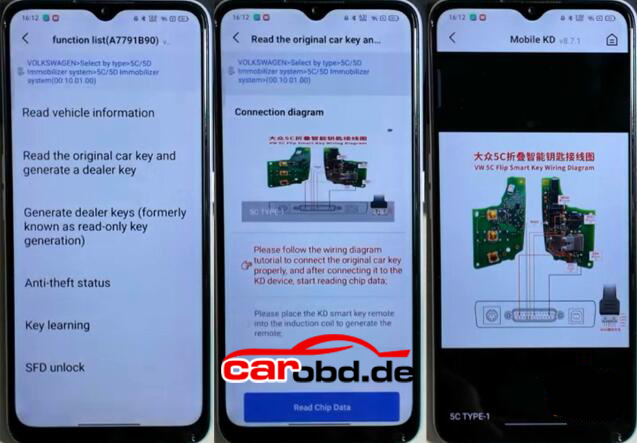
Select Read original car key and generate a dealer key.
Check key wiring diagram

You’ve got two ways to connect the original key:

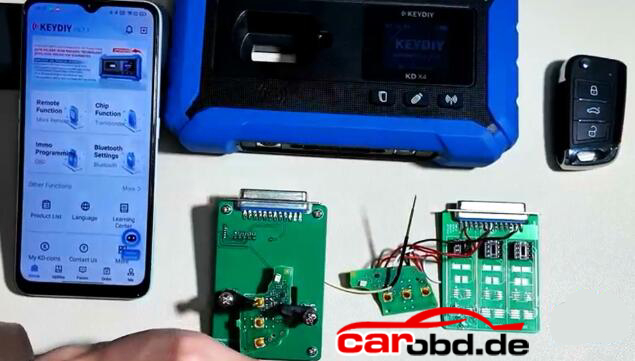
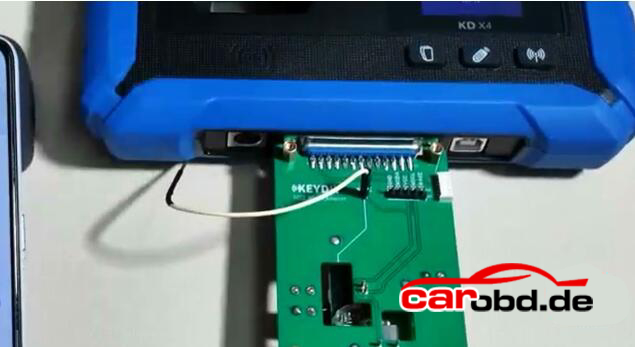
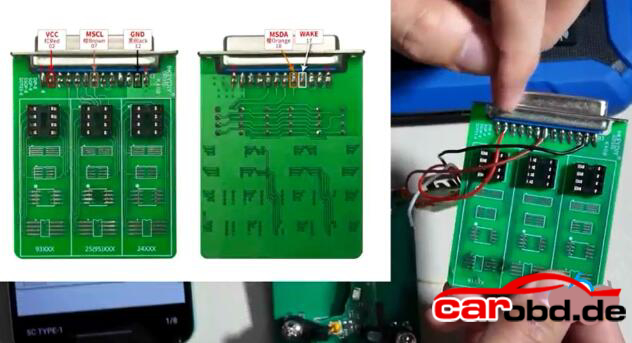
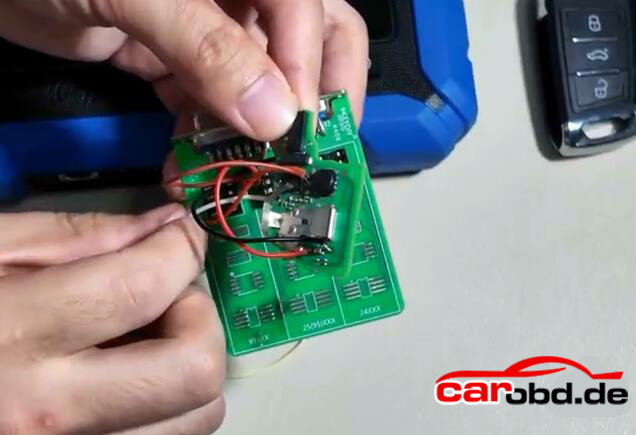
1. Use 5C 5D circuit interface board. Remove original key and install the PCB into the circuit board, then connect the circuit board with KD-X4 main unit.

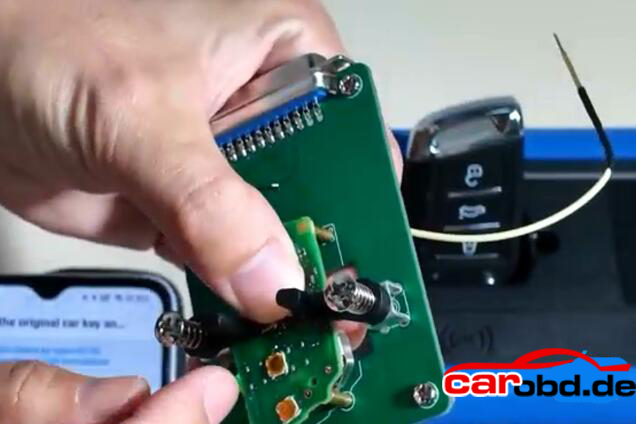
2. Use wire soldering method. Connect original key with a dedicated cable or a modified cable.

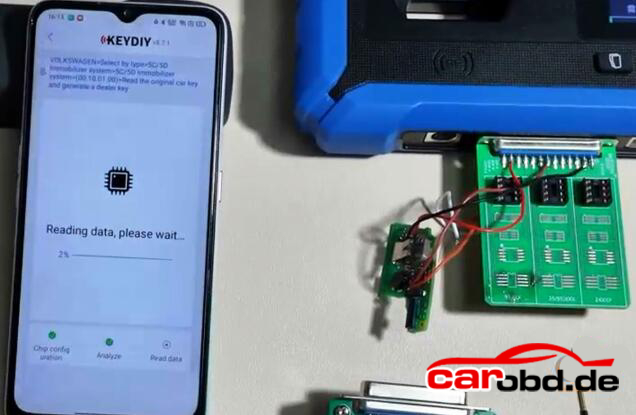
Read chip data.

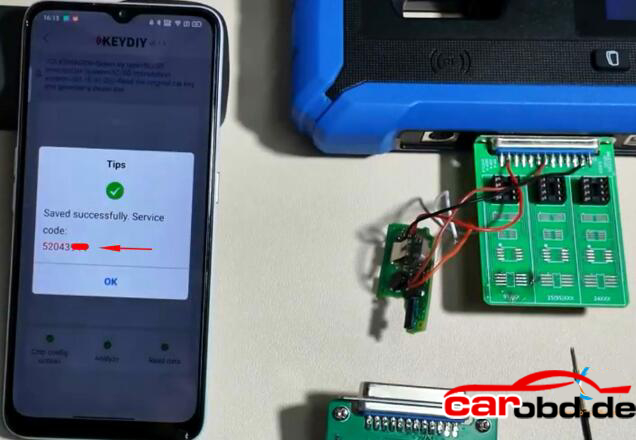
After a successfull read, it will generate a service code. Take a screenshot of the service code.

Step 2: Generate dealer key

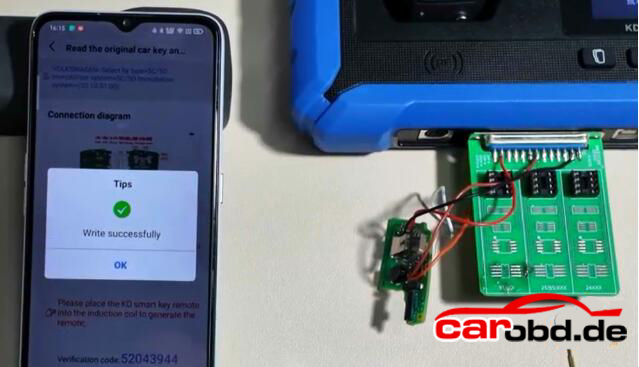
Then start generate dealer key .
Put a KD ZB remote to the KD-X4 coil..
Generate KD ZB remote sucessfully

Step 3: Learn Key

Then we learn key in car.
Connect KD-X4 programmer with the vehicle via OBD
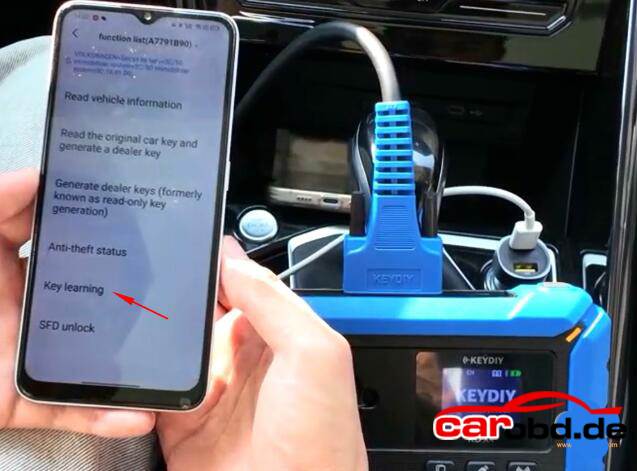
Go to IMMO Programming-VW-5C/5D Immobilizer Systems-Start execution
Select Key Learning function
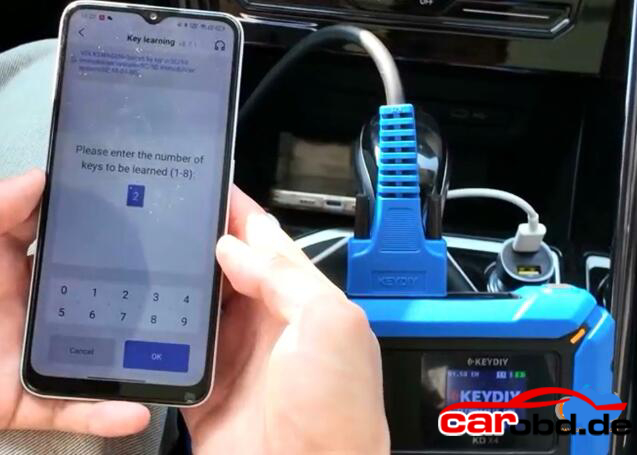
Enter number of keys to be learned. All keys need to be learned.

It will ask if it is a smart key, here click Yes(Click No if it is not a smart key)
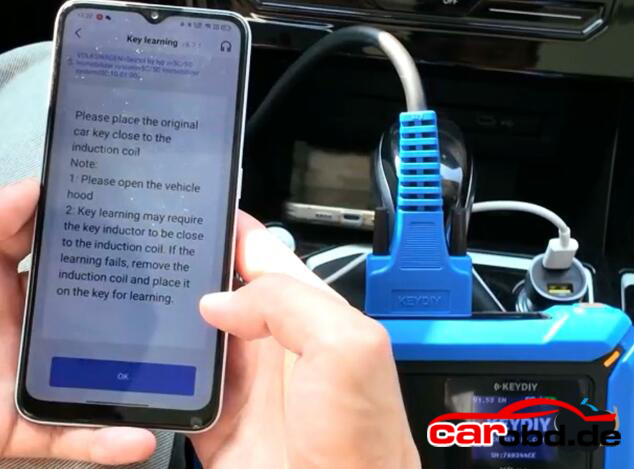
Place the original car key close to the induction coil

Open the vehicle hood

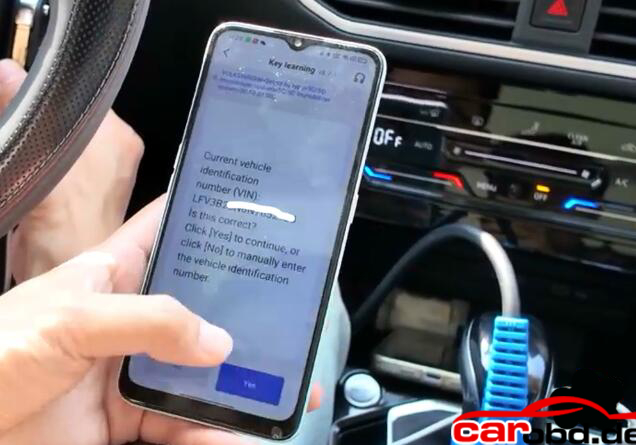
Confirm vehicle VIN

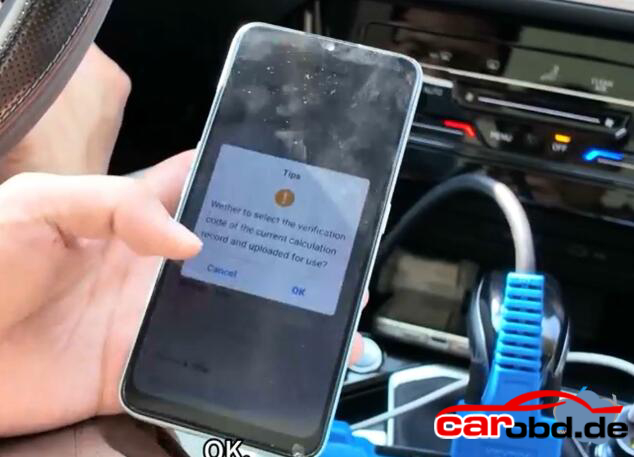
Keydiy KD-X4 will ask enter the KD service number you have obtained in Step 1.

Select the corresponding service code and confirm

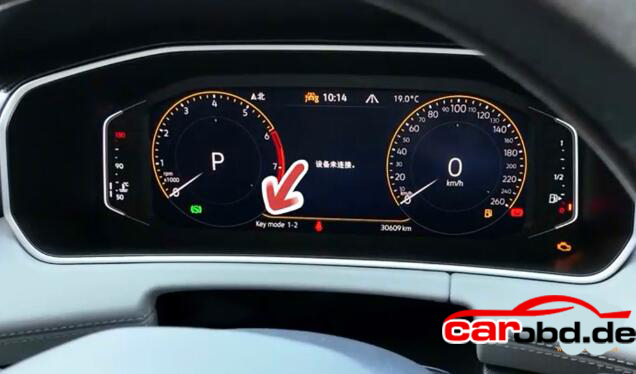
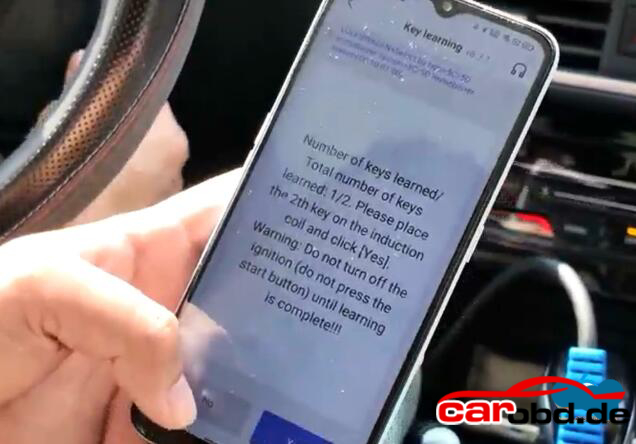
Learn 1st key successfully

This indicates that the first key has been successfully learned

Then stick the second key to the induction coil.
Don’t turn off the iginition until learning is complete
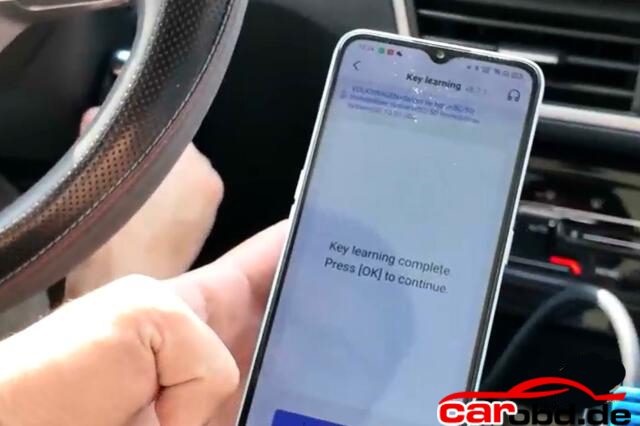
Key learning completed

Turn off the iginition switch, wait 5 seconds and then turn ignition switch on.

Key learning finished. Test the remote control and proximity funtion.

Note: if you perform key learning on 2024 and 2025 models, you will need to unlock SFD gateway before learning key

For more informations,please contact Customer Service

Service: Jenny

Whatsapp: +86 19947637411
Email: Sales@Carobd.de
Xhorse VVDI Key Tool Plus VAG MQB49 5C 5D Function Not Working Solution
Xhorse VVDI Key Tool Plus VAG MQB49 5C 5D Function Not Working Solution

Failed to update Xhorse VVDI Key Tool Plus to use VAG MQB49 5C 5D function. Stuck on this page and can not continue.

Solution:
Go to Update, view Database update.

Update IMMO and PROG database to latest version.

Hit question marks to find latest version.

The check MQB49 5C 5D function again