Thinkcar TKEY101 Installation Steps
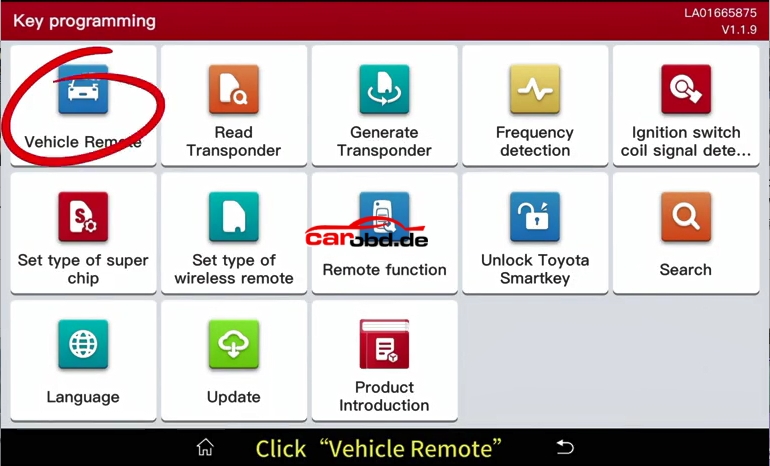
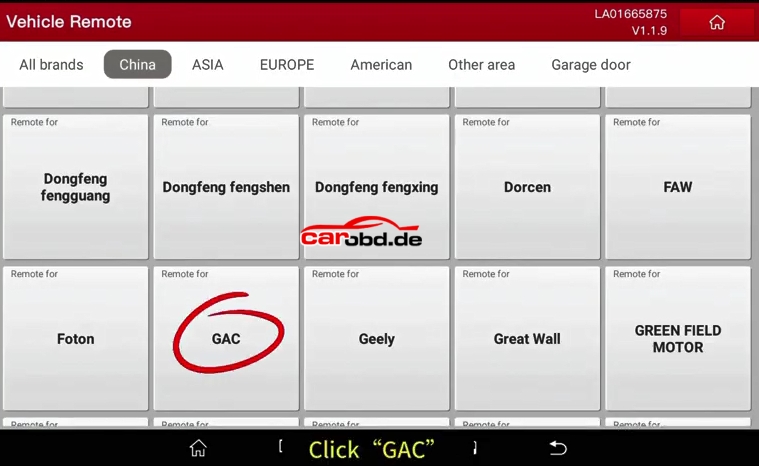
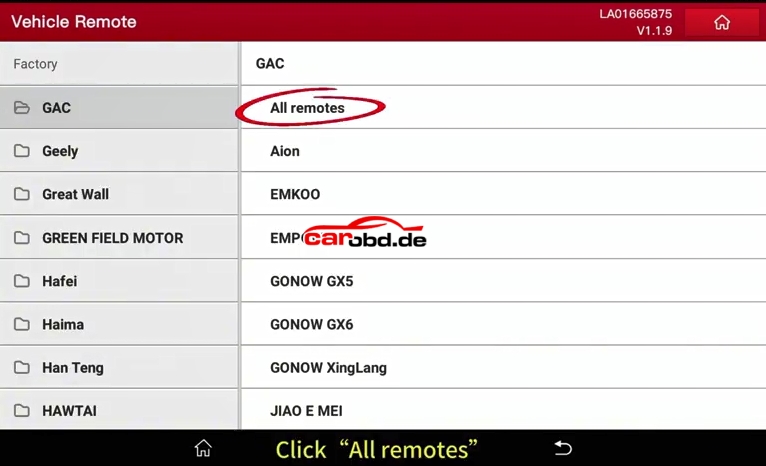
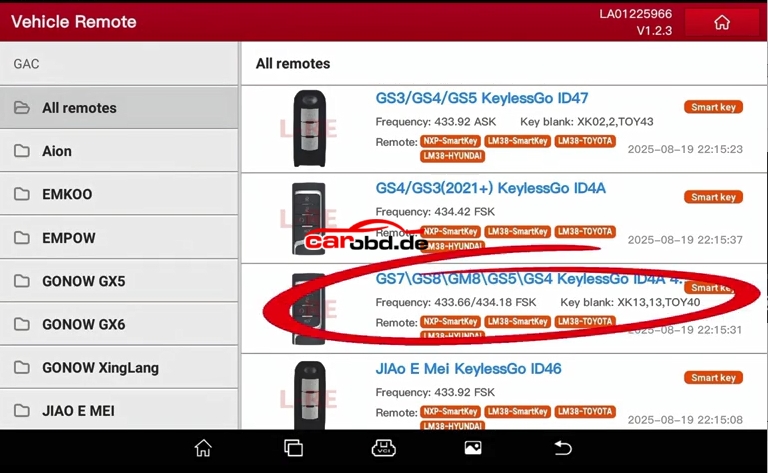
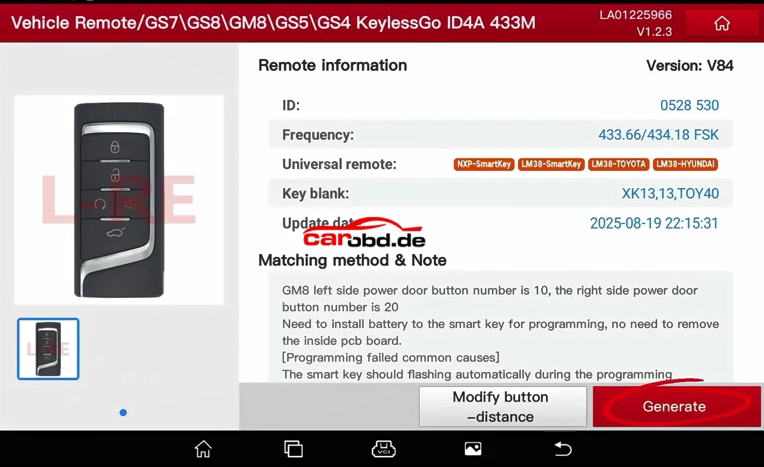
- Main Function 1: Remote Generation
Generating remote requires the use of the corresponding remote type, and each remote option indicates which type of remote should be use.
Note: Batteries are not included with all remotes that come with TKey01 , customers need to purchase CR2032 type.
For the disassembly and assembly of the remote shell, please refer to the [TKey101] video at
http://www.thinkcar.com/video
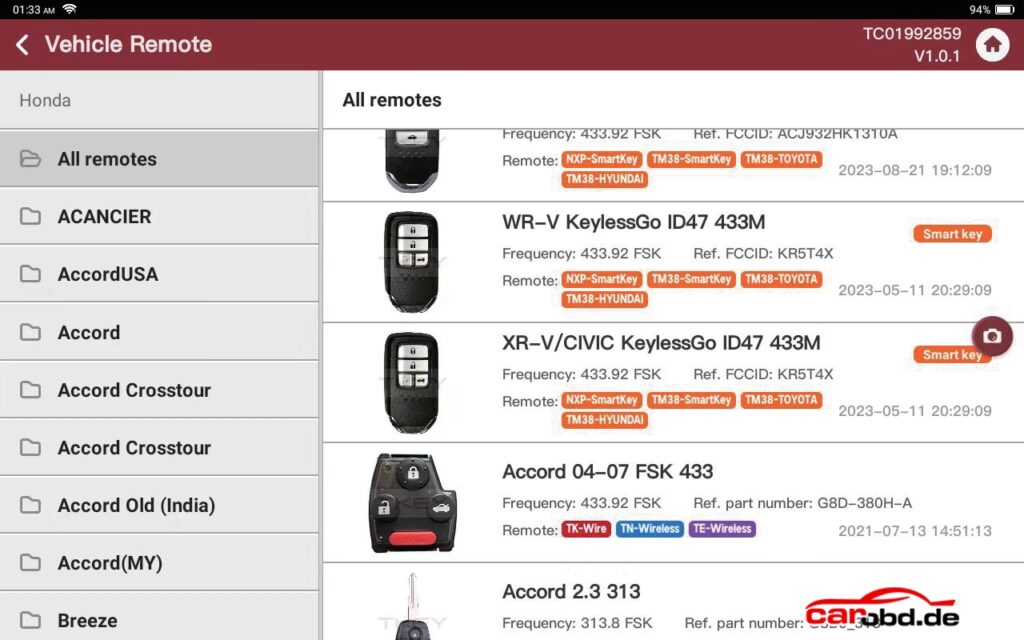
Remote Type:
● TK-wire type remote
● TE-wireless type remote
● TN-wireless type remote
● Smart key type remote: NXP-Smartkey, TM38-Smartkey, TM38-TOYOTA, TM38-HYUNDAI
How to indentify the remote type?
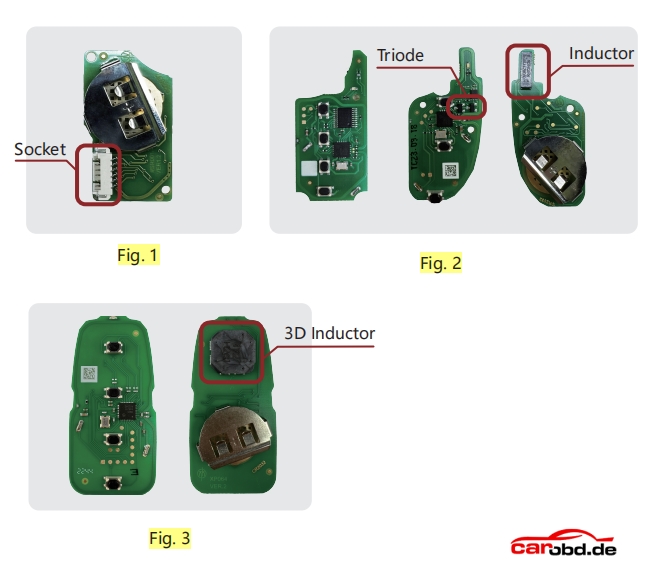
●TK-wire TK type remote: There is a socket on the circuit board. (Fig. 1) Need to remove the battery to generate remote
TE-wireless TE type remote: Circuit board with long inductors.Need to install battery to generate remote
TN-wireless TN type remote: Circuit board with long inductors.Need to install battery to generate remote
● Difference between TE-wireless TE type remote and TN-wireless TN type remote :
The TE type remote has 2 triode and the TN type remote no has(Fig. 2) and support for generating different chip types
● Smart key type remote: Most of the key appearance is hidden key balde or without key blade, The circuit board has 3D inductor or 3 independent inductors, need to install the battery generation.(Fig. 3)
Note: Customer can check the remote type by using “Remote function-Detect remote”
Attention:Only the TK type remote does not require batteries to be installed during the remote generation process, other remote type require 3-volt batteries to be installed during the remote generation process, and do not move the device or remote during the remote generation process, as this may result in the failure of the remote generation.
- Main Function 2: Chip identify and Chip generation
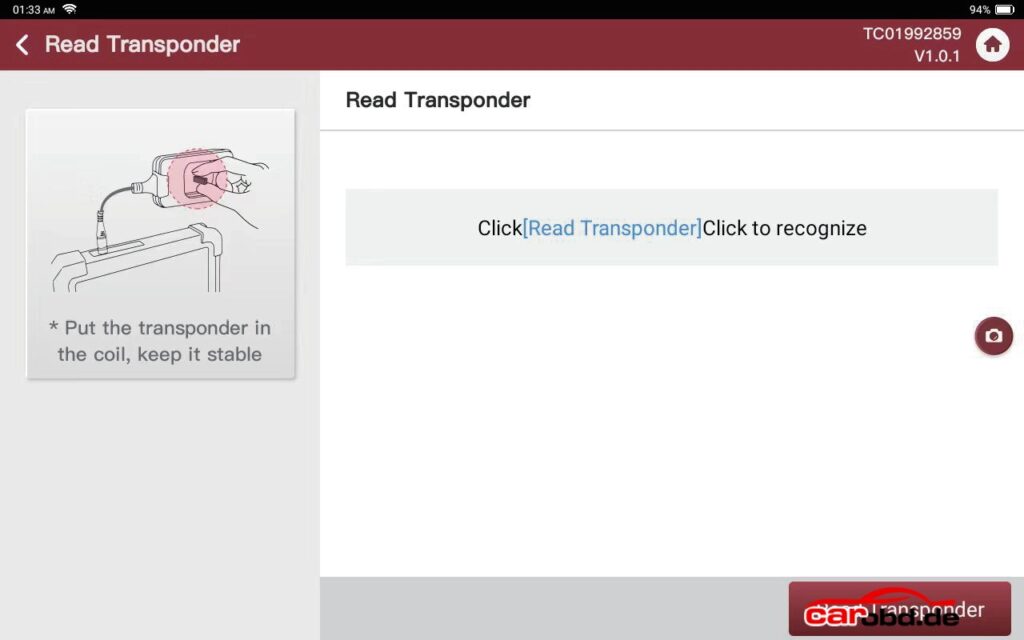
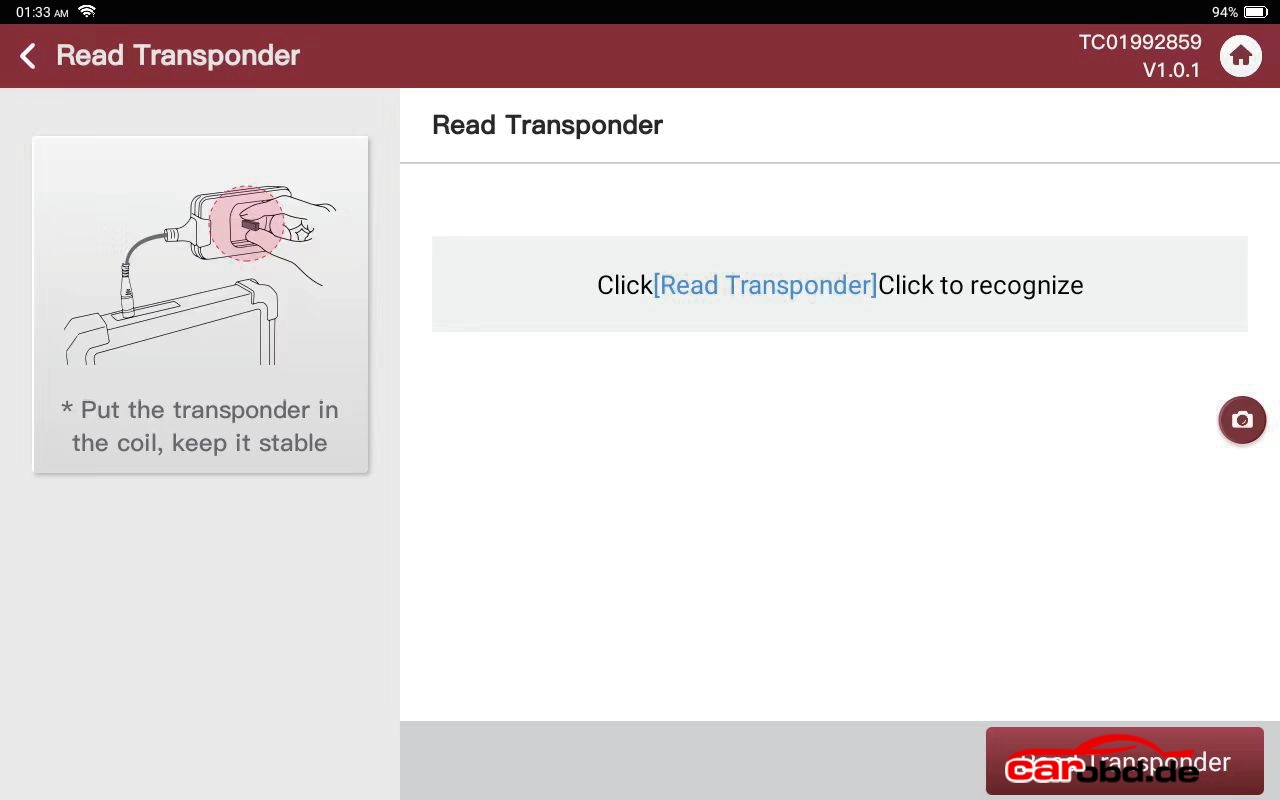
Chip identify: Put the original chip or remote chip into the device coil , which can identify the current chip type and information.
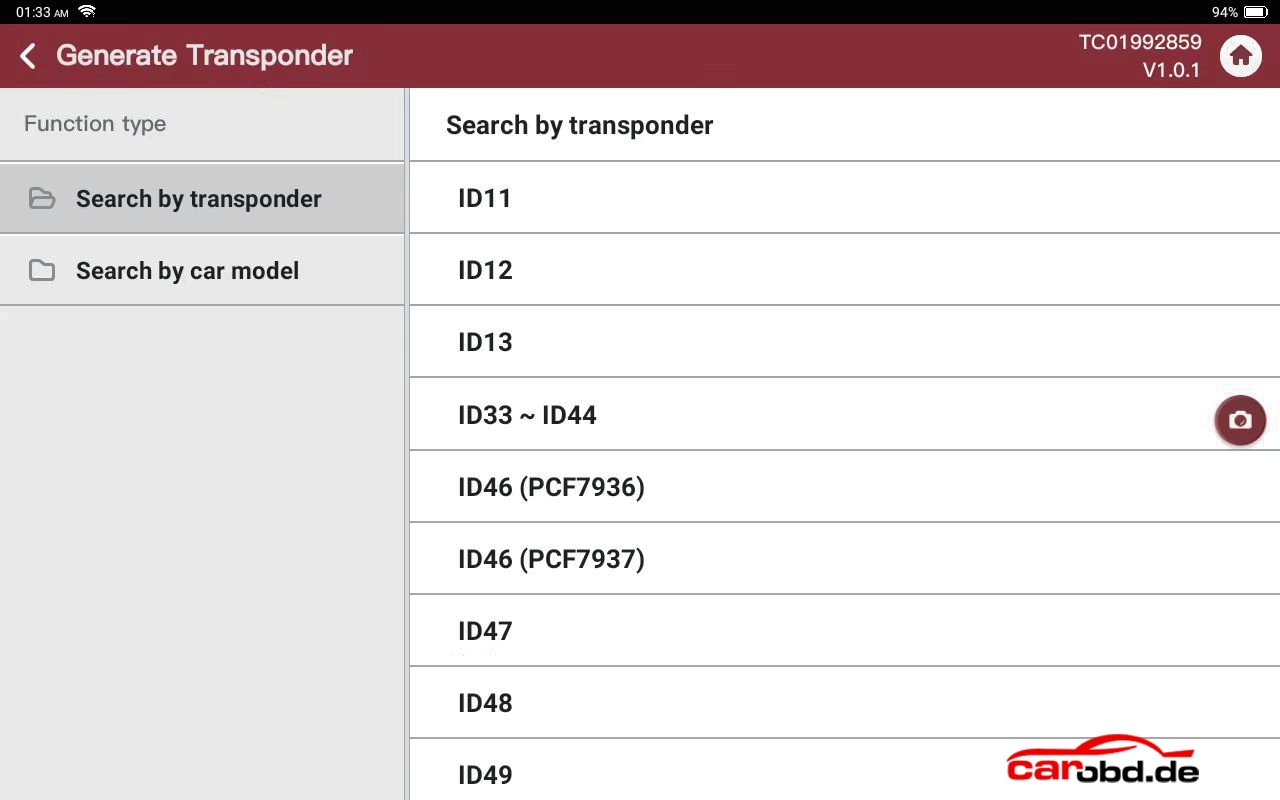
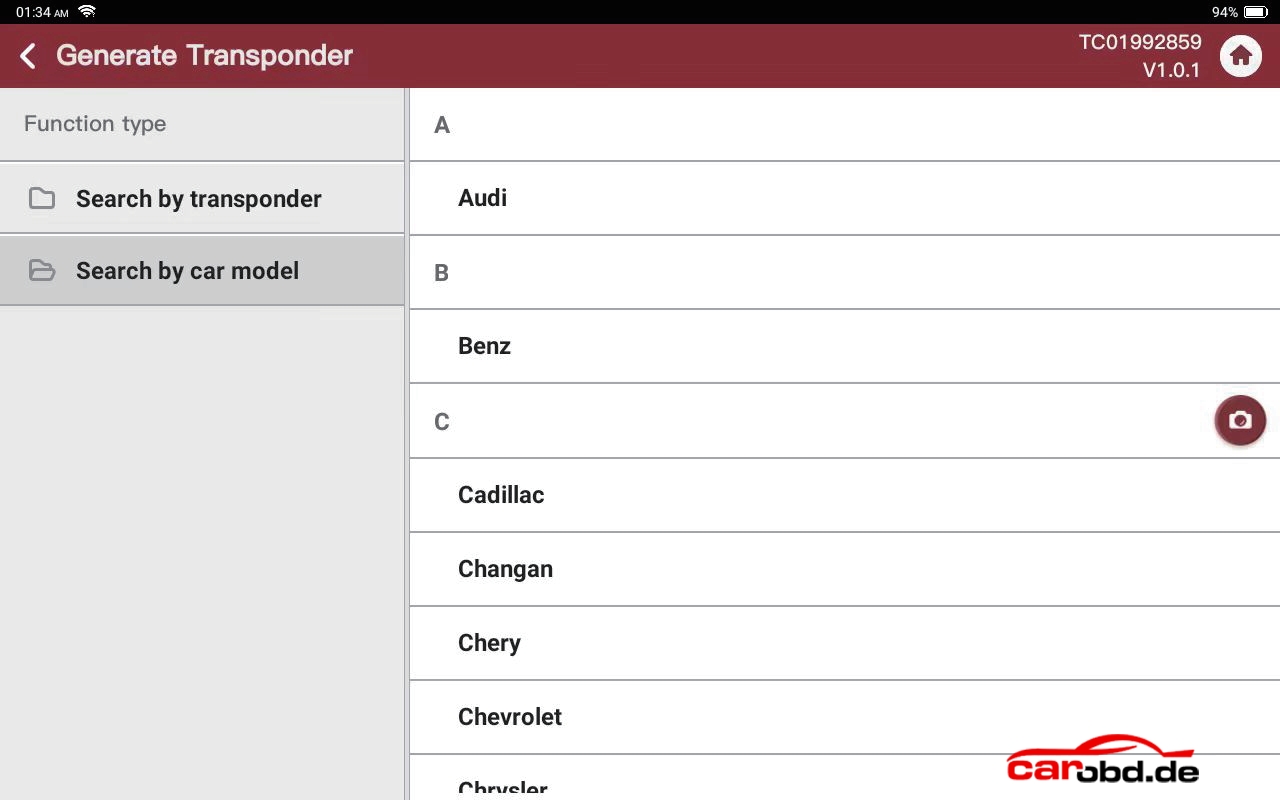
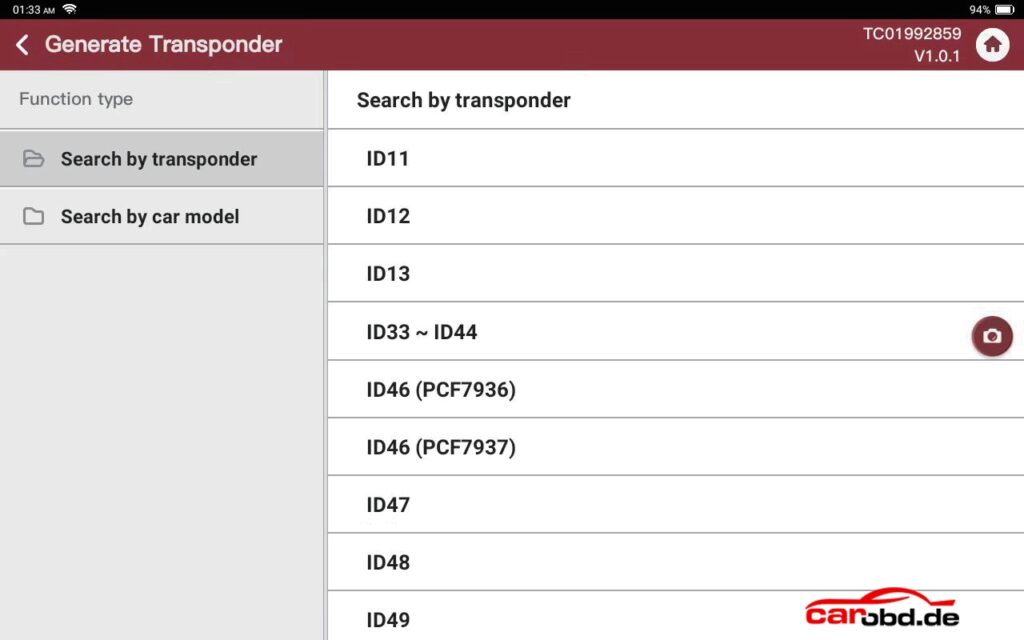
Chip Generation: Put super chip or TN Type remote in the coil to generate the corresponding chip .
Note:Because different years or models, the chip type is not the same, you need to consult the relevant chip information or identify the original key to confirm the specific chip type.
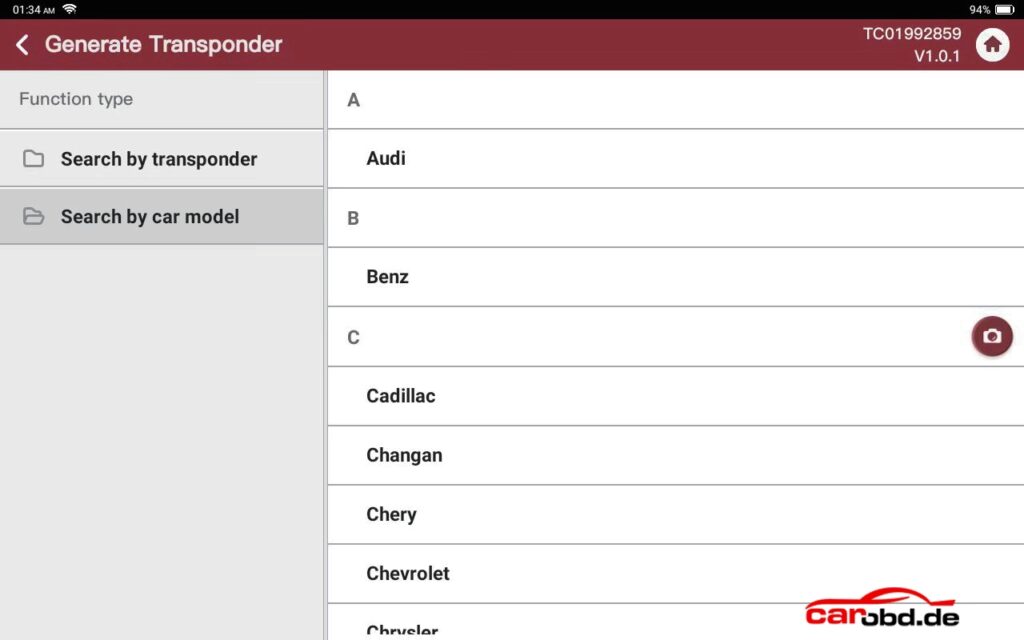
- Main Function 3: Frequency Detection
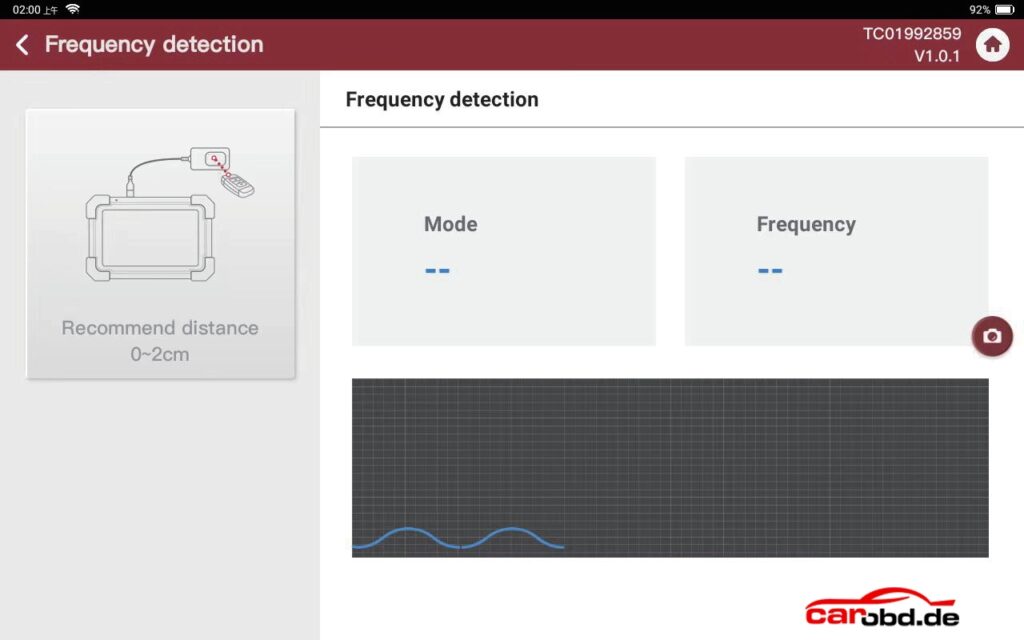
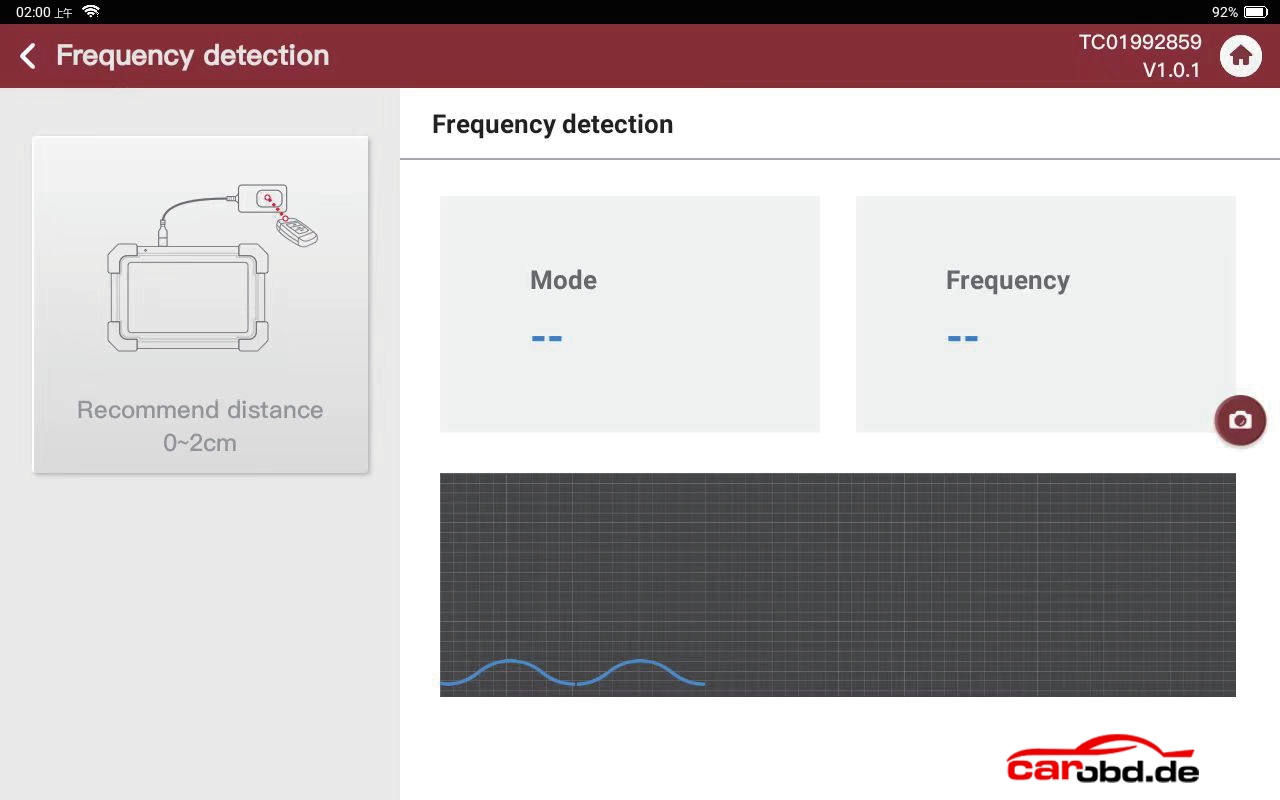
Frequency Detection: Align the remote frequency detection area and press the remote button to recognize the remote frequency
- Main function 4: Ignition coil detection
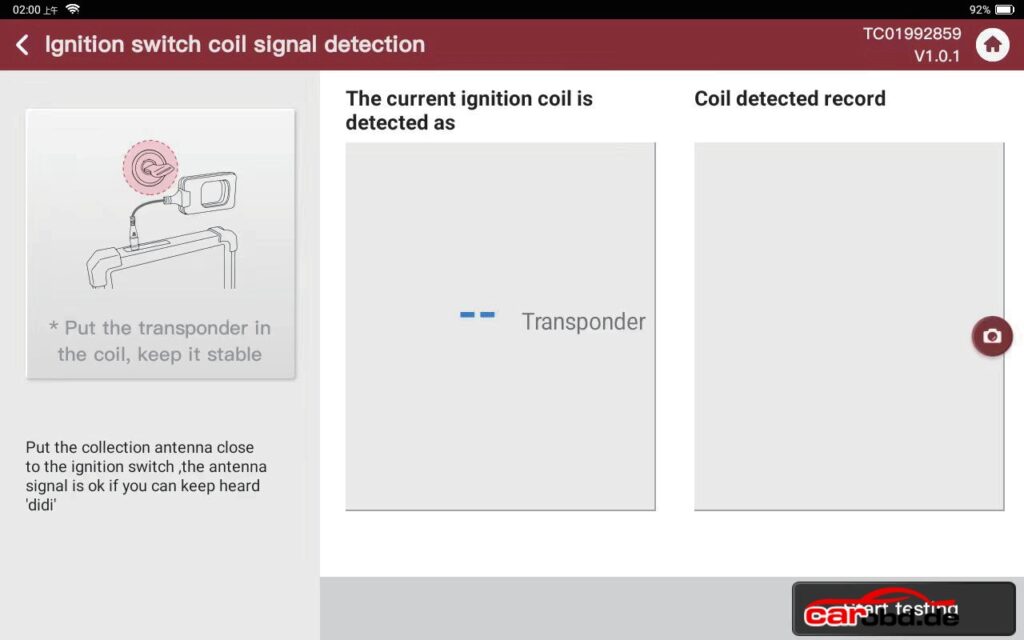
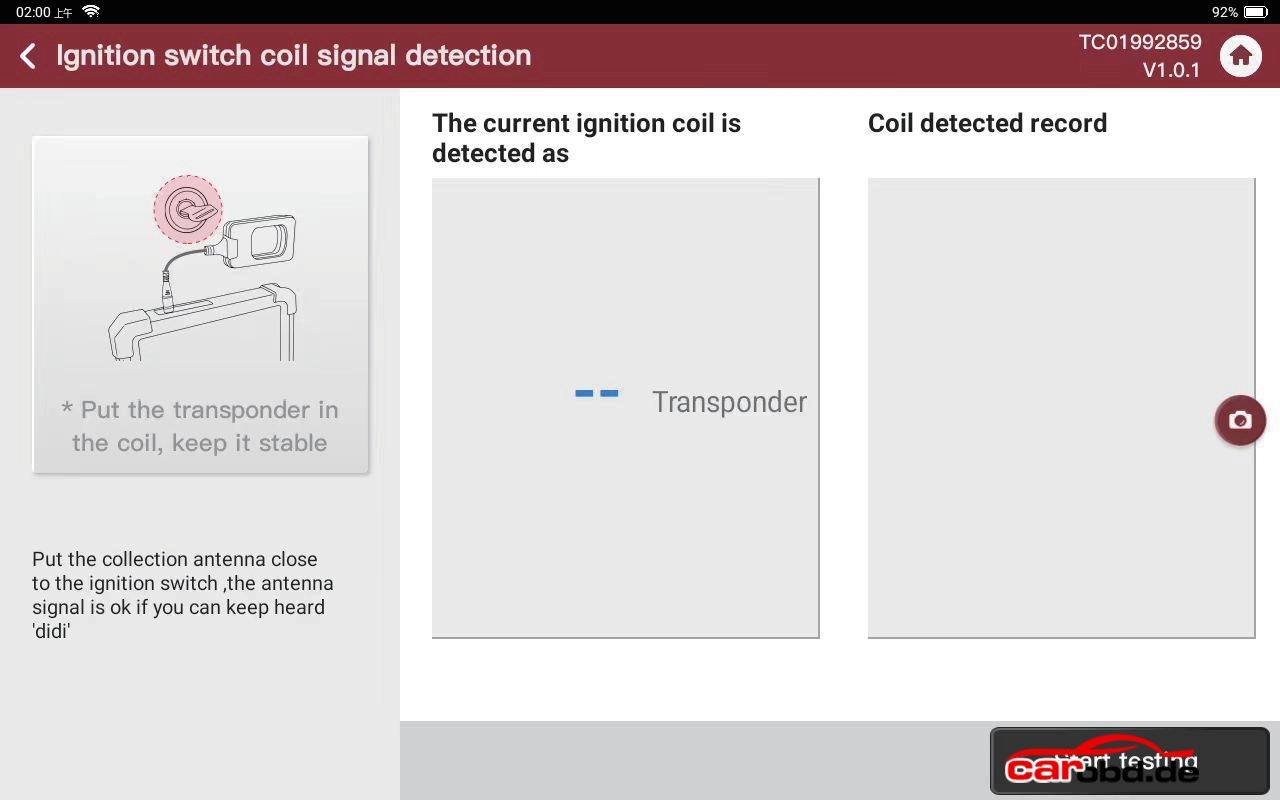
Put the device coil close to the ignition (close to the emergency sensing area if it is push start car model), turn on ignition or push start button , when you hear the dripping sound, it means that the coil signal is detected, you can detect 46 chip, 47 chip and part of the 4D chip type, if it is the other chip type, it will only show the 4D, it’s mainly used to confirm that the coil is working properly.
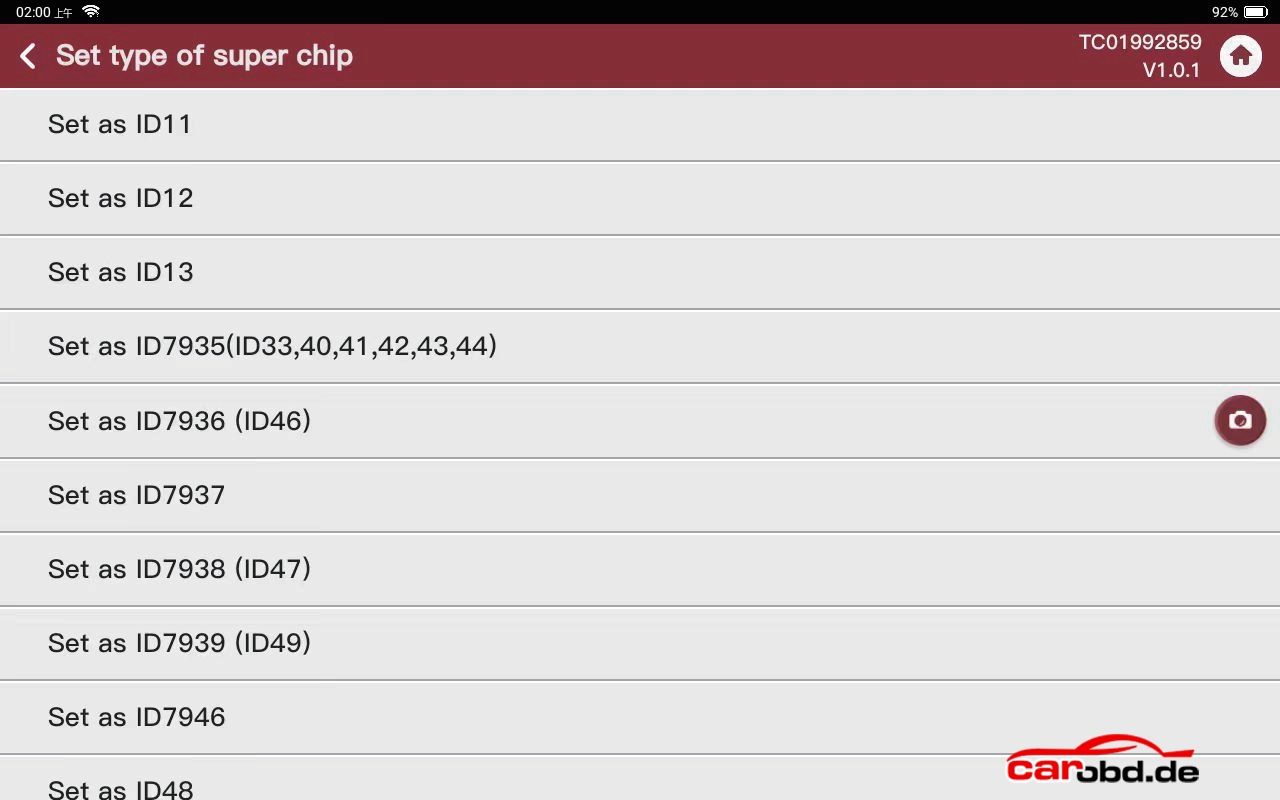
Super chip type setting: Put the super chip into the device coil , select the option to set the super chip to the corresponding chip type, as well as reset the super chip to a blank 46 chip.
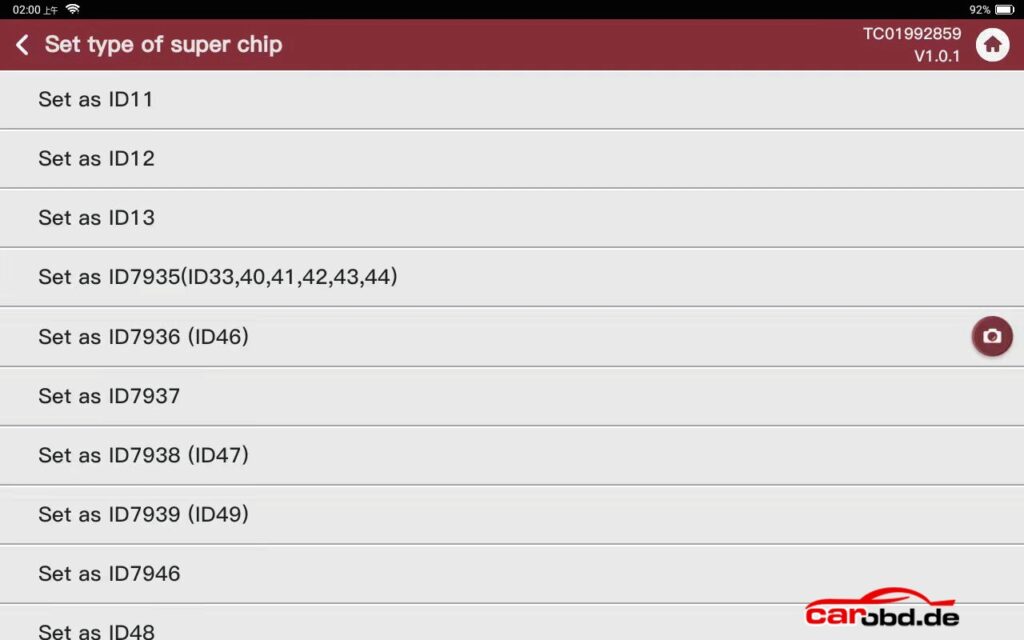
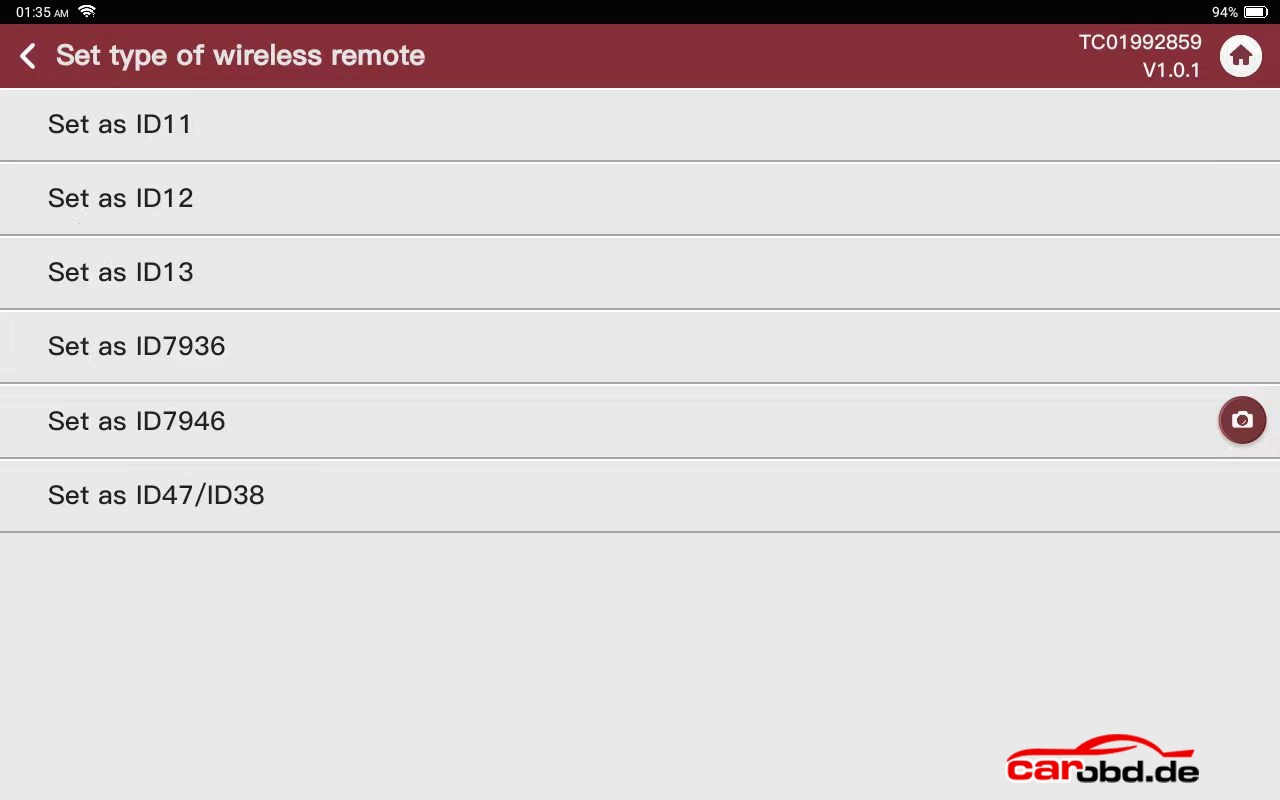
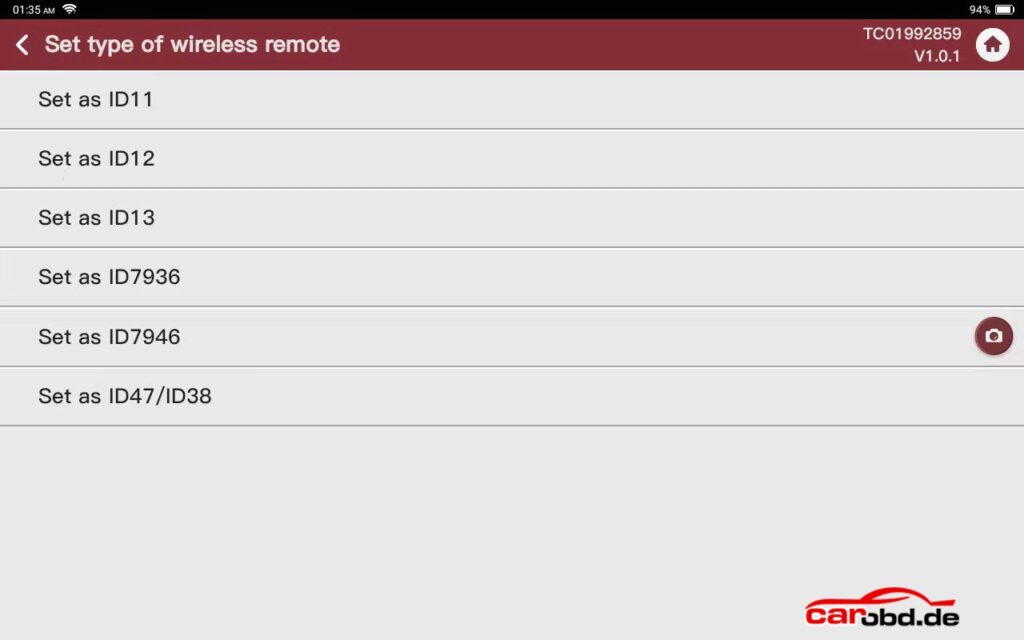
TN type remote setting: Put the TN type remote into the device coil , select the option to set the TN type remote to the corresponding chip type
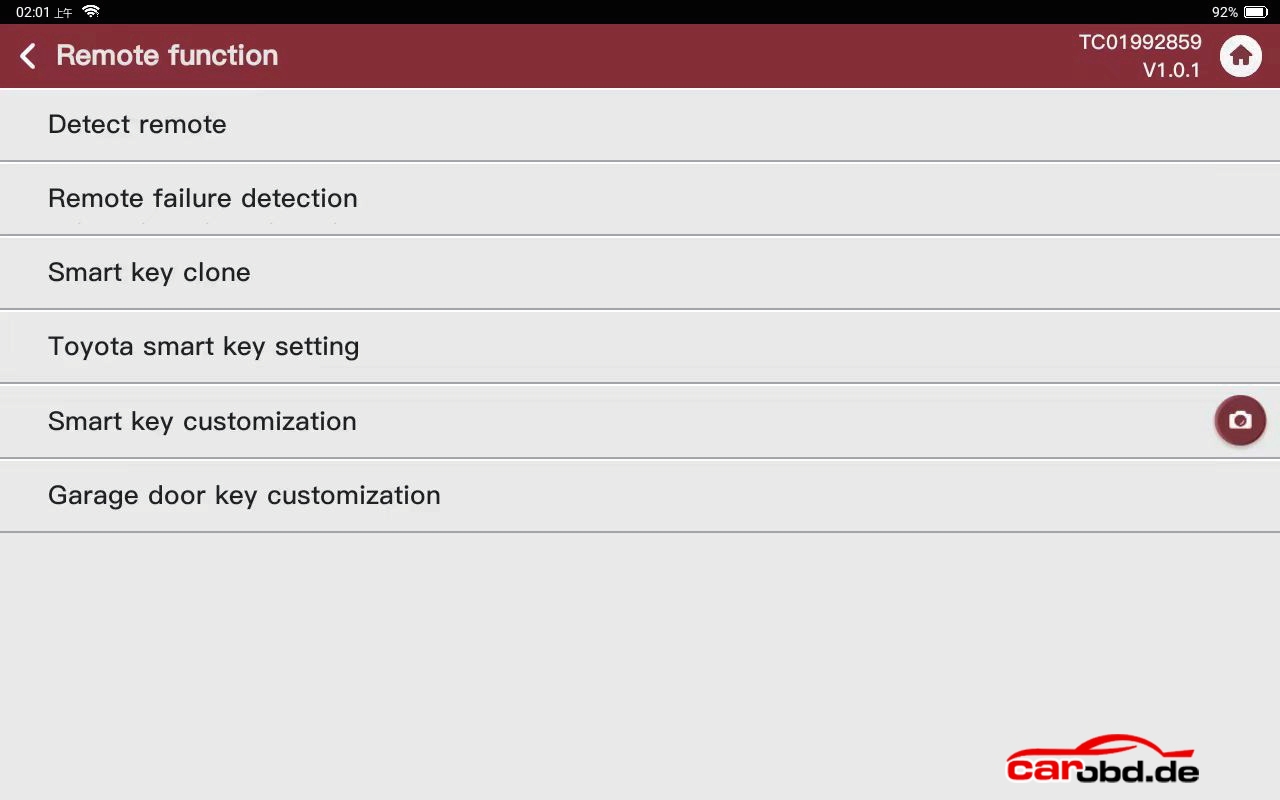
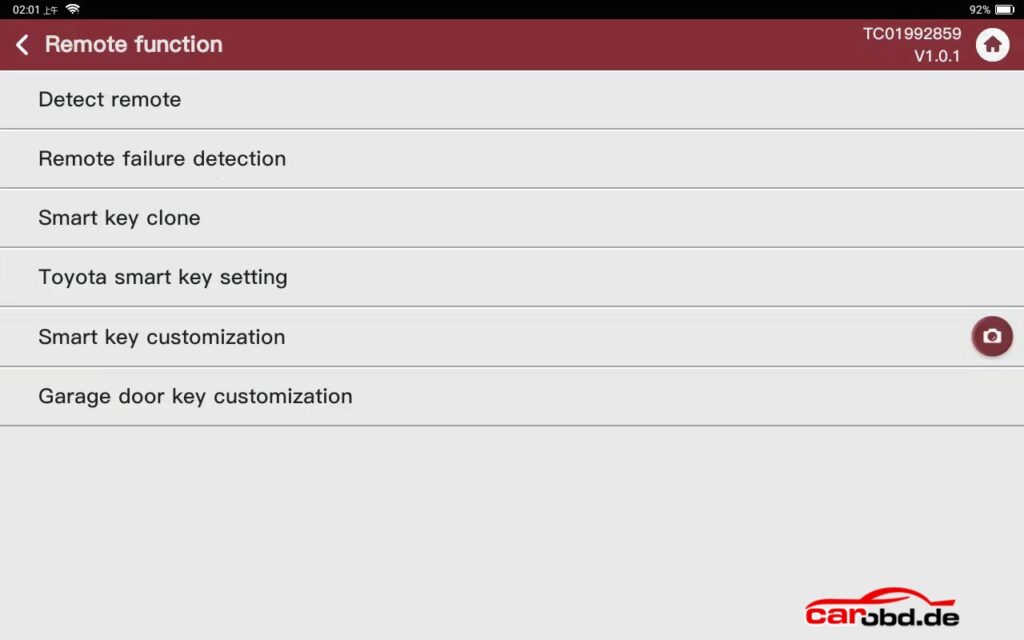
Remote function
Detect remote, partial information about the remote can be detected (cannot be used to confirm the generated program)
● Remote failure detection: Sudden failure of the remote in normal use requires the use of this function under the guidance of a technician
● Smart key clone: Put the programmed smart key into the coil to read the data, then put a new smart key that needs to be generated with the same remote options into the coil to write the data, the new smart key will have all the functions of the programmed smart key and the programmed smart key will no longer work, (This feature is used to exchange a programmed smart key for a new smart key without reprogramming, can’t be used to add a key or clone a key, and does not support MQB and VW48 smart key exchanges.
● Toyota TM38 smart key Settings: Used to change Toyota TM38 smart key frequency, key button and signal strength, no need to program key again after writing (only support to change the TM38 smart key , do not support the option of BA, 4A, do not support tochange the original key)
● Smart key customization: This function is used to change the key position of smart key and smart key remote sensitivity by placing the smart key into the coil to read and change the values and write them back when all changes are complete, no reprogramming is required after the write back.
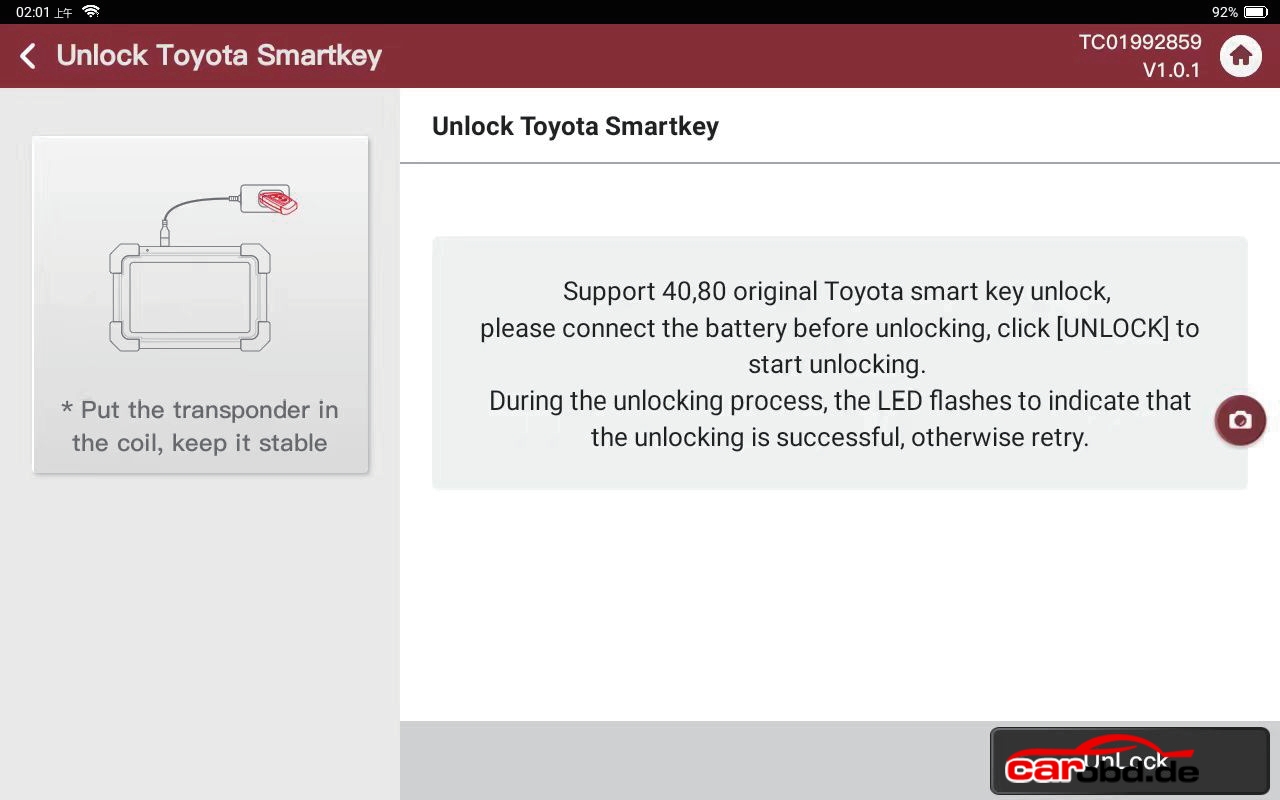
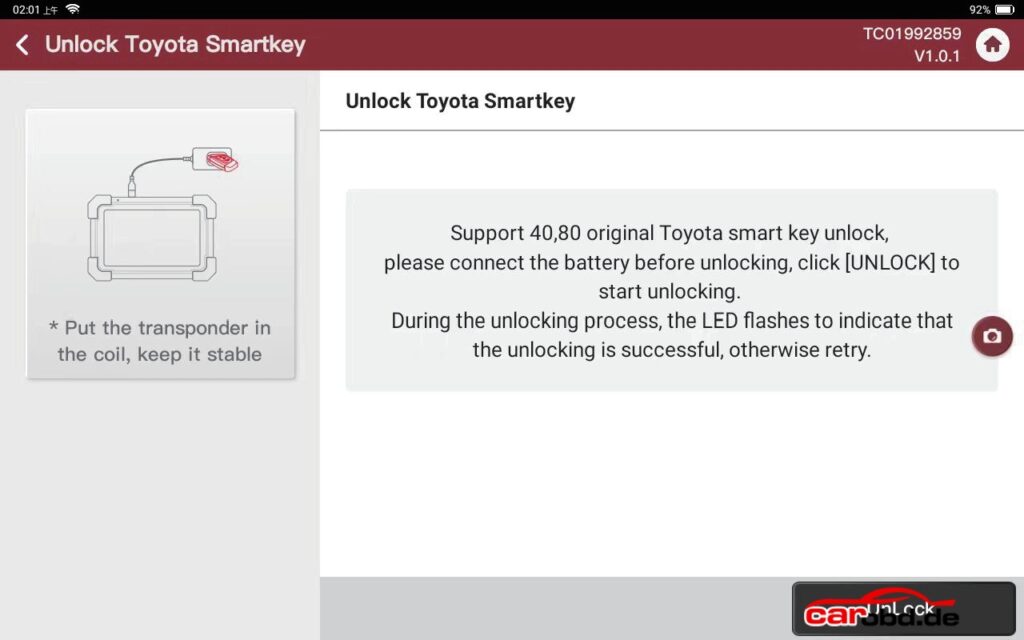
Toyota smart key unlocking: Support 40, 80 bit original Toyota smart key unlocking, need to install the battery before unlocking, during the unlocking process, the LED light of the key blinks, and prompts the unlocking success that is complete, otherwise retry.
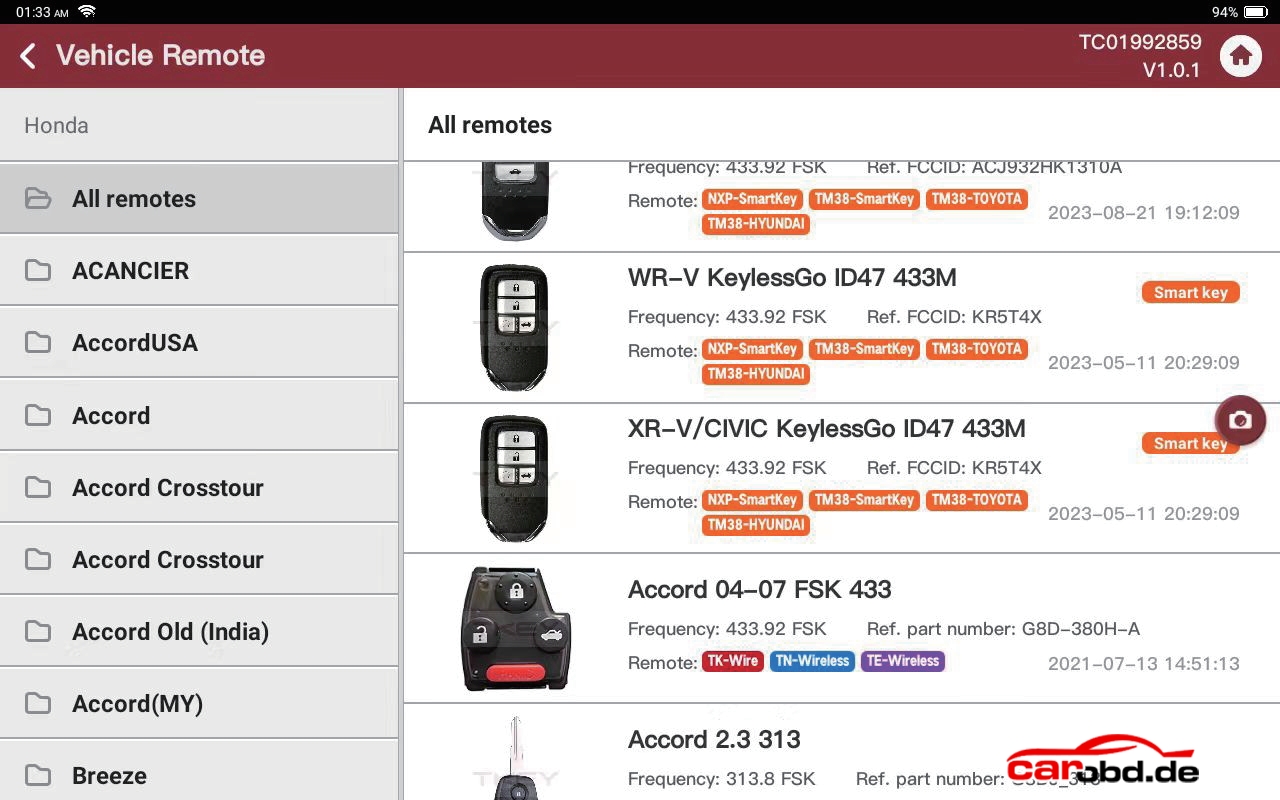
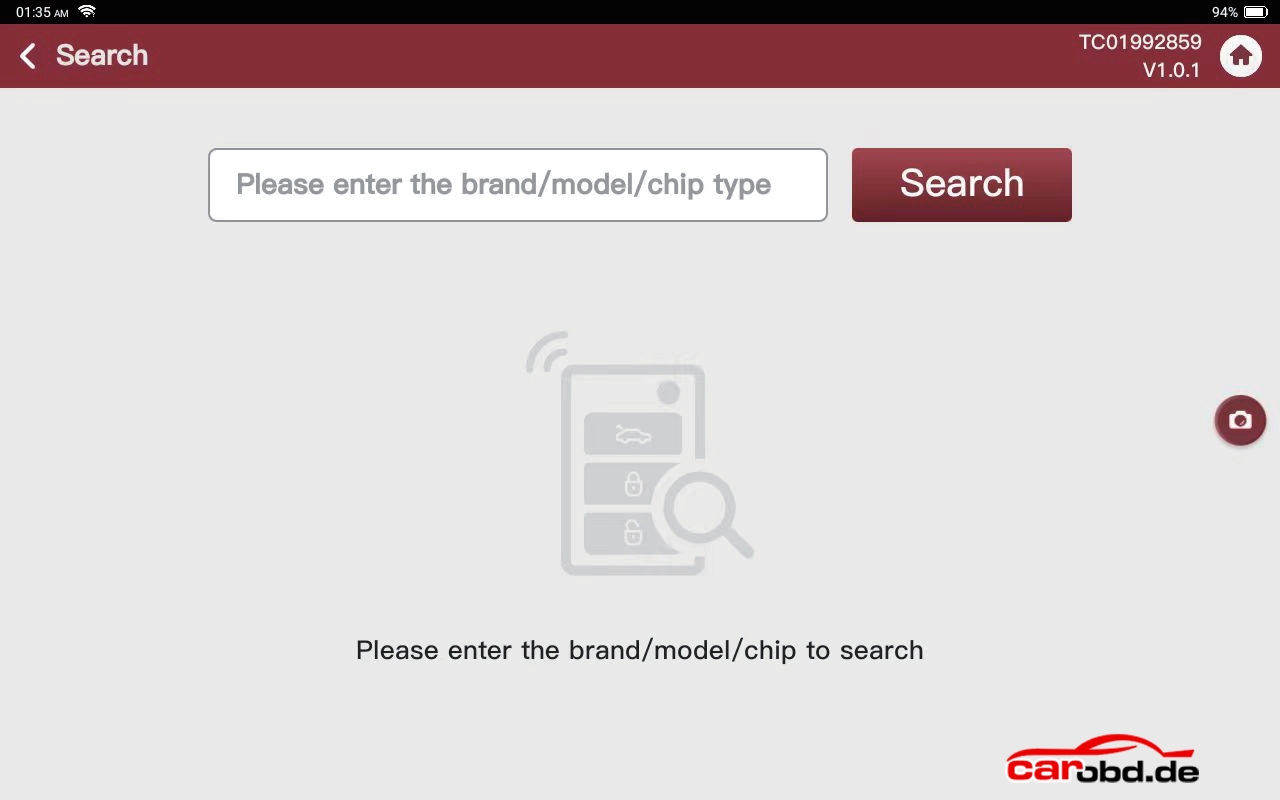
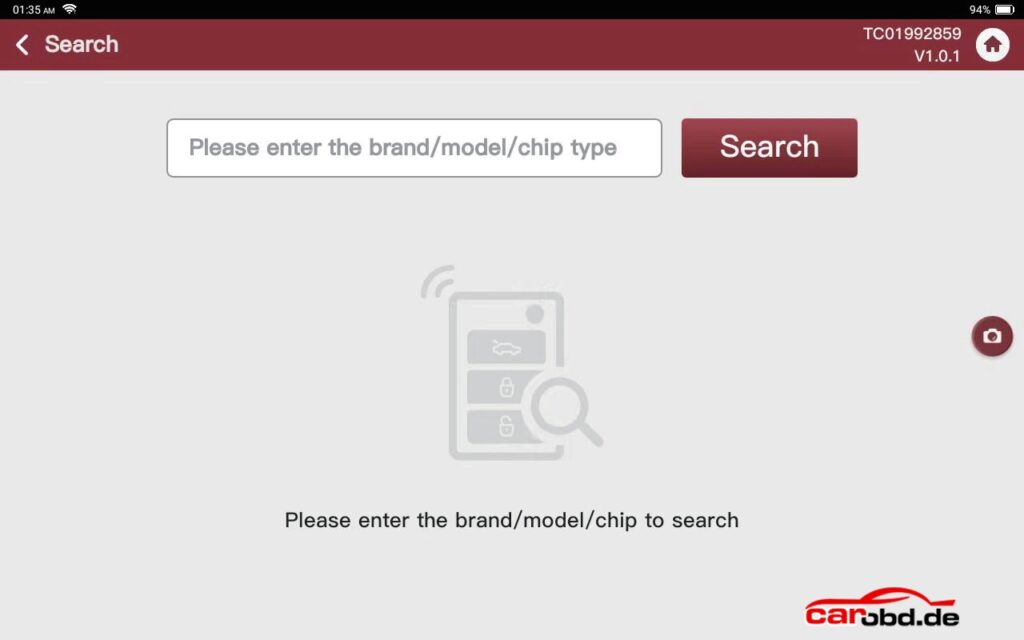
Search: Search for make, model, and chip type
Entering the corresponding brand model or chip type will give you the corresponding remote and chip result options.
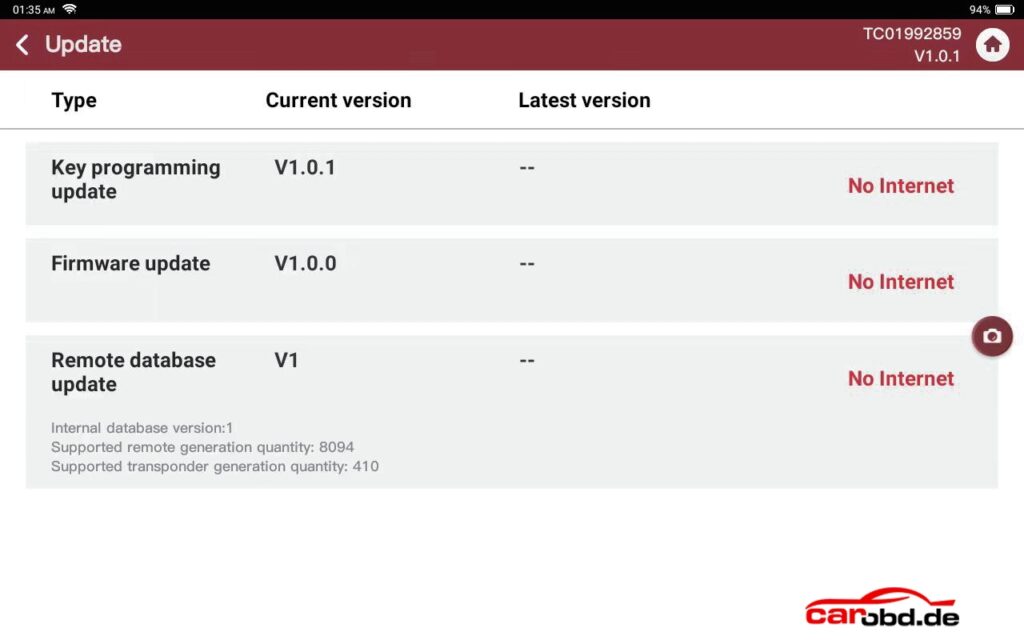
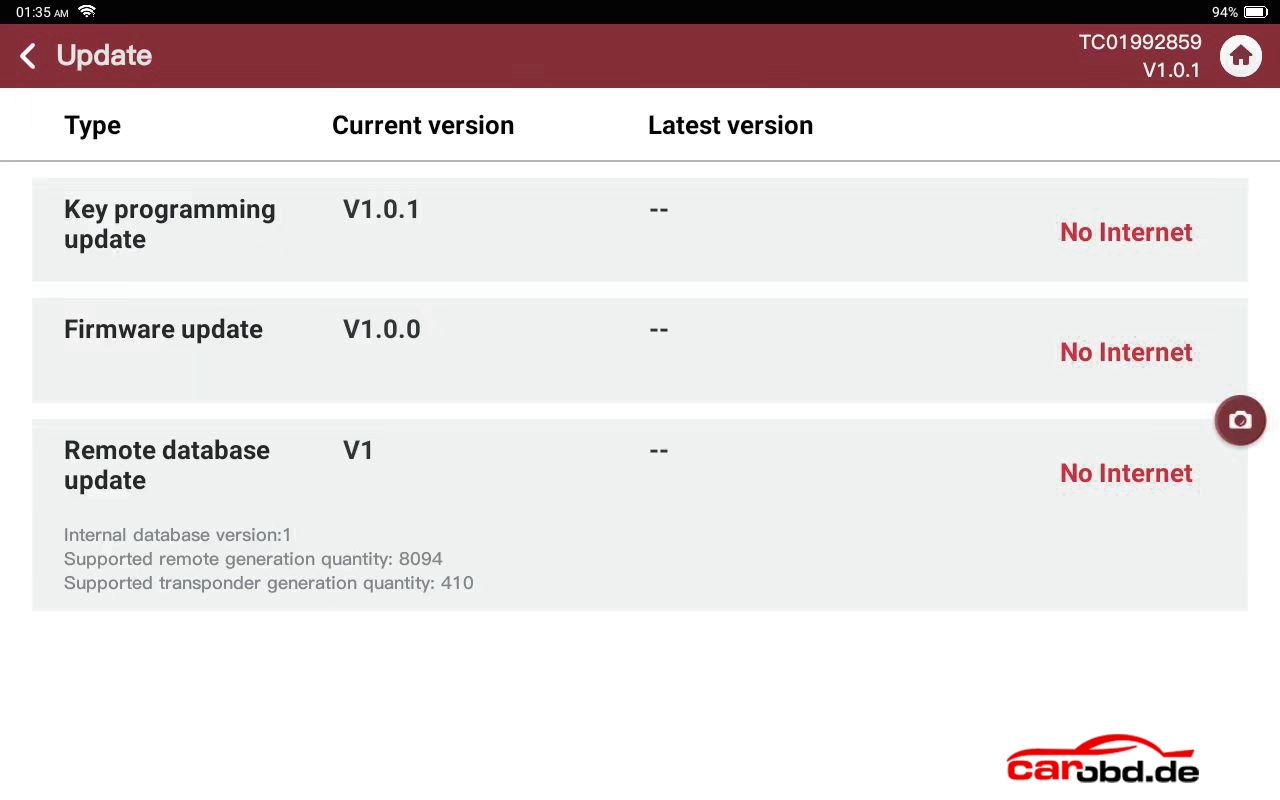
Update Center: Online key programming updated, firmware update and remote database update