Archive | May 2026

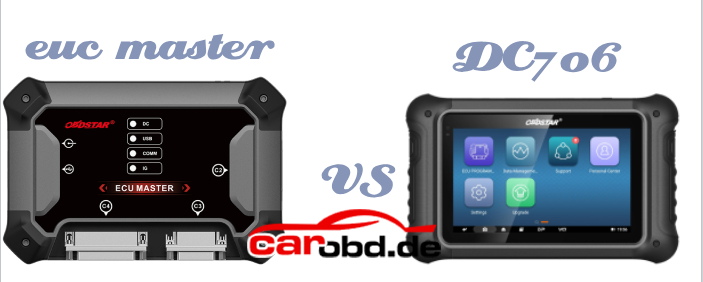
OBDSTAR ECU Master vs OBDSTAR DC706

what’s the difference between the 2026 new OBDSTAR ECU Master and the DC706 ECU TCU Programming tool ?

Here is the details

1. Operation:

  • OBDSTAR DC706: Standlond operation
  • ECU Master : PC-based, requires PC operation, Supports Windows 10 and above operating system.

2. Configuration:

  • DC706: 3 configurations-ECM, BCM, TCM
  • ECU Master: 4 configurations-

-A: Car ECM/BCM/TCM+ EV
-B: Motorcyle ECM
-C: HD ECM/BCM/TCM (diesel trucks/tractors)
-D: Airbag/BMS/SAS Reset

Key Differences:

  • Accessories:

=DC706 requires optional accessories such as P003+, MP001 and CAN FD.

=ECU Master has all of these built in. ECU Master does not require P003+ or MP001 adapters.

  • Motorcyle Support

Motorcyle ECM is offered as a seperate configuration (Config B) because OBDSTAR plans to expand and develop more competitive motorcyle coveragae in future time.

  • Diesel/ HD Vehicle Support

ECU Master supports ECM, BCM, and TCM for diesel trucks/tractors.

  • Competitors

Auto VEI (13000+) -strong in BCM but very expensive
The Genius (8000 – wide ECM/TCM support
ECU Master is more competitively priced.
DC706 does not support ECM, BCM or TCM for trucks or tractors.

  • Airbag Reset

DC706 can not add the Airbag Reset( OBDSTAR P50) function.
ECU Master supports Airbag Reset as an optional function (Config D).

  • CAN FD Protocol

ECU Master has built-in CAN FD protocol-no extra adapter needed for certain aribag resets.
DC706 requires a seperate CAN FD adapter.

  • Marine ECM Support

DC706 supports some marine ECMs.
>ECU Master does not support Marine ECMs.

For more informations,please contact

Jenny

Whatsapp: +86 19947637411
Email: Sales@Carobd.de
Lonsdor K518 MQB49 5C 5D Data Reading Failed Error 25 Solution

Problem:

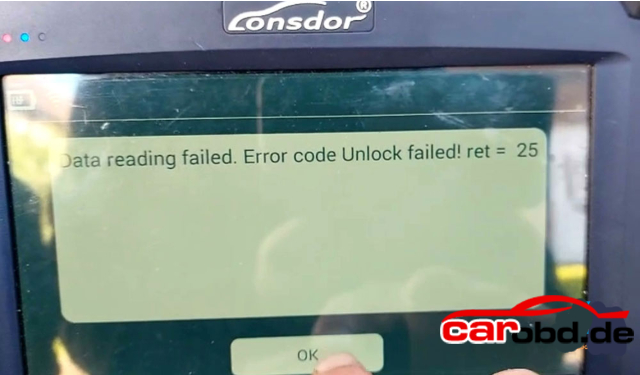
Trying to make a key for a 2019 VW Polo, Normal key not proximity. 5C chip. Tried using both adapters that are in the shape of the key. Lonsdor K518 failed to read original key data with MQB49 5C adapter

It reported an error” Data reading failed. Error code Unlock failed ret=25″ Any solution ?


Solution:

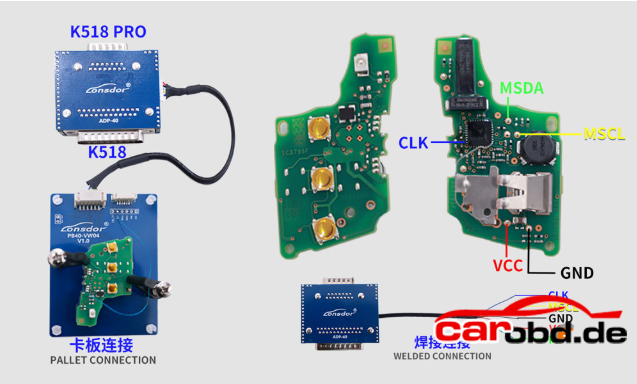
Check the connection diagram carefully. You need to solder one wire from the key circuit board to the 5C interface board, as shown in the diagram. They try again, and it should work.

Not for all key types. For this type of key, solder 1 wire to the board.

If reading the original key data for BMW BDC2 or BDC3 fails(error code 25), check if need to solder 1 wire to the board as well.

For more technical support,please contact

Jenny

Whatsapp: +86 19947637411
Email: Sales@Carobd.de
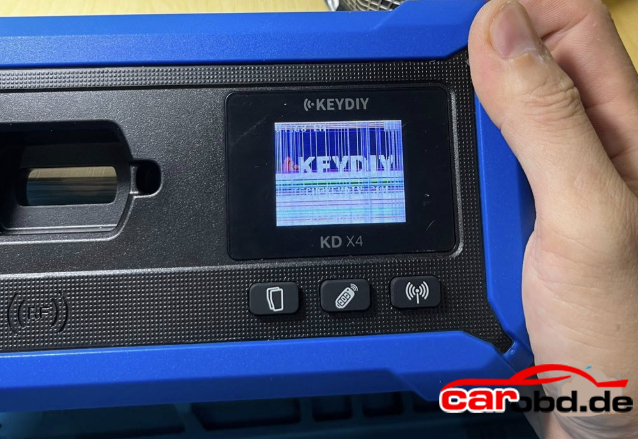
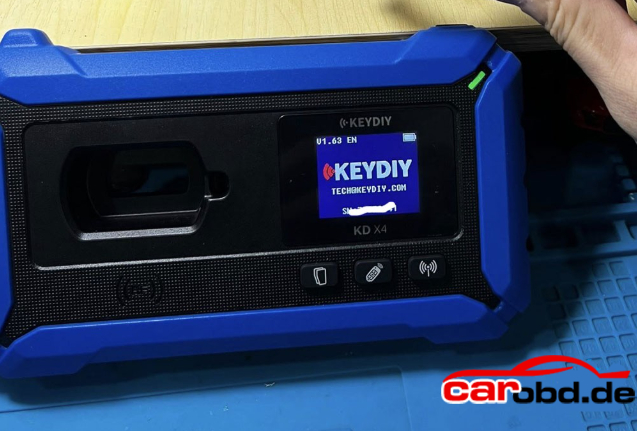
How to Replace Keydiy KD-X4 Key Programmer Small Screen?

How to replace the keydiy kd-x4 key programmer’s small screen which is damaged

Instruction

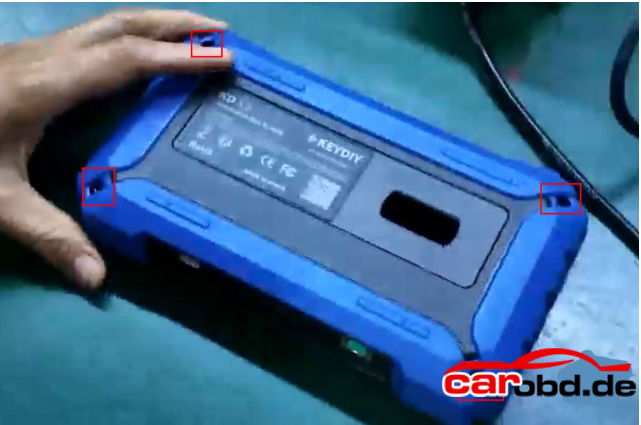
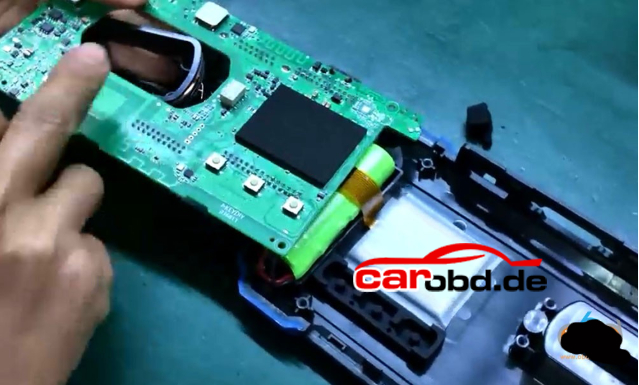
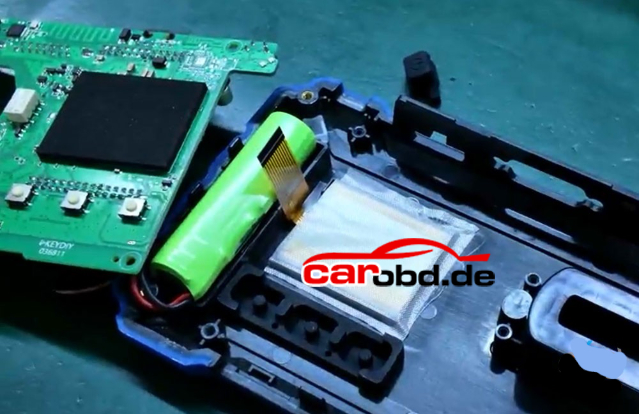
First, remove the 4 screws on the back of the unit.

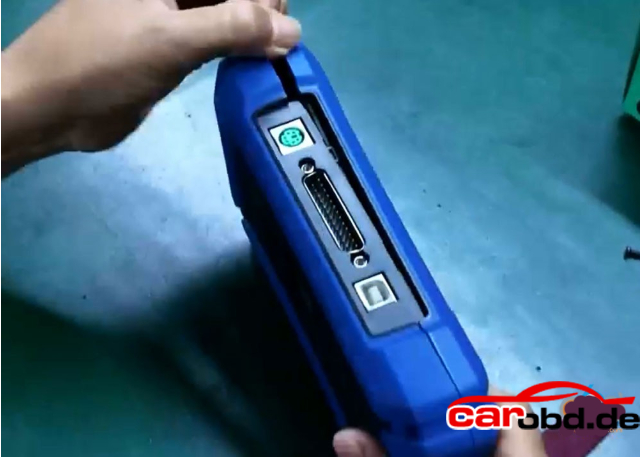
Pry open the housing from the gap

After prying it open, set the back cover aside

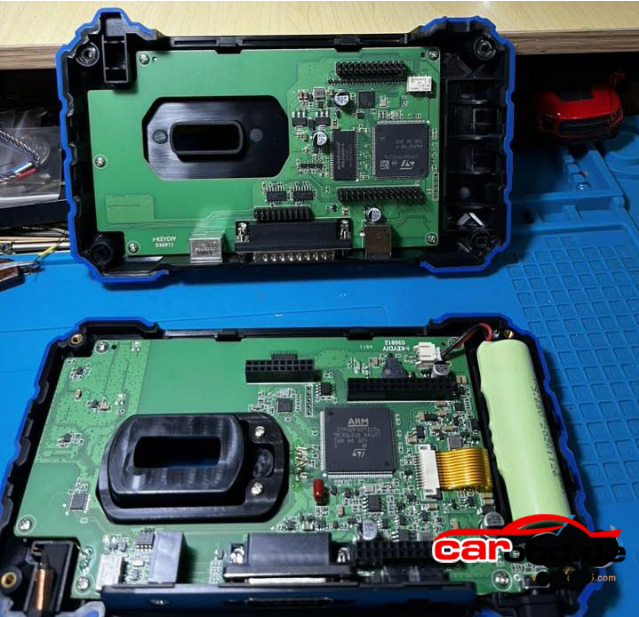
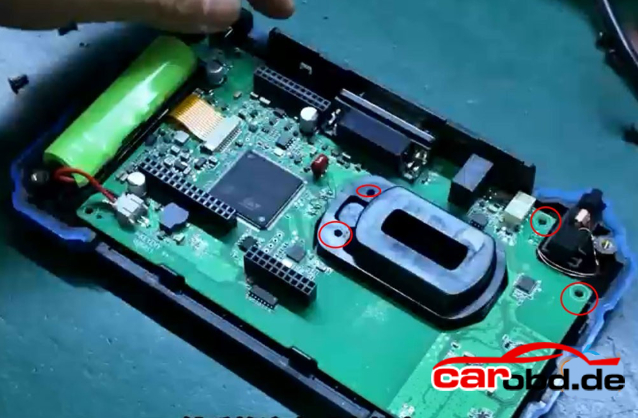
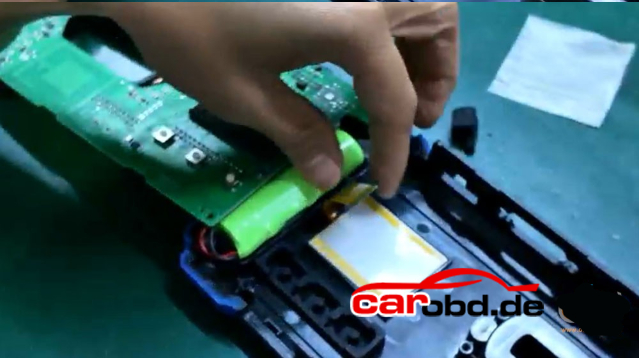
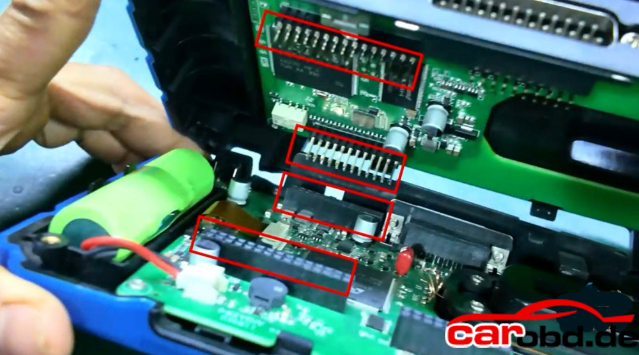
Remove the screws on the circuit board.

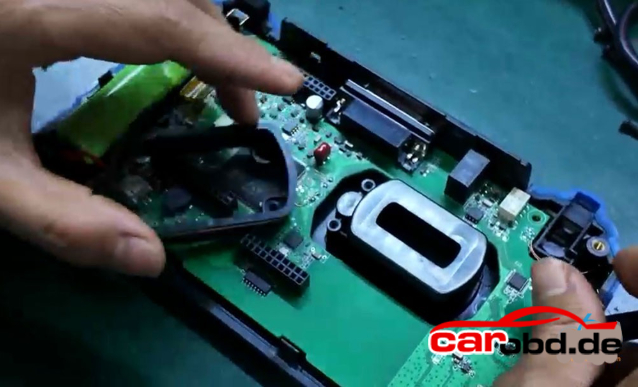
Lift the inductor and take out the coil

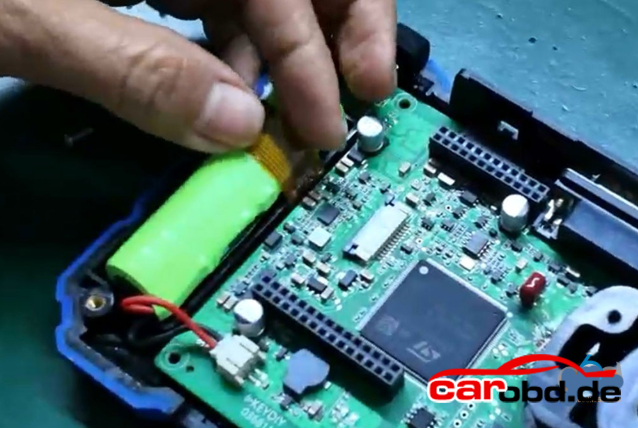
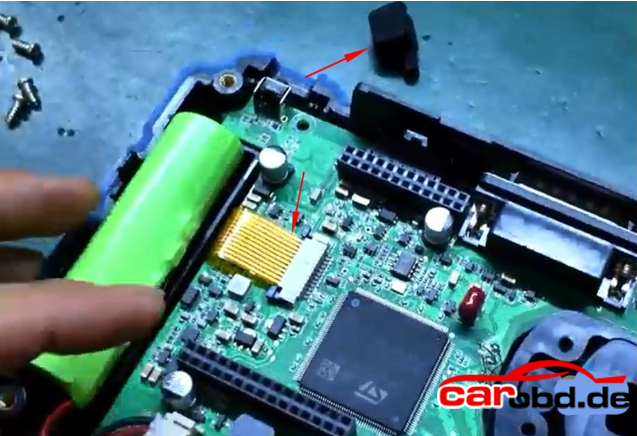
Disconnect the gold ribbon cable from the screen

Gently lift the board.

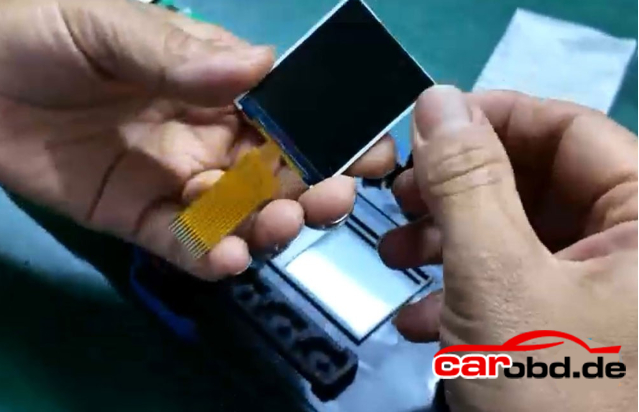
Peel off the protective film on the screen.

Replace with the new screen

Reapply the protective film onto the screen.

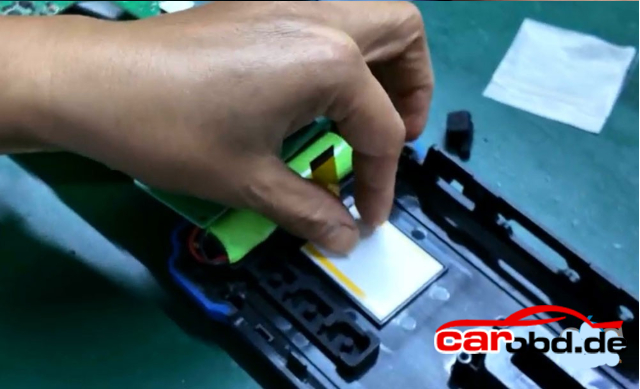
Reinstall the inducator and coil

  • Slide the screen’s locking latch backward, then insert the ribbon cable into the latch.
  • Push the latch forward until no solder pads are visible, then snap it securely into place.
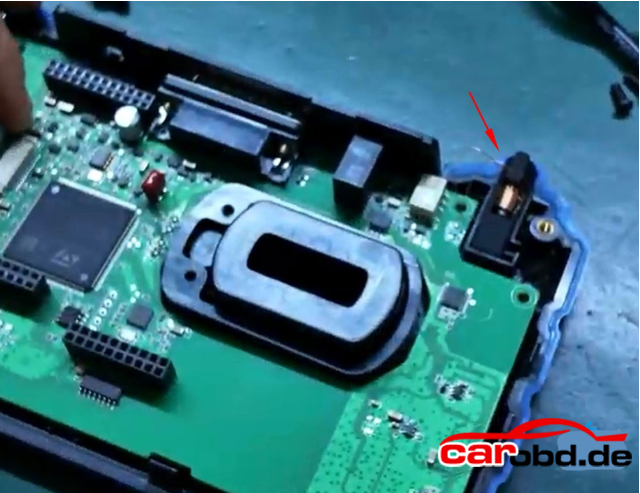
  • Reinstall the power button.

After reinstalling the screws, check whether the screen lights up.
If the screen lights up, the installatino is successful.
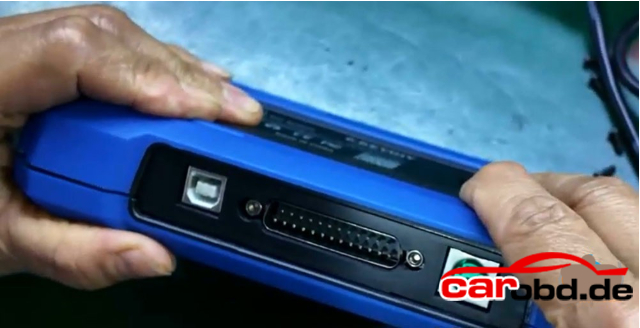
Assemble the other side. Be sure to power off the device before reasembling.
Ensure proper aligment

Once aligned, press down firmly.
Finally, verify whether the device powers on properly.

Keydiy KD-X4 screen replacement is done.

For more technical support,  please contact

Jenny

Whatsapp: +86 19947637411
Email: Sales@Carobd.de

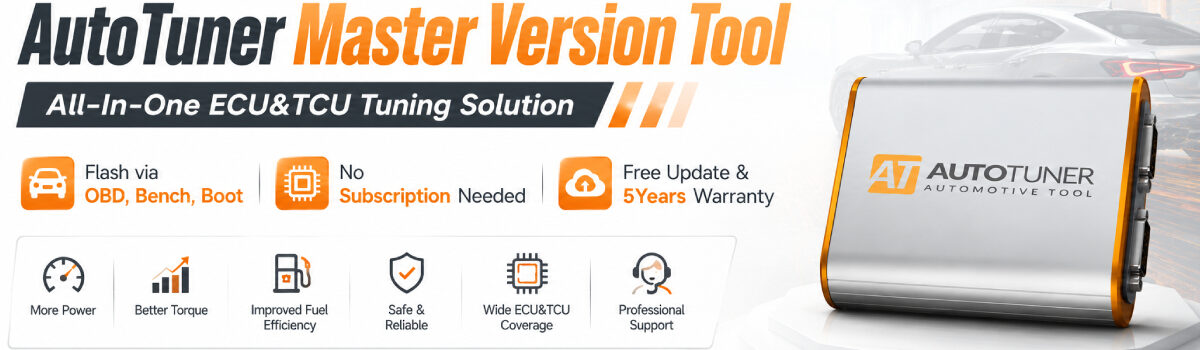
Mercedes SIM4LE & SIM4SE: The Kompressors live via 100% OBD!

The iconic Youngtimers from Mercedes-Benz have arrived on your AutoTuner Tool! Tune the legendary 180, 200k, and 230k engines directly through the diagnostic port.
Coverage:
✅ Mercedes C-Class
✅ Mercedes E-Class
✅ Mercedes CLK
✅ Mercedes SLK
Method: 100% OBD (Normal Read). A fast and perfect solution to boost these bulletproof blocks or perform E85 conversions! 🔌
The AT Team
Key Features:
⚙️ Type: Engine Control Unit (ECU)
🔌 Mode: OBD NR
🧩 Readout: Calibration
🖥️ MCU: C167 (29F400)
⏱️ Read time: 1min 45sec
⏱️ Write time: 1min 30sec
✅ Checksums correction
Compatibility List*:
🚗 Mercedes Models: C (2000) / CLK (1998) / E (1995) / SLK (2000)
🔧 Mercedes Engines: 180 / 200 Kompressor (2.0k) / 230 Kompressor (2.3k)

For more technical support,please contact

Jenny

Whatsapp: +86 19947637411
Email: Sales@Carobd.de

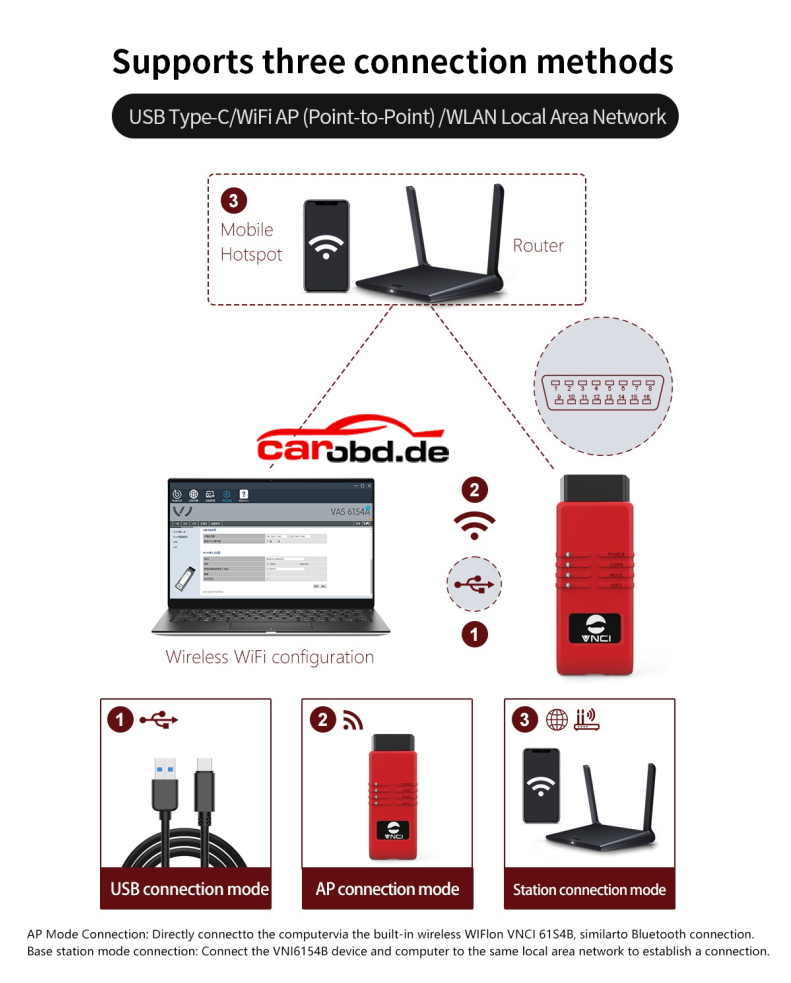
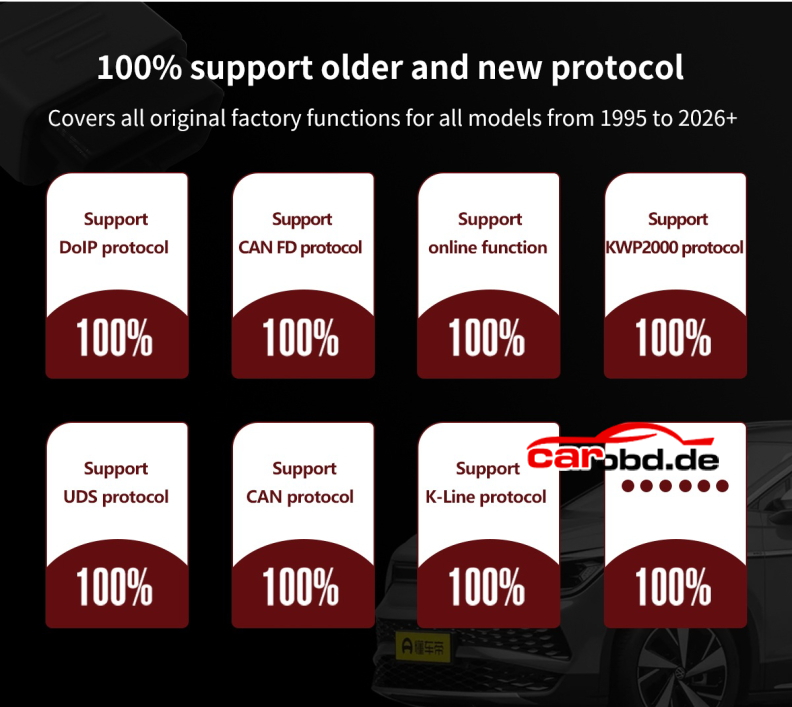
2026 VNCI 6154B vs VNCI 6154A

What’s the difference between 2026 new VNCI 6154B and VNCI 6154A diagnostic interface ?
Here we show details about two interace.

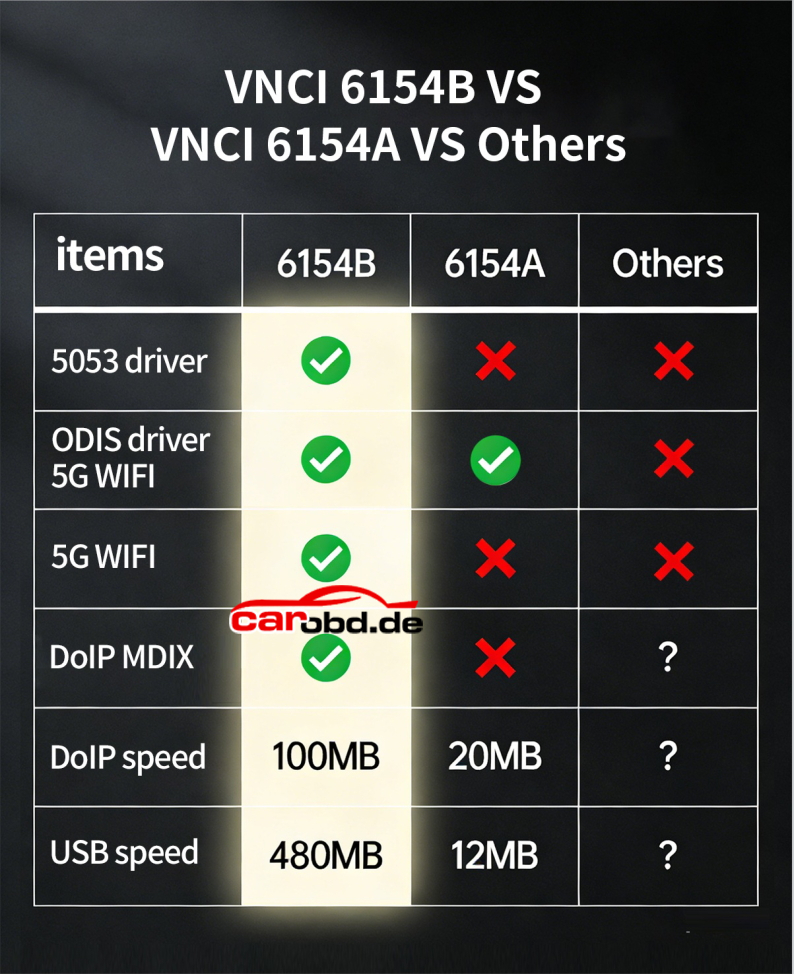
VNCI 6154B vs VNCI 6154A

In sum:

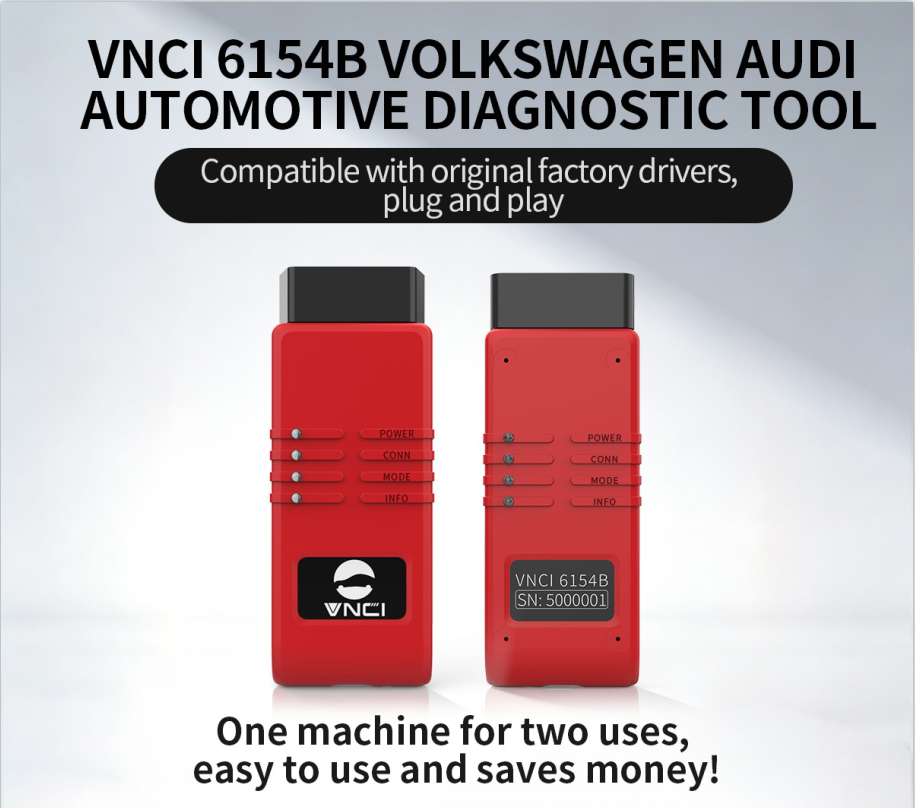
VNCI 6154A=6154A
VNCI 6154B=6154B+V-CDS Gen4 VCI 2 in 1

VNCI 6154A is compatible with O-DIS S and O-DIS E software.

VNCI 6154B is compatible with O-DIS S and O-DIS E and V-CDS software. Plug and play, it will auto detect software type.

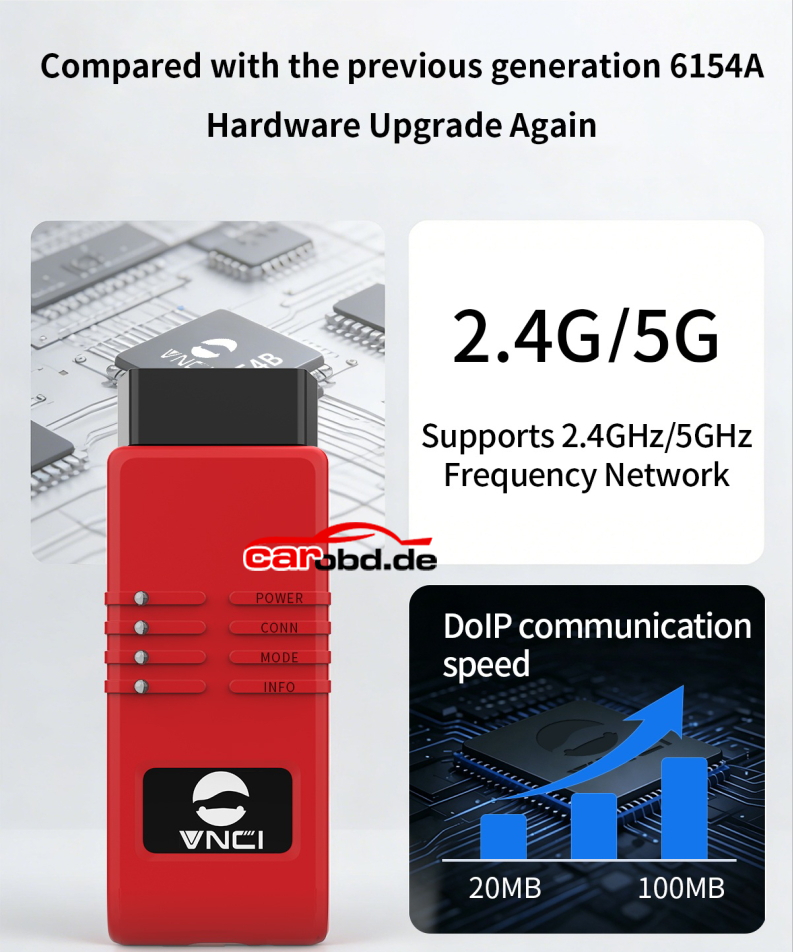
The 6154B connects faster in DOIP and USB mode
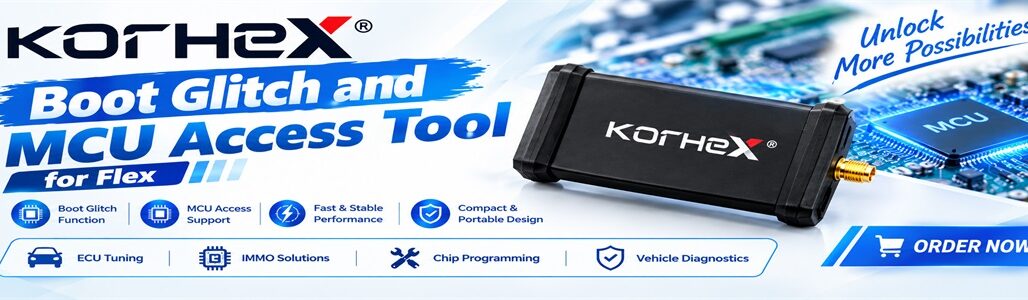
Flex Failed to Write PSA SID807EVO by OBD Solution
Problem:
Magic Motorsport Flex programmer reads Peugeot 307 SID807EVO ECU ok, but can not write the modified file by OBD. It is a keyless system.

Error autohrization from ECU failed.


Solution:

The keyless ones have to see the key in the emergency key position to allow operation.

Key must be in a coil detection area, that is why you couldn’t read.

Put key in the correct compartment and try again. Put key in the slot beside the steering.

Also if manual put it in 1st drivers seat belt on and hazards

Optional Solution:

Try leaving the ignition on even when it asks you to turn it off, or disconnect the battery for a while and try again.

Play around with ignition on off timings. Don’t wait for flex, when it says ignition on click ok and then wait around 5-5 seconds before you turn it on. If you’ve done any resets with diag make sure ignition off for 2 minutes before you connect flex
SID87 EVO if password protected can be done obd, if non password protected boot only,, should still connect to update to latest software.

User feedback:
Disconnected battery for some time did the fix and worked