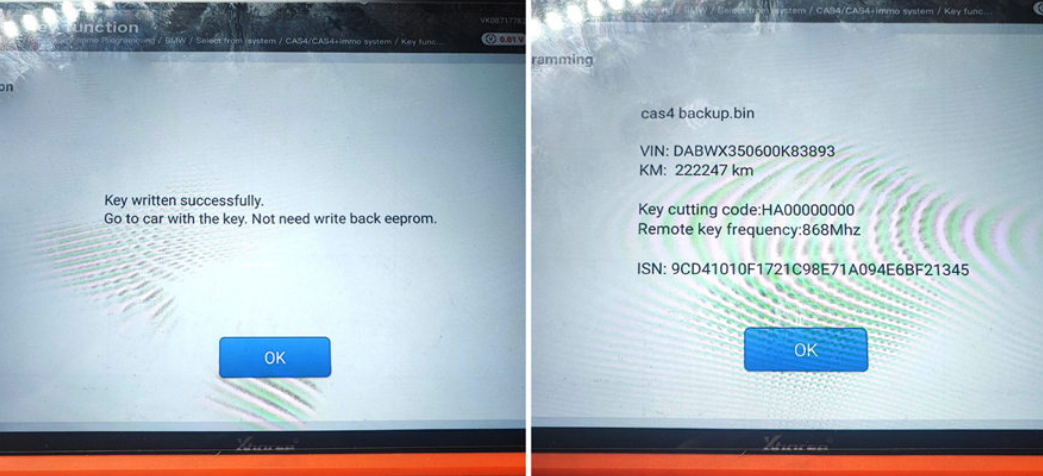

Technicians who work on car immobilizer systems and key coding are familiar with vehicle service mode operations. Although EEPROM writing, immobilizer data reading, and key adding seem straightforward, a simple wrong operation sequence will cause key matching failure. In this post, I will share my real service mode key programming experience, explain why the KTP tool failed, and conclude the standard zero-fault workflow to help you avoid the same mistake.
- My Actual Operation & Failure Process
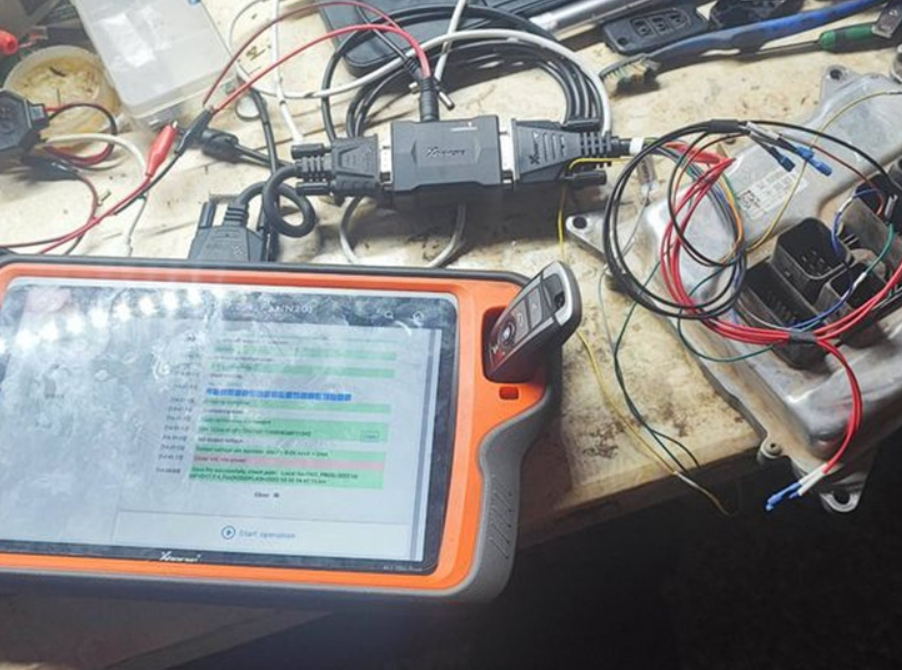
This was my first time performing key programming via service mode on this vehicle model. The basic steps went smoothly without device errors or communication failures.
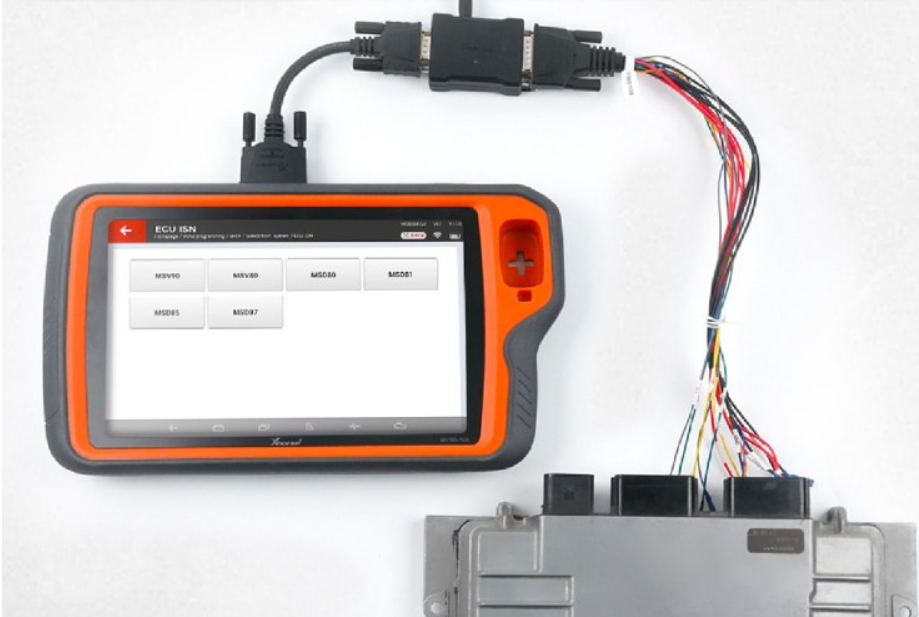
I successfully entered service mode, wrote the service EEPROM file, restored the cluster data, and read the IMMO data via OBD. Everything worked fine at this stage.
Then I faced a critical question: Should I generate and add the key in service mode, or restore the original EEPROM first before key generation?
I chose the second method. I wrote back the original EEPROM via OBD to exit service mode, then tried to generate and add a new key with the KTP tool. However, the vehicle refused to accept the new key, and the matching process failed completely after multiple attempts.
For emergency recovery, I used the CS code and PIN code I had previously saved. I switched to the KM100 tool to generate a dealer key, and the key learning was finished in just one minute perfectly.
After the repair, I analyzed the core problem: why does the standard routine fail on KTP? What is the real purpose of service mode?
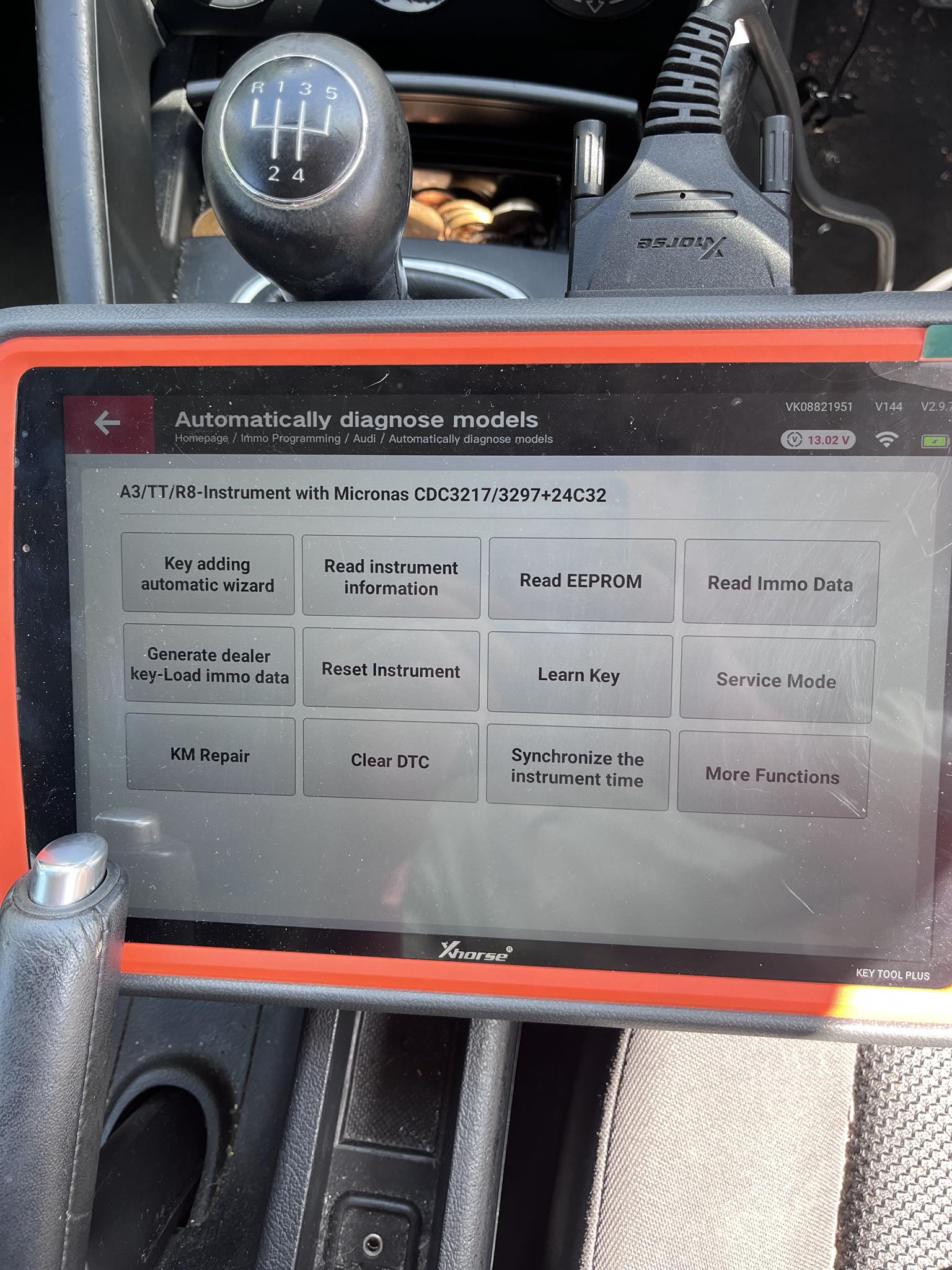
- The Core Misunderstanding of Service Mode
The root cause of the failure is misunderstanding the functional limits of service mode — a very common mistake for many technicians.
Many people think service mode allows full operations including data reading, writing, and key matching. But the actual rule is clear:
Service Mode is ONLY for reading IMMO data.
Service mode is a temporary vehicle unlock state. It only authorizes IMMO data reading, while key learning and key adding functions are completely locked under service mode. No matter which tool you use, you cannot enter the key learning channel in service mode, which means key matching will never succeed.
My operation had two logical errors: I restored the original EEPROM and exited service mode too early, which made the KTP tool unable to capture valid and authenticated immobilizer data, resulting in matching failure.
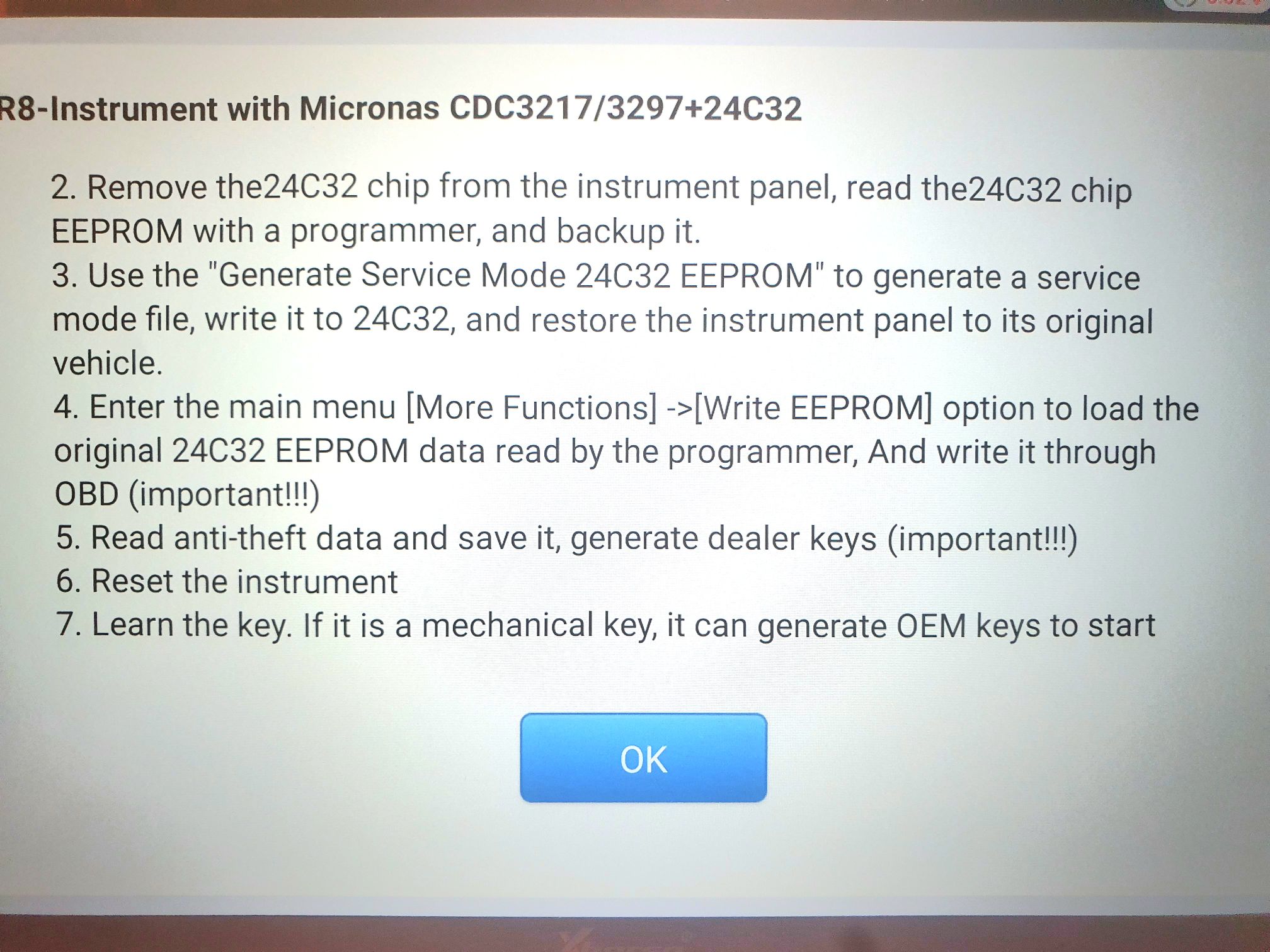
- Official Correct Step-by-Step Procedure (Zero Failure)
The service mode key programming sequence is fixed and non-reversible. Follow this standard workflow strictly:
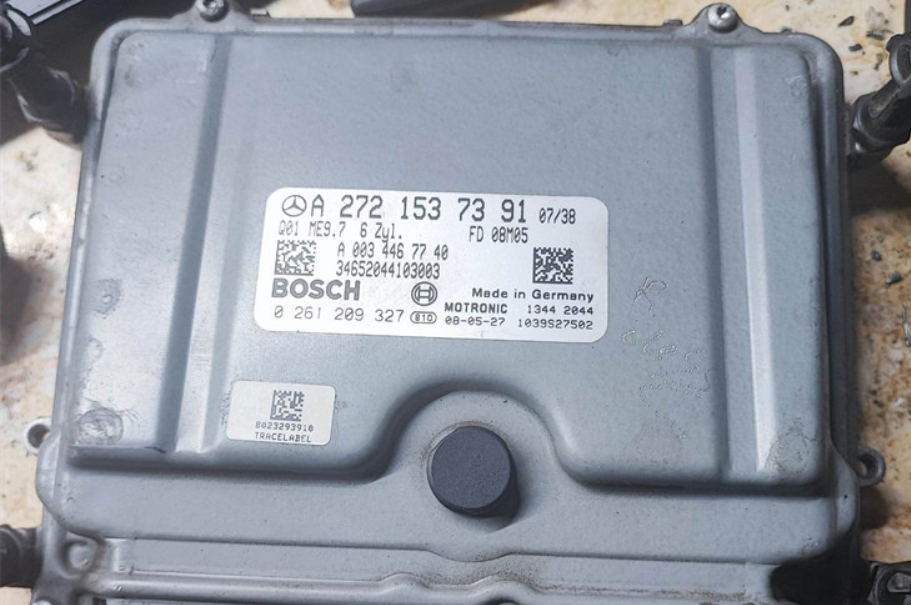
Step 1: Read and backup the original 24C32 EEPROM
First, read the factory original 24C32 EEPROM data and save a full backup. This step prevents data loss, immobilizer lock, and other secondary faults.
Step 2: Generate and write service EEPROM file
Based on the original EEPROM file, generate the dedicated service EEPROM file and write it to the vehicle to enter service mode.
Step 3: Restore original EEPROM via OBD, then read IMMO data
Keep the device connected, write the backed-up original EEPROM back to the vehicle through OBD to restore the factory immobilizer state, then read complete valid IMMO data including PIN, CS code and authentication information.
Step 4: Generate dealer key
Use the valid IMMO data to generate an official dealer key file with your programming tool.
Step 5: Reset instrument and complete key learning
Perform an instrument reset to clear temporary service mode cache. After resetting, you can either learn the new key online directly or add the key without extra learning procedures.
- Why KTP Failed But KM100 Worked
Many technicians wonder about the difference between the two tools in this case:
1. KTP requires strict operation sequence
KTP highly relies on standard operation timing and valid real-time vehicle data. It only works under the correct sequence: enter service mode → read IMMO data → restore original EEPROM → generate key. My reversed timing caused data verification failure.
2. KM100 supports offline dealer key generation
KM100 can generate valid dealer keys offline using saved PIN and CS codes. It does not depend on the vehicle’s real-time service mode state, so it works perfectly for emergency recovery.
- Key Takeaways & Field Tips
1. Service mode is only for IMMO data reading. Never attempt key learning or key adding in service mode. Key matching must be done after restoring the original EEPROM.
2. The operation sequence is irreversible. Any wrong step will lead to matching failure.
3. Tool selection strategy: KTP is strict with standard procedures for formal programming; KM100 is more flexible for offline emergency recovery.
4. Always backup the original EEPROM before any operation to avoid immobilizer lockout.
Car immobilizer programming has no universal shortcut. Every model has its own service mode rules. Following the official procedure is the most efficient way to avoid trial and error. Hope this real-case summary helps you achieve one-shot key matching success!