One of the most common questions we receive from European workshops and ECU tuning professionals is:
“Can FormulaFlash read and write the Bosch MD1CS003 ECU?”
The short answer is:
Yes. FormulaFlash currently supports the Bosch MD1CS003 ECU in BENCH mode for supported vehicle applications.
However, compatibility depends on the specific ECU hardware version and supported protocol. Before purchasing, we always recommend verifying your ECU information to ensure compatibility.
What Is the Bosch MD1CS003 ECU?
The Bosch MD1CS003 is a modern diesel engine control unit used in a wide range of PSA and related vehicles. It is commonly found in:
Citroën Berlingo
Citroën C4 Cactus
Citroën C4 SpaceTourer
Peugeot 208
Peugeot 3008
Peugeot 308
Peugeot 5008
Peugeot Partner
Peugeot Expert
Opel Crossland X
Opel Grandland X
Toyota Proace City
Vauxhall Crossland X
Because of its widespread use across European vehicles, MD1CS003 has become one of the most frequently requested Bosch ECUs among FormulaFlash users.
How Does FormulaFlash Support MD1CS003?
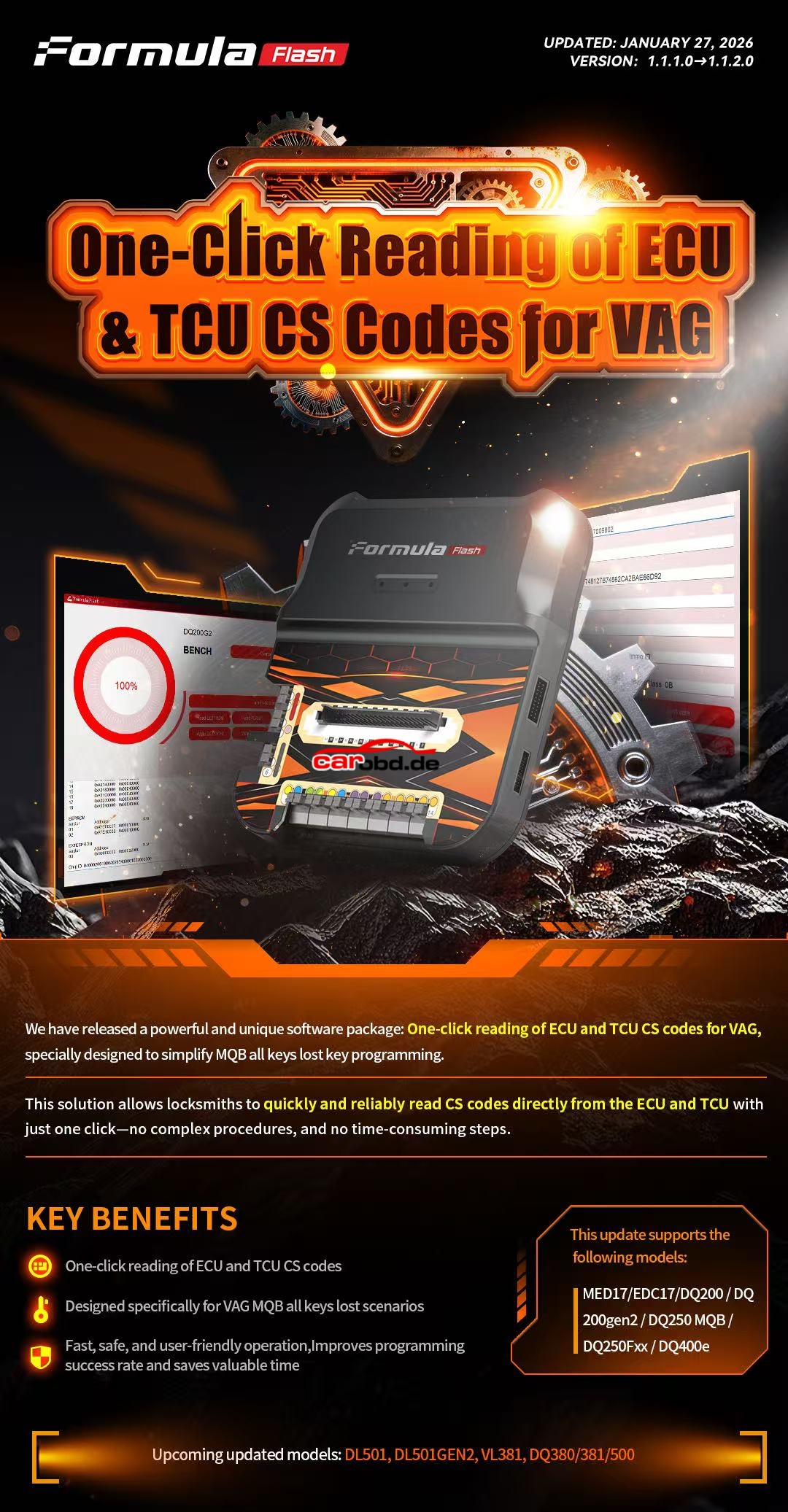
FormulaFlash is a professional ECU and TCU programming platform that supports multiple communication methods across different ECU families, including:
OBD
BENCH
BOOT
For the Bosch MD1CS003 ECU, the currently supported programming method is BENCH mode.
BENCH programming provides a stable and reliable communication method while keeping the ECU enclosure sealed, making it an ideal solution for professional workshops.
Current support includes:
ECU Identification
ECU Read
ECU Write
Checksum Correction
Professional ECU Programming Workflow
(Actual available functions may vary depending on the ECU hardware version and software protocol.)
Why Is BENCH Mode Used for MD1CS003?
Customers often ask why FormulaFlash supports OBD, BENCH, and BOOT, yet MD1CS003 currently uses BENCH mode.
The answer is simple:
Each ECU family has its own communication protocol.
While FormulaFlash supports OBD, BENCH, and BOOT across its complete protocol library, the Bosch MD1CS003 protocol is currently designed for BENCH programming, providing a safe and stable programming environment for supported applications.
Supported Vehicle Applications
According to the current Formula Flash protocol list, MD1CS003 BENCH support includes applications such as:
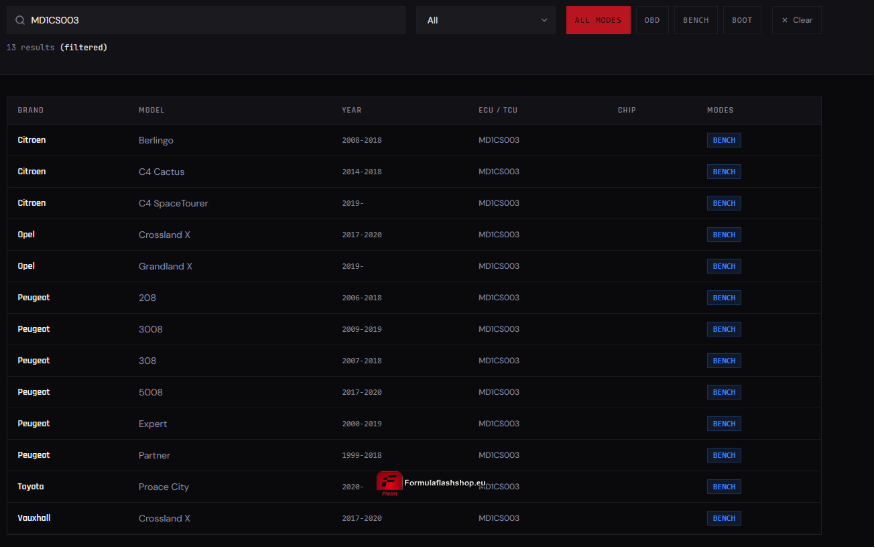
| Brand | Model |
|---|---|
| Citroën | Berlingo |
| Citroën | C4 Cactus |
| Citroën | C4 SpaceTourer |
| Peugeot | 208 |
| Peugeot | 3008 |
| Peugeot | 308 |
| Peugeot | 5008 |
| Peugeot | Partner |
| Peugeot | Expert |
| Opel | Crossland X |
| Opel | Grandland X |
| Toyota | Proace City |
| Vauxhall | Crossland X |
Protocol coverage may continue to expand through future software updates.
How to Check Whether Your ECU Is Supported ?
Not every MD1CS003 ECU is identical.
Compatibility may vary depending on:
- Bosch hardware version
- ECU software version
- Vehicle model
- Model year
- Official FormulaFlash protocol support
If you are unsure, simply send us:
A clear photo of the ECU label
Bosch part number
Vehicle model
Production year
Our technical team will help verify compatibility before you purchase.
Keep Your FormulaFlash Up to Date
FormulaFlash is continuously updated with new ECU and TCU protocols.
Keeping your software subscription active ensures access to:
New ECU protocols
Expanded vehicle coverage
Performance improvements
Bug fixes
Future compatibility updates
For more technical support,please contact Jenny
Whatsapp: +86 19947637411
Email: Sales@Carobd.de