

Brief Guide: Read VW/Audi 5C/5D Key Data & Generate Dealer Key with Xhorse Multi Prog
Preparation
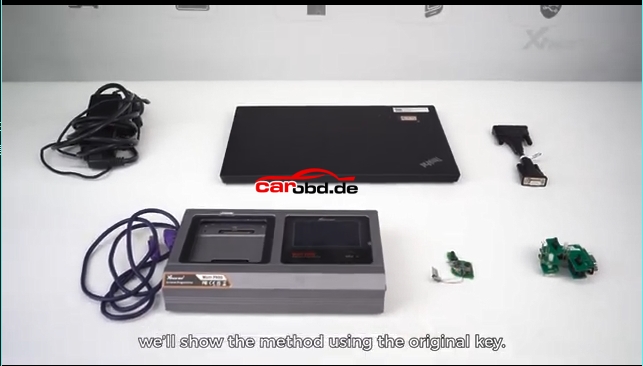
- Xhorse Multi Prog programmer + PC with latest software
- Original 5C/5D smart key
- New blank key (original blank for 5D; Xhorse XM38/original for 5C)
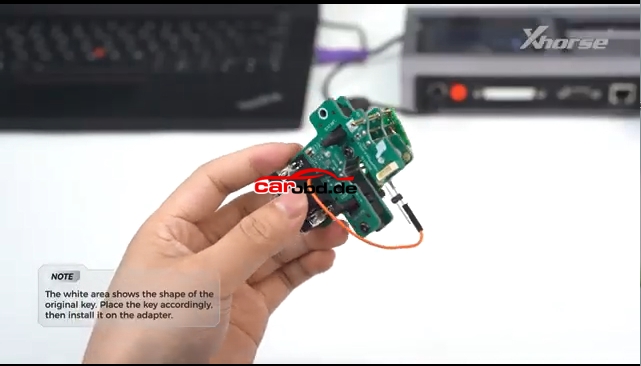
- MQB49 5C/5D adapter (solder-free recommended)
Two connection method: Soldering Connetion & Solder Free Adapter
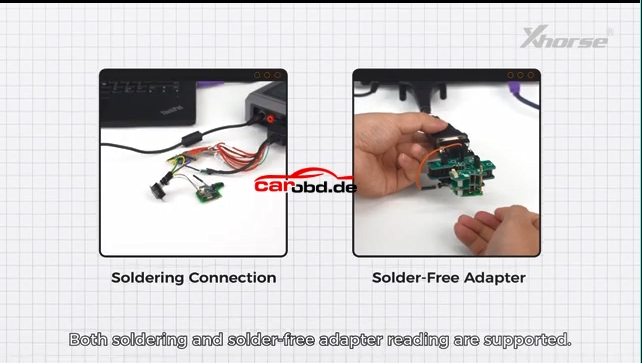
First Connection Method: Soldering Connection

Operation Procedure:
Read Original Key Data
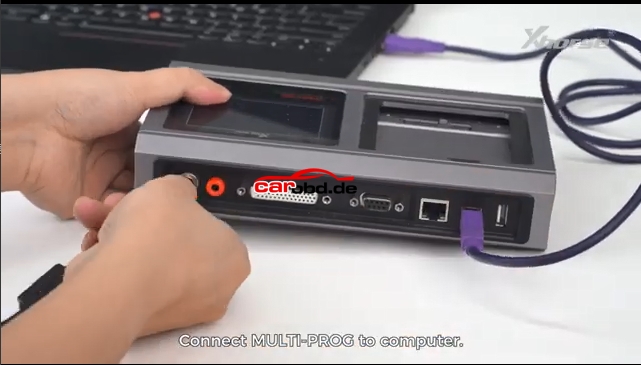
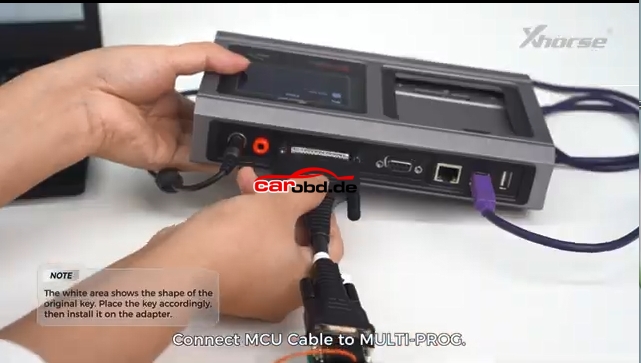
- Connect Multi Prog to PC, open software
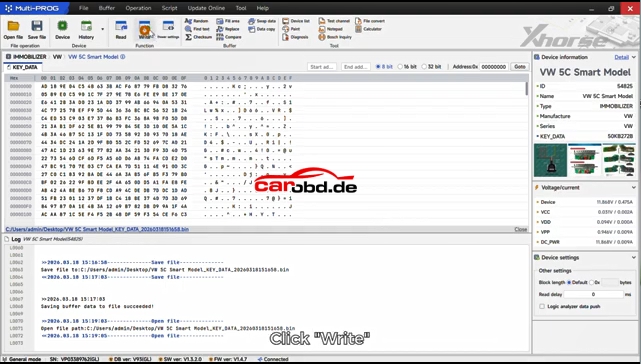
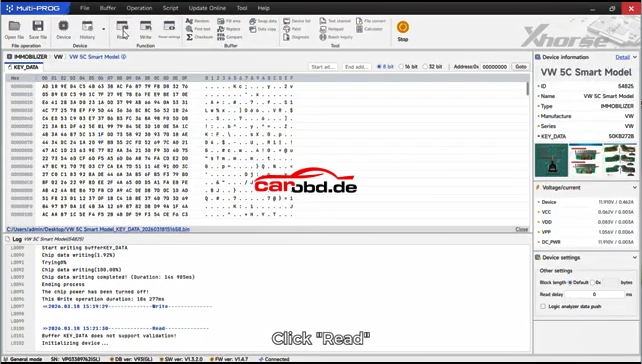
- Select function: VW → MQB49 → 5C/5D Key
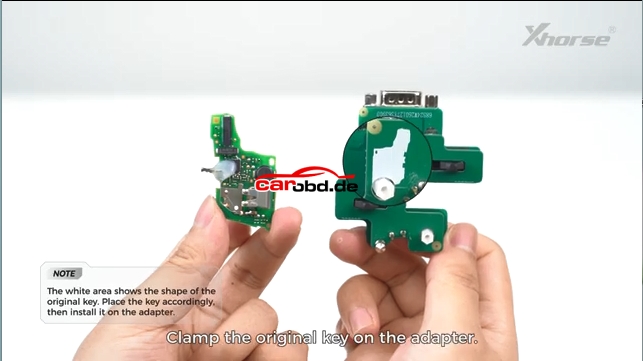
- Place original key PCB into adapter
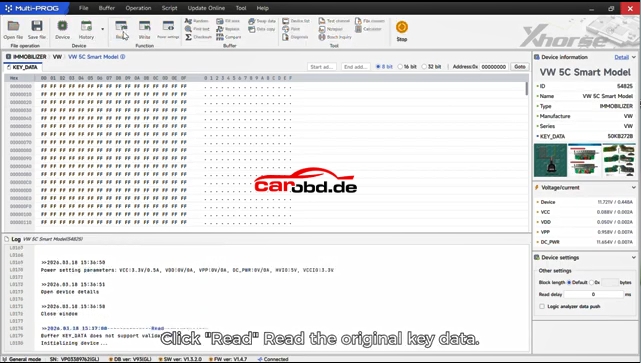
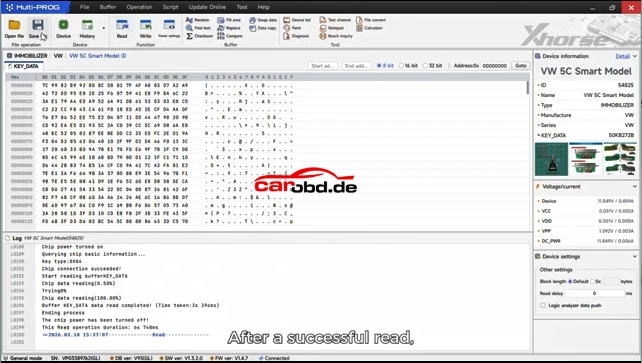
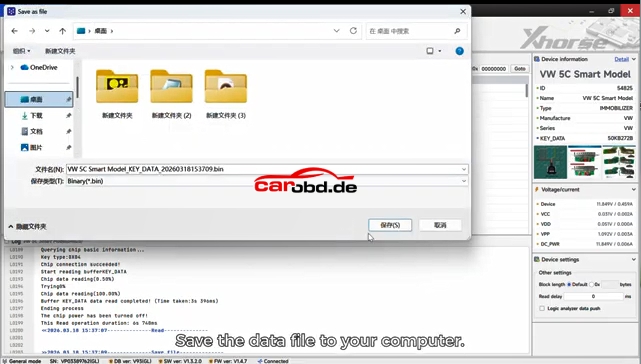
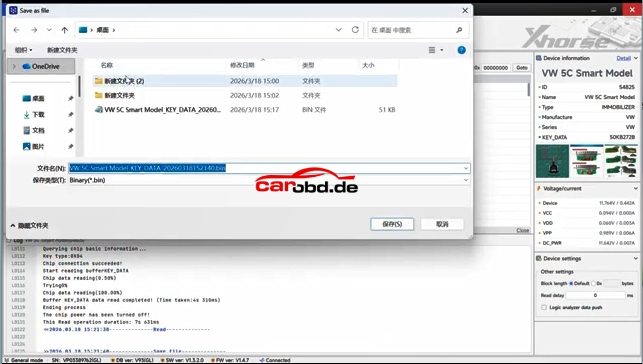
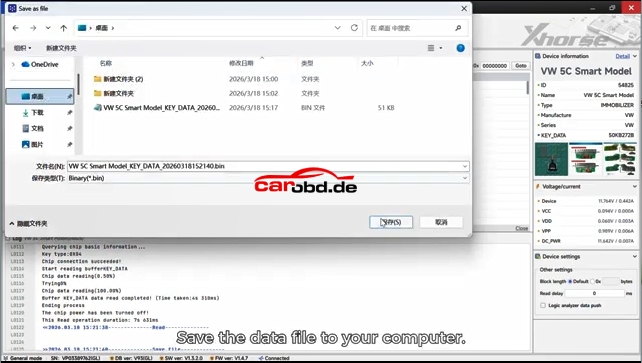
- Click Read and save the key data file (.bin)
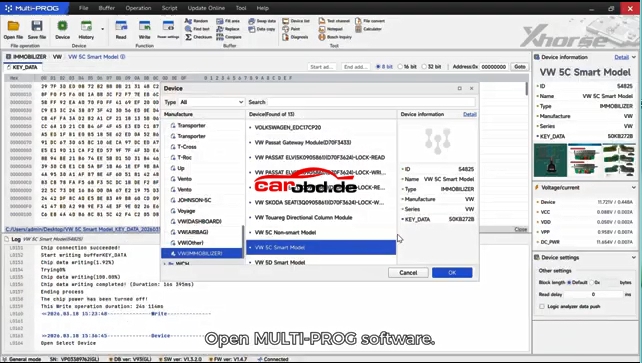
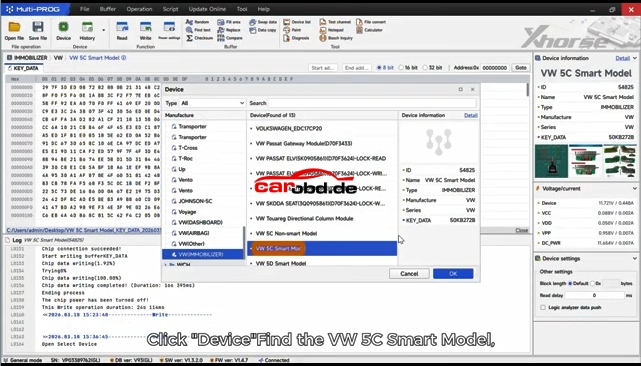
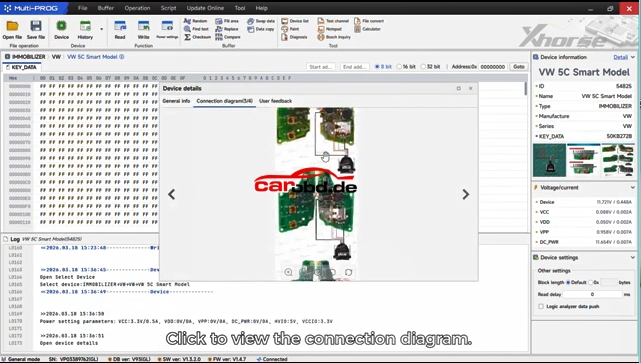
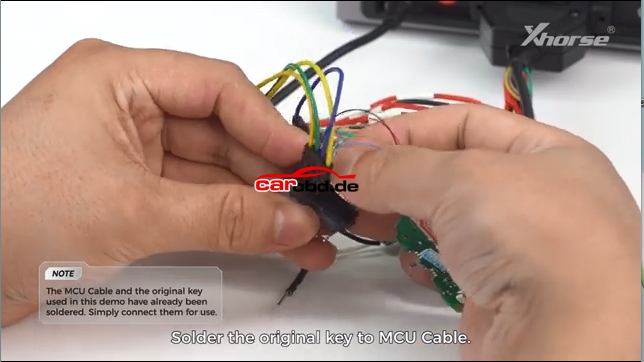
Generate Dealer Key
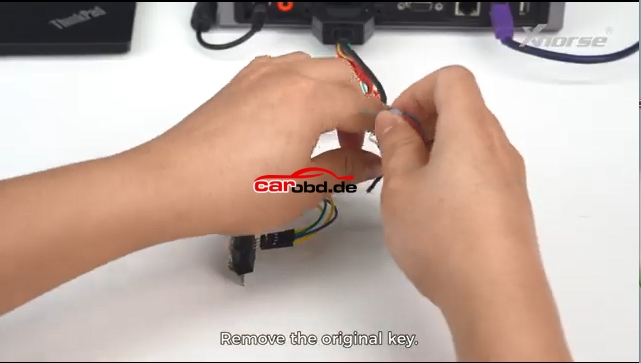
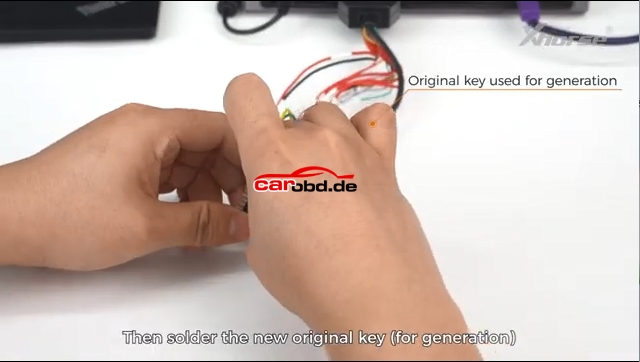
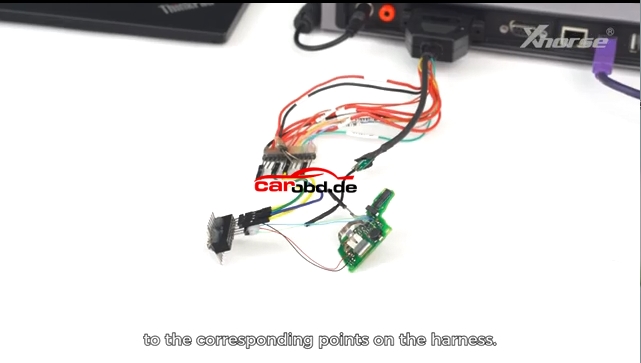
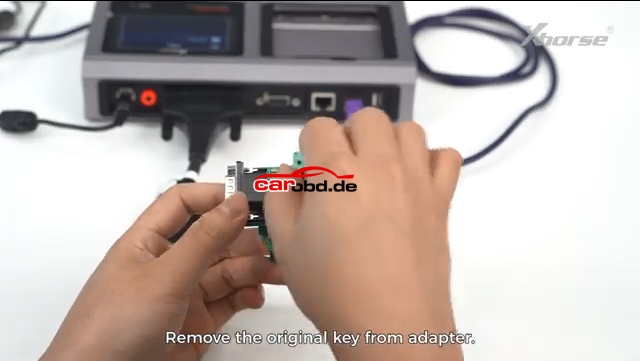
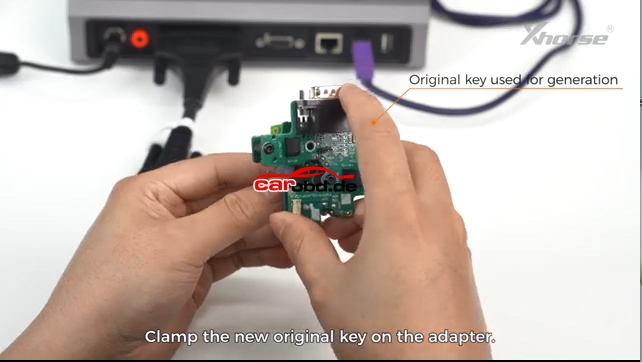
- Remove original key, put new blank key into adapter
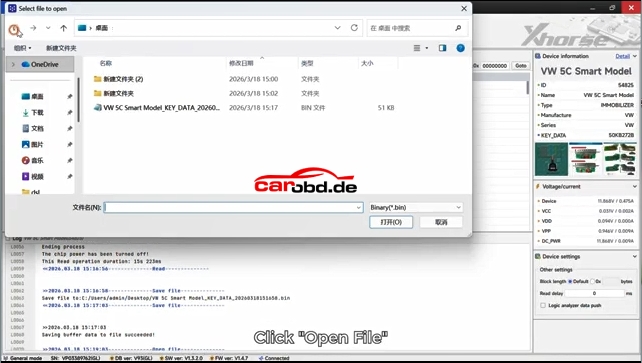
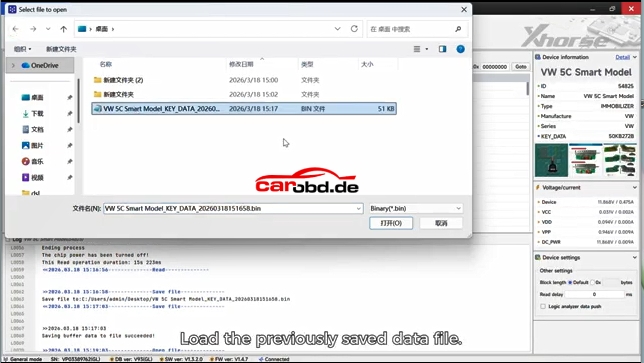
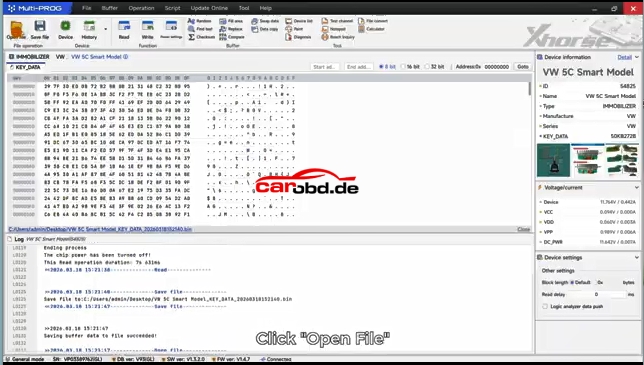
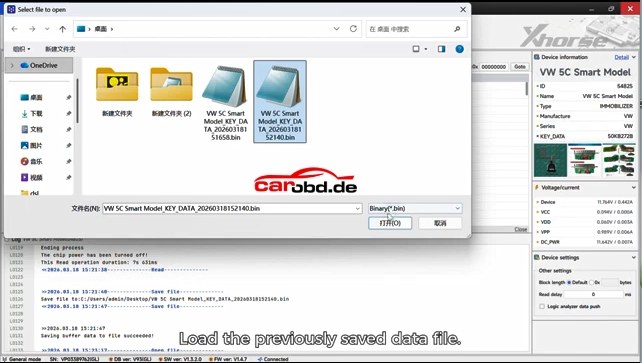
- Load the saved .bin data file
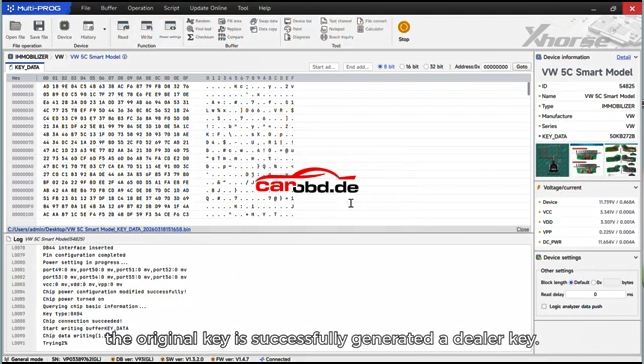
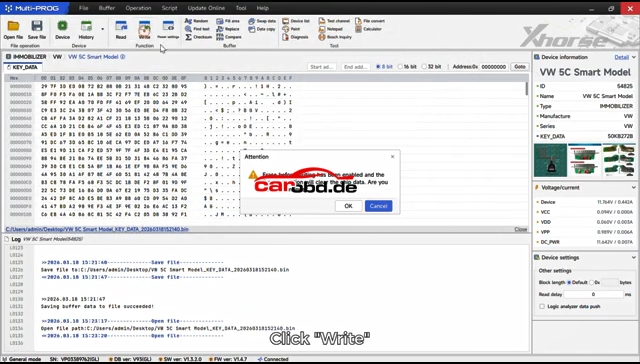
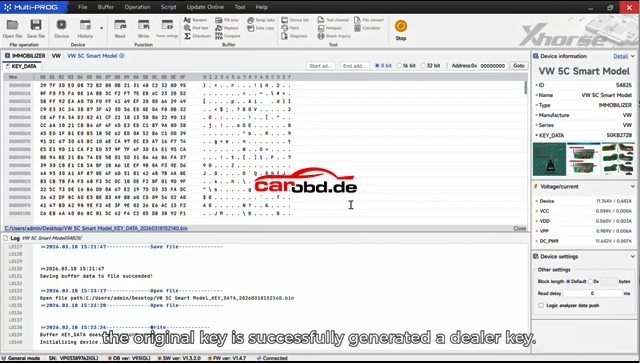
- Click Write to program the new key
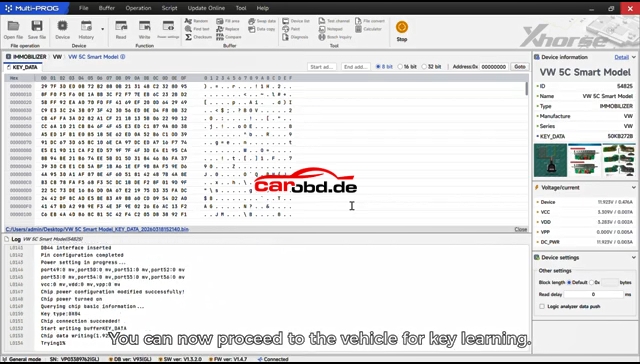
- The new key becomes a valid dealer key
Second Connection Method:Solder Free Adapter
Same procedure as Soldering Connection method, read key information and save file and then write again.
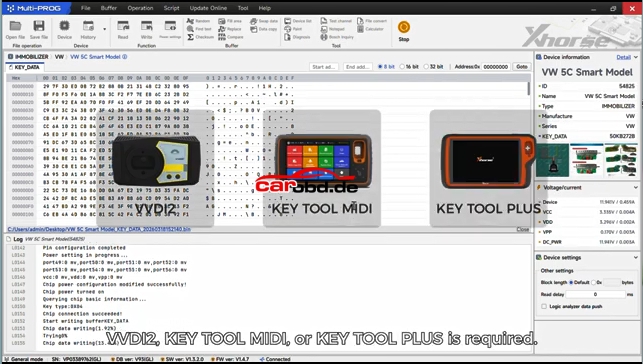
Final Step
Use matching tool (Key Tool Plus, VVDI2, etc.) to learn the new key to the vehicle immo system.
Simple summary:Read original key → Save data → Write to new blank → Match on car
For more informations,please contact Techincal Service
Jenny
Whatsapp: +86 19947637411
Email: Sales@Carobd.de