
Tag Archive | xhorse multiprog

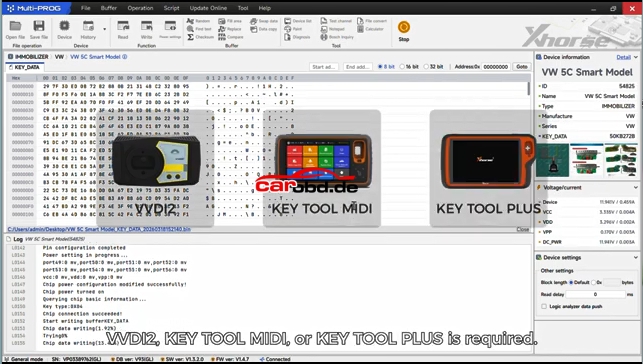
How to Read VW Audi 5C5D Key Data & Generate a Dealer Keys By Using Xhorse Multiprog

Brief Guide: Read VW/Audi 5C/5D Key Data & Generate Dealer Key with Xhorse Multi Prog

Preparation

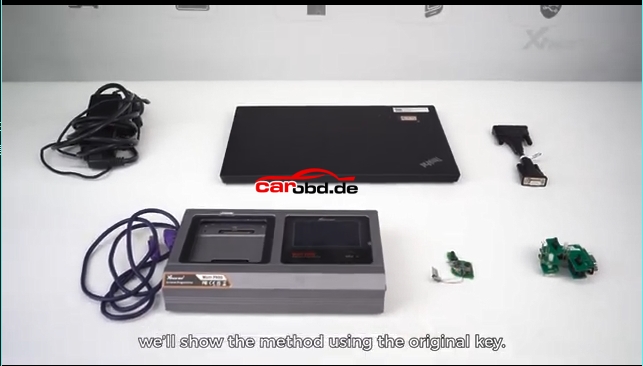
  1. Xhorse Multi Prog programmer + PC with latest software
  2. Original 5C/5D smart key
  3. New blank key (original blank for 5D; Xhorse XM38/original for 5C)
  4. MQB49 5C/5D adapter (solder-free recommended)
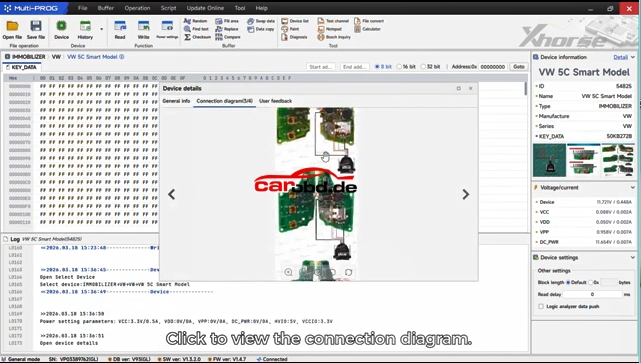
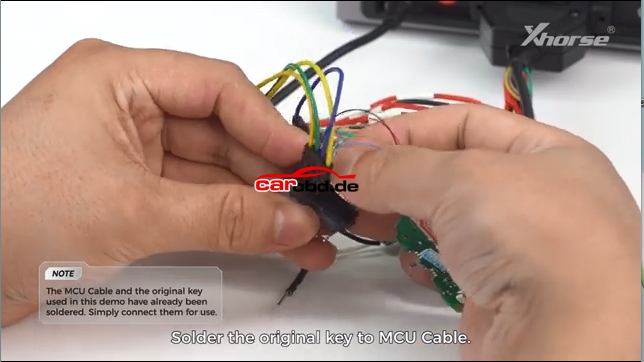
Two connection method: Soldering Connetion & Solder Free Adapter
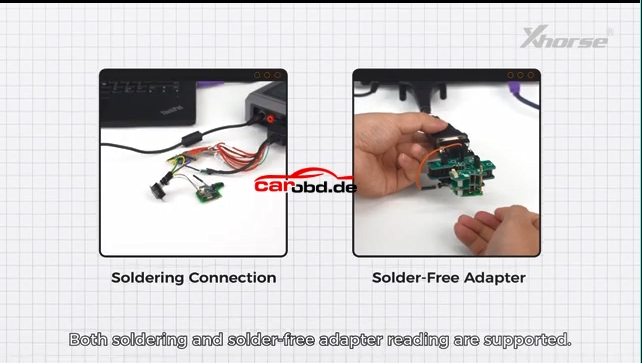
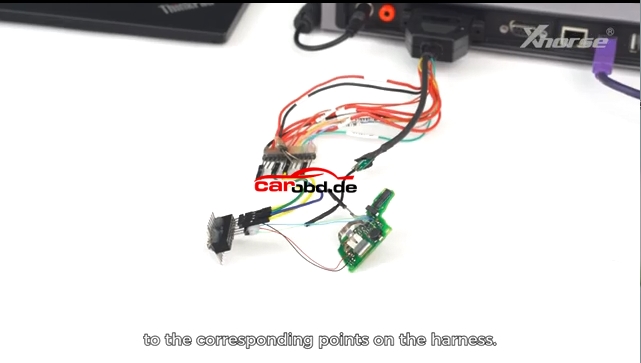
First Connection Method: Soldering Connection

Operation Procedure:

Read Original Key Data

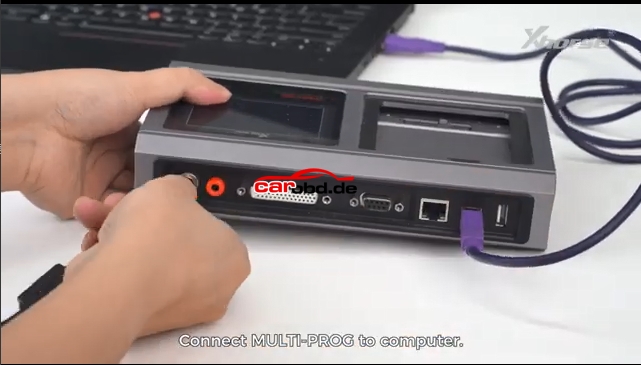
  • Connect Multi Prog to PC, open software
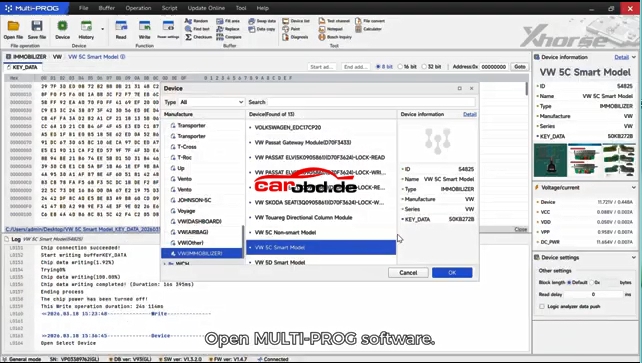
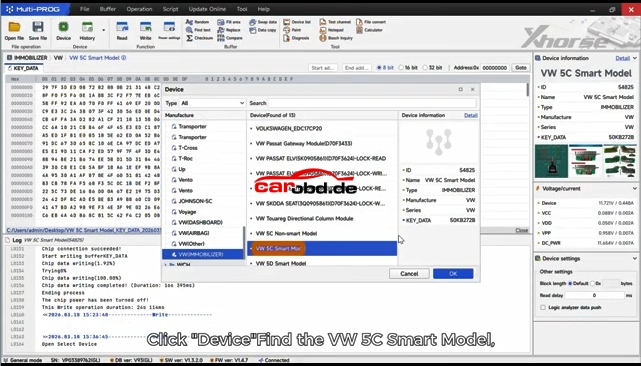
  • Select function: VW → MQB49 → 5C/5D Key
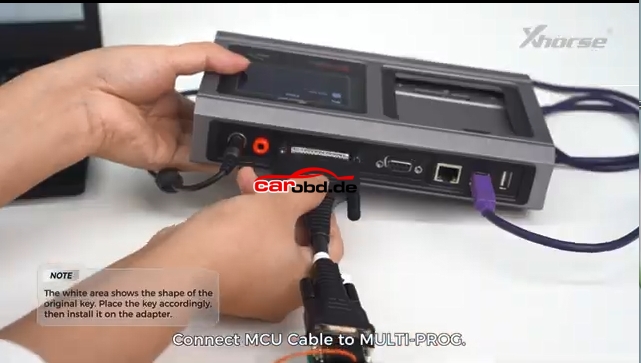
  • Place original key PCB into adapter
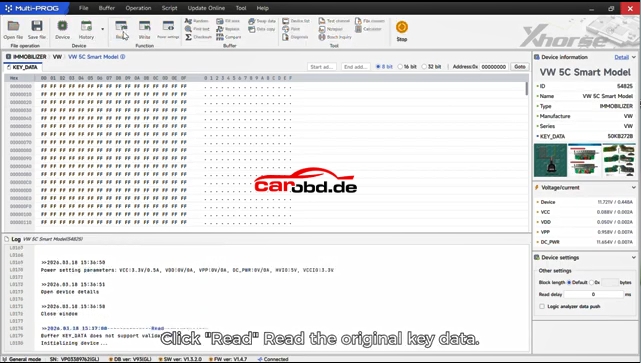
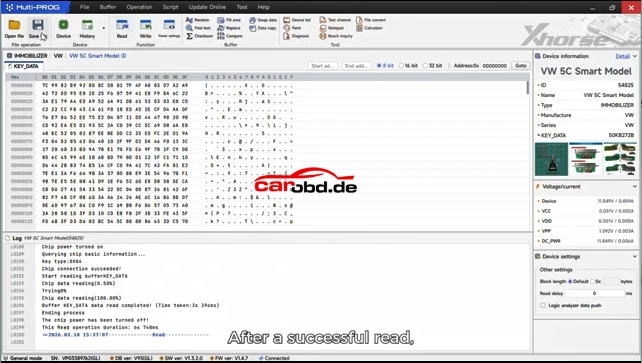
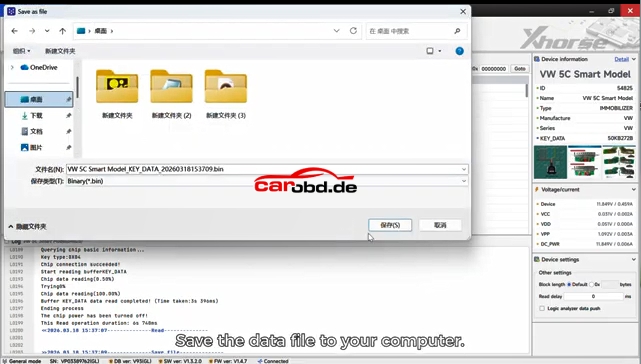
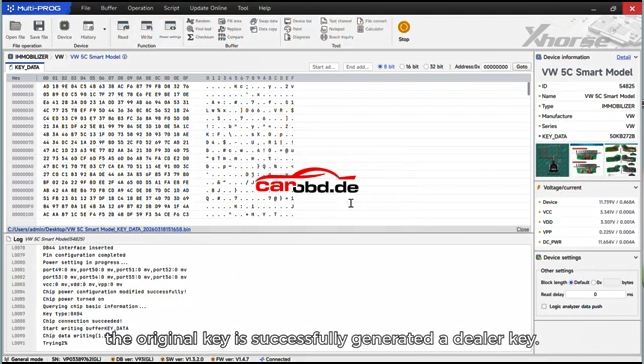
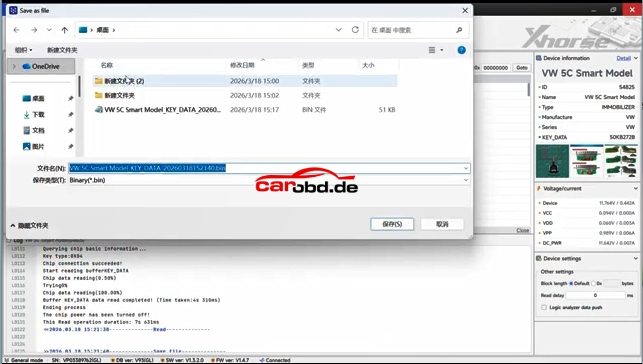
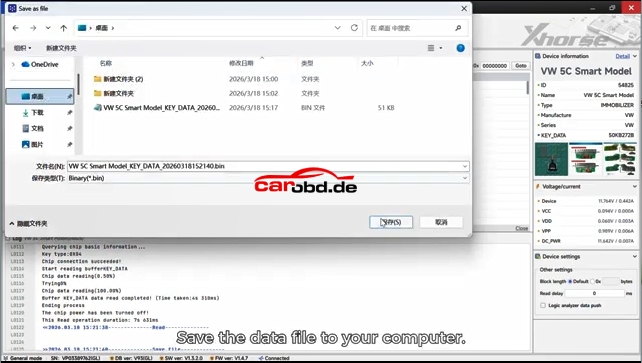
  • Click Read and save the key data file (.bin)
Generate Dealer Key

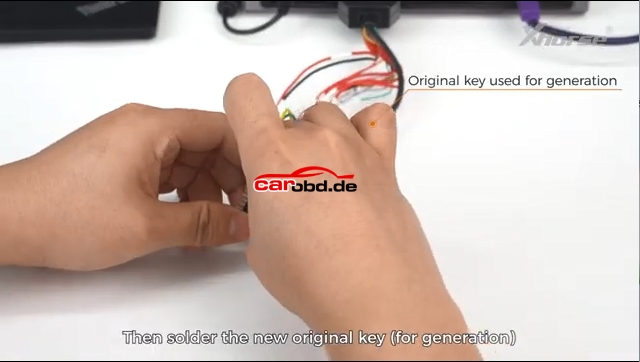
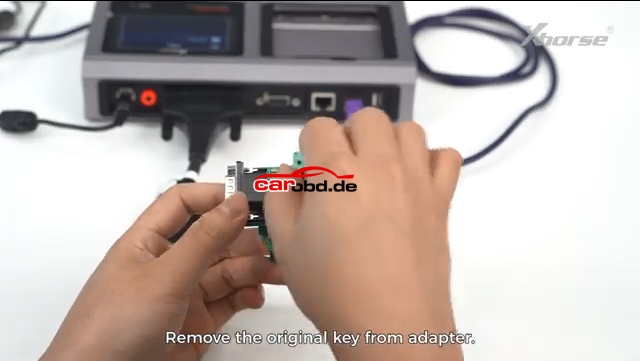
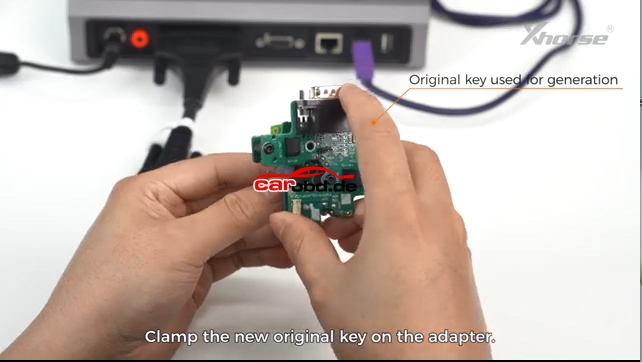
  • Remove original key, put new blank key into adapter
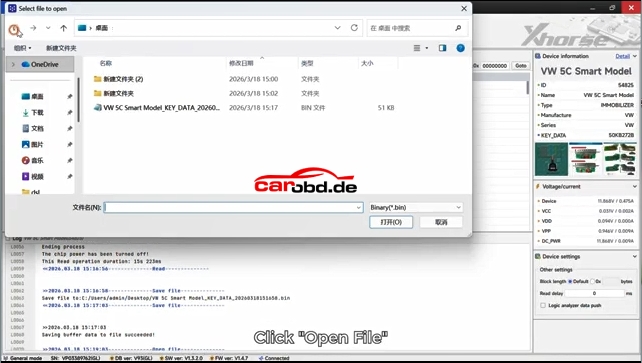
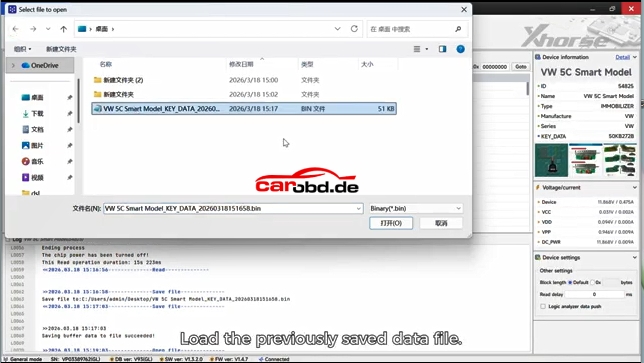
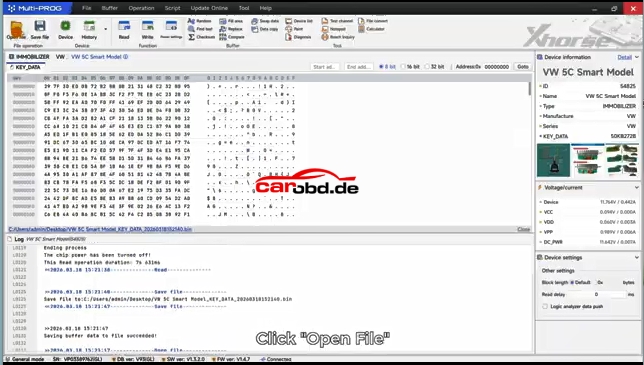
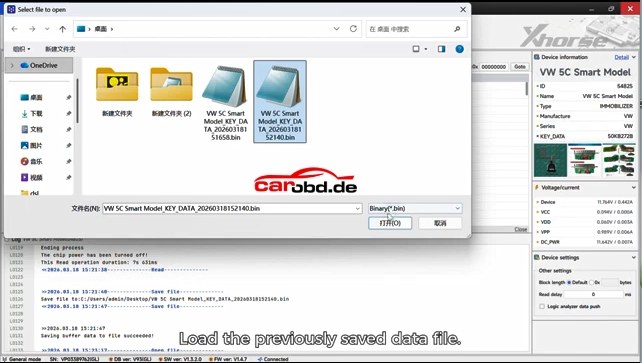
  • Load the saved .bin data file
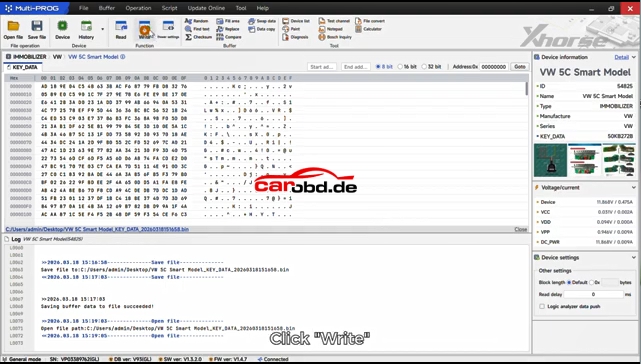
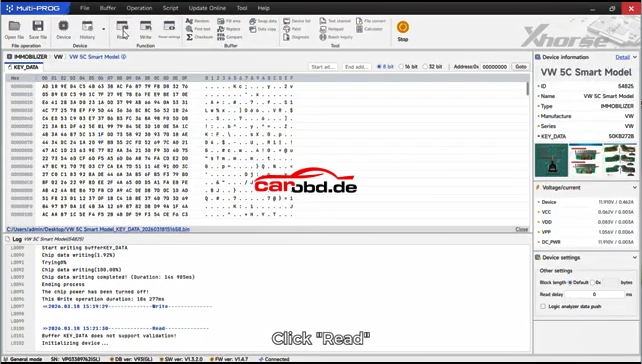
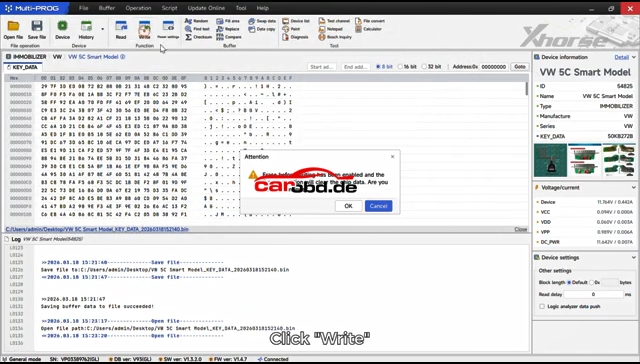
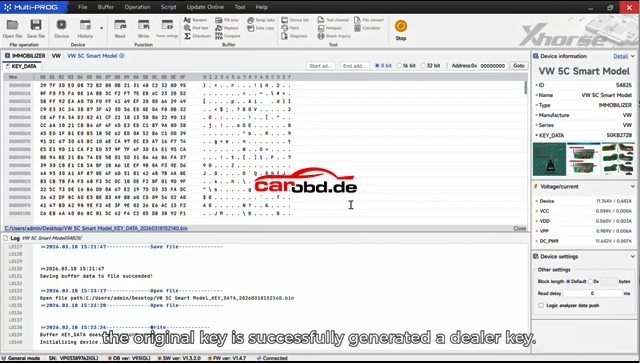
  • Click Write to program the new key
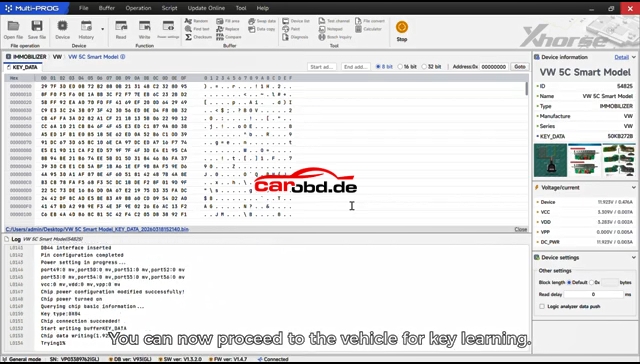
  • The new key becomes a valid dealer key
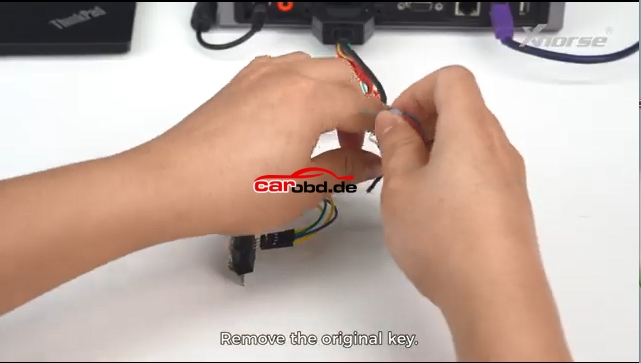
Second Connection Method:Solder Free Adapter 

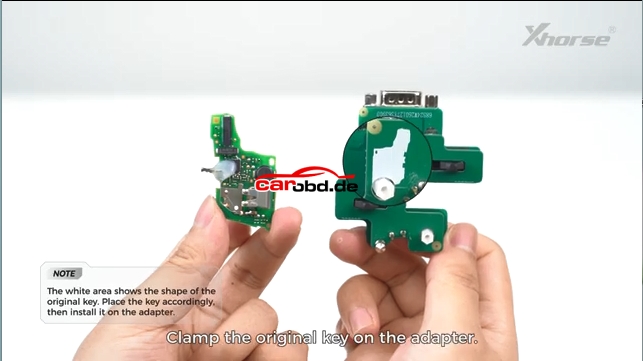
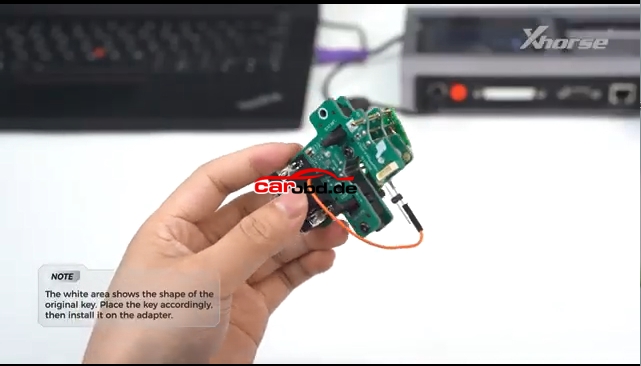
Same procedure as Soldering Connection method, read key information and save file and then write again.
Final Step
Use matching tool (Key Tool Plus, VVDI2, etc.) to learn the new key to the vehicle immo system.

Simple summary:Read original key → Save data → Write to new blank → Match on car

For more informations,please contact Techincal Service

Jenny

Whatsapp: +86 19947637411
Email: Sales@Carobd.de
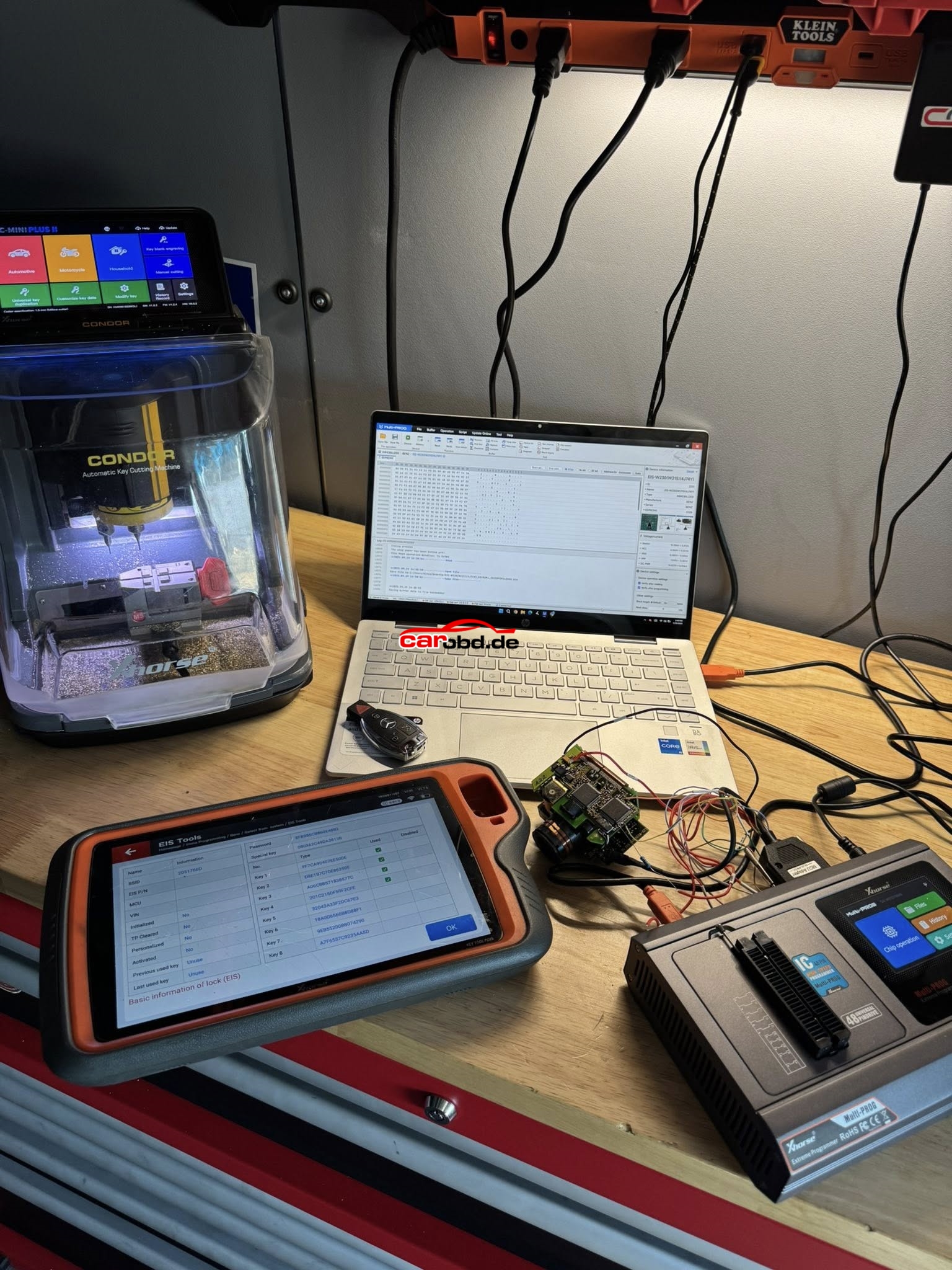
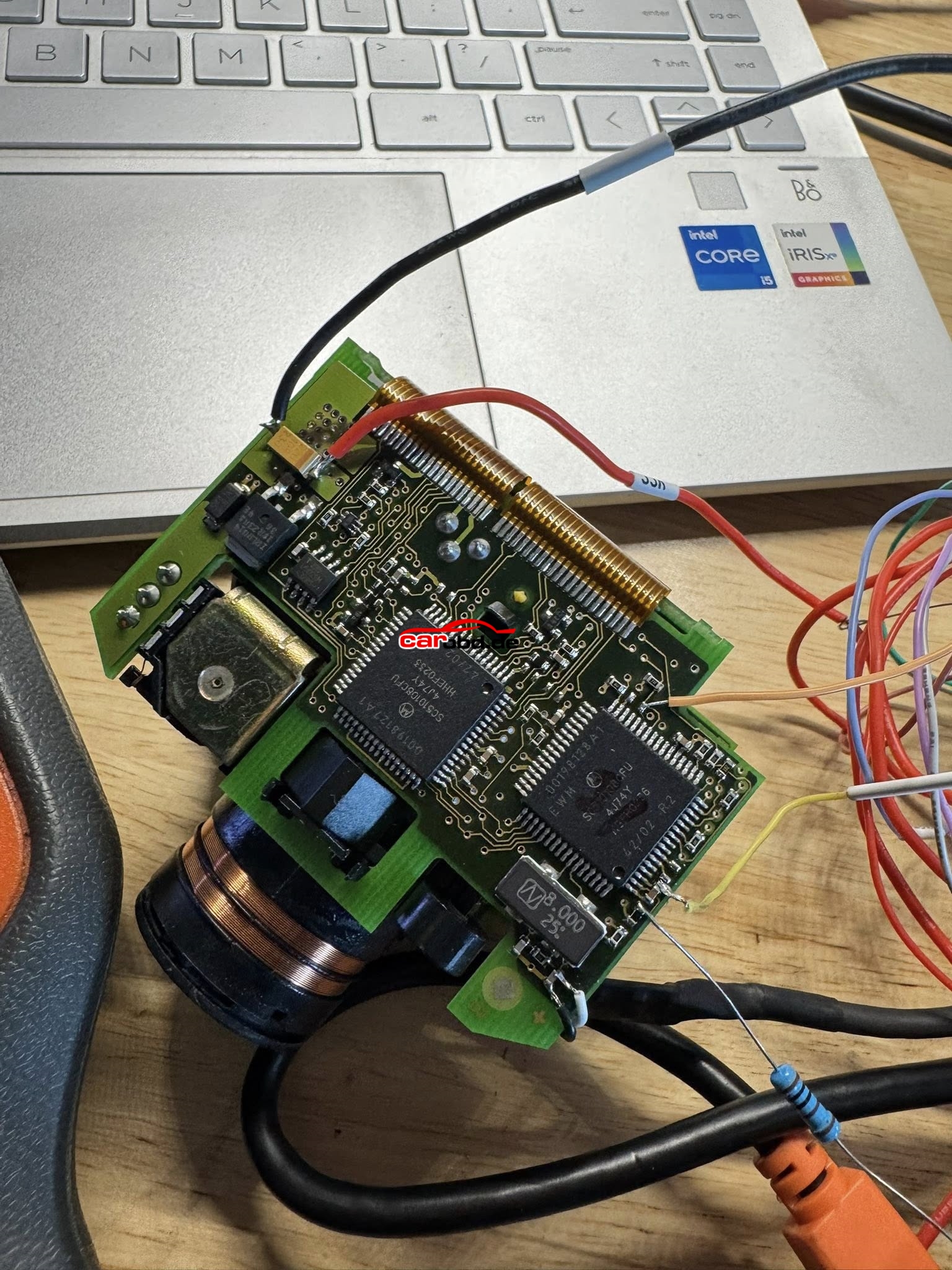
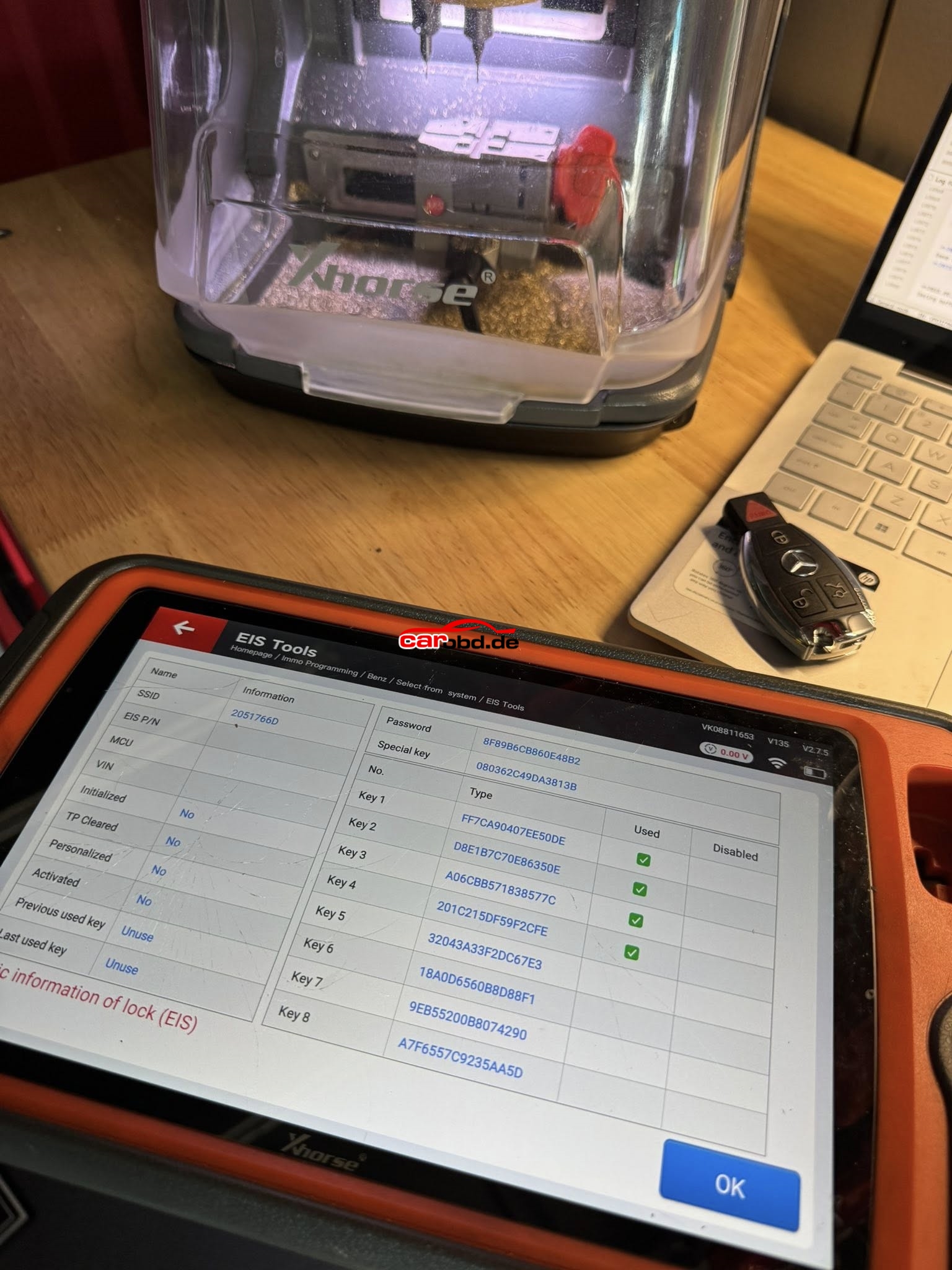
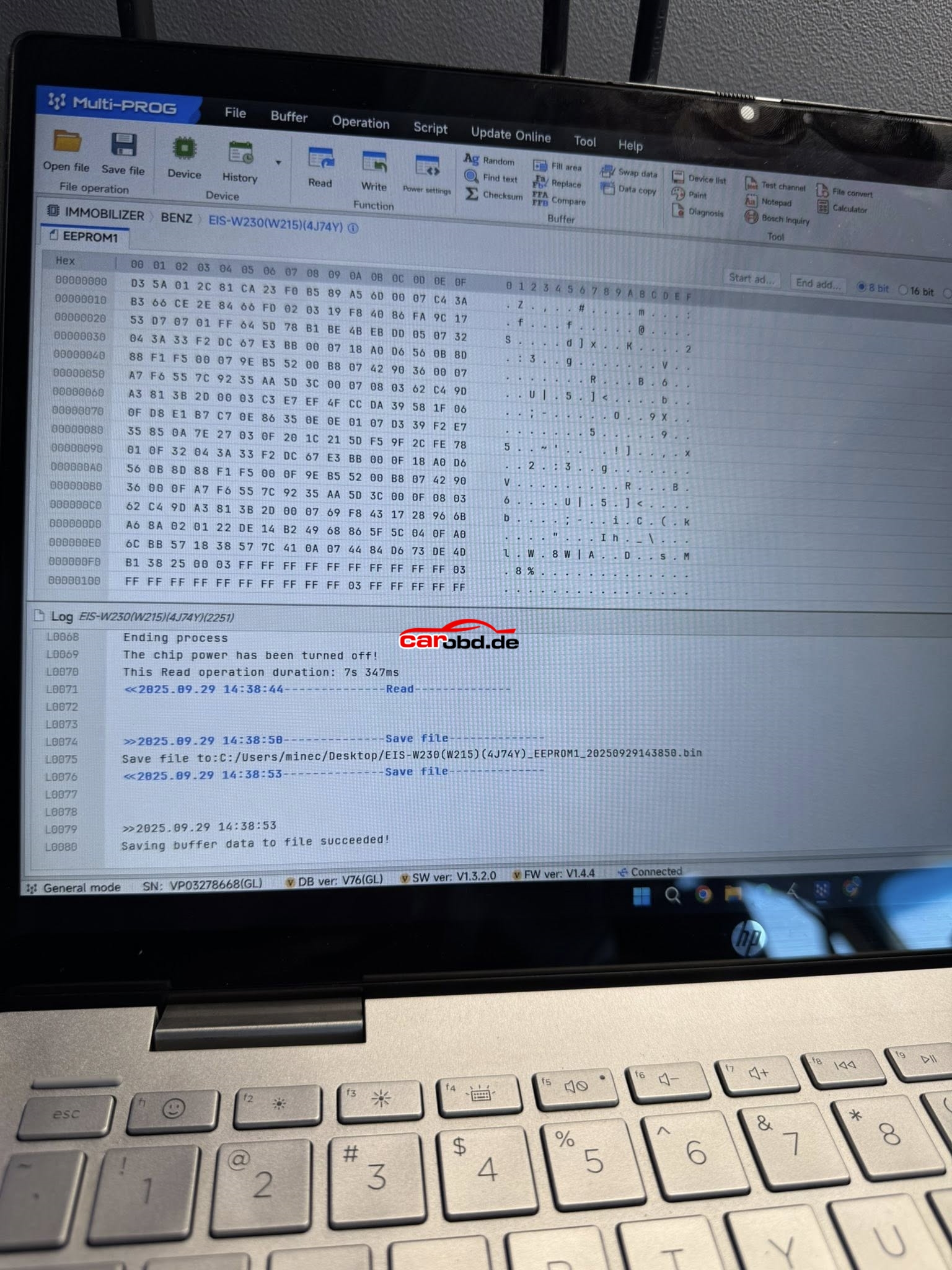
Xhorse Multiprog and Xhorse KTP Managed EEPROM on 2002 Mercedes S500 (W220)

Vehicle Model: 2002 Mercedes S500 (W220)
Function: -All Keys Lost-
Product:

VVDI Key Tool Plus Failed Via IR ❌
Autel IM608 Failed Via IR ❌
CGDI MB Failed Via IR ❌
Xhorse Multi-Prog + VVDI Key Tool Plus
Success ✅
EIS/EZS: W215/W220 (K-Line)
Chipset: Motorola (4J74Y)
•Read EEPROM1 with Xhorse Multi-Prog
•Transfer File to VVDI Key Tool Plus (Xhorse Cloud)
•Load & Decode File
•Prepare Key File
•Write Key file

Here is the operation steps

Solution for Xhorse Multiprog “Downloading the upgrade file” Error !!

“Hello. Please maybe you can help me. i registred HW and maked fw update but it is now 40 mi utes in stis status. What to do ? “

here is the message we got from customer who just got an xhorse multiprog machine, when he used the machine, he encounter an error, when install software on computer .It shows”Downloading the upgrade file” always without any change.

nothing helped so it is stucked on 0percent and windows didnt recognize device connected

is something what can help me remotely or somhow? because when need send device to china will be “excellent” because brand new device never used and connected for first time for registration and upgrading and this happened . what you save money on total price I will pay for shipping, and be without anything for not short time …. ( you know what Im trying to tell )

Finally aslfter some hours of working I used another PC and install device and upgrade passed and all is OK. But on originalmone device is not recognized even after reinstallnsoftware. But multiprog working now ( seems )

I changed laptop. Maked new inatallation of software and connect it . It was recognized as HW but name I don’t remember ( it was not as multiprog device or something. ) so tryed to make again FW update and it start working and making update. On multiprog too as Insend last picture. Yhan device start working OK and was not stucked anymore. Than tryed to connect to original computer and still wnas not recognized as it was before. So today will try to reinstall it if it will be recognized or not.

Before changing PC I tryed all what i can reinstall driver, repair driver…..

So for this kind of issue, customer can try to change a PC to install software again. Then machine will work.