Tag Archive | xhorse vvdi key tool plus

How to Add VAG MQB49 5C or 5D Key with Xhorse VVDI Key Tool Plus ?

Xhorse vvdi key tool plus now support reading original VAG MQB49/5C and 5D key data to add a spare key function

Requirement:
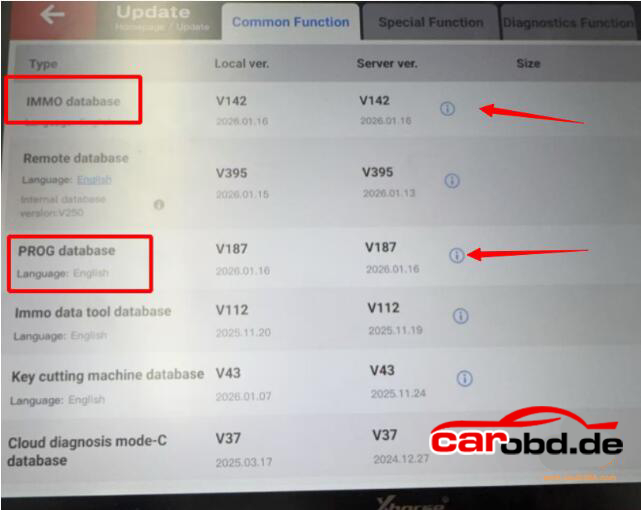
Update key tool plus IMMO Database to V142, PROG database to V187 and newer version

What Xhorse device supports this functions ?

Xhorse VVDI Key Tool Plus with MQB license activation

Other Xhorse devices don’t support 5C 5D function yet.

What keys should be used ?

  • For 5C type you can use Xhorse XS smart remote or original key
  • For 5D system, must use original key

How to add VAG MQB49 5C or 5D key with vvdi key tool plus
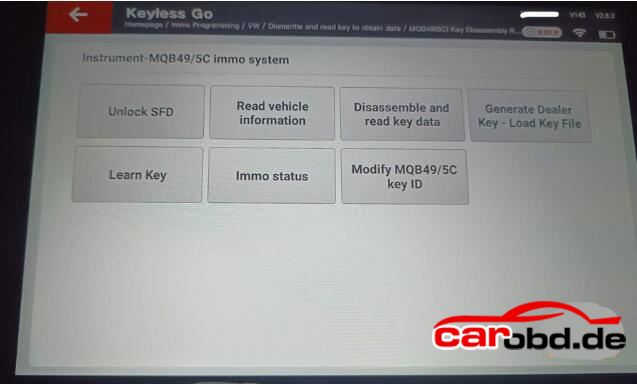
Go to IMMO Programming – VW- Select by type -MQB instruction-Read key to obtain data- MQB49(5C) key disassembly reading or MQB49(5D) key dismantling and reading.
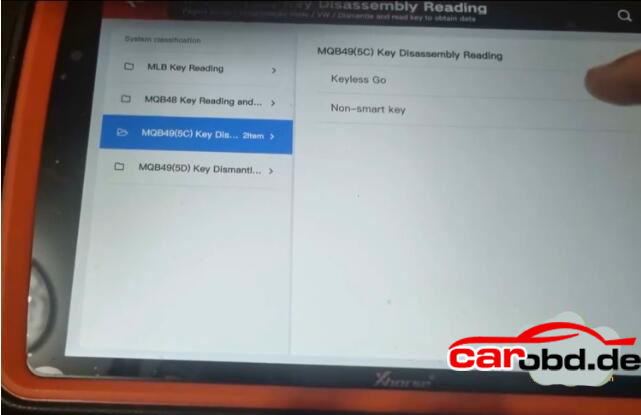
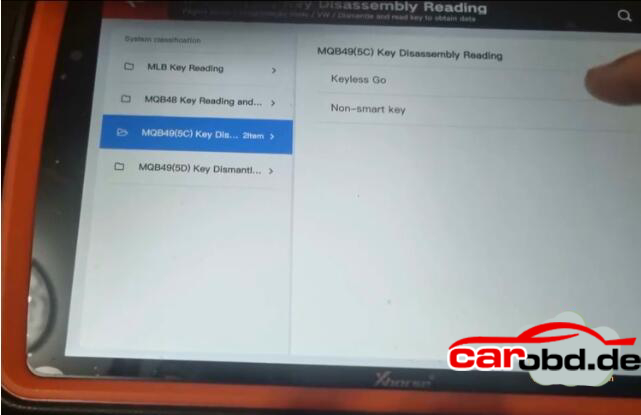
  • Step 1: Read original key data

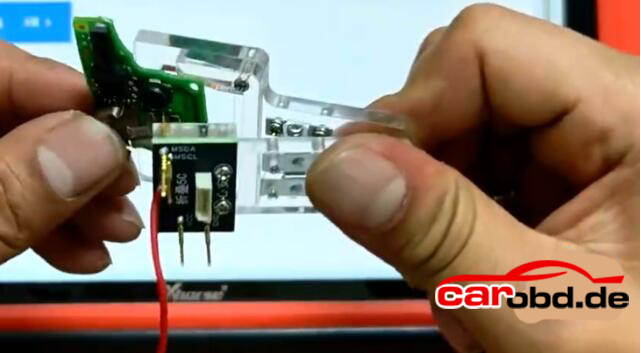
Either solder wires to original key pcb(Xhorse will show you the key wiring diagrams) or use solder free adapter(coming soon) to read key data
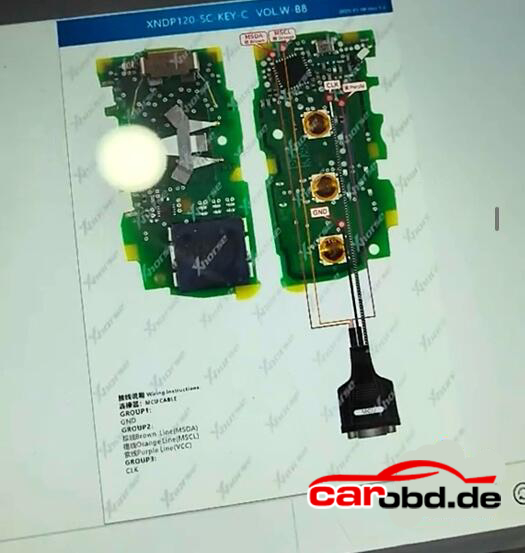
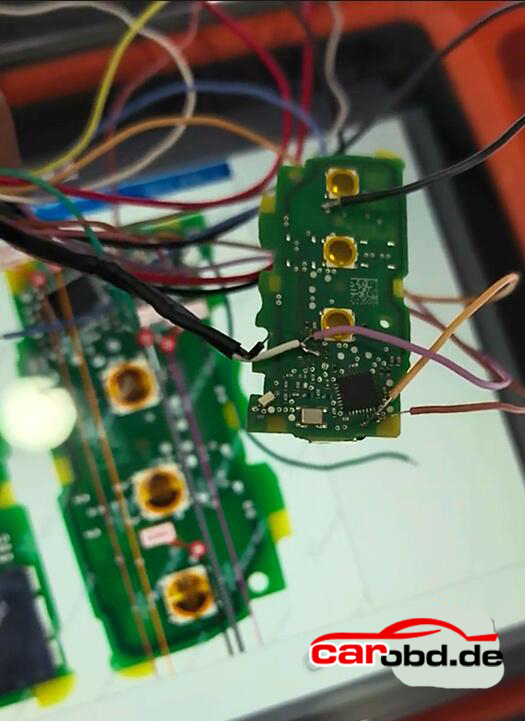
Read and save key data
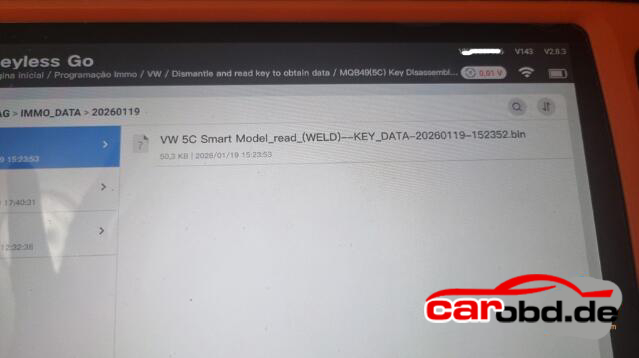
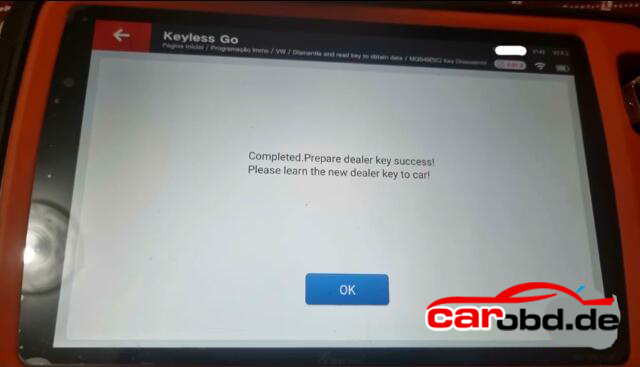
  • Step2; Generate dealer key(by uploading key file)
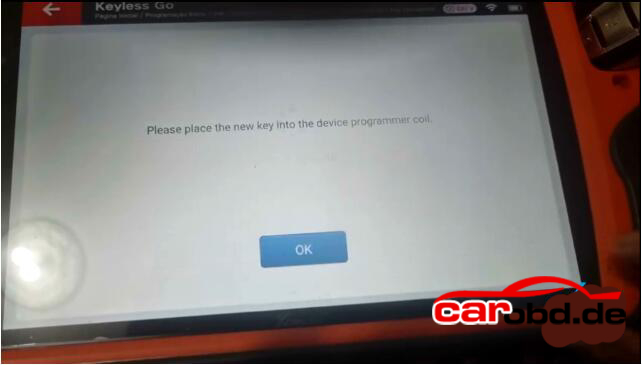
  • Step3: Learn key in car

For some 2023+ models you may also need to unlock SFD gateway before learning key in car.

For more informations, please contact

Whatsapp: +86 19947637411
Email: Sales@Carobd.de

 Xhorse Key Tool plus fails to read Eeprom 93S56 correctly and process it in Immo Data Tool?

Xhorse Key Tool plus fails to read Eeprom 93S56 correctly and process it in Immo Data Tool?

Here we have the solution!

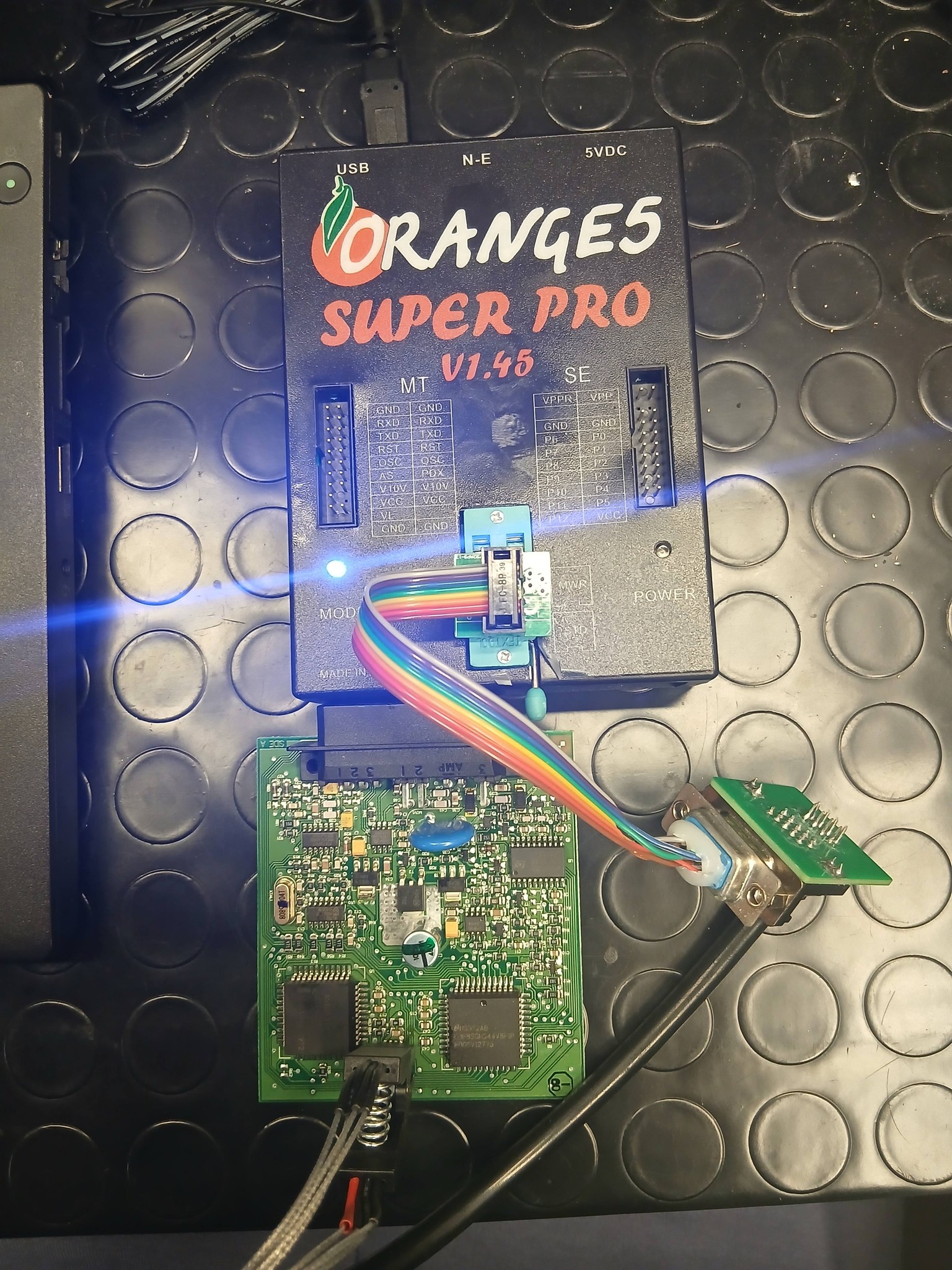
All keys Lost, how to programm a key for Iveco Daily for Bosch 41221184 immobox, with secured Eeprom 93S56:

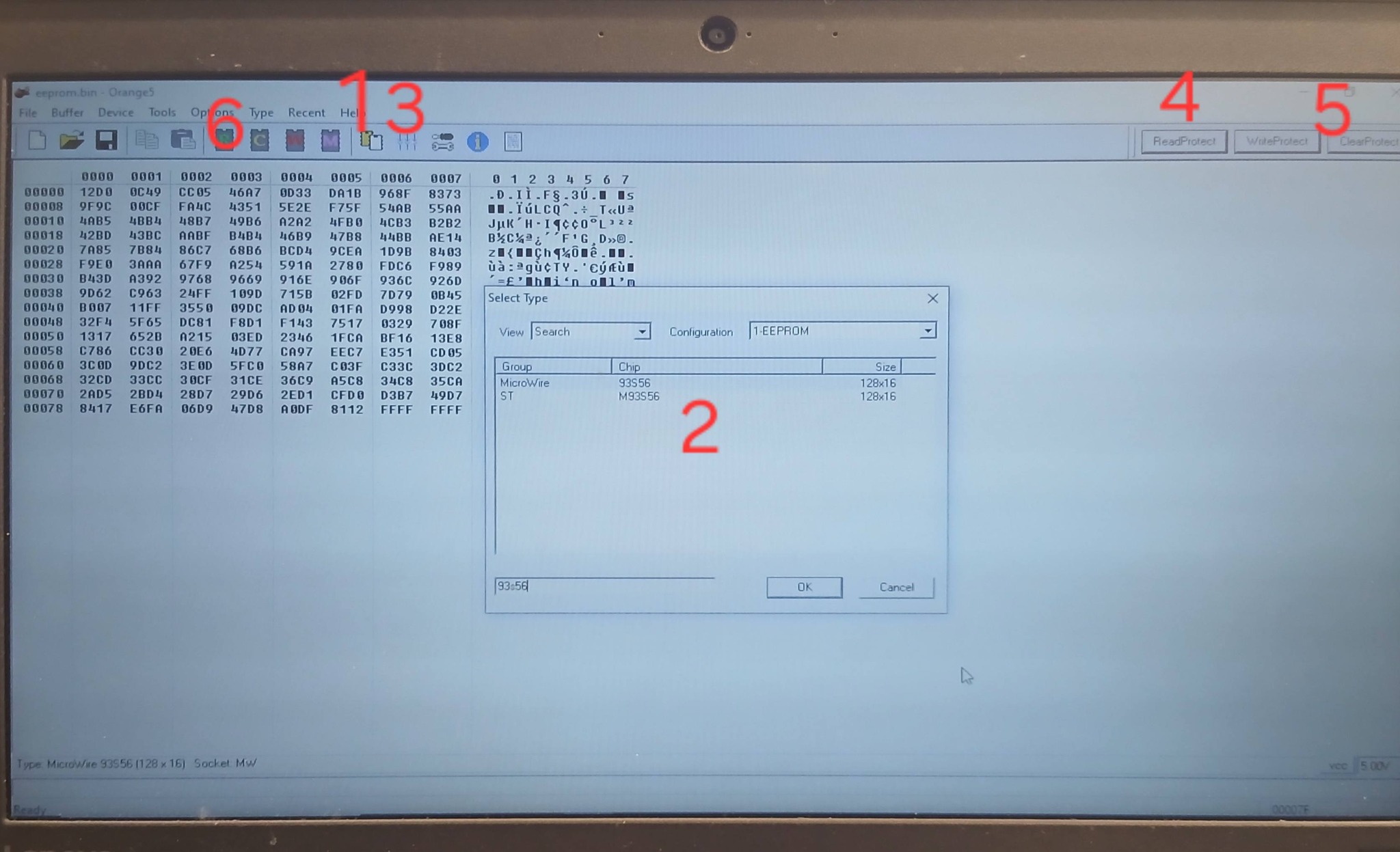
Connect the Eeprom 93S56 to your Orange 5 with Soip 8 Clip adapter to STD Port.


Open Orange 5:
1. Select eeprom Type. Search for MicroWire 93S56 Eeprom.
2. hit Test Insertion, check if all pins are connectet well!
3. hit Read Protection
4. hit Clear Protection
5. hit READ EEPROM
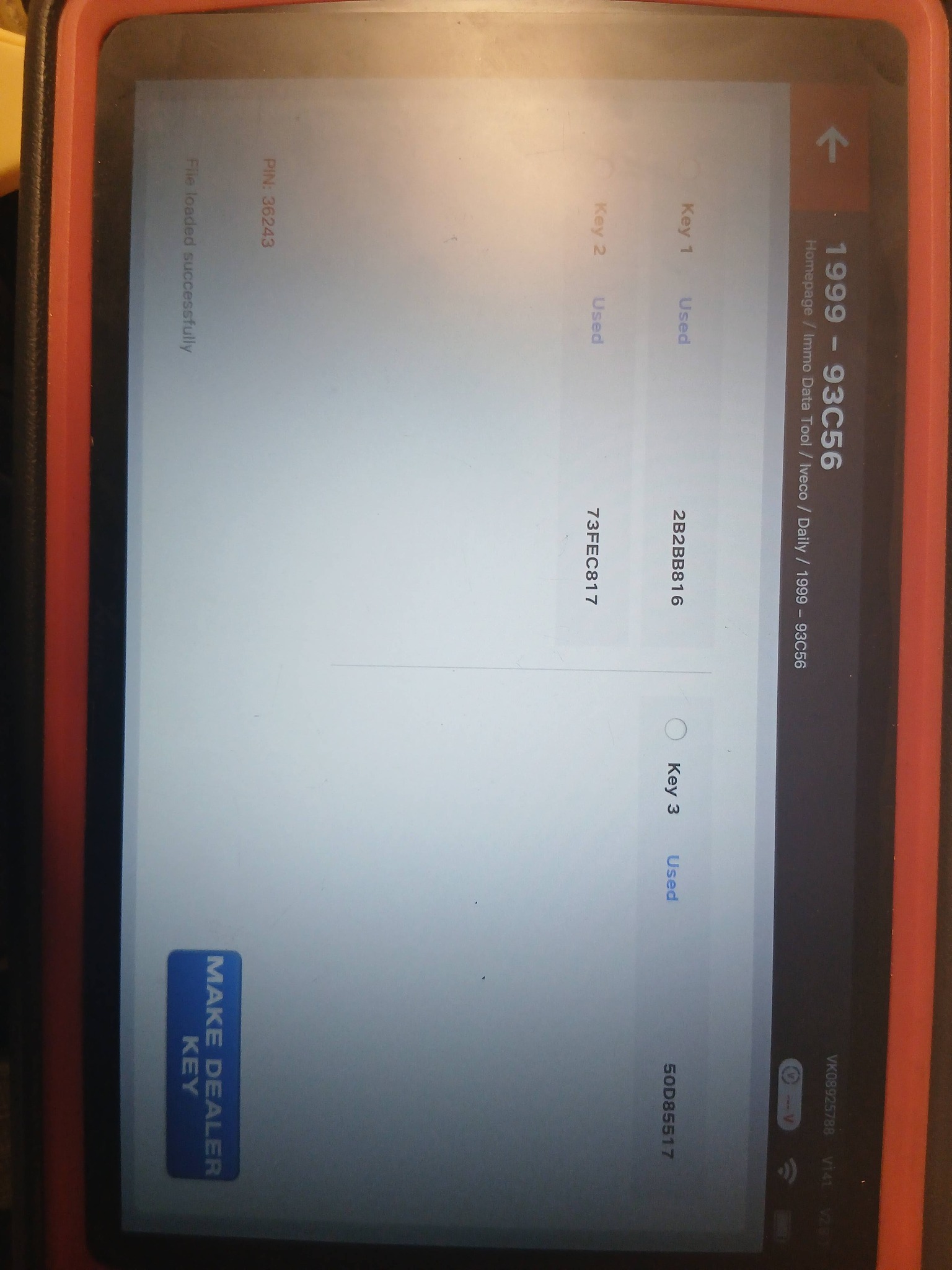
6. Load the read eeprom in to your key tool plus and open the file with Immo Data tool.

Here you have: Pin, key ID1, ID2, ID3.

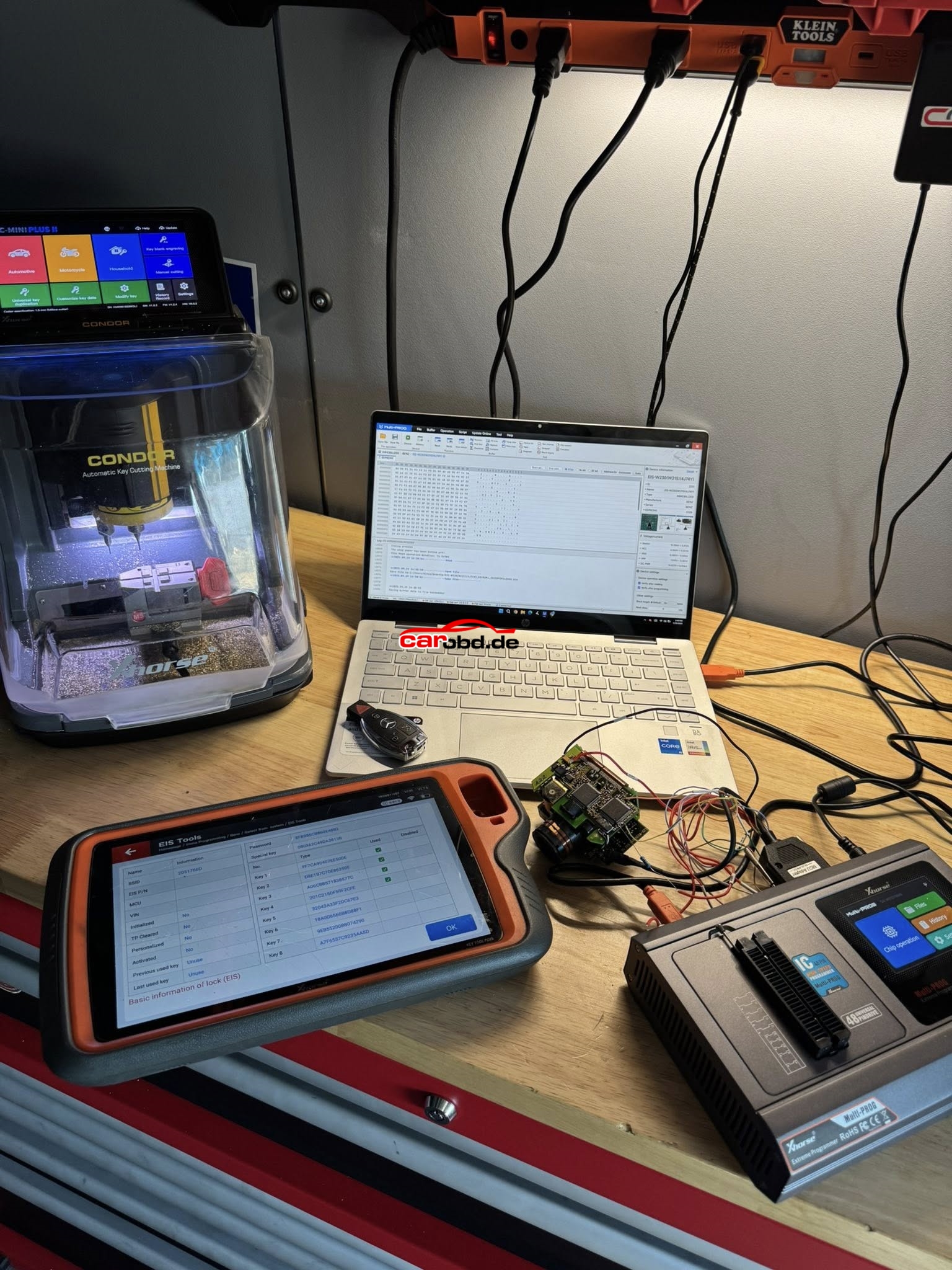
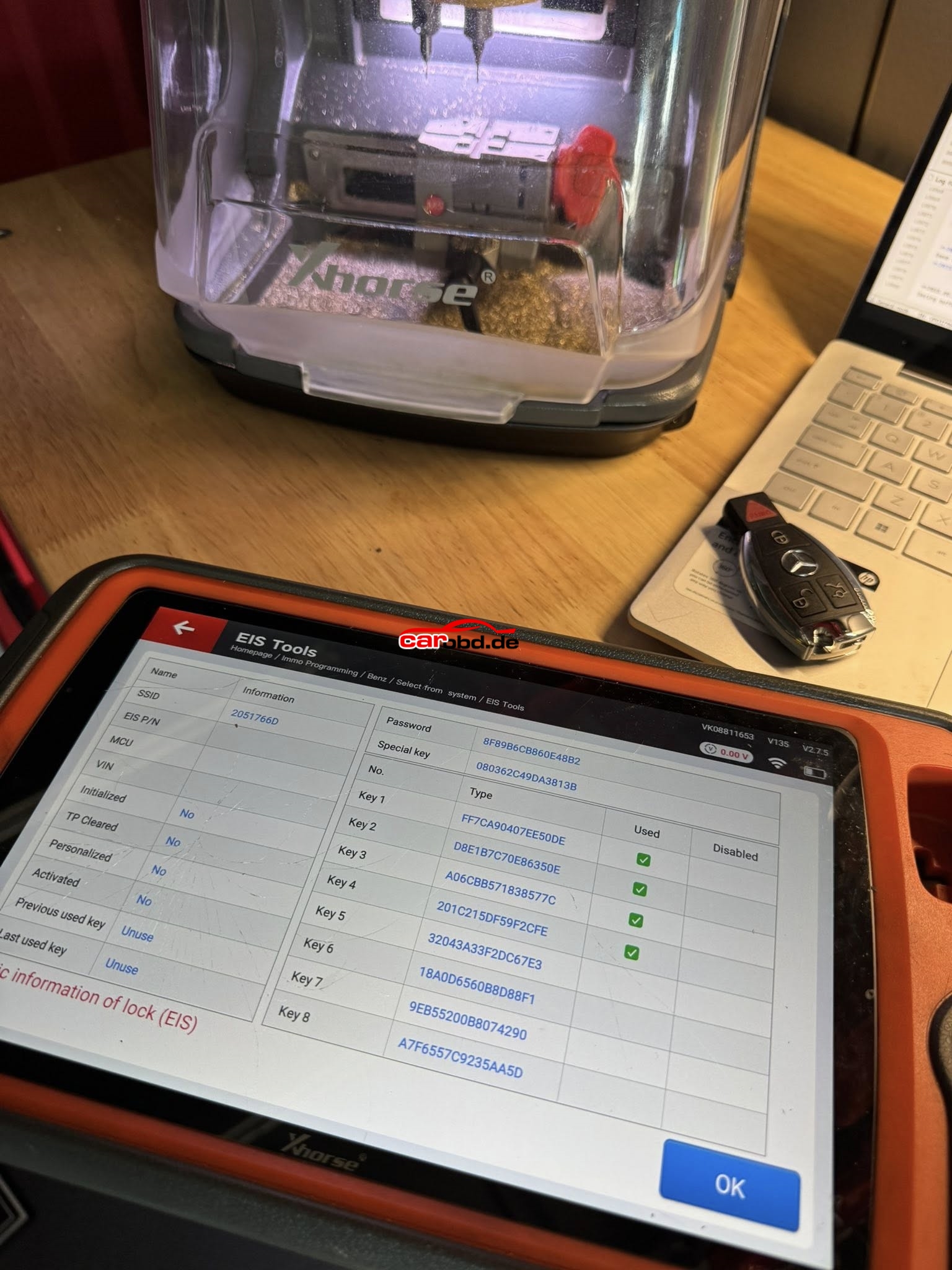
Xhorse Multiprog and Xhorse KTP Managed EEPROM on 2002 Mercedes S500 (W220)

Vehicle Model: 2002 Mercedes S500 (W220)
Function: -All Keys Lost-
Product:

VVDI Key Tool Plus Failed Via IR ❌
Autel IM608 Failed Via IR ❌
CGDI MB Failed Via IR ❌
Xhorse Multi-Prog + VVDI Key Tool Plus
Success ✅
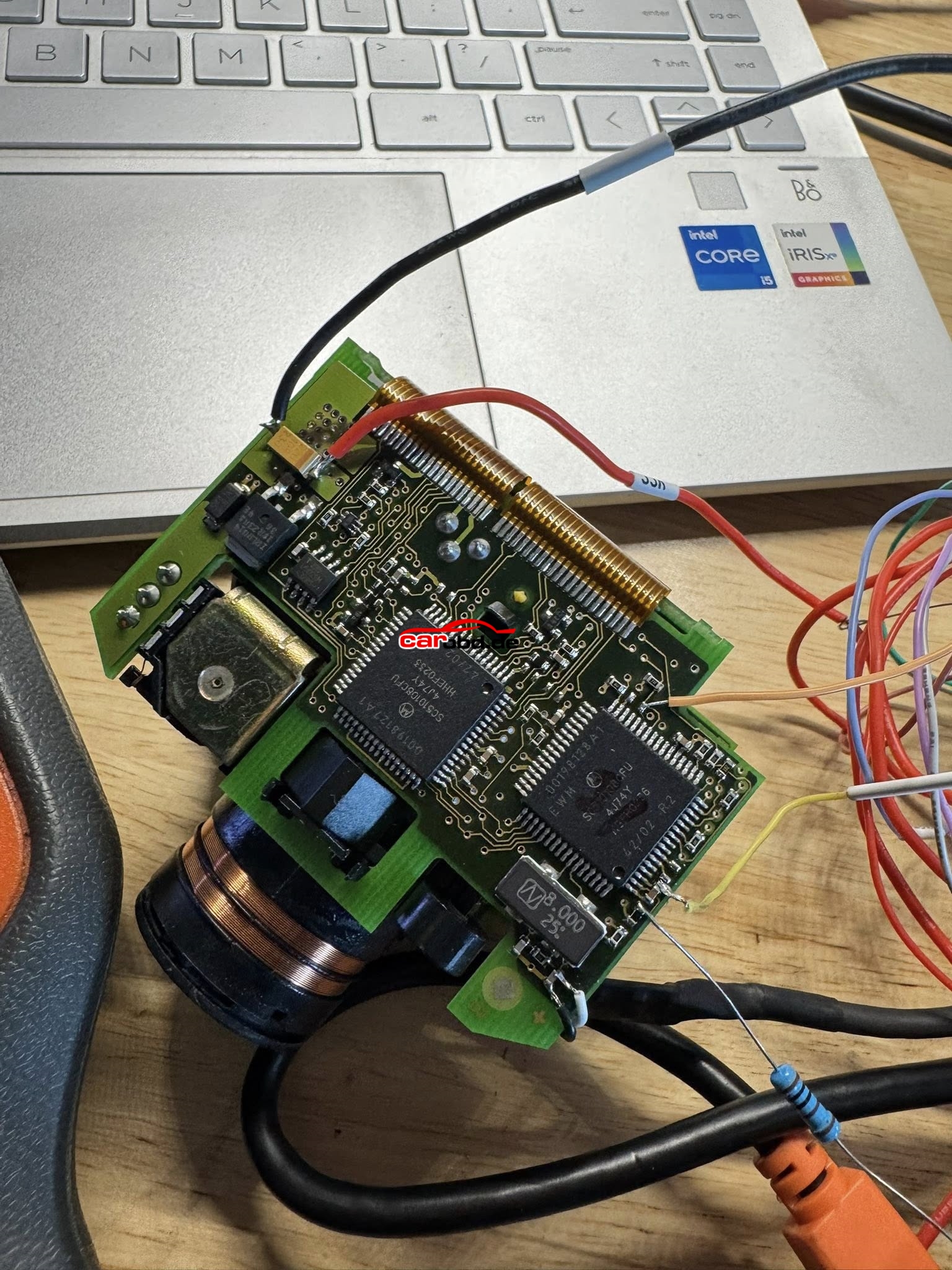
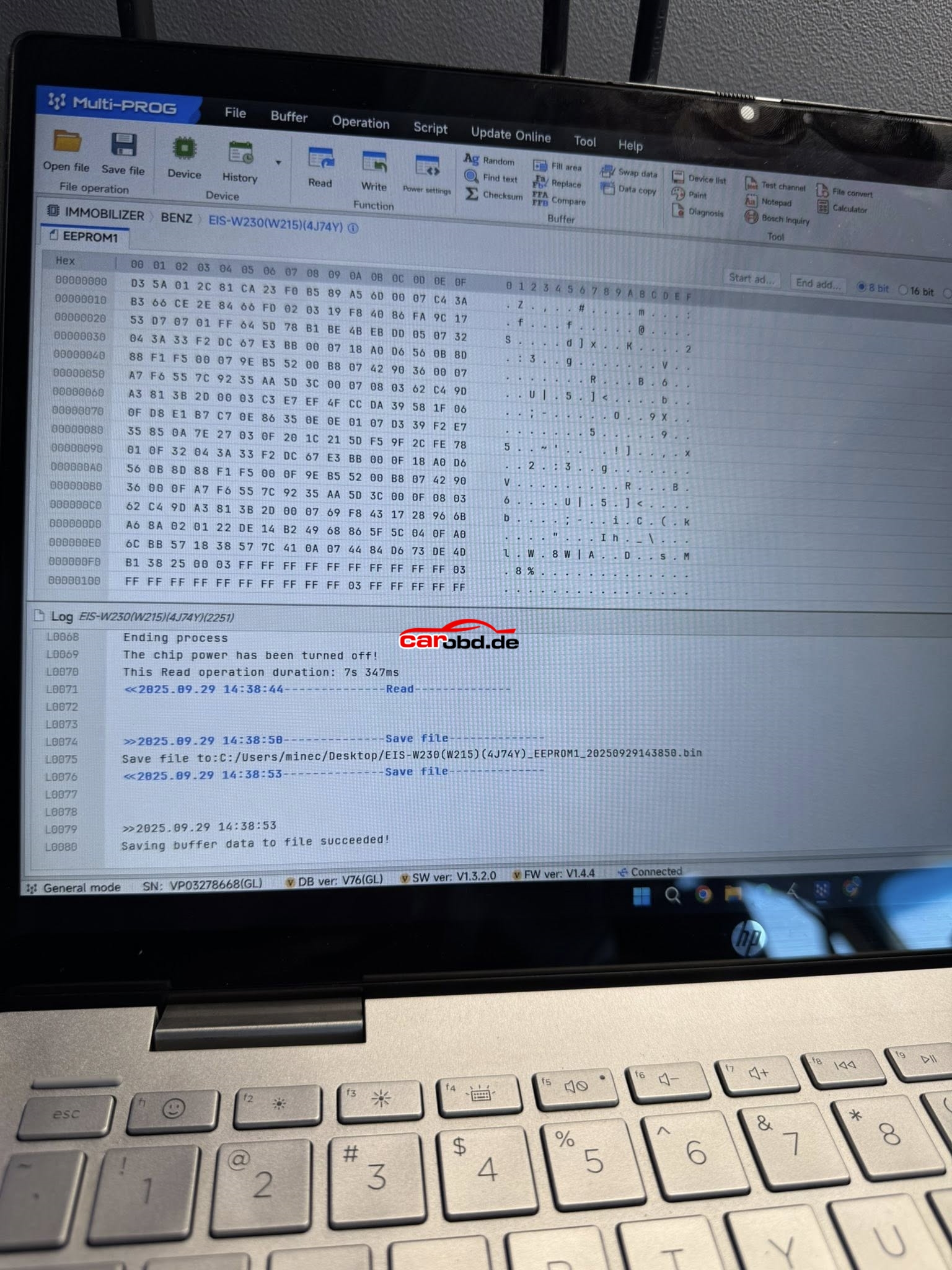
EIS/EZS: W215/W220 (K-Line)
Chipset: Motorola (4J74Y)
•Read EEPROM1 with Xhorse Multi-Prog
•Transfer File to VVDI Key Tool Plus (Xhorse Cloud)
•Load & Decode File
•Prepare Key File
•Write Key file

Here is the operation steps

Success! 2019 Audi A5 – MLB Tool all prox and remote functions work as they should.

Lessons learned:

  1. (OEM Key) word means Xhorse Key on the key tool plus.
  2. Original Key is customer key that you have.
  3. Have to hold a battery in the Xhorse key while reading or generating. Same with original key.
  4. Update the key BEFORE you generate the dealer key. There are a lot of different key options. Match the frequency and the picture then update.
  5. We removed capacitors and did not replace. Keys works as before.
  6. Bring replacement key shells. You will likely destroy the original key shell when opening. Plus it is a nice touch to have a brand new case on the customer key.
    I practiced on used remotes. Opening and reading key date before working on customer keys.