Archive by Author | sales

How to Register and Update Xhorse VVDI Key Tool Max Pro?

This is a guide on how to register & update Xhorse VVDI Key Tool Max PRO for the first time. Follow the steps below to get started.

How to register VVDI Key Tool Max PRO?

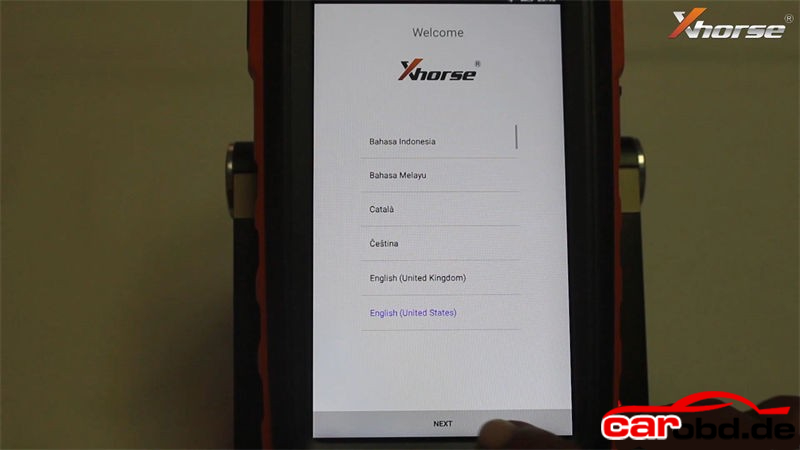
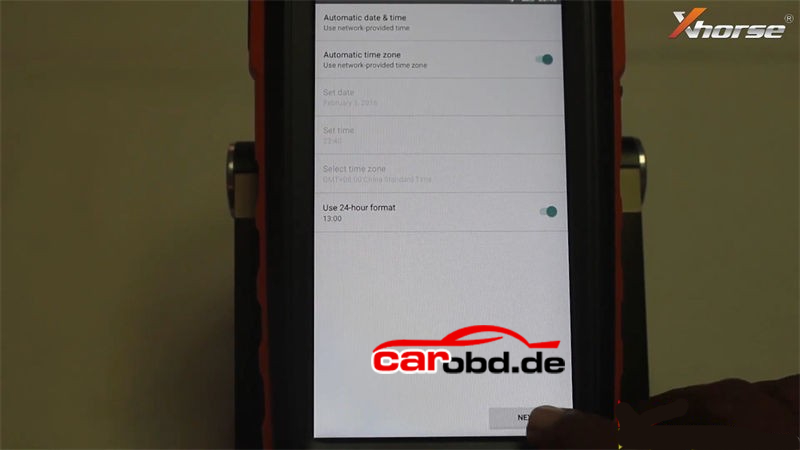
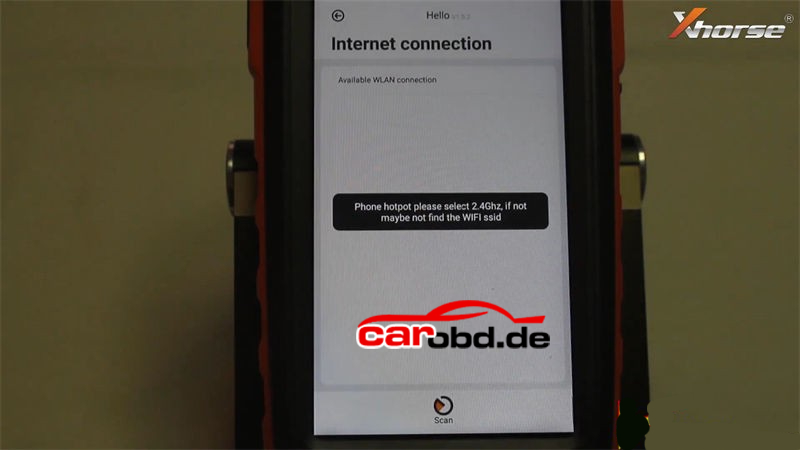
  1. Power on Key Tool Max PRO>> Select language >> Set date & time zone >> Agree to enter >> Start to set >> Connect WiFi

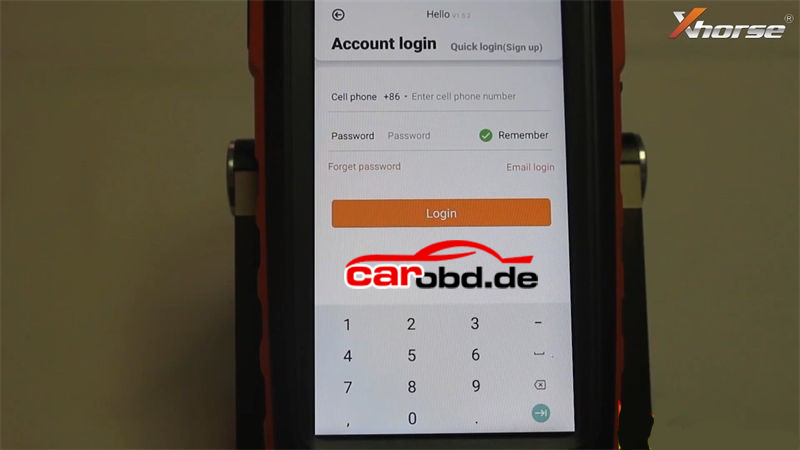
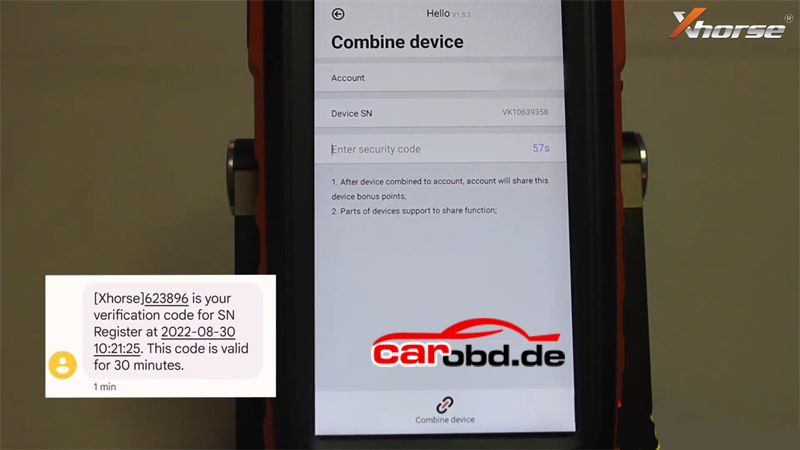
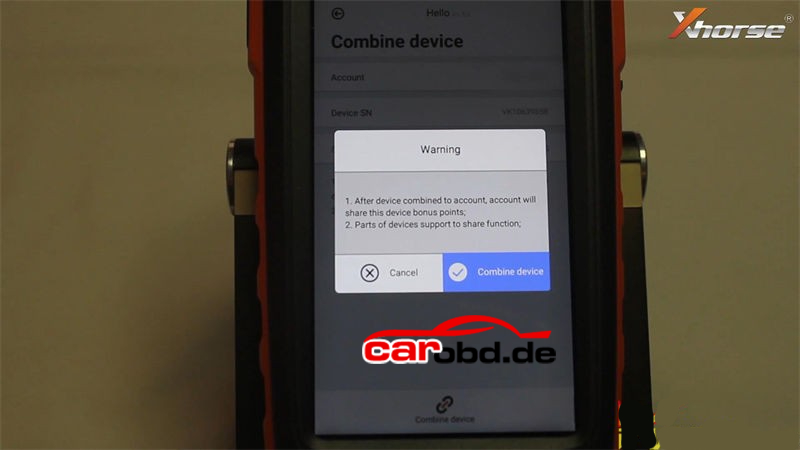
  1. Enter cell phone number & password to login >> Send >> Enter security code >> Combine device

Tip: Please contact your dealer if cannot receive security code.

Warning

– After device combined to account, account will share this device bonus points;

– Parts of devices support to share function.

Press “Combine device”.

Combined device success.

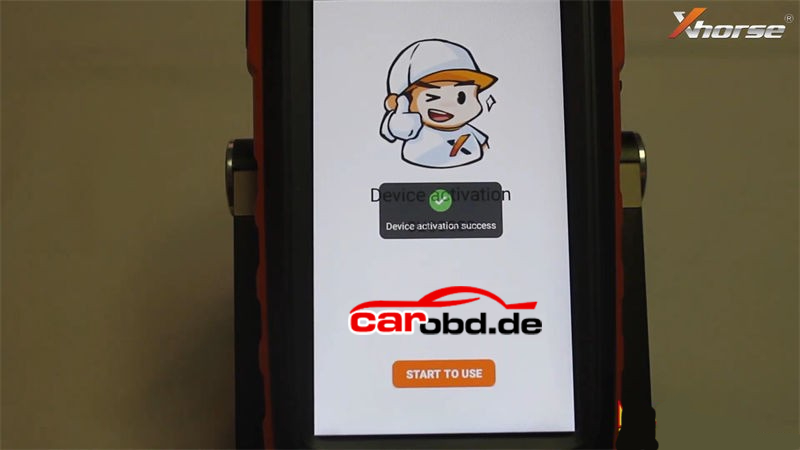
Device activation success.

Press “Start to use” to next step.

How to update Xhorse Key Tool Max PRO?

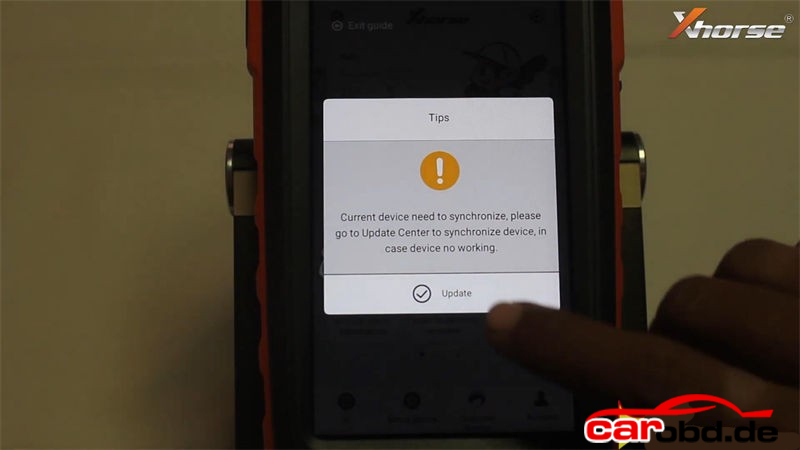
Tips: current device need to synchronize, please go to Update Center to synchronize device, in case device no working.

Press “Update”.

* This may take some time, make sure good network before upgrade.

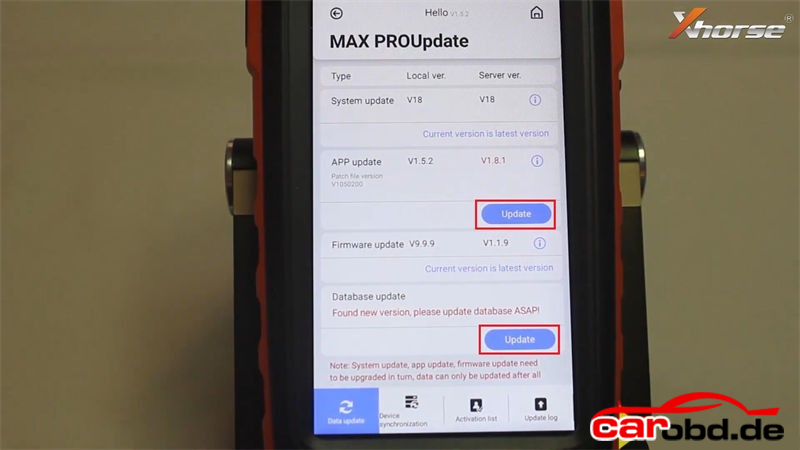
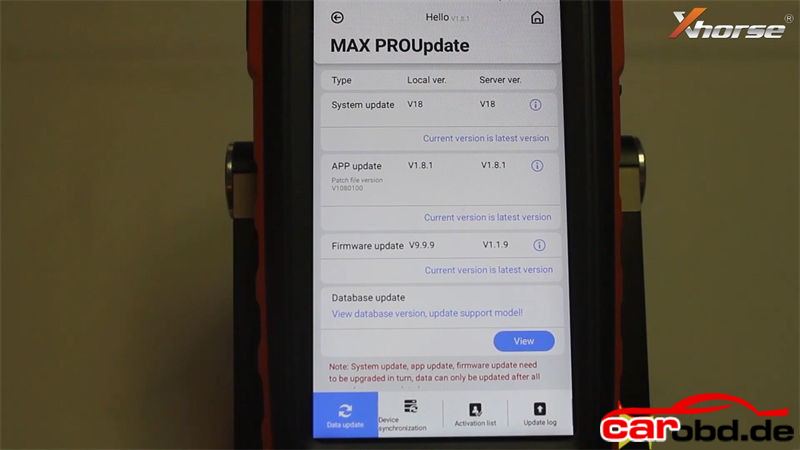
Here users can update system, APP, firmware & database.

Please update to the latest version as prompted:

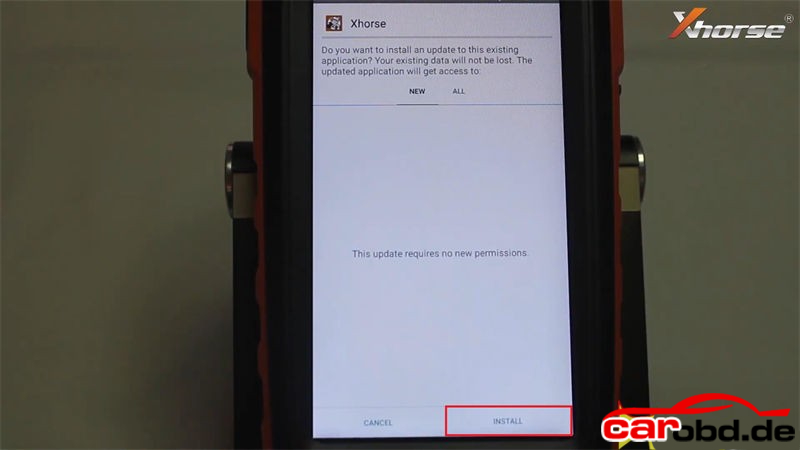
Update APP >> Install >> Open >> Agree to enter >> Update

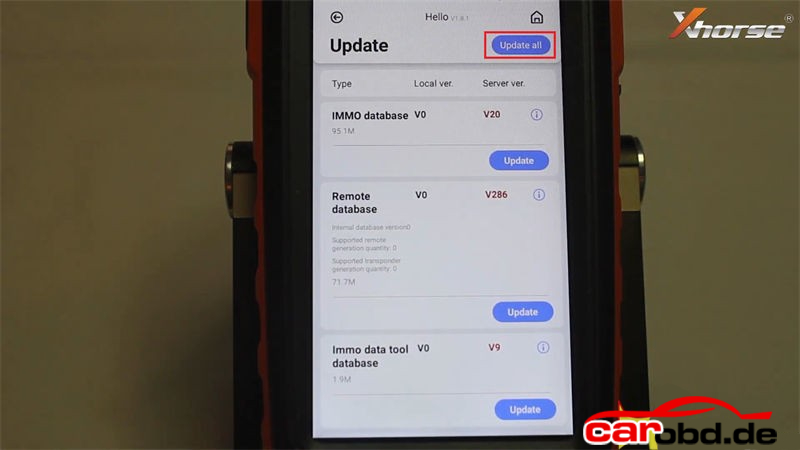
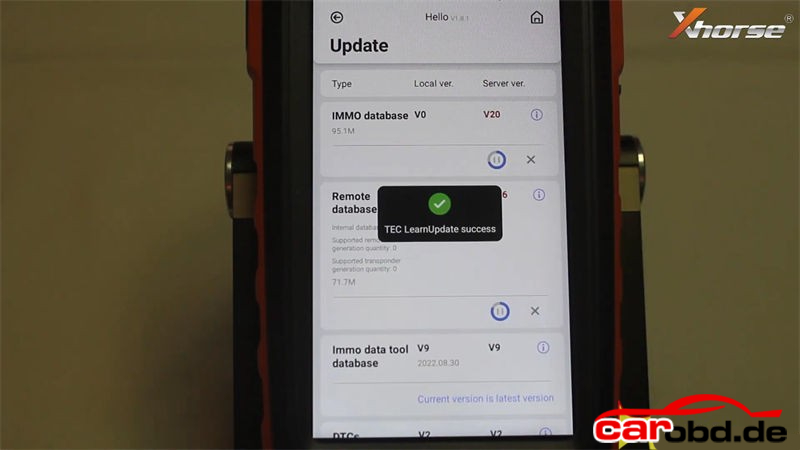
Update database >> Update all

Completed.


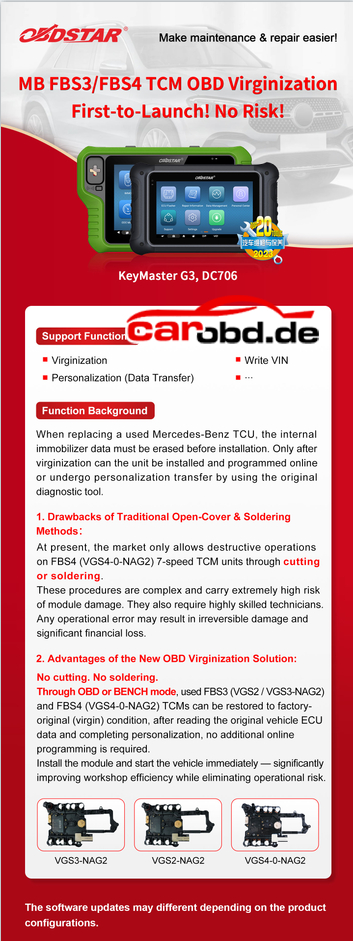
OBDSTAR MB FBS3/FBS4 TCM OBD Virginization First to Launch !

Breaking update news 
MB FBS3/FBS4 TCM OBD Virginization
First-to-Launch! No Risk!
OBDSTAR X300 Classic G3 AND DC706

Support Functions

  • Virginization
  • Write yN
  • Personalization (Data Transfer)

Function Background
When replacing a used Mercedes-Benz TCU, the interna immobilizer data must be erased before installation. Only after virginization can the unit be installed and programmed online
or undergo personalization transfer by using the original diagnostic tool.

1.Drawbacks of Traditional Open-Cover & Soldering

Methods :
At present, the market only allows destructive operations
on FBS4 (VGS4-0-NAG2)7-speed TCM units through cutting or soldering
These procedures are complex and carry extremely high risk of module damage. They also require highly skilled techniciansAny operational error may result in irreversible damage and significant financial loss.

2. Advantages of the New OBD Virginization Solution:

  • No cutting. No soldering

Through OBD or BENCH mode, used FBS3 (VGS2 /VGS3-NAG2) andFRSA/CSA-0_NACD) CVs can oe restoreo to factory- original (virgin) condition, after reading the original vehicle ECU data and completing personalization, no additional online programming is required.
Install the module and start the vehicle immediately-significantly improving workshop efficiency while eliminating operational risk
VGS3-NAG2
VGS2-NAG2
VGS4-0-NAG2
The software updates may different depending on the product configurations.


How to Add VAG MQB49 5C 5D Key with KEYDIY KD-X4 Step by Step ?

How to Add VAG MQB49 5C 5D Key with KEYDIY KD-X4 Step by Step ?

Tutorial: add VAG VW Audi MQB49/5C and 5D key using KD-x4 key programmer step by step

Tools Used:
KEYDIY KD-X4 Programmer
Original Car Key
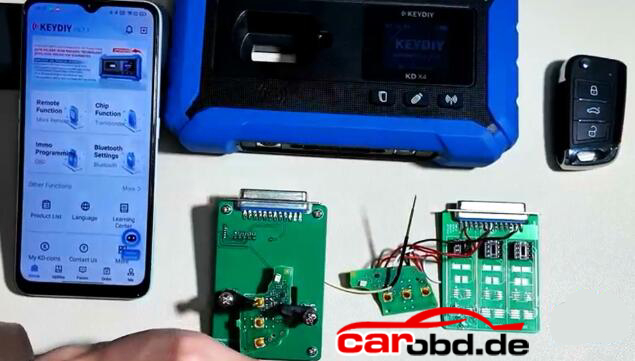
5C 5D dedecated cable or KD circuit board to read key data.
New Key to be programmed (5C: original key or KD ZB MQB smart remote; 5D: Must use original key)
Requirement:
Update Keydiy APP version to V8.7.1 and KD-X4 firmware version 1.53 and higher.

Procedure:
Step 1: Read original key data

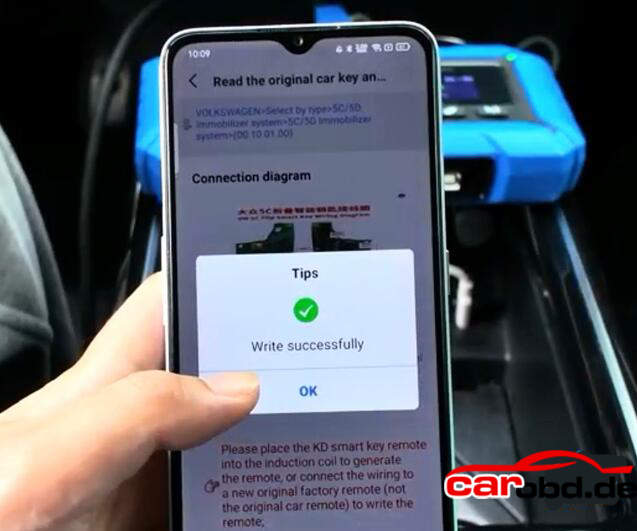
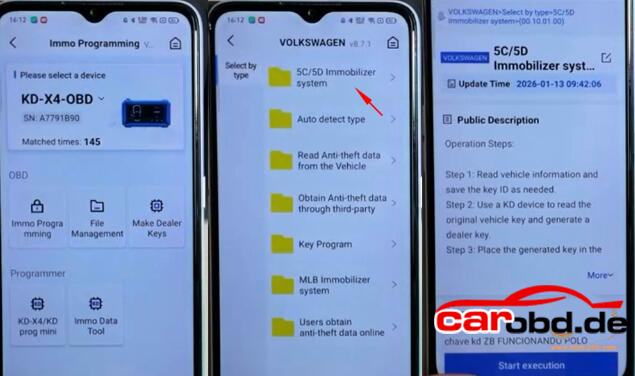
Select IMMO Programming-VW-5C/5D Immobilizer System-Start execution
Select Read original car key and generate a dealer key.
Check key wiring diagram
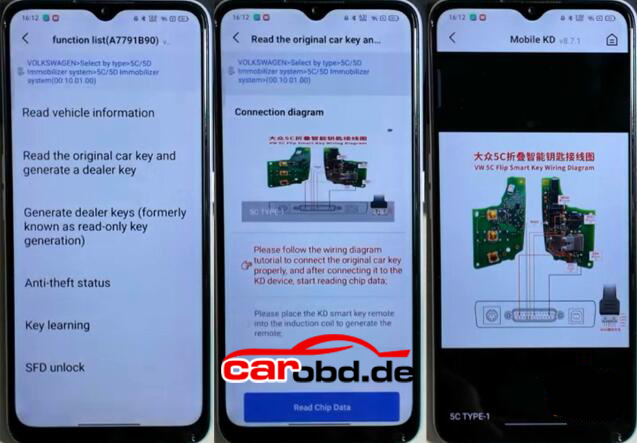
You’ve got two ways to connect the original key:
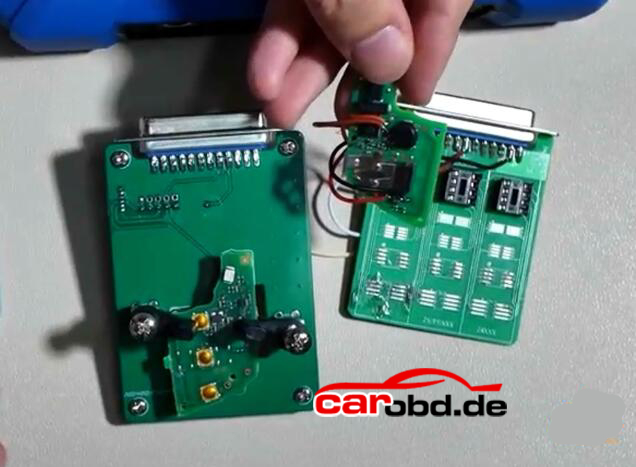
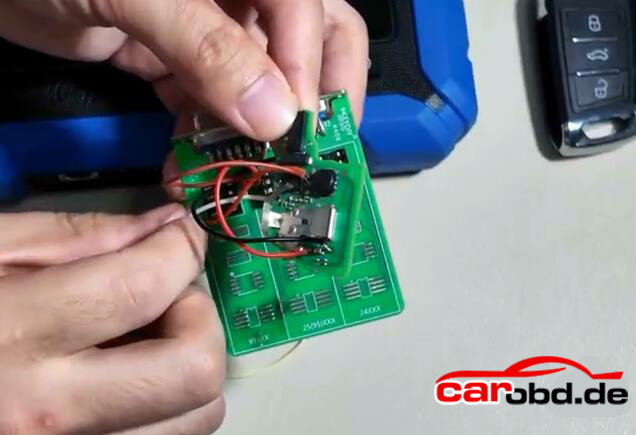
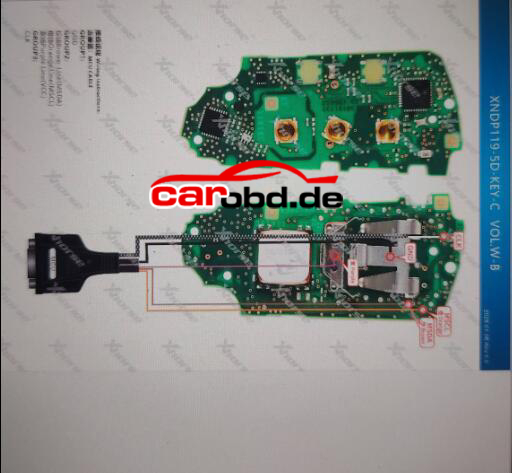
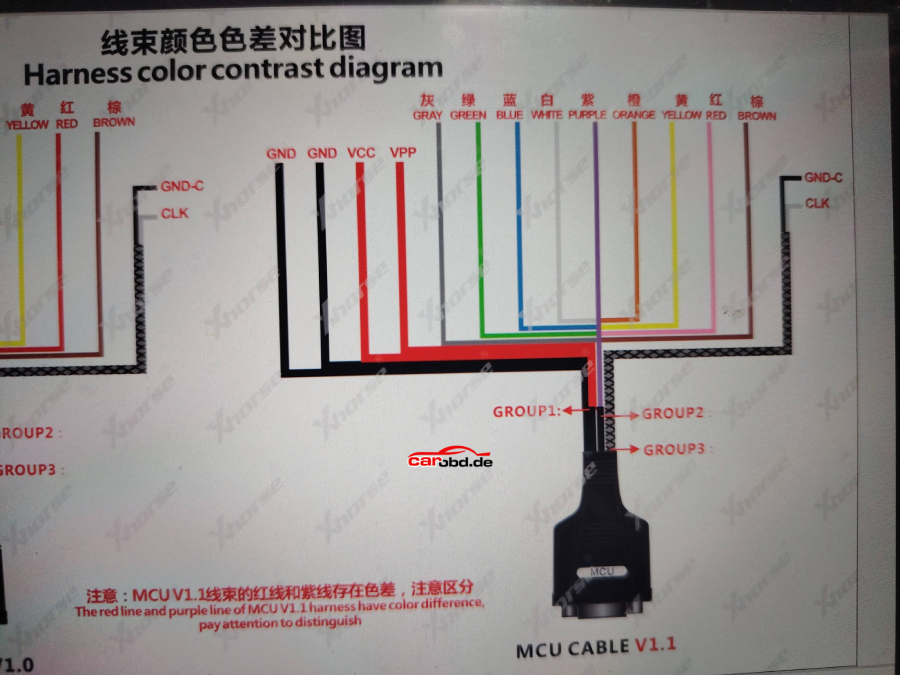
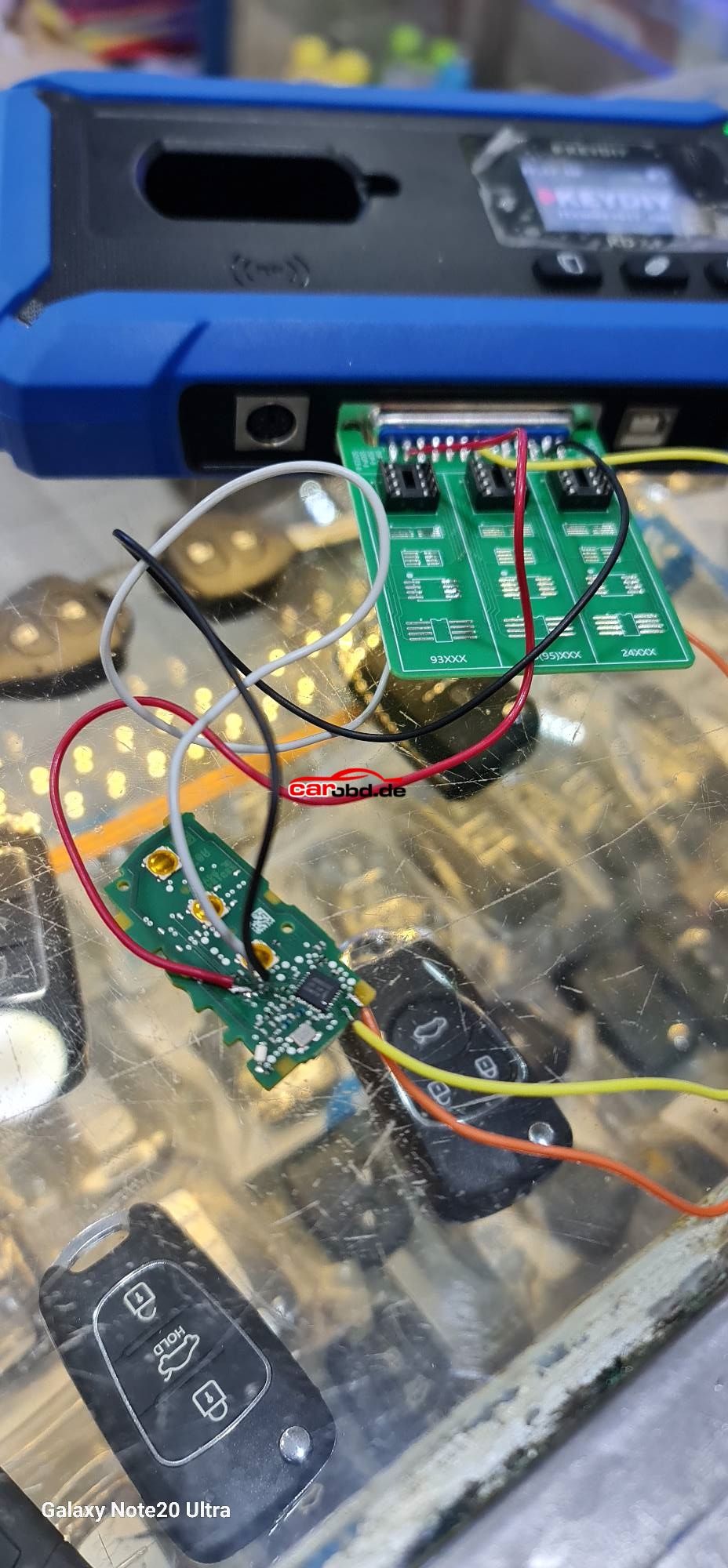
1. Use 5C 5D circuit interface board. Remove original key and install the PCB into the circuit board, then connect the circuit board with KD-X4 main unit.
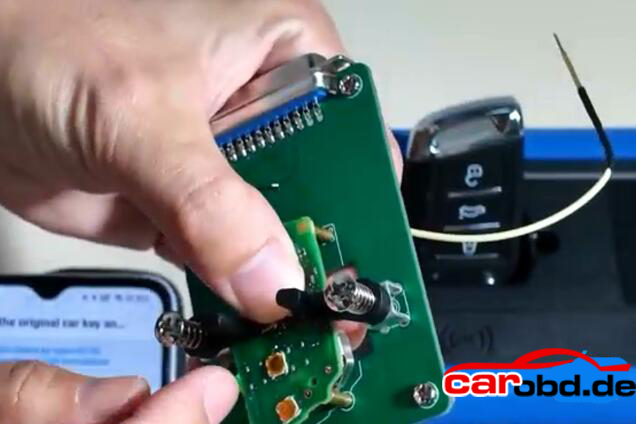
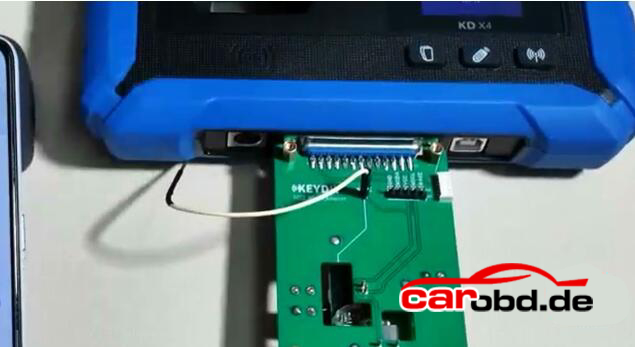
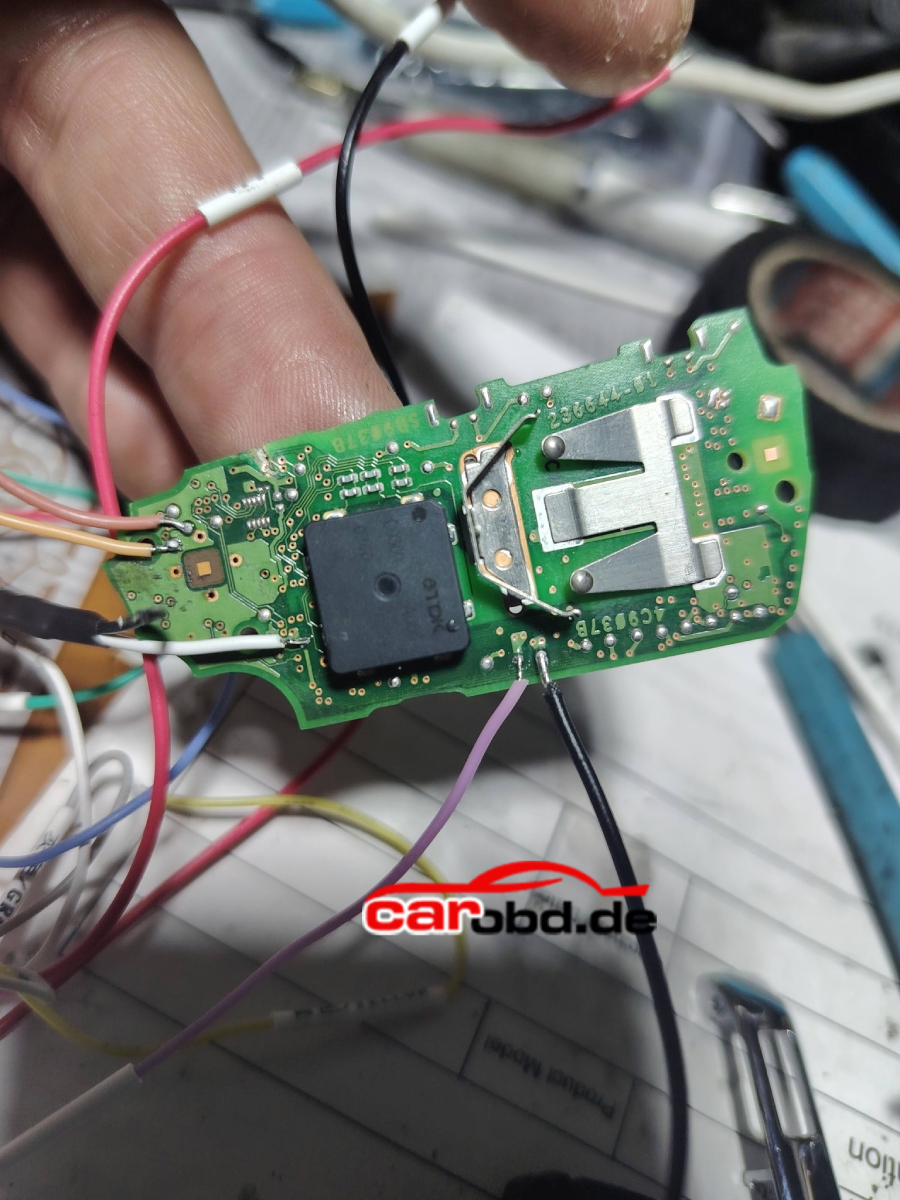
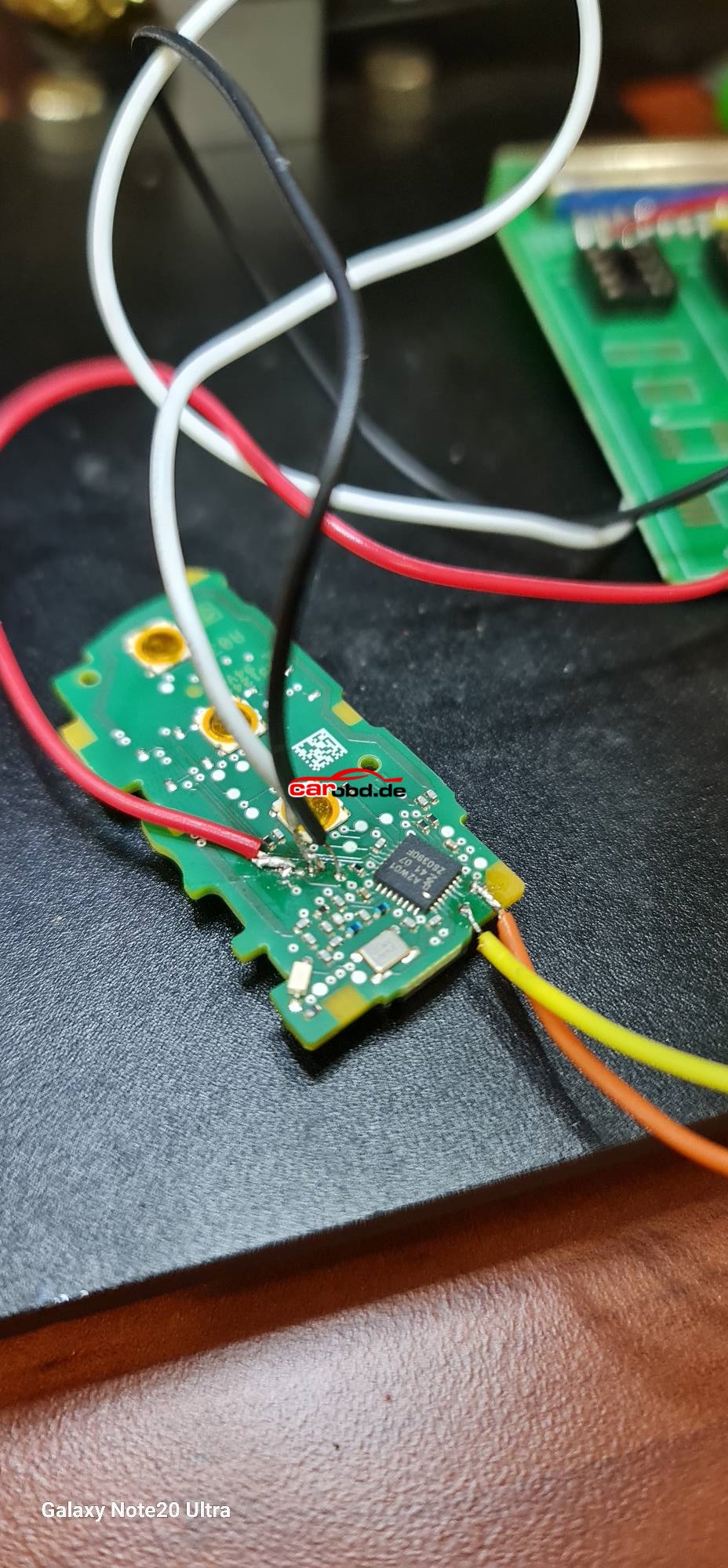
2. Use wire soldering method. Connect original key with a dedicated cable or a modified cable.
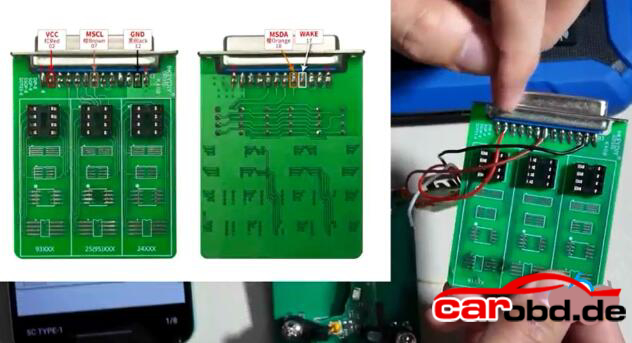
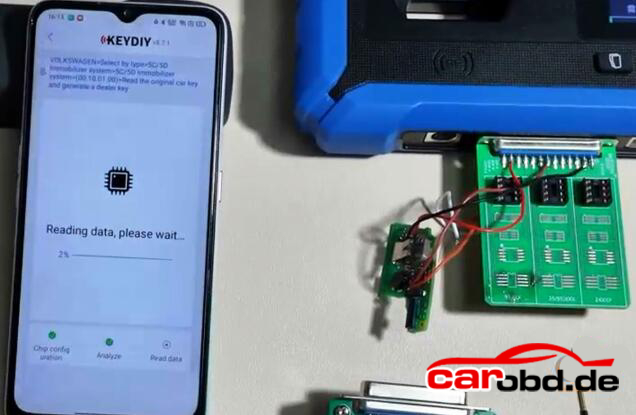
Read chip data.
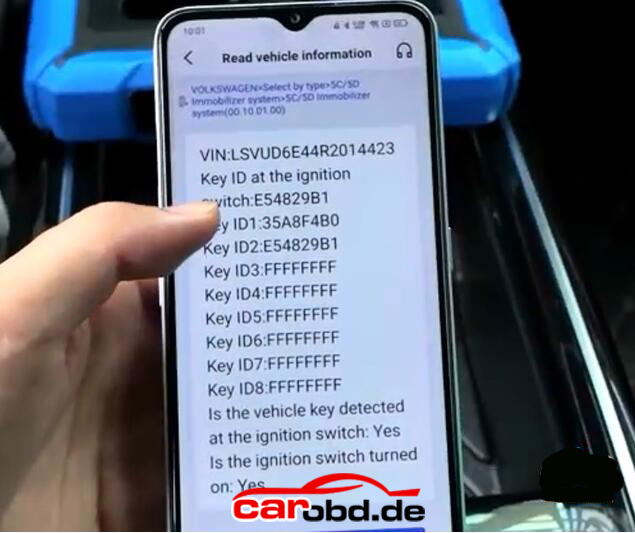
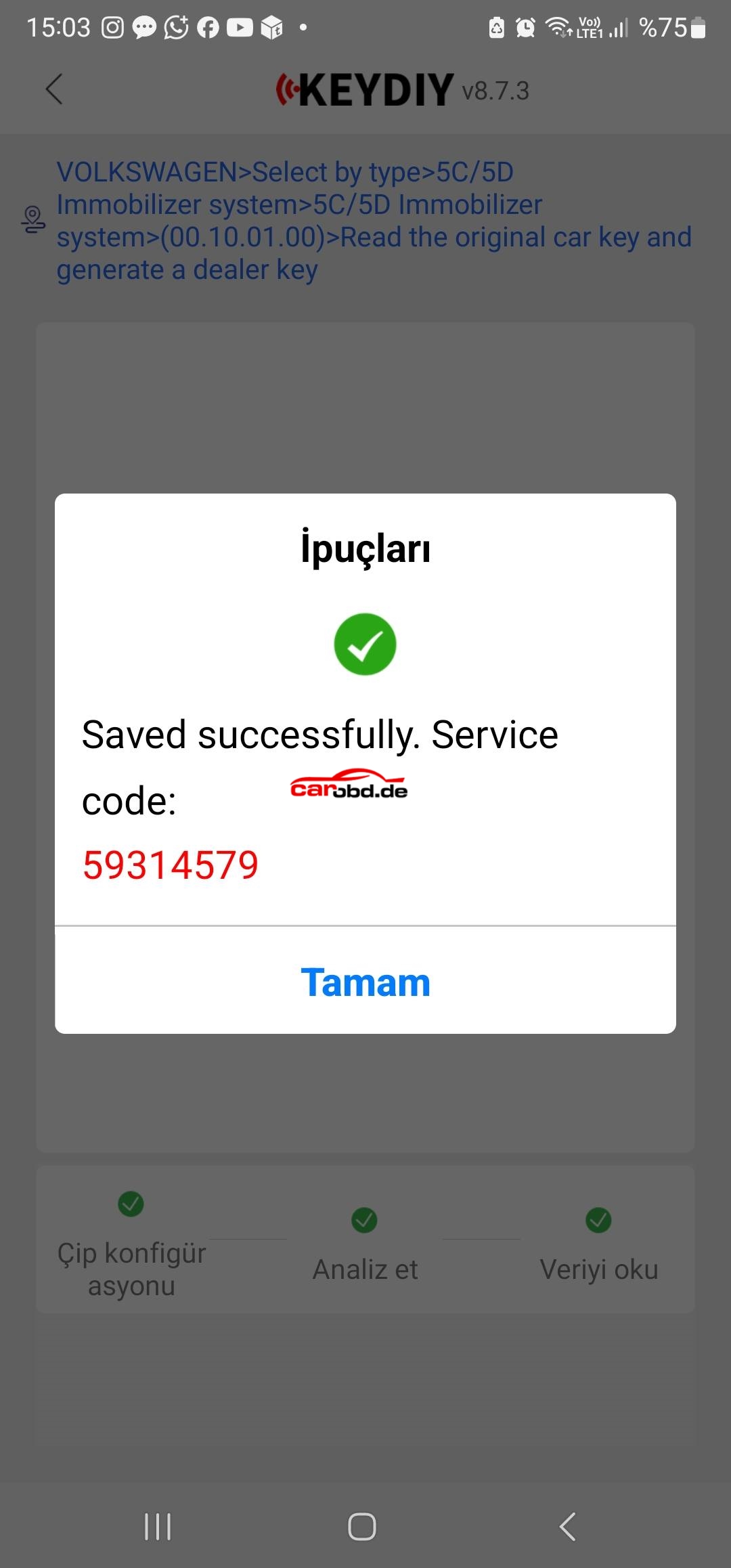
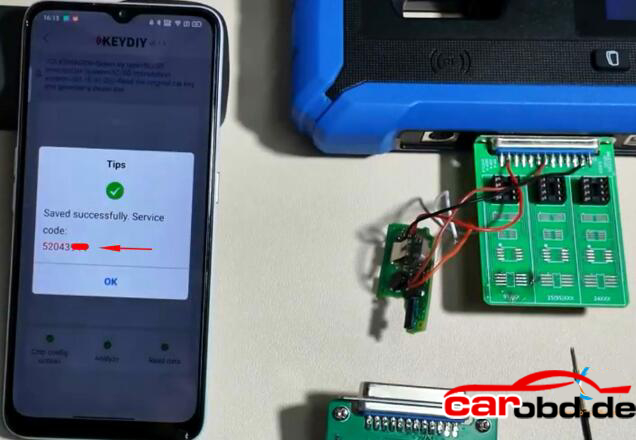
After a successfull read, it will generate a service code. Take a screenshot of the service code.
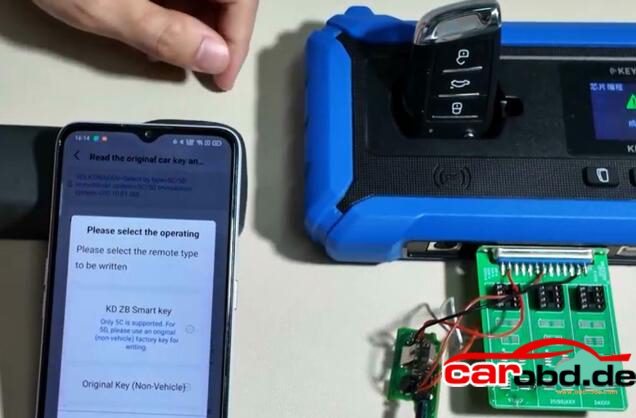
Step 2: Generate dealer key

Then start generate dealer key .
Put a KD ZB remote to the KD-X4 coil..
Generate KD ZB remote sucessfully
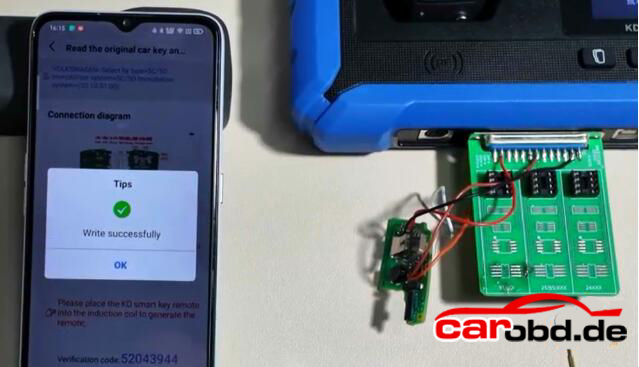
Step 3: Learn Key

Then we learn key in car.
Connect KD-X4 programmer with the vehicle via OBD
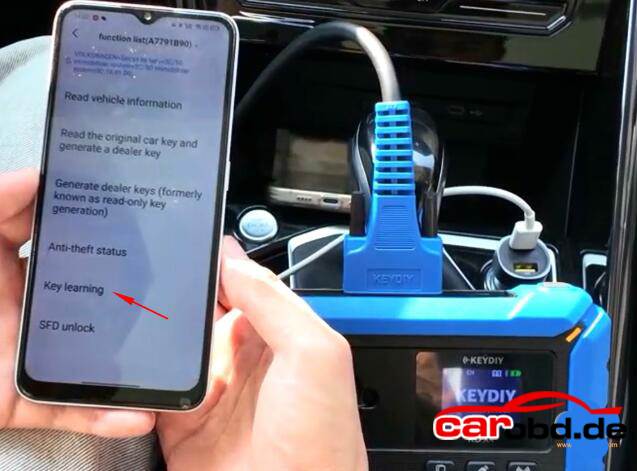
Go to IMMO Programming-VW-5C/5D Immobilizer Systems-Start execution
Select Key Learning function
Enter number of keys to be learned. All keys need to be learned.
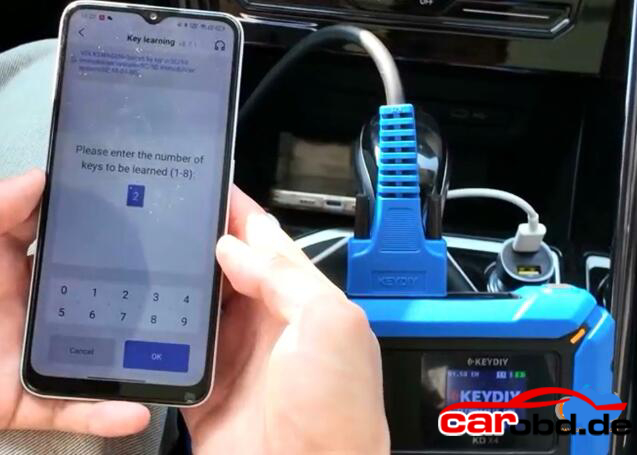
It will ask if it is a smart key, here click Yes(Click No if it is not a smart key)
Place the original car key close to the induction coil

Open the vehicle hood
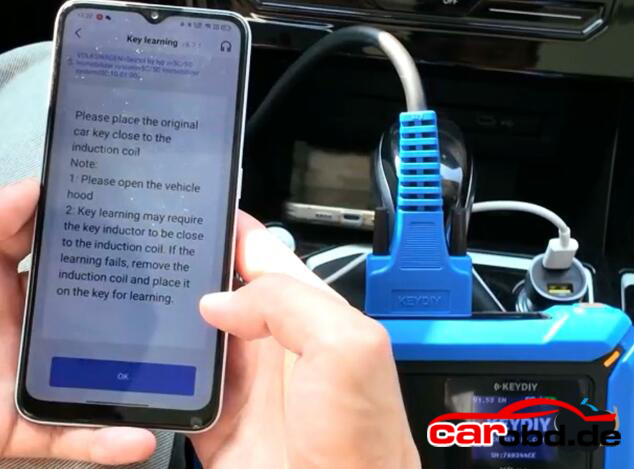
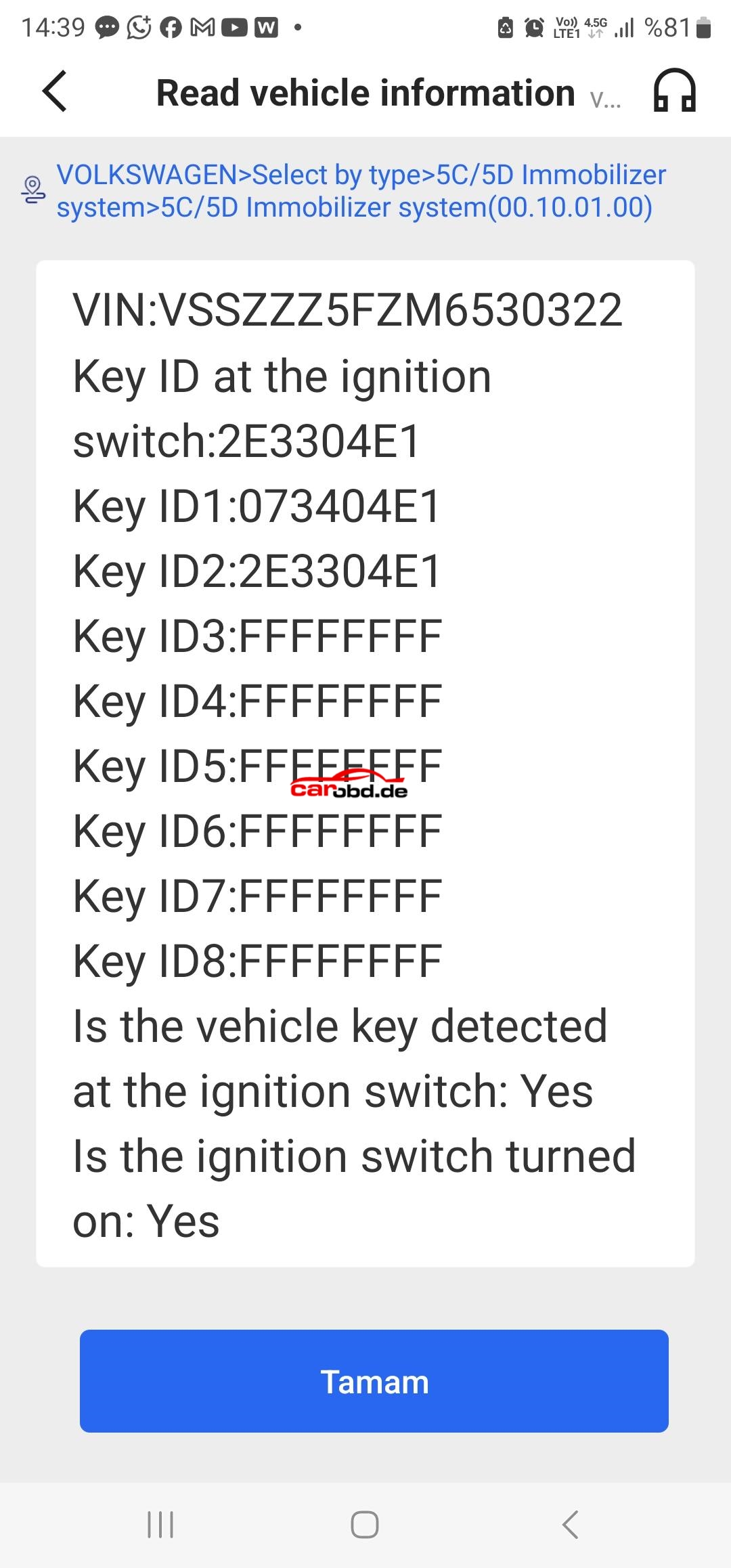
Confirm vehicle VIN
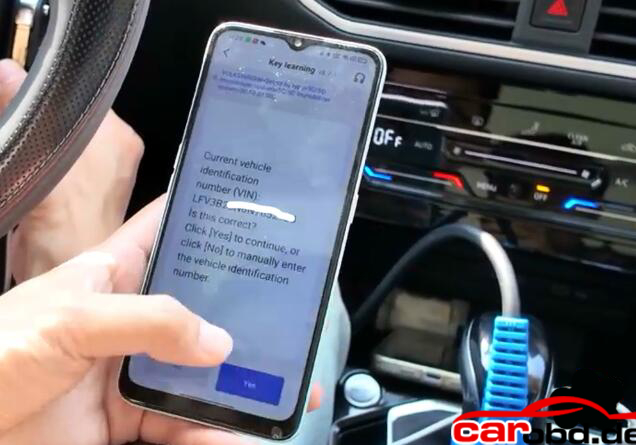
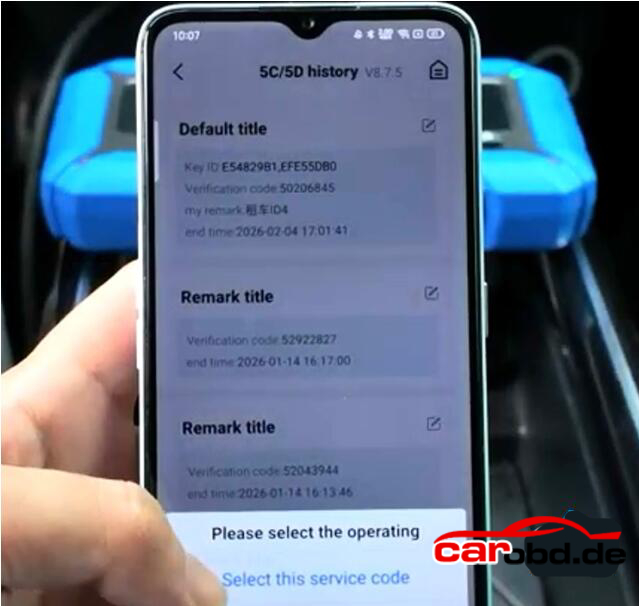
Keydiy KD-X4 will ask enter the KD service number you have obtained in Step 1.

Select the corresponding service code and confirm
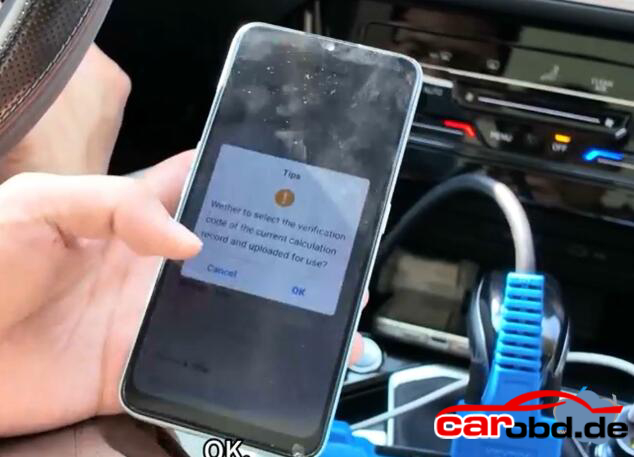
Learn 1st key successfully

This indicates that the first key has been successfully learned
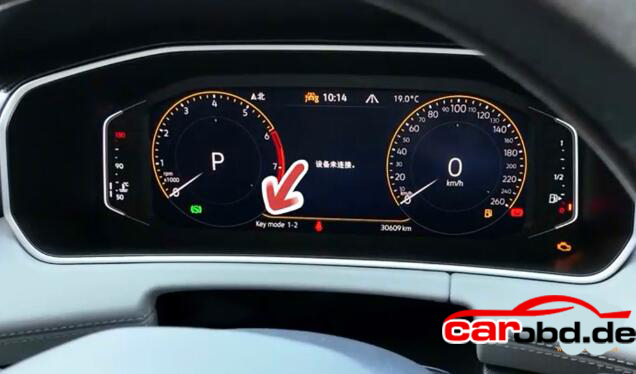
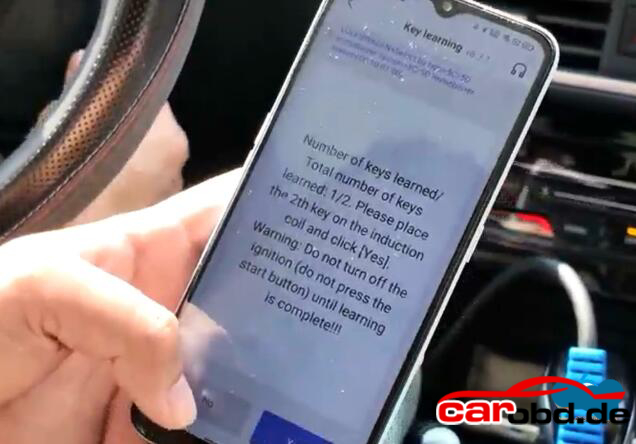
Then stick the second key to the induction coil.
Don’t turn off the iginition until learning is complete
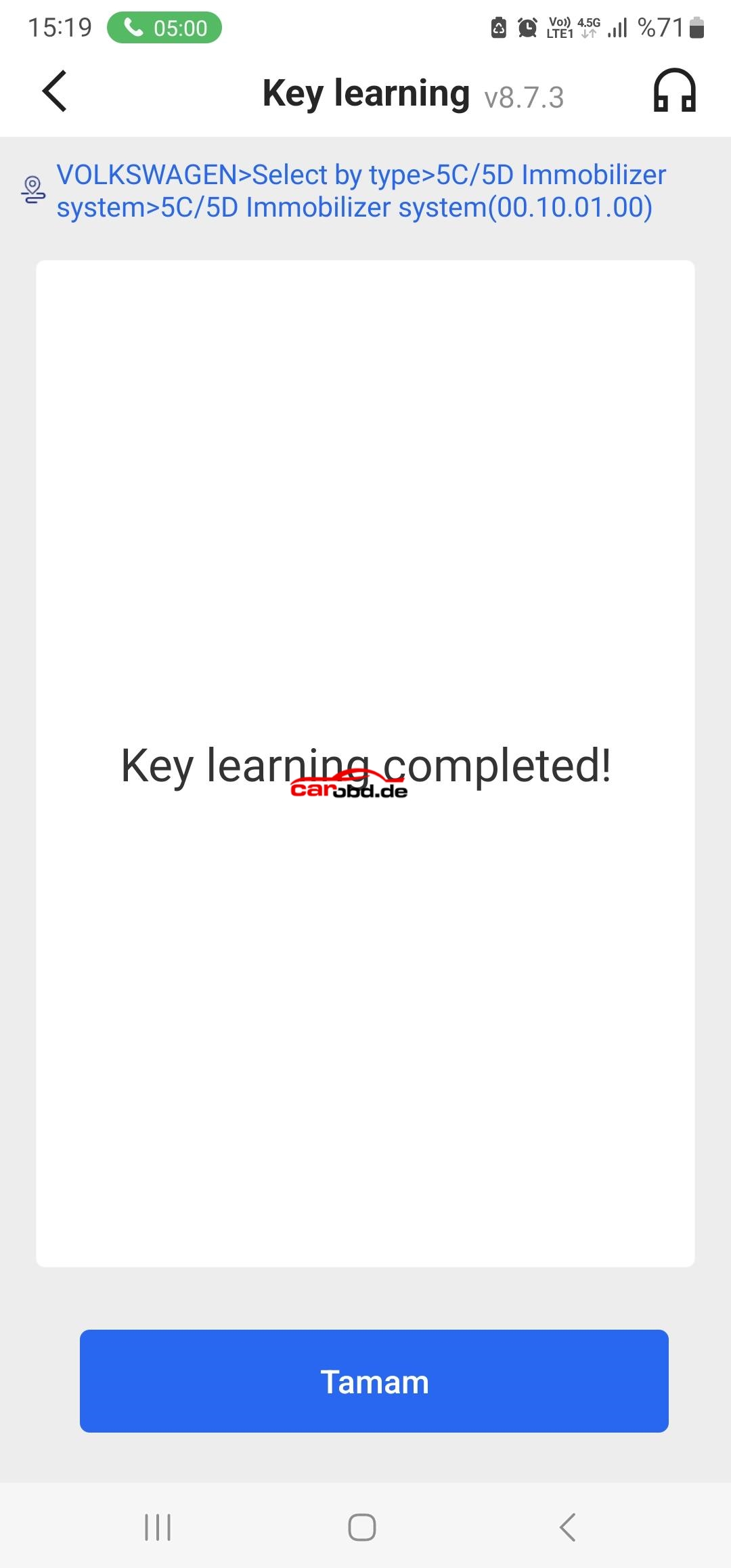
Key learning completed
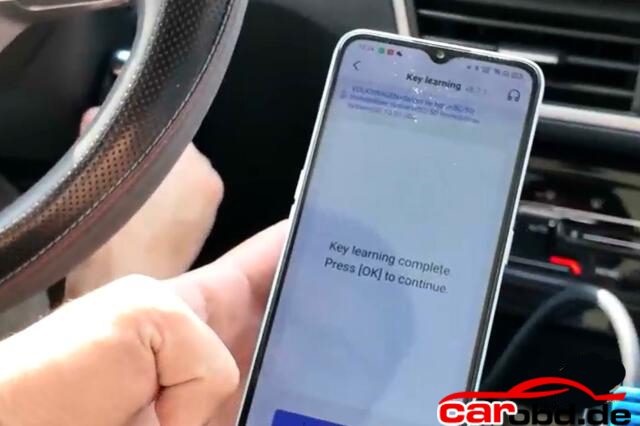
Turn off the iginition switch, wait 5 seconds and then turn ignition switch on.

Key learning finished. Test the remote control and proximity funtion.

Note: if you perform key learning on 2024 and 2025 models, you will need to unlock SFD gateway before learning key

For more informations,please contact Customer Service

Service: Jenny

Whatsapp: +86 19947637411
Email: Sales@Carobd.de
How to Change MQB49 5C 5D Key ID with KEYDIY KD-X4 ?

How to Change MQB49 5C 5D Key ID with KEYDIY KD-X4 ?

How to change VAG MQB49 5C 5D key ID to match original system in KEYDIY KD-X4 ?This is a frequently asked questions of Keydiy MQB49 function.

Here is the clue

First of all, need to disassembel and read original key data. then generate a service code.

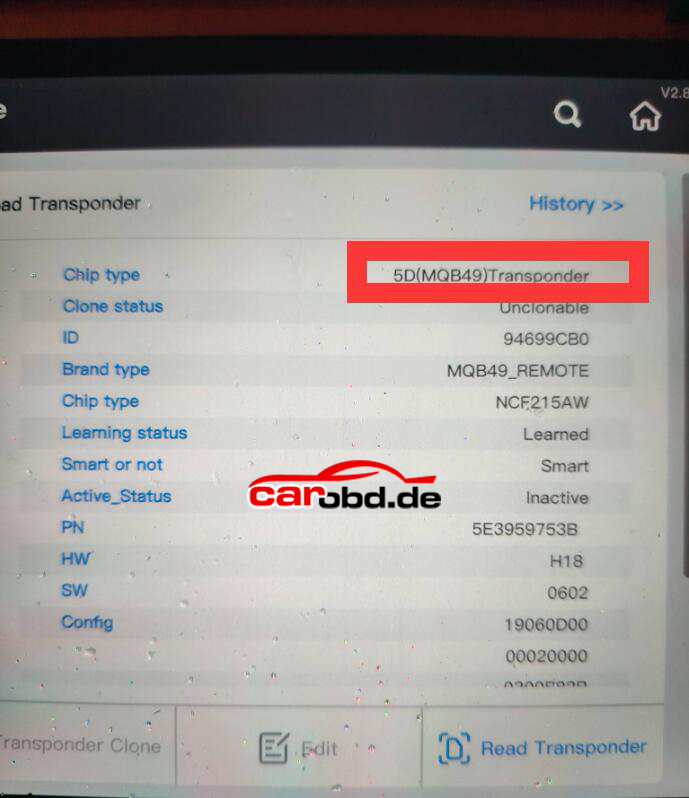
Keydiy will display two key IDs. Place original key into the KD-X4 induction coil, it will display key ID and check which ID between these two is the original key ID.


We can write the ID of the original factory key on the key to be matched.
After programming the dealer key, we will write this ID to it .

Note: Only keydiy remot allows modification of ID.

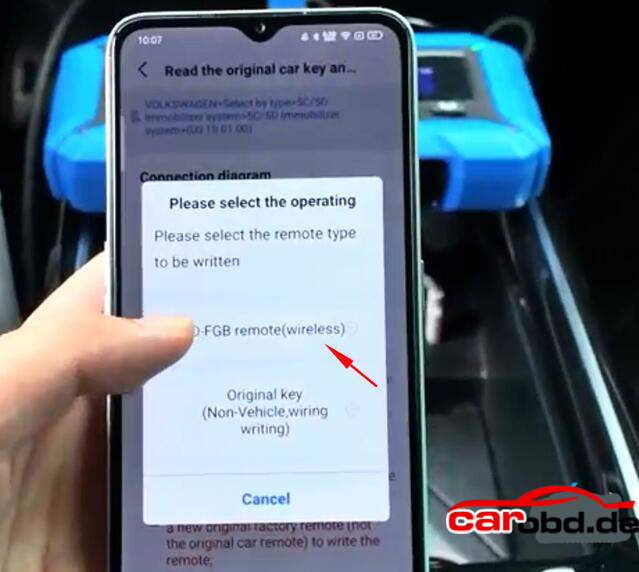
Select the Service code-choose FGB remote and generate dealer key.

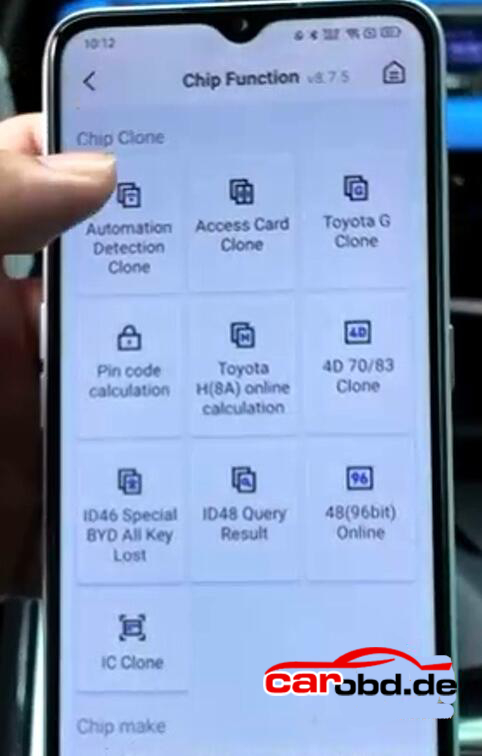
Select Chip function-Automation detection clone.

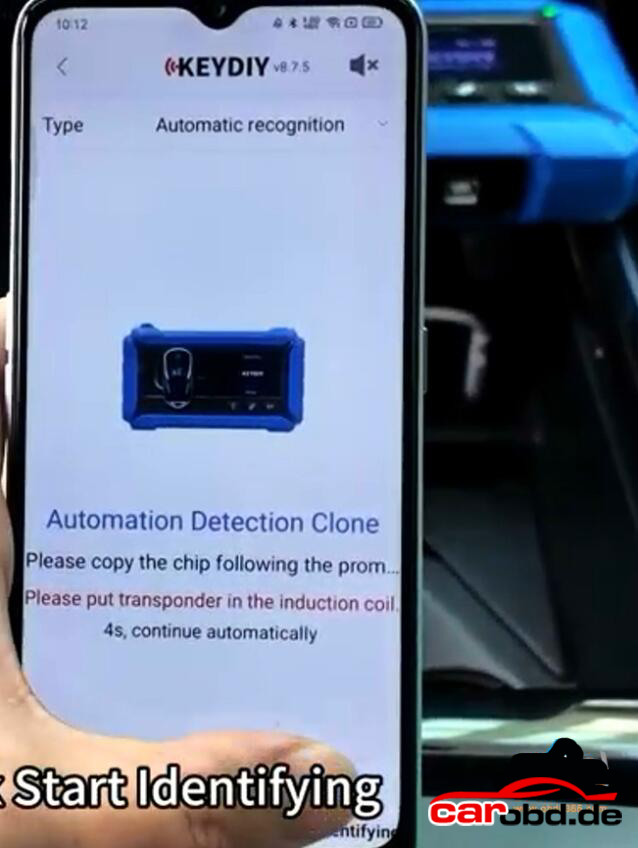
Place the keydiy FGB remote to the KD-X4 induction coil.

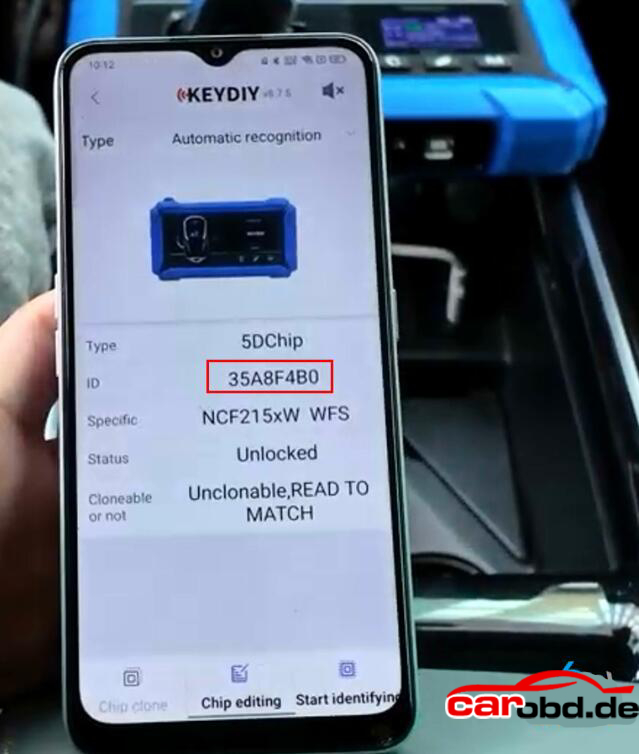
Hit Start indentifying.

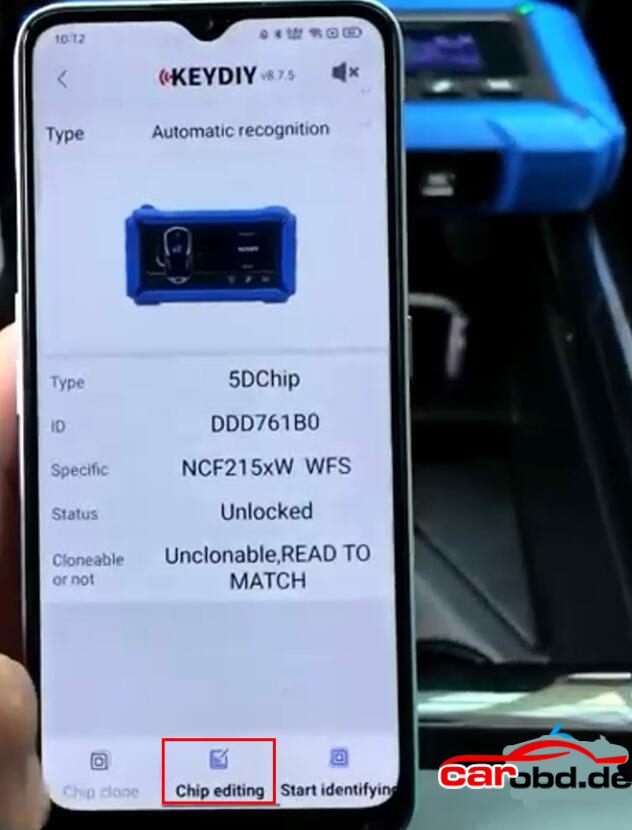
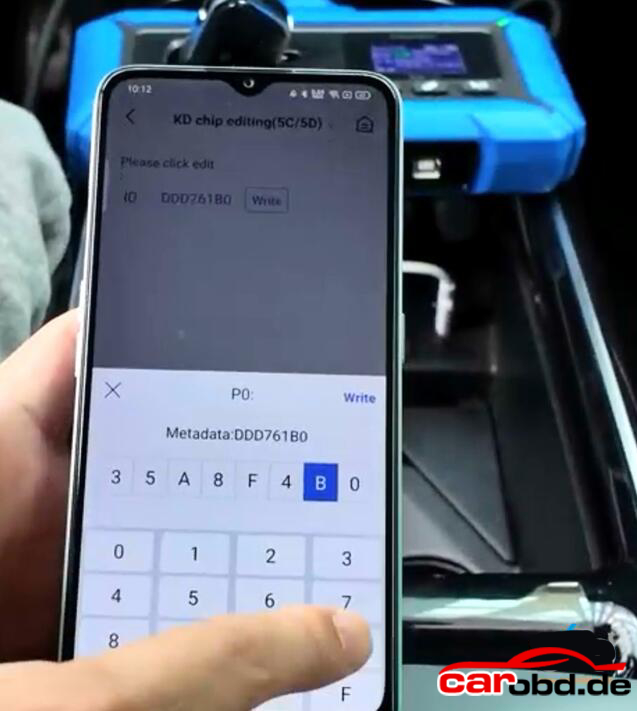
It will read chip type and ID. Hit Chip Editing.

Modify the ID to original key ID

Write ID successfully.

Identify remote informatio again.

Now you can see key ID has been changed.

Why change key ID if we are copying the original key data ?

It will work without changing the ID, but it is recommended to use and ID of the exsiting factory position (when customer don’t have both keys) to avoid issues when it is performed programming with odis.

To use on position(ID) where sync exists on all modules. When a car modules is reprogrammed via ODIS online, the key will work; otherwise it will stop working. And other points.

After changing key DI to march original system, then you start learnig keys in car.

For more informations ,please contact Customer Service

Whatsapp: +86 19947637411
Email: Sales@Carobd.de
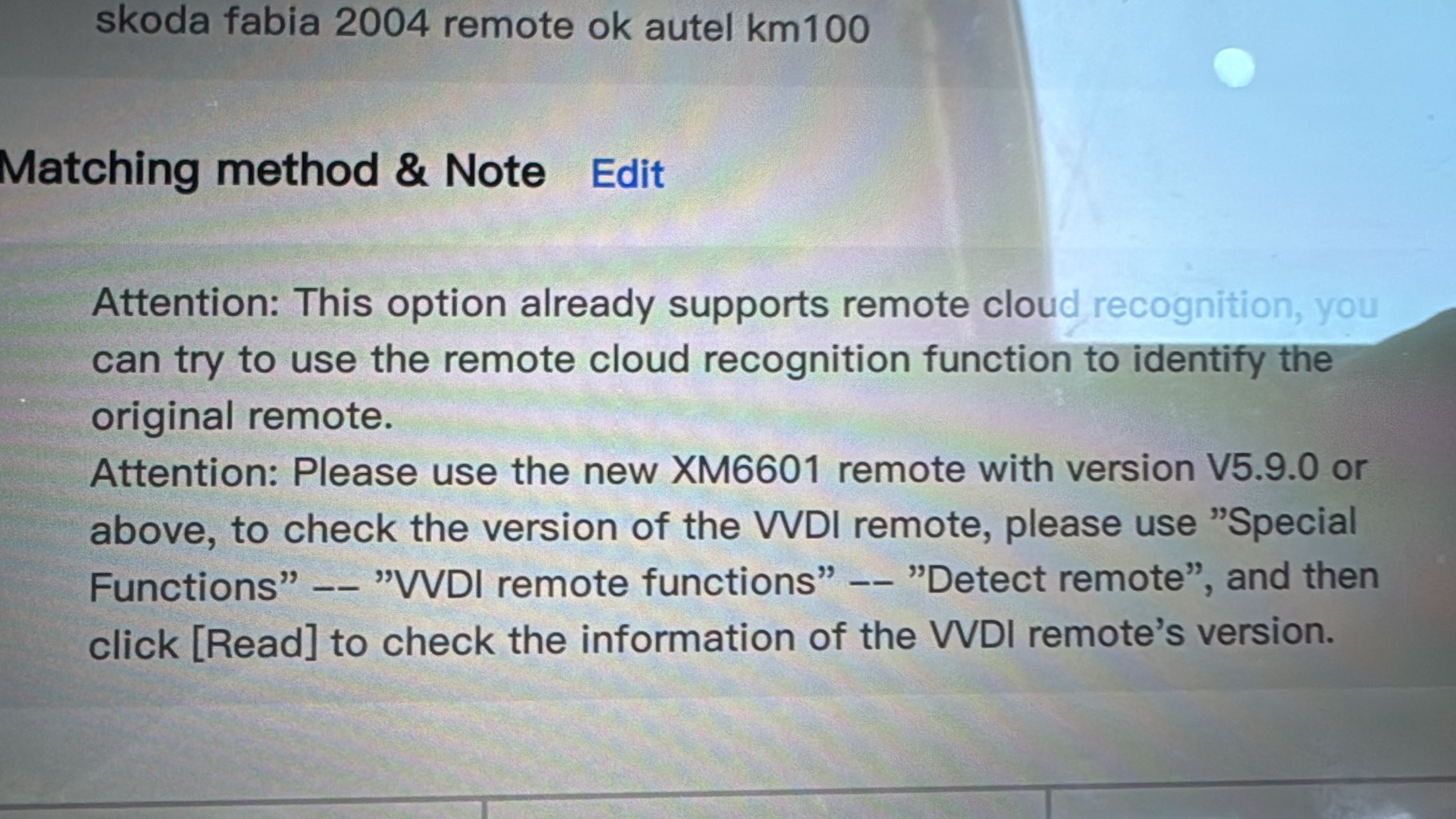
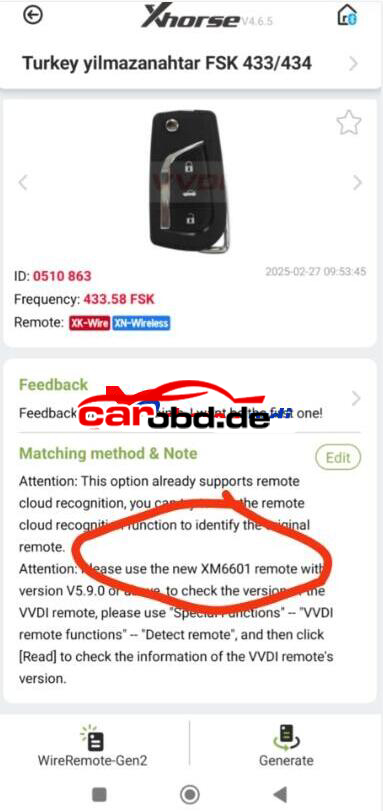
What is Xhorse Universal XM6601 Remote?

Here is the Answer:
XM6601 Remote is Wired Key.
And key version must be V5.9.0 later.

To know the key version
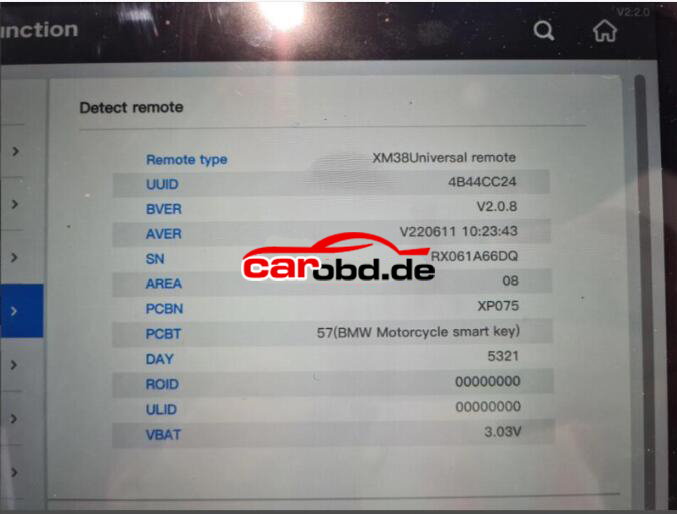
Select
Special Functions>>VVDI Remote functions>>Detect Remote
Then select” Read” to get key information including key version

Done

Tech Support

Whatsapp: +86 19947637411

Email: Sales@Carobd.de
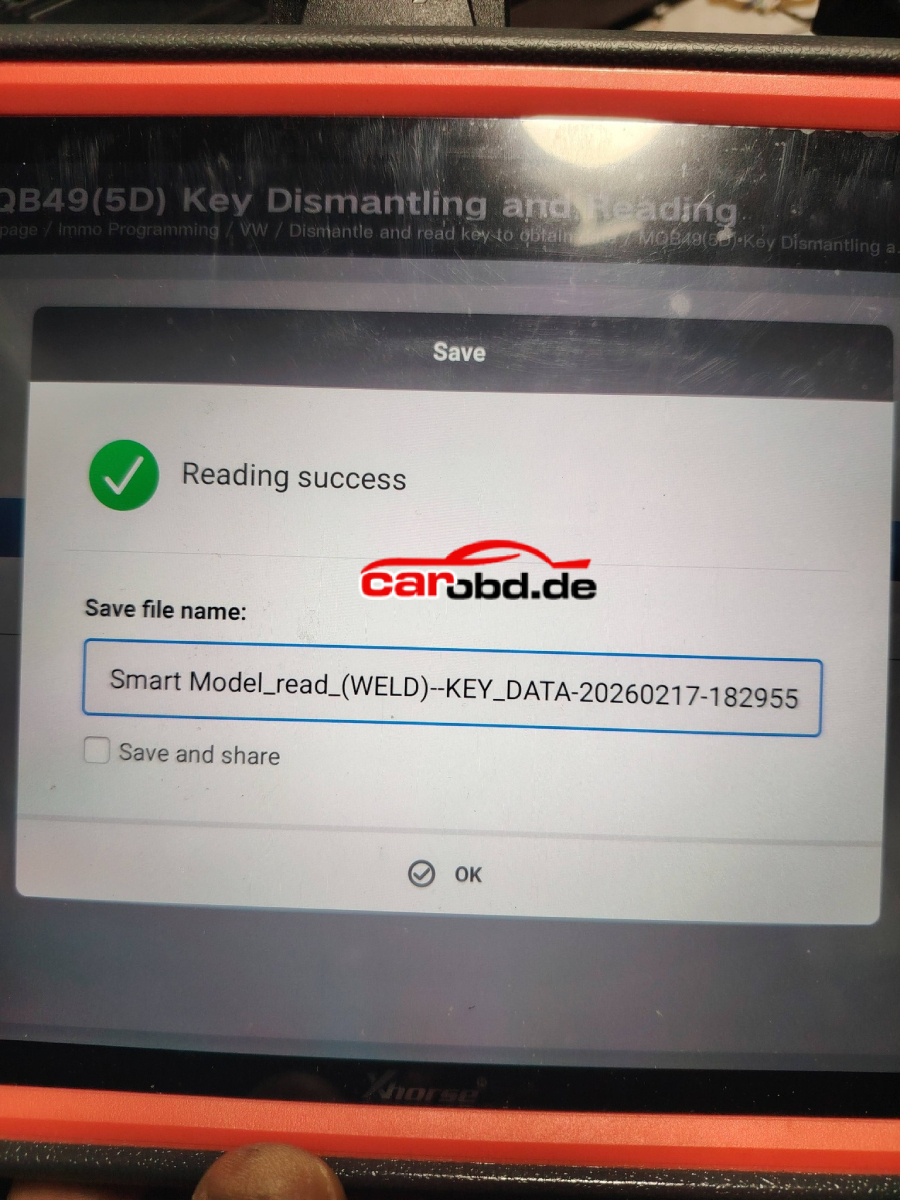
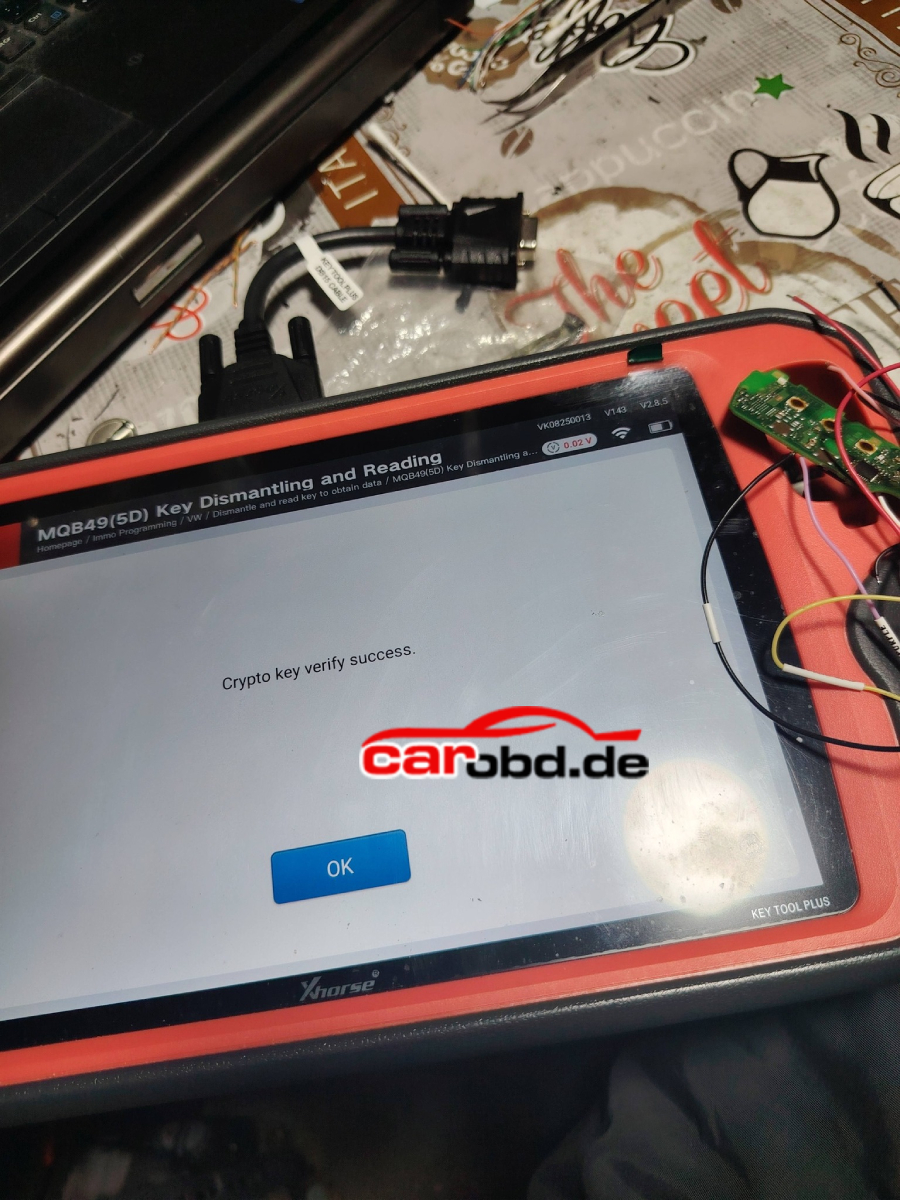
New Released !! Xhorse VVDI Key Tool Plus Free Update 5C 5D

Xhorse VVDI Key Tool Plus Free Update 5C 5D

Function Overview

5C supports VVDI smart key and original keys(locked/unlocked)

5D currently supports original keys only

Supports the latest 5C/5D key models from Volkswagen, Skoda, Audi, Porsche, and more

Support KEY Tool Plus for soldered reading( solder-free adapter reading will be supported soon)

Supported Device: Key Tool Plus V143

Xhorse VVDI Key Tool Plus VAG MQB49 5C 5D Function Not Working Solution

Xhorse VVDI Key Tool Plus VAG MQB49 5C 5D Function Not Working Solution

Failed to update Xhorse VVDI Key Tool Plus to use VAG MQB49 5C 5D function. Stuck on this page and can not continue.

Solution:
Go to Update, view Database update.

Update IMMO and PROG database to latest version.

Hit question marks to find latest version.

The check MQB49 5C 5D function again