Archives

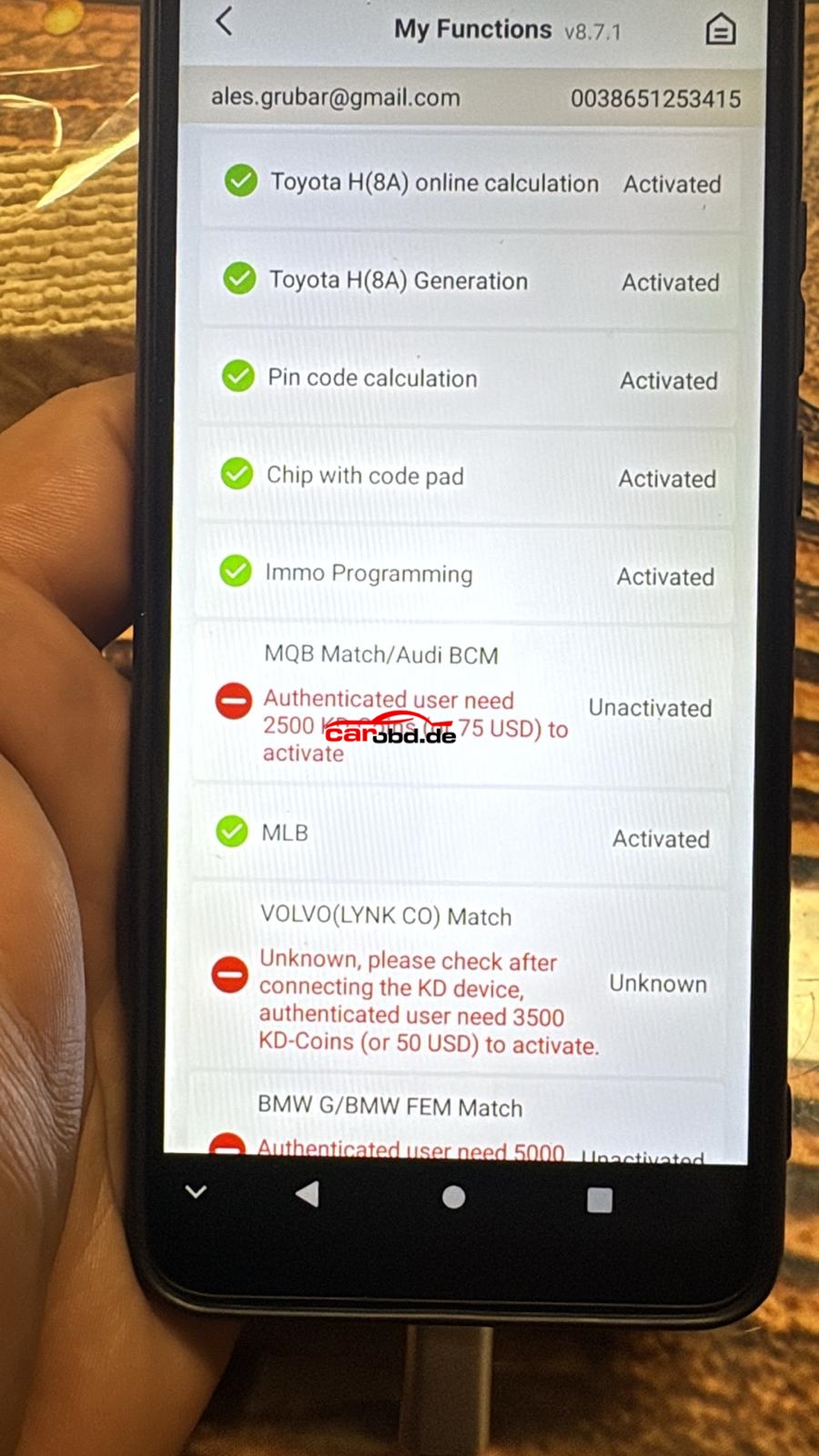
How to Active KEYDIY KD-X4 MQB Match/AUDI BCM Function

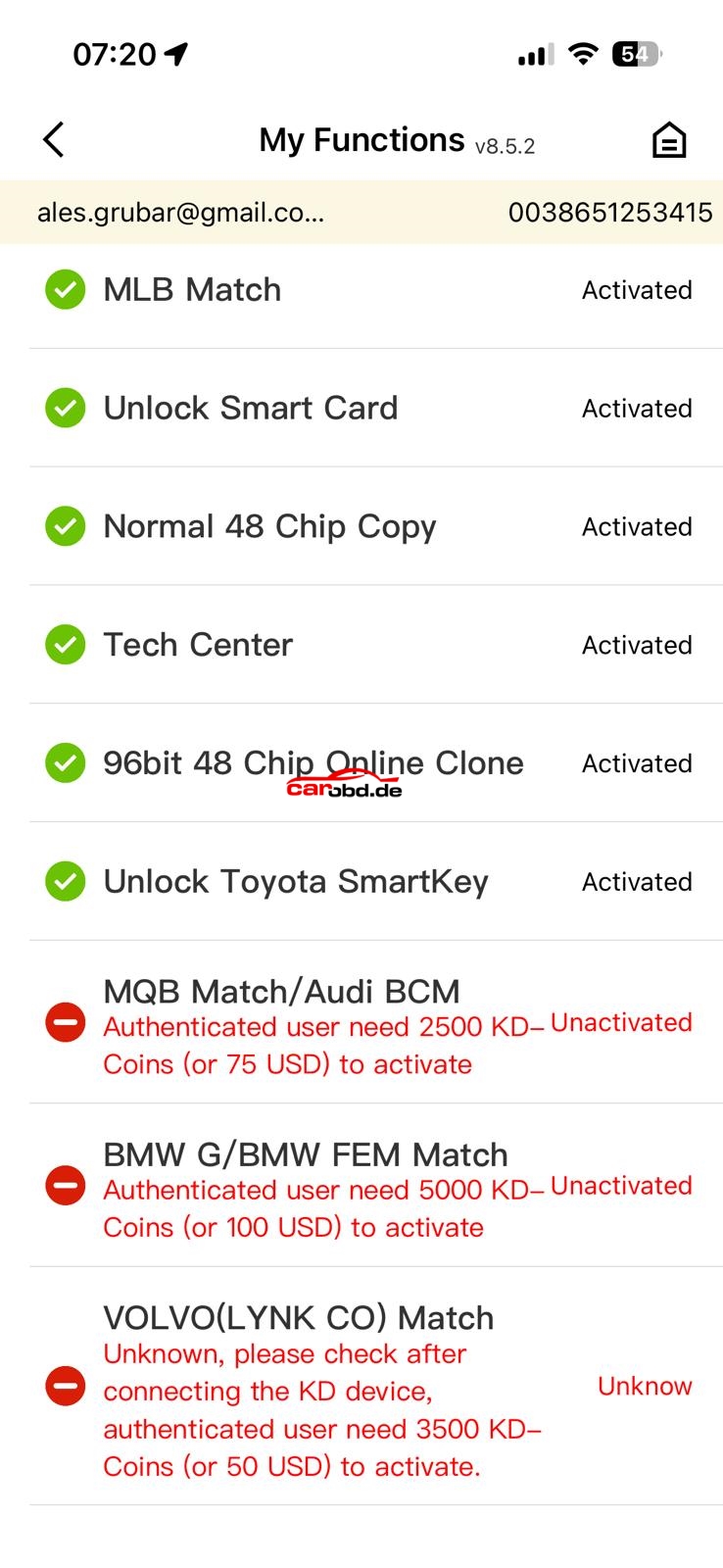
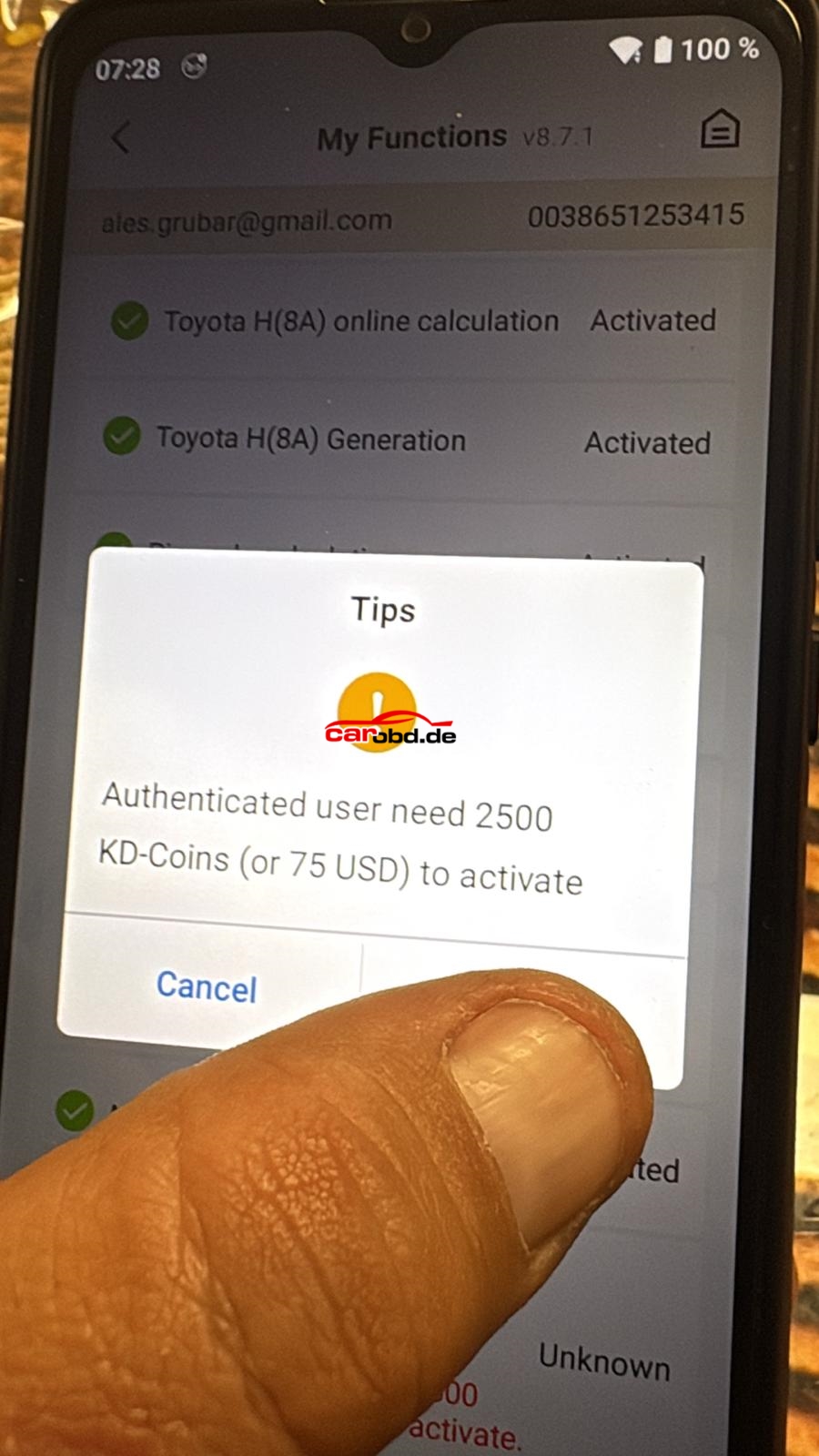
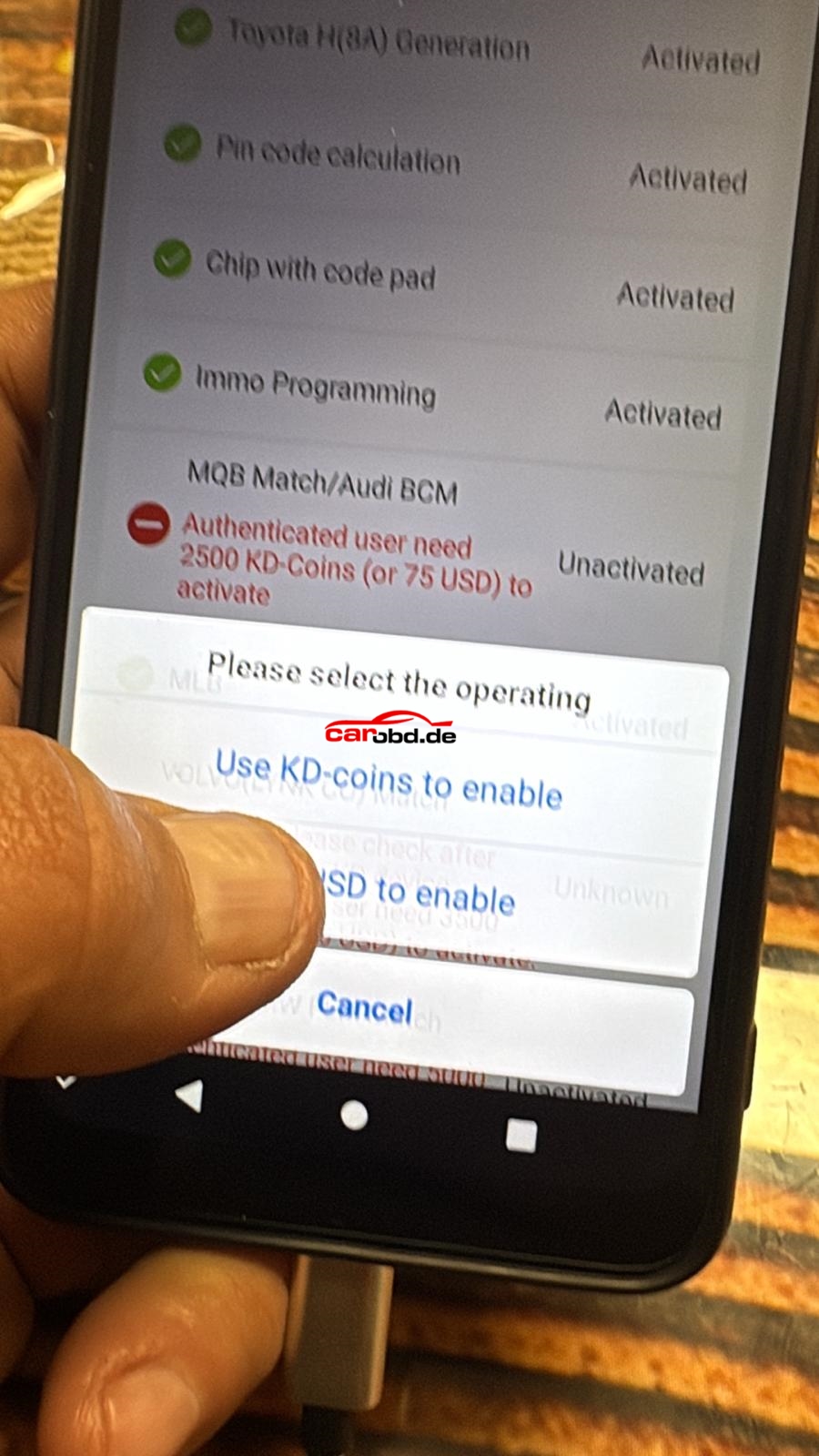
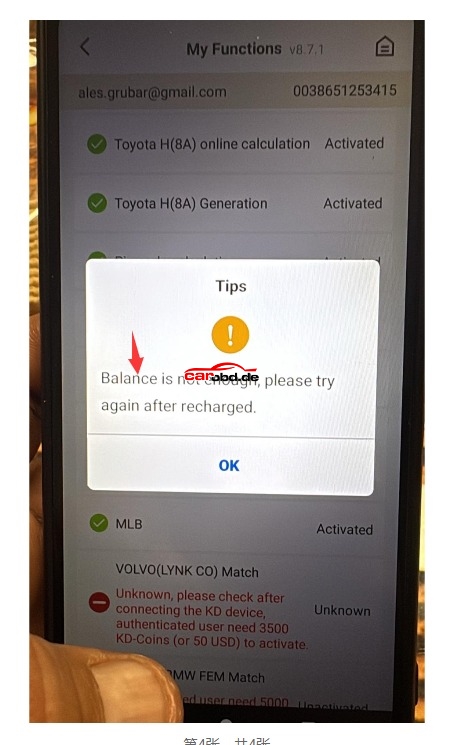
KEYDIY KD-X4 is now support MQB Match/AUDI BCM Function, but need to pay cost 75USD to active or 2500KD coin to active.

Problem:

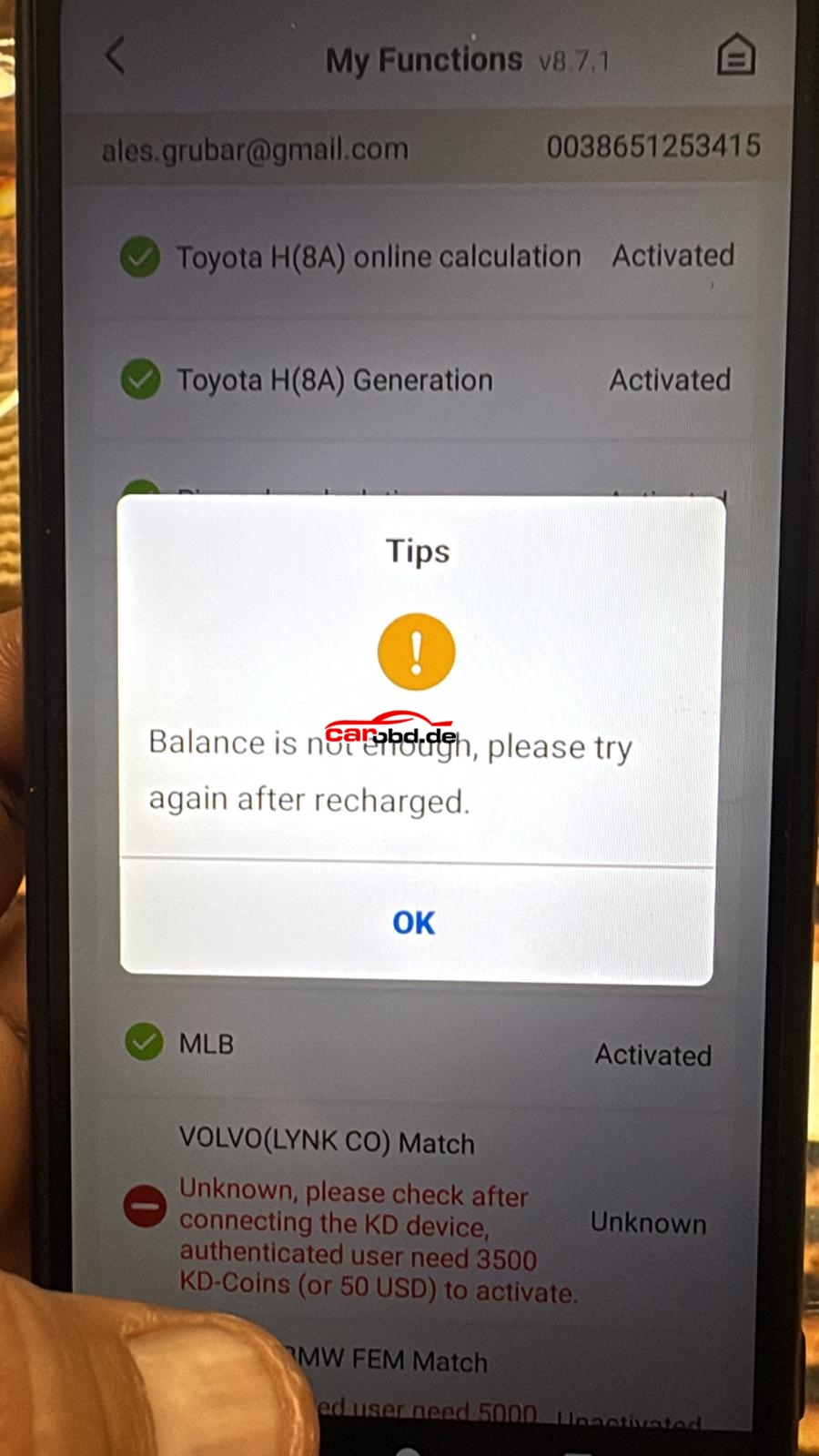
But how to pay the cost to get MQB Match/AUDI BCM function ?

Steps:

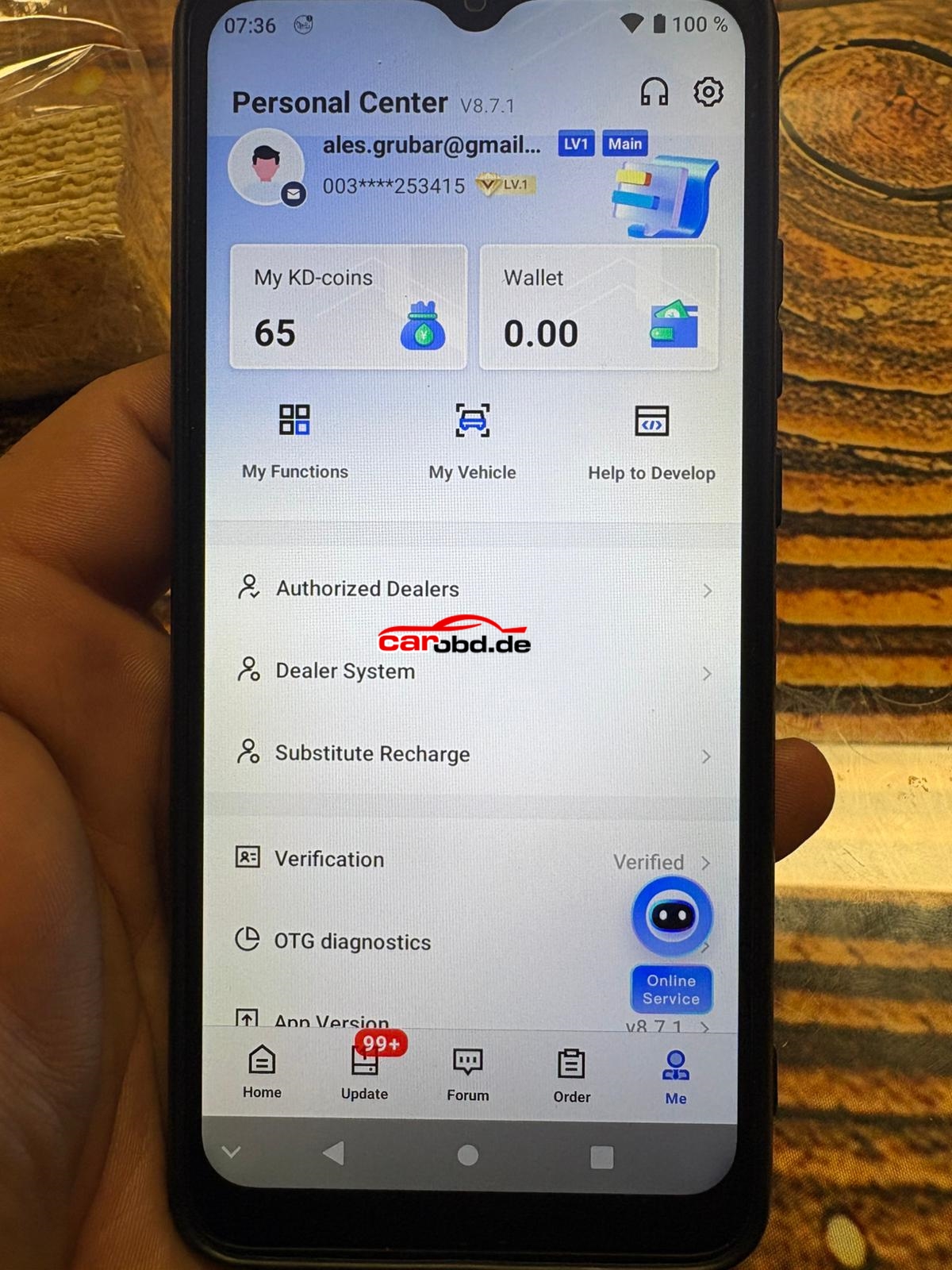
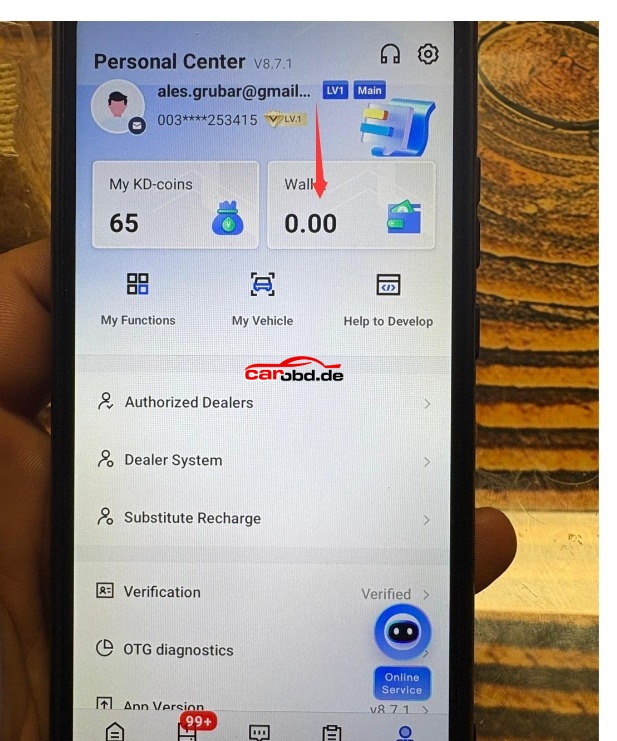
Once recharged to wallet, then can pay cost 75USD to get the function.

For more informations,please contact

Whatsapp: +86 19947637411
Email: Sales@Carobd.de


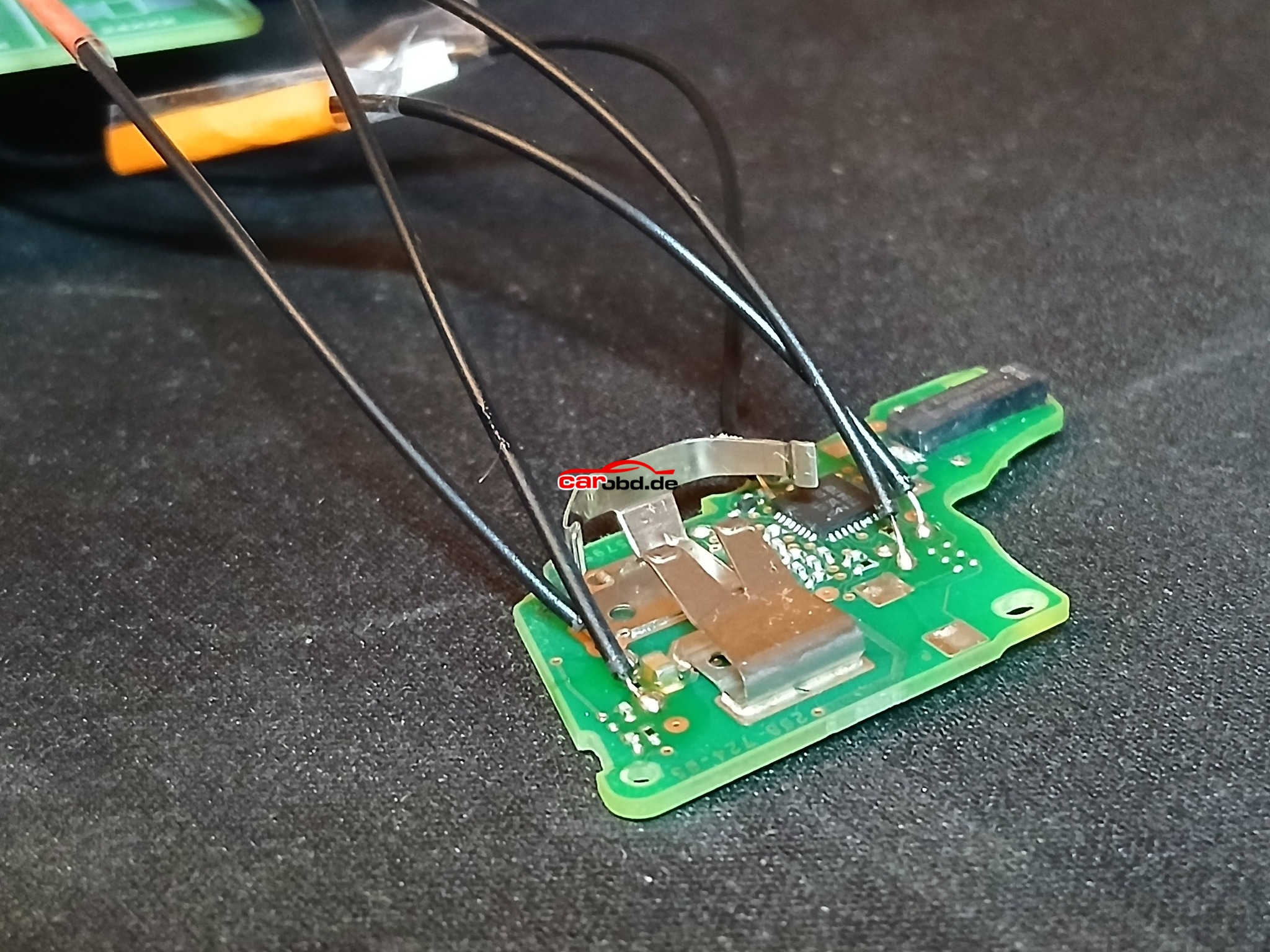
Seat Arona 2020 MQB49/5C non keyless flip remote key via KD-X4

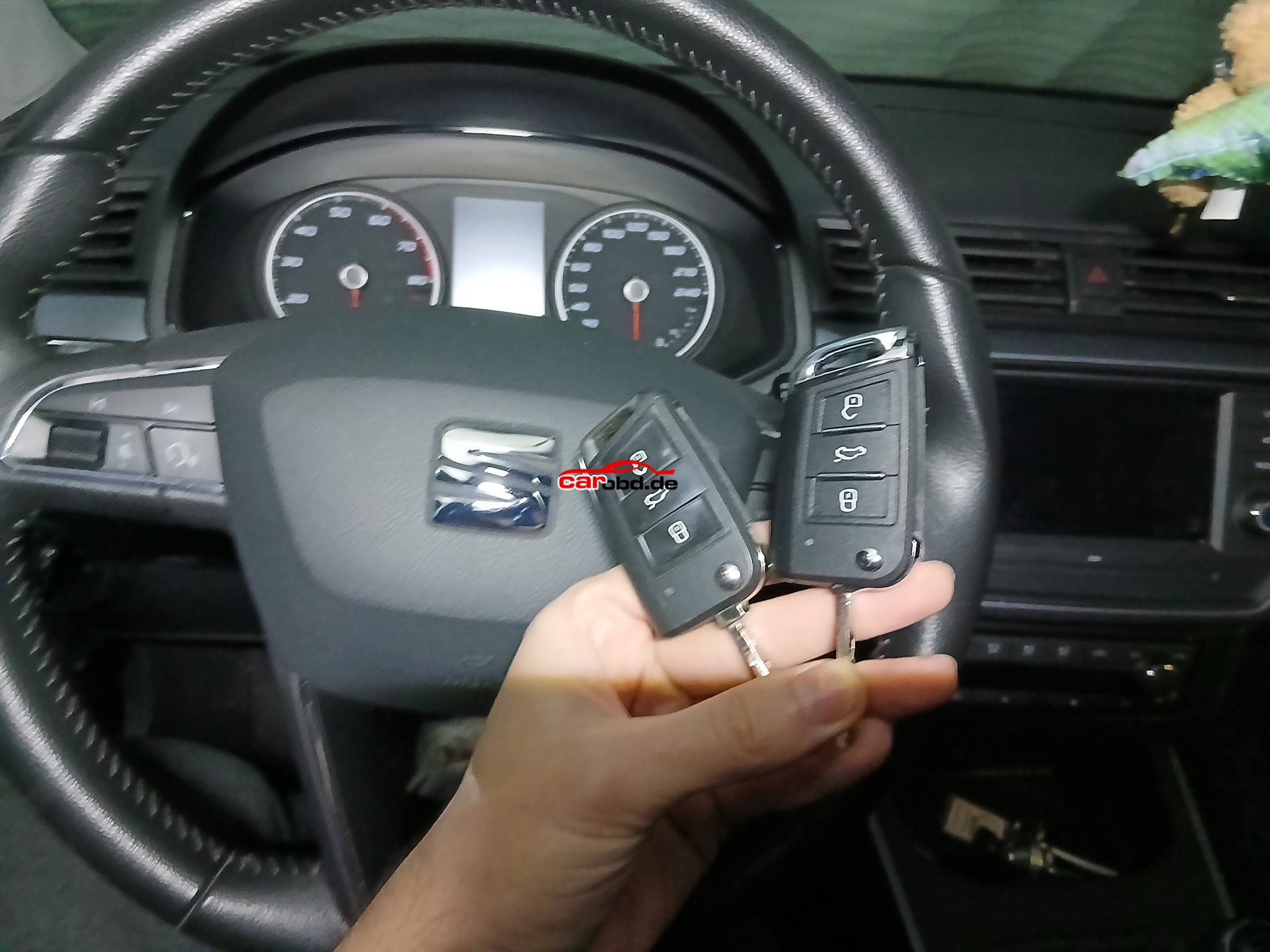
Seat Arona 2020 MQB49/5C non keyless flip remote key.
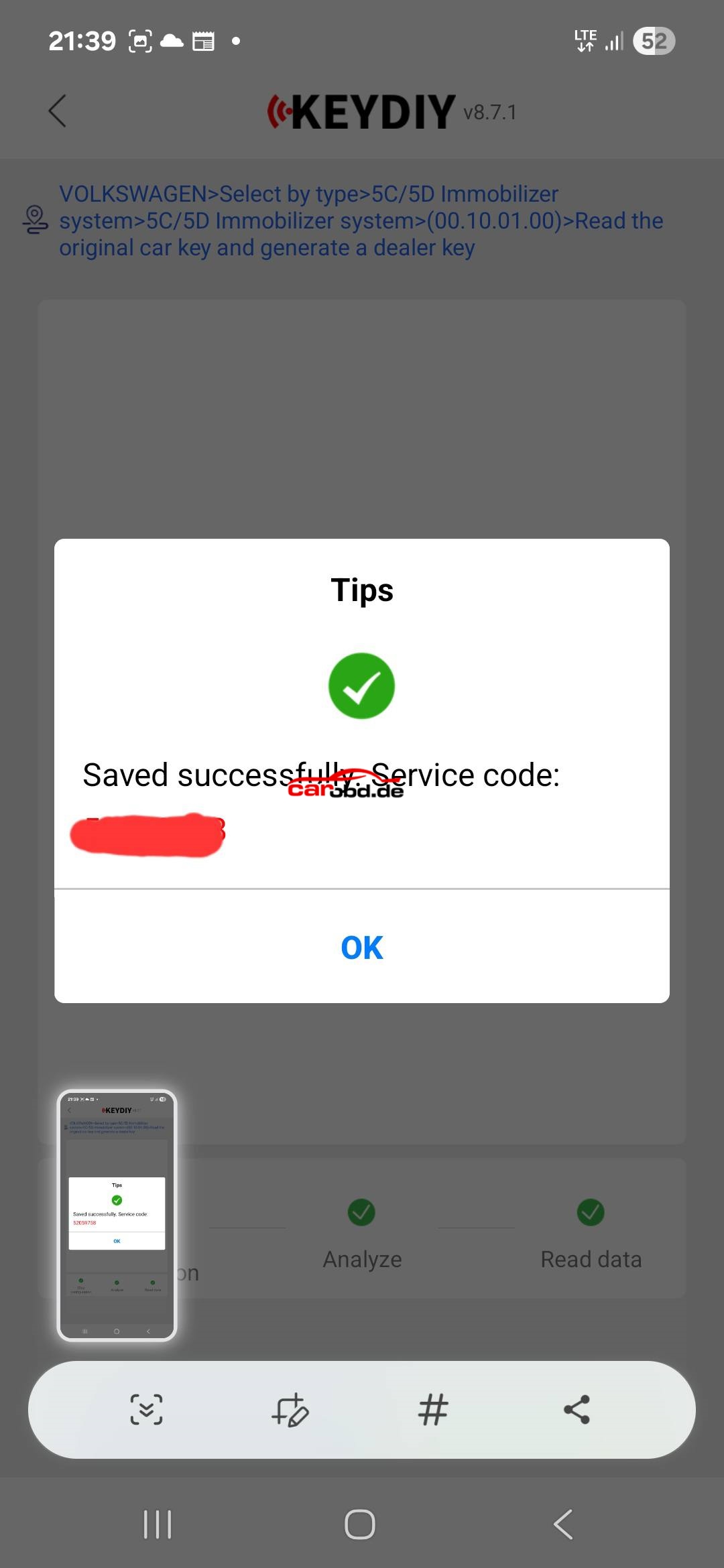
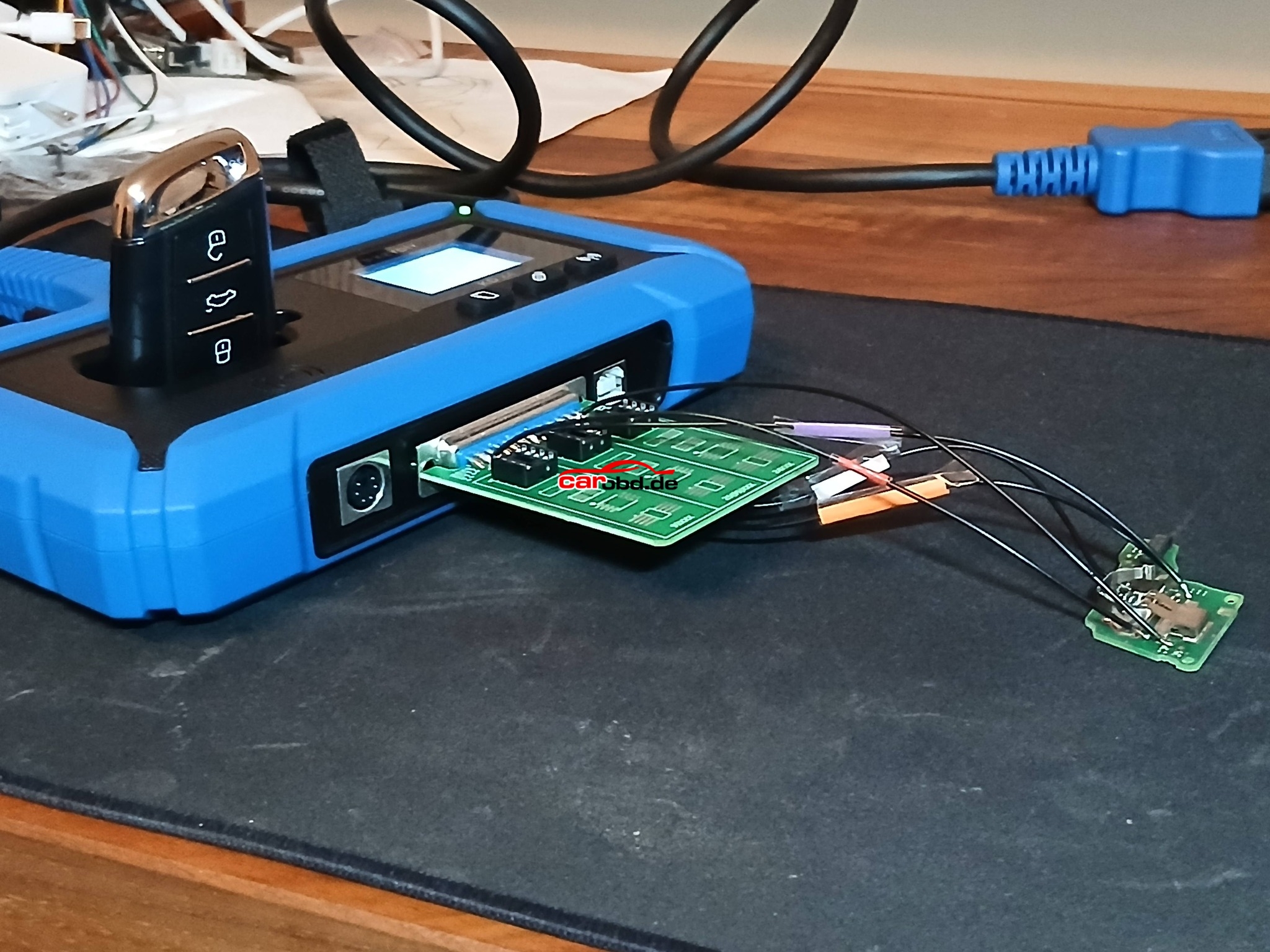
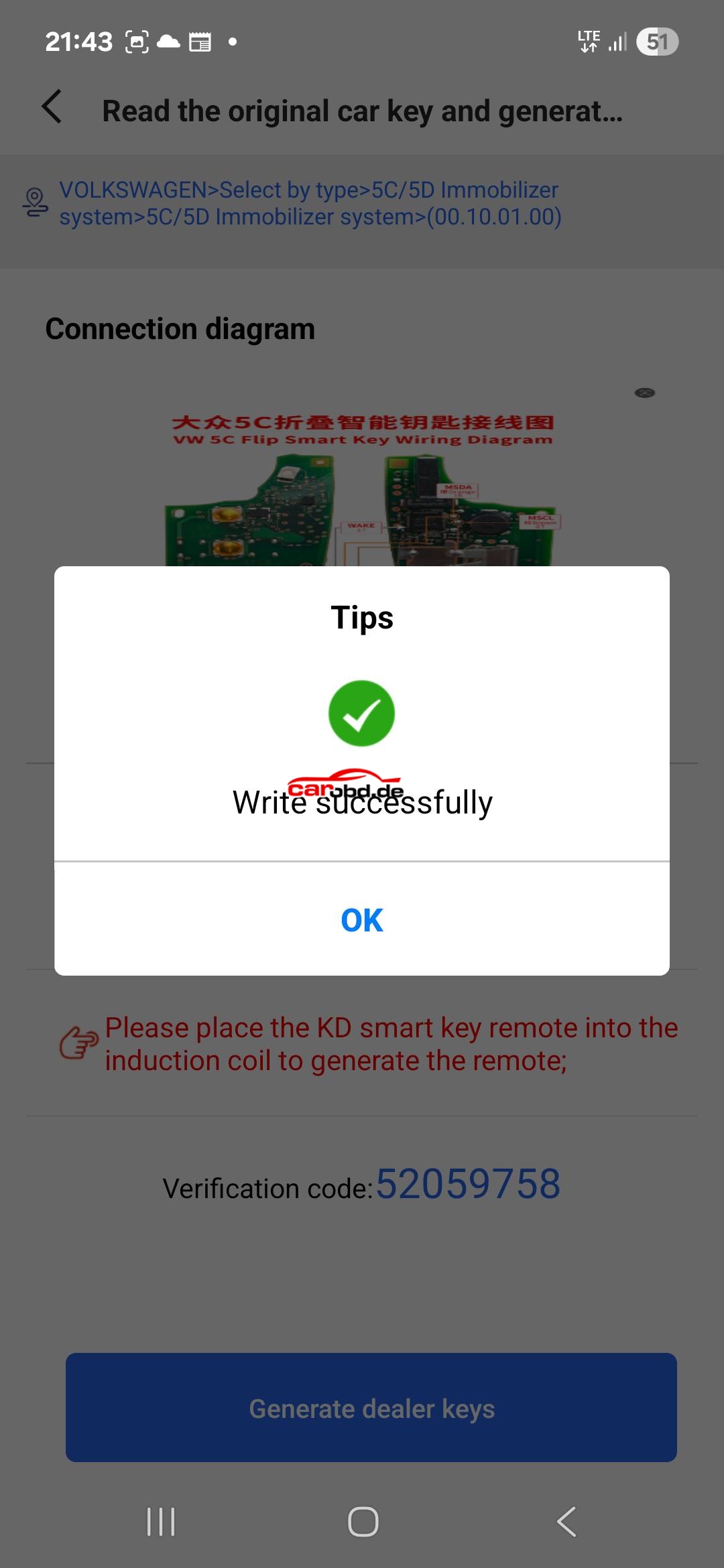
Read data from working key with KD-X4 ✅️ Generated KD VW style ZB remote ✅️
Programmed to car OK ✅️
But
❌️ Remote in new key doesn’t work. I tried every software from KD for MQB49/5C. One from standard remote list and two from smart keys list.
Gonna test with original key soon.
KEYDIY team please check this out and fix software.
✅️ Good job by creating such solution to read CS data, well done 👏

for more informations,please contact

Whatsapp: +86 19947637411
Email: Sales@Carobd.de


How to Add BMW G Series BDC2 key with Vapon VP100

VAPON VP100 BMW Key programmer is an affordable solution for BMW BDC2 key programming. VP100 support adding spare keys for 2015-2021 BMW G series with BDC2 Chassis

  • Support 2015-2021 BMW G Chassis model key adding
  • Covering BDC2 immo system 
  • No token limited
  • No annual fee required, permanent free license
  • Compatible with BMW OEM remote

Vehicle Supported

Model         Chassis Code      Year
X3              F97                    2019/04-2021/07
X3              G01                   2017/12-2021/07
X4              G02                   2018/04-2021/07
X4              F98                    2019/04-2021/07
5 Series      G30                    2016/11-2020/06
5 Series      G31                    2017/03-2020/06
5 Series      G38                    2017/05-2020/08
6 Series      G32                    2017/07-2020/06
7 Series      G11/G12             2015/07-2019/02
X3/iX3        G08                    2018/05-2021/08
M5            F90                      2017/11-2020/06

Here is the procedure to add BMW BDC2 key using VAPON VP100

Main Steps:
1.Backup data
2.Preprocess data.
3.Generate dealer key
4.Learn key.

Step 1: Back Up coding

Please connct VAPON VP100 key programmer with BDC2 module as following.

Before programming key, we need to back up the data

Select “Backup Encoding”function

Reading Coding data
Backup data completed

Step 2: Preprocess data
Before pre-processing data, disconnect cables from VP100 device.
Disconnect cables from BDC2 module
Connect BDC2 adapter with BDC2 module
Then connect BDC2 adapter with VP100 programmer

Start the preprocessing procedure
1.Boot profeamming mode.

2.Download BOOTLOAD(bench)
3.Read Flash data(bench)
4.Restore SWFL
5.Restore coding data

Preprocess data completed

Step 4: Make Dealer Key

Disconnect BDC2 adapter from VP100 and BDC2 module
Connect cables with BDC2 module and Vapon VP100 again.

Select Generate dealer key function
Insert original key into VP100 RFID slot

Select an unused key position, here key #8

Obtain key information

Insert a new key into RFID slot

Wrie key information

Generate key completed

Step 5: Learn key
Put new key into the ignition and turn on the ignition
Press the ignition button for at least 15 seconds

This is the key learning process
Select Learn key function.
Now you can see key #8 has a new key programmed.

Key learning is completed.

Install BDC2 module back to the vehicle

Test both keys.

Done

How to change server connection area for CG100?

How to change server connection area for CG100?

Hello dear all CG100 users, these days , many customer met problem when open CG100 software : Device Service End Date is not expired , but software still ask you to pay to update … (as the picture following )

cg100x serve connection

If you met this problem, please do not worry , follow these steps and then it will be ok.

Open software –> settings –>Server connection –> Choose the server one by one
For example: First choose Mainland China , and then must restart software. If China server not work, then choose Asia Pacific,Americas,Europe,Middle East server one by one.
(Please note : Every time you switch servers, you need to restart the software)

cg100 serve connection

OBDSTAR X300 DP Plus Calculate YAMAHA MOTORCYCLE PROXIMITY 6-DIGIT PINCODE by Using Motorcycle IMMO Configuration 1

OBDSTAR X300 DP Plus Calculate YAMAHA MOTORCYCLE PROXIMITY 6-DIGIT PINCODE by Using Motorcycle IMMO Configuration 1

SP326 SF297 Calculate YAMAHA MOTORCYCLE PROXIMITY 6-DIGIT PINCODE

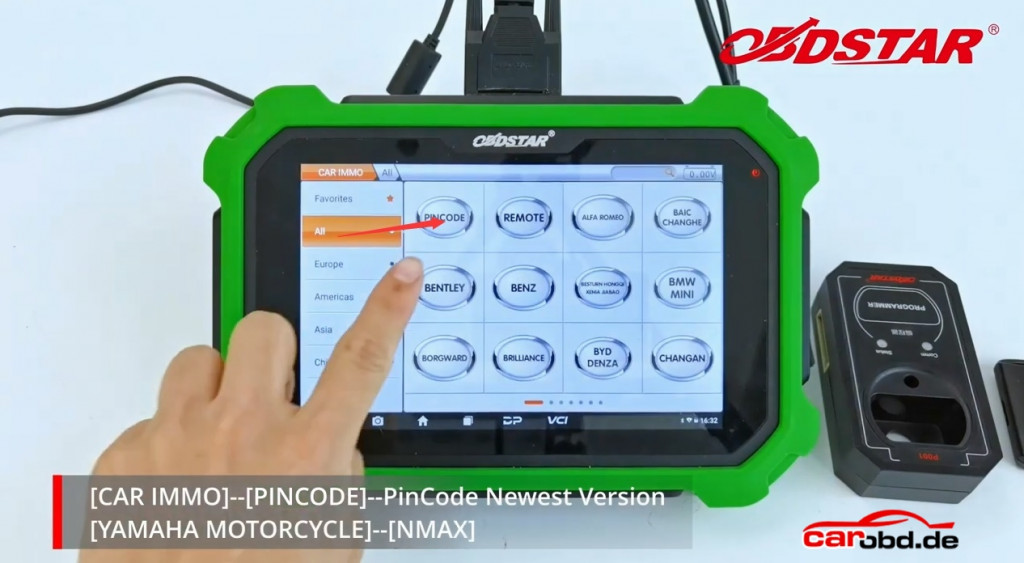
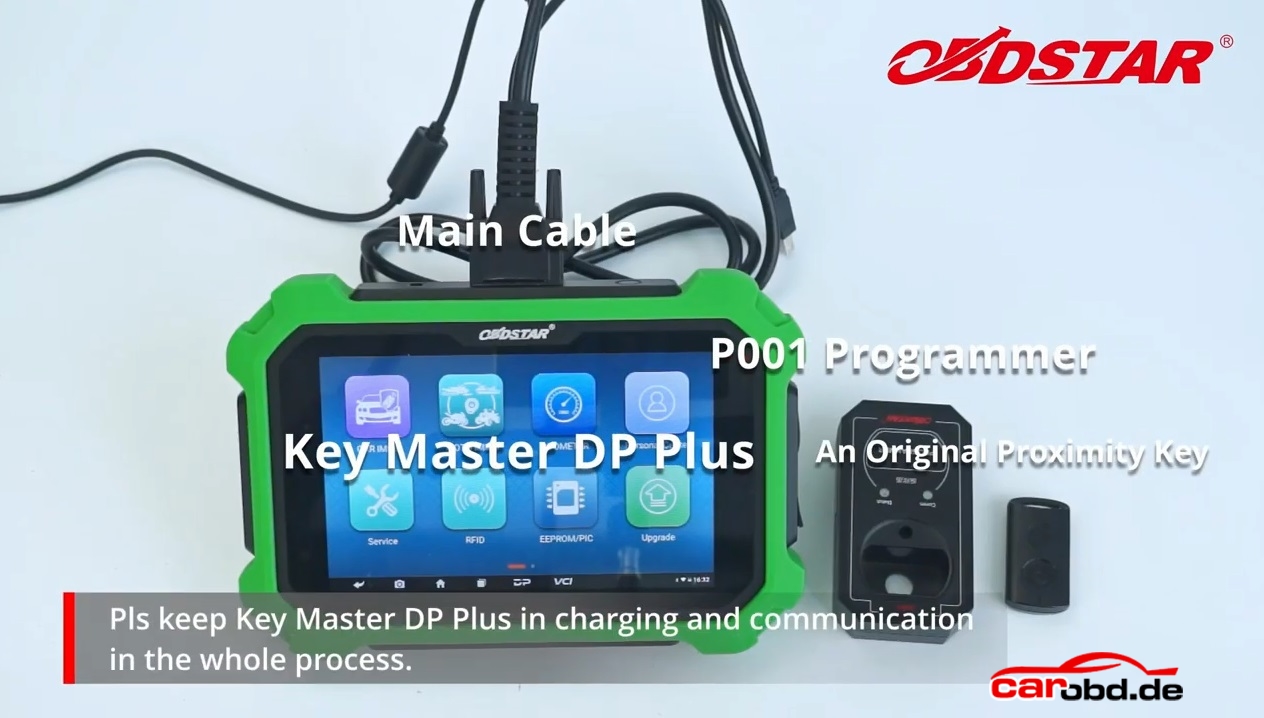
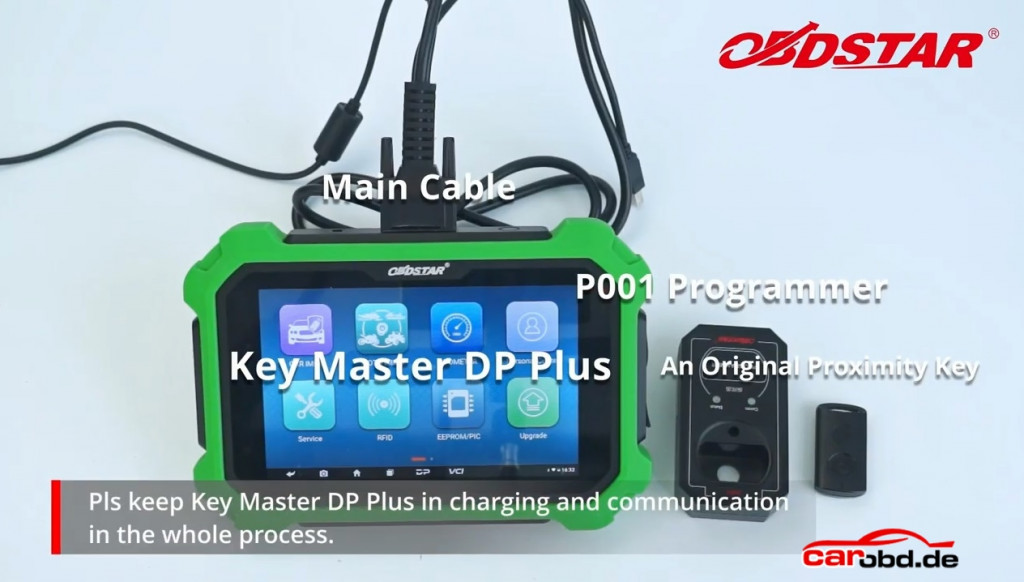
Step1: please connect X300 DP Plus via main cable and also prepare P001 programmer and proximity key.

Besides, please keep Key Master DP Plus in charging and comunication in the whole process.
obdstar x300 dp plus calculate yamaha pin code_1

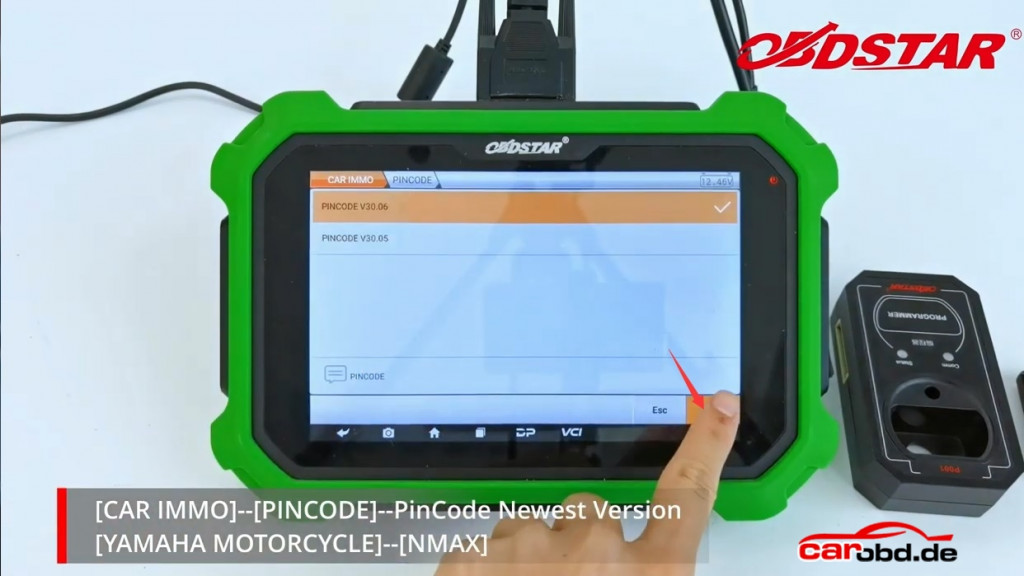
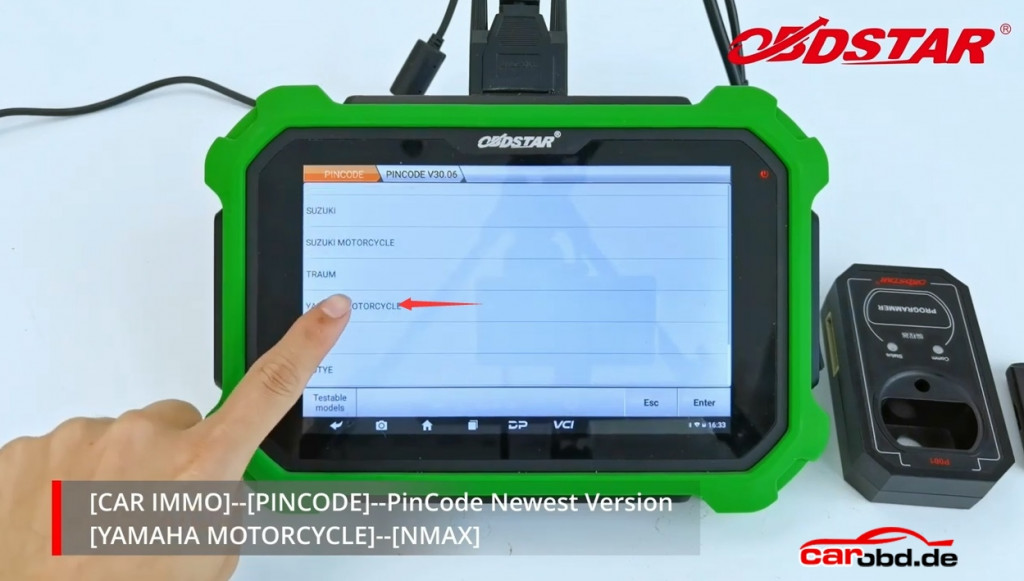
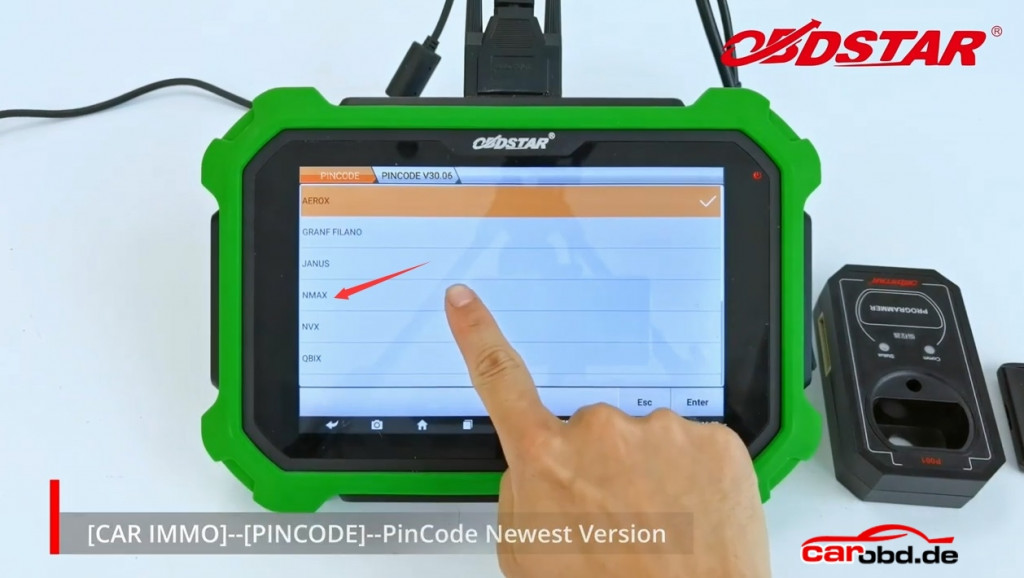
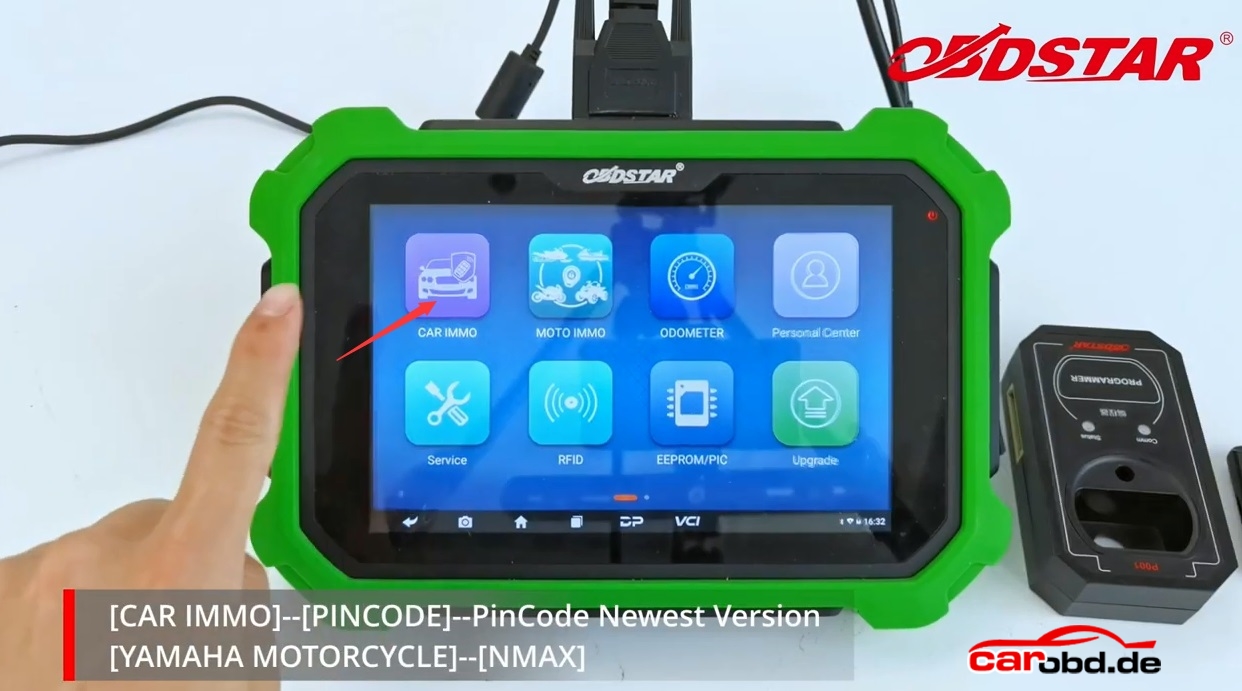
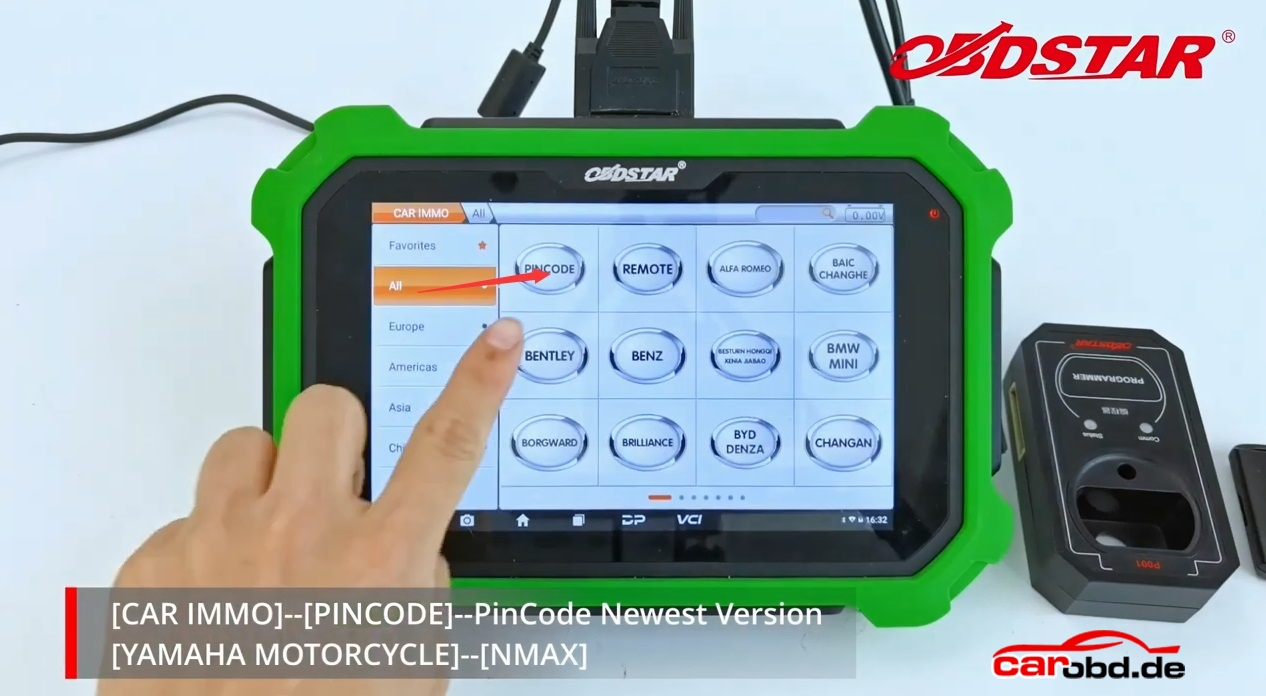
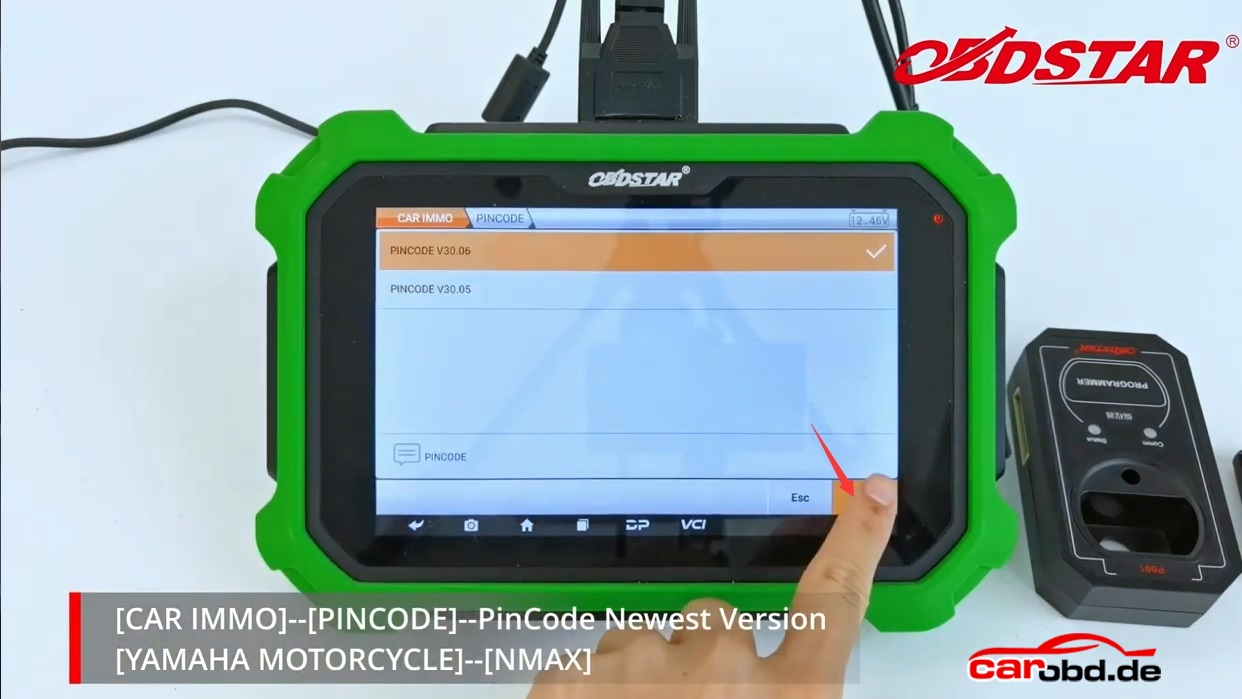
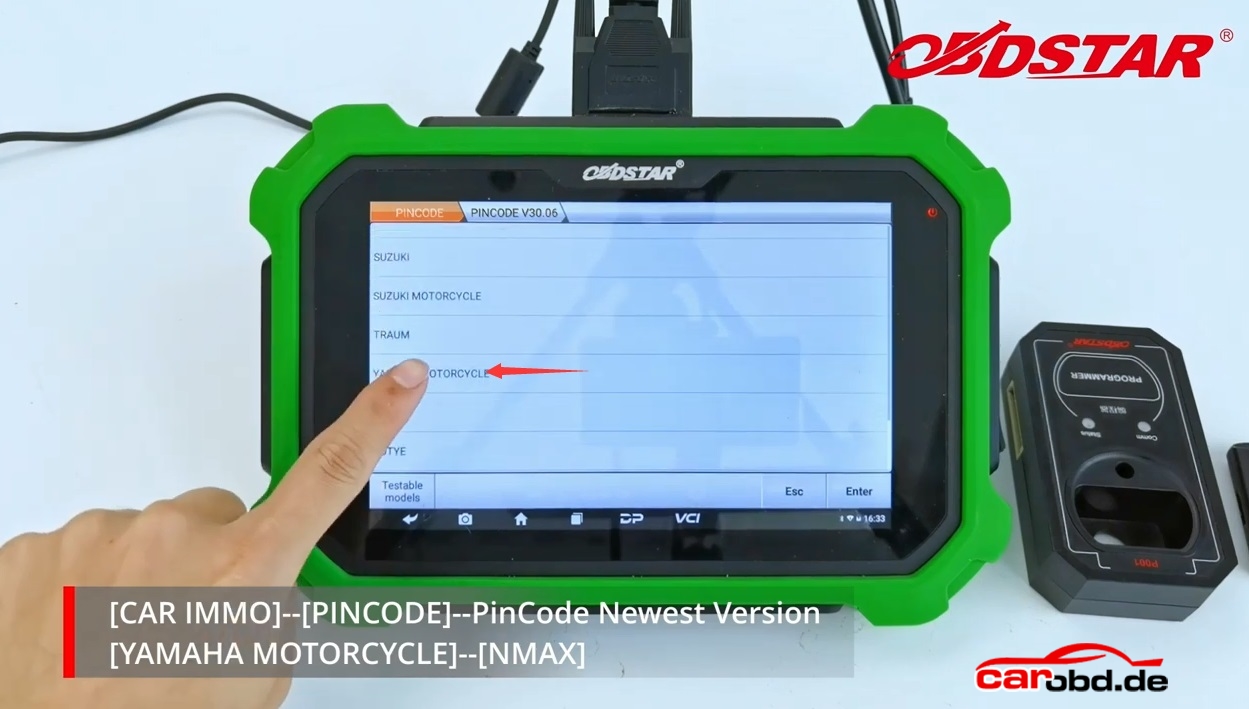
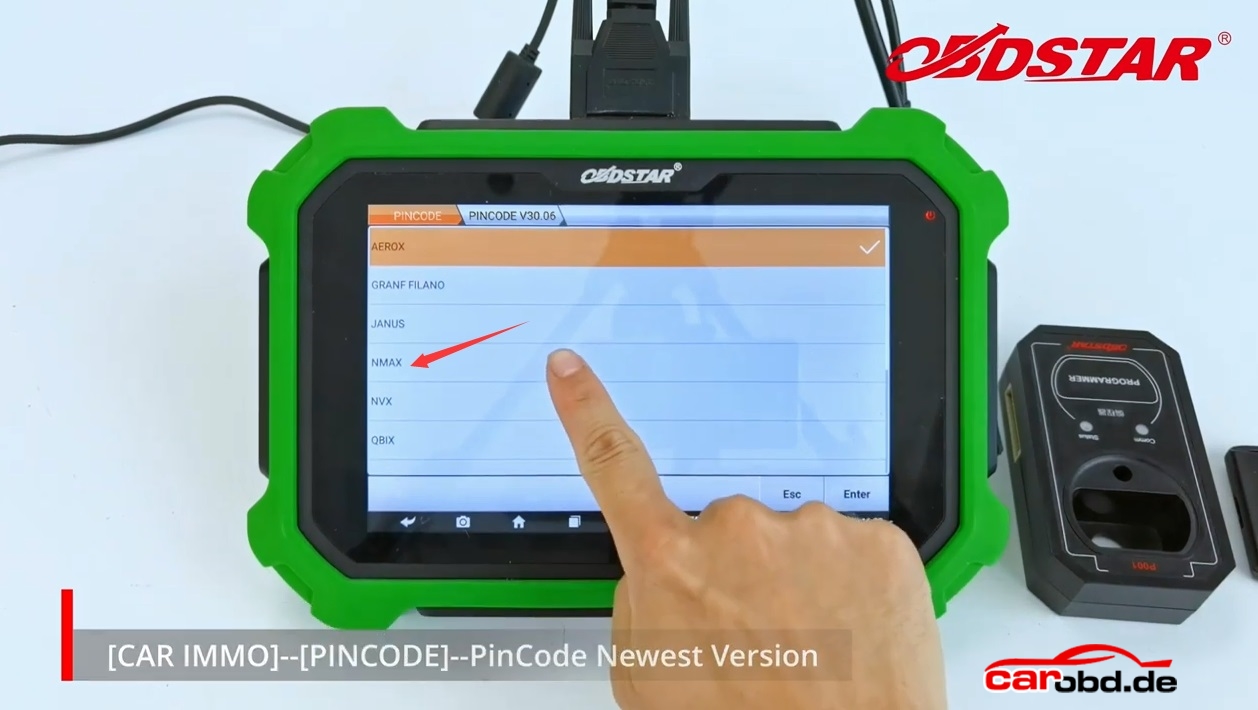
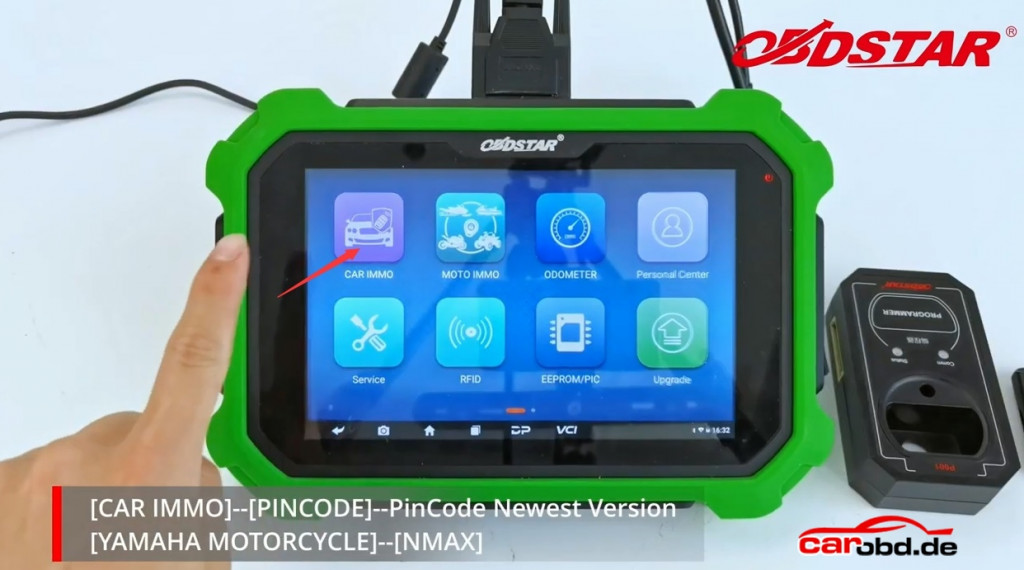
Step2:Select”Car IMMO”-“Pin Code”Newest Version-“Yamaha Motorcycle”-“NMAX”
obdstar x300 dp plus calculate yamaha pin code_4

obdstar x300 dp plus calculate yamaha pin code_5

obdstar x300 dp plus calculate yamaha pin code_6   obdstar x300 dp plus calculate yamaha pin code_7 obdstar x300 dp plus calculate yamaha pin code_8

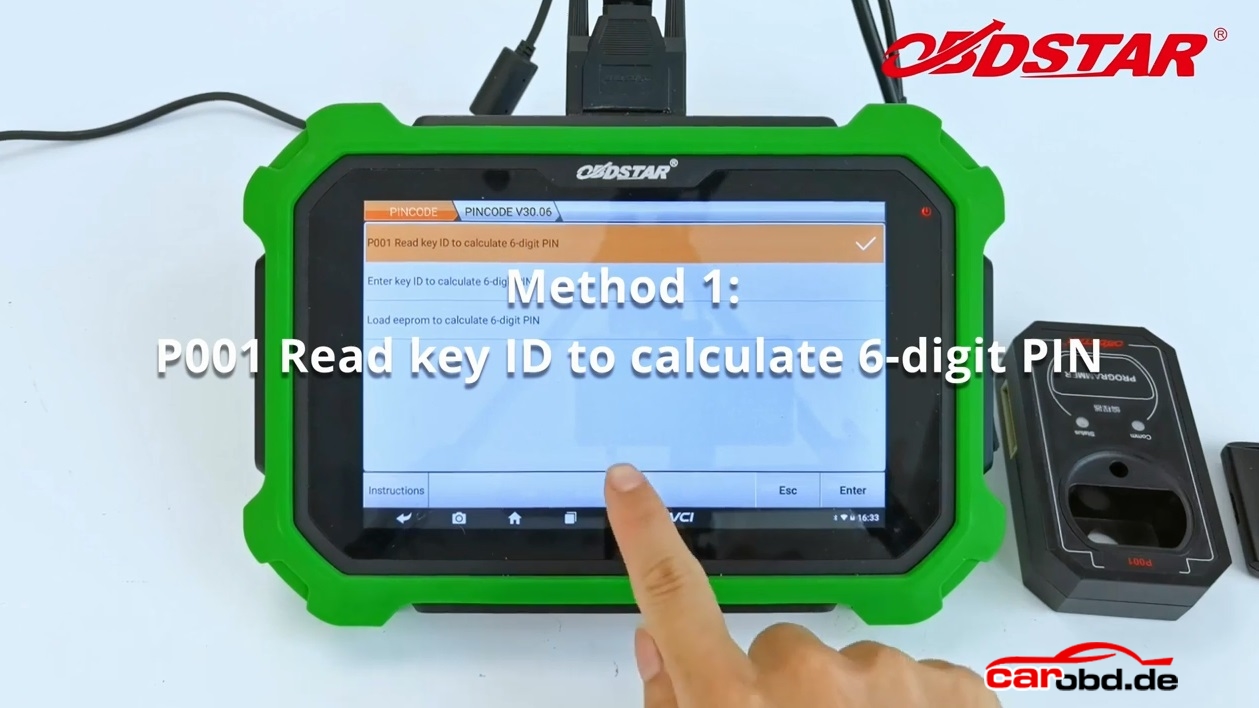
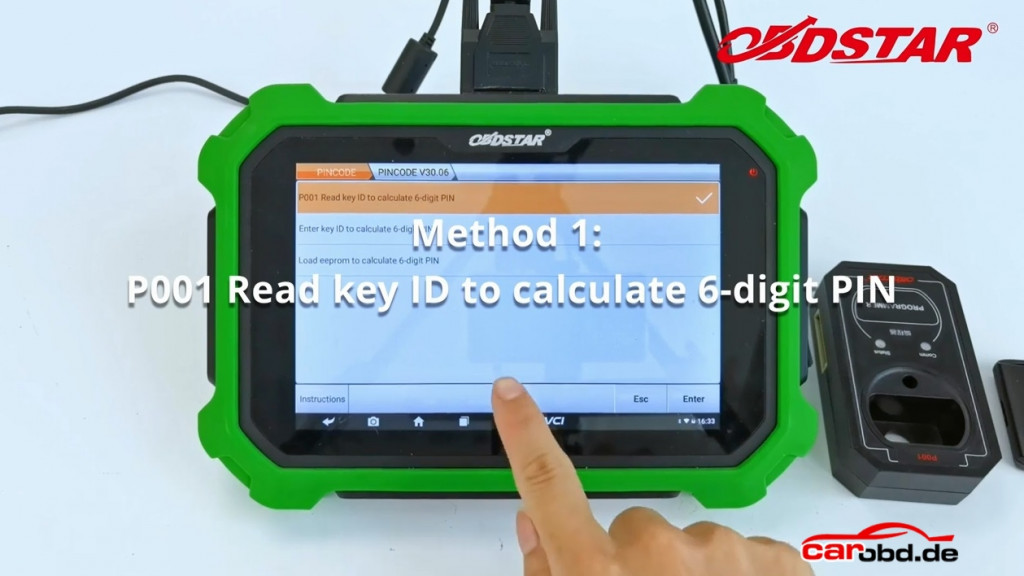
Step3: There are 3 kind of method to tell how to get the pin code

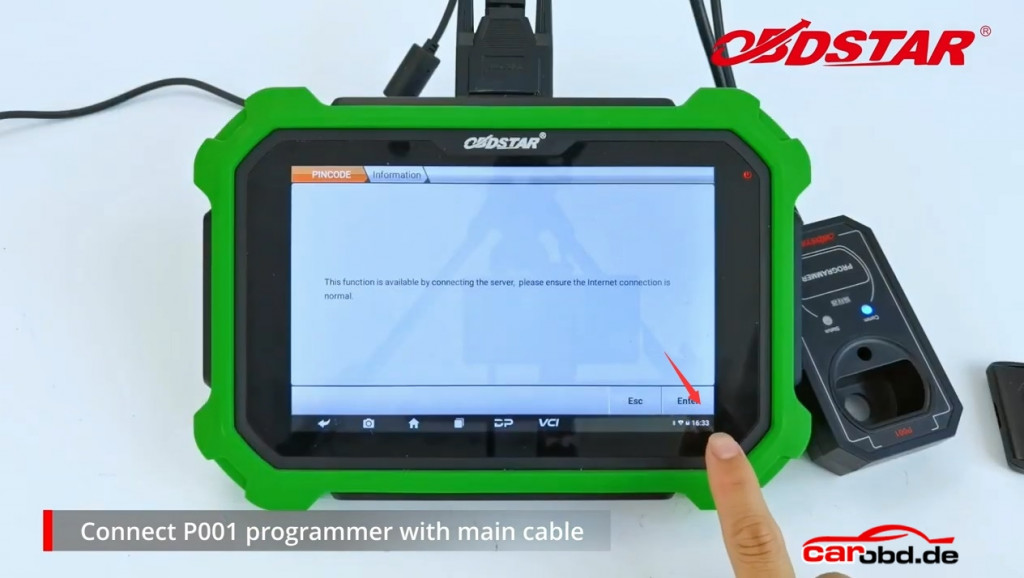
Here is the Method 1: P001 read key ID to calculate 6-digit PIN
obdstar x300 dp plus calculate yamaha pin code_9

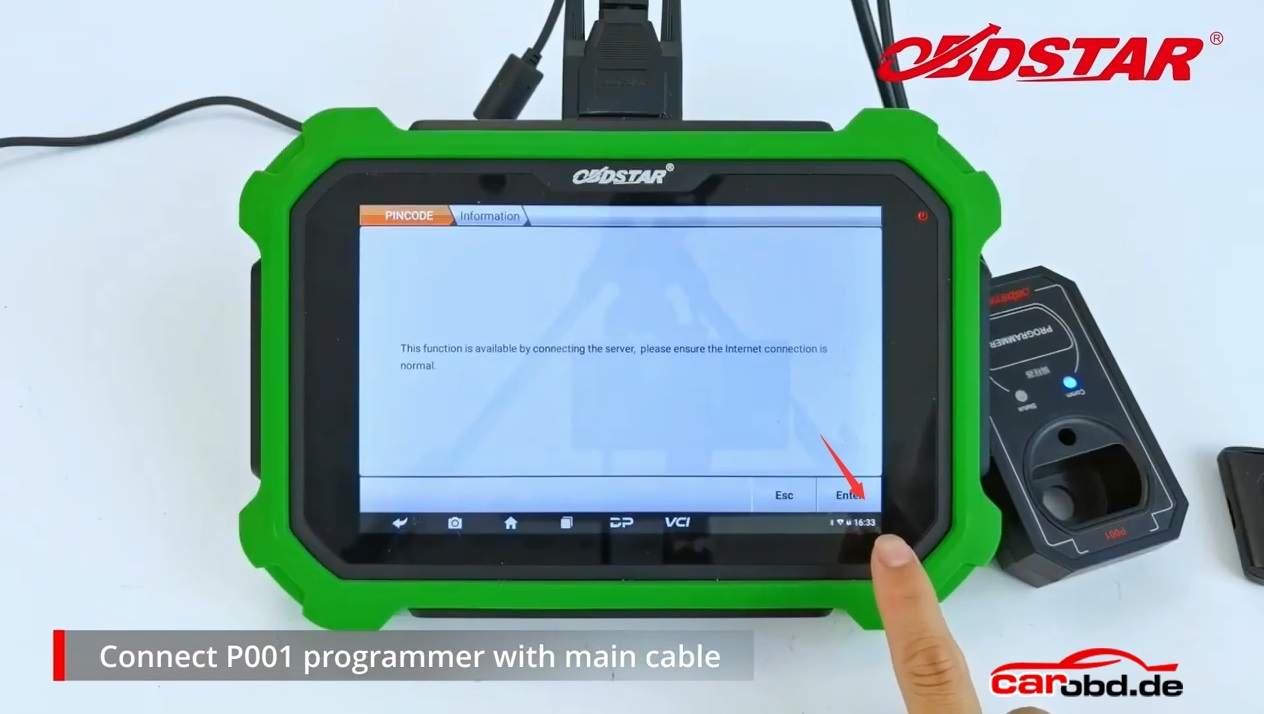
Connect P001 programmer with main cable
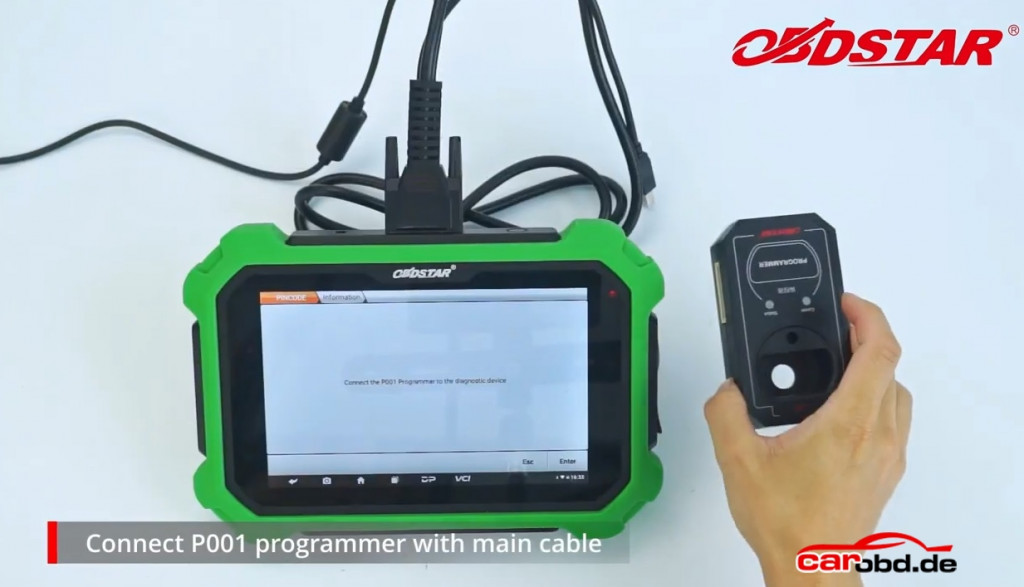
obdstar x300 dp plus calculate yamaha pin code_10

Enter the programm

obdstar x300 dp plus calculate yamaha pin code_11

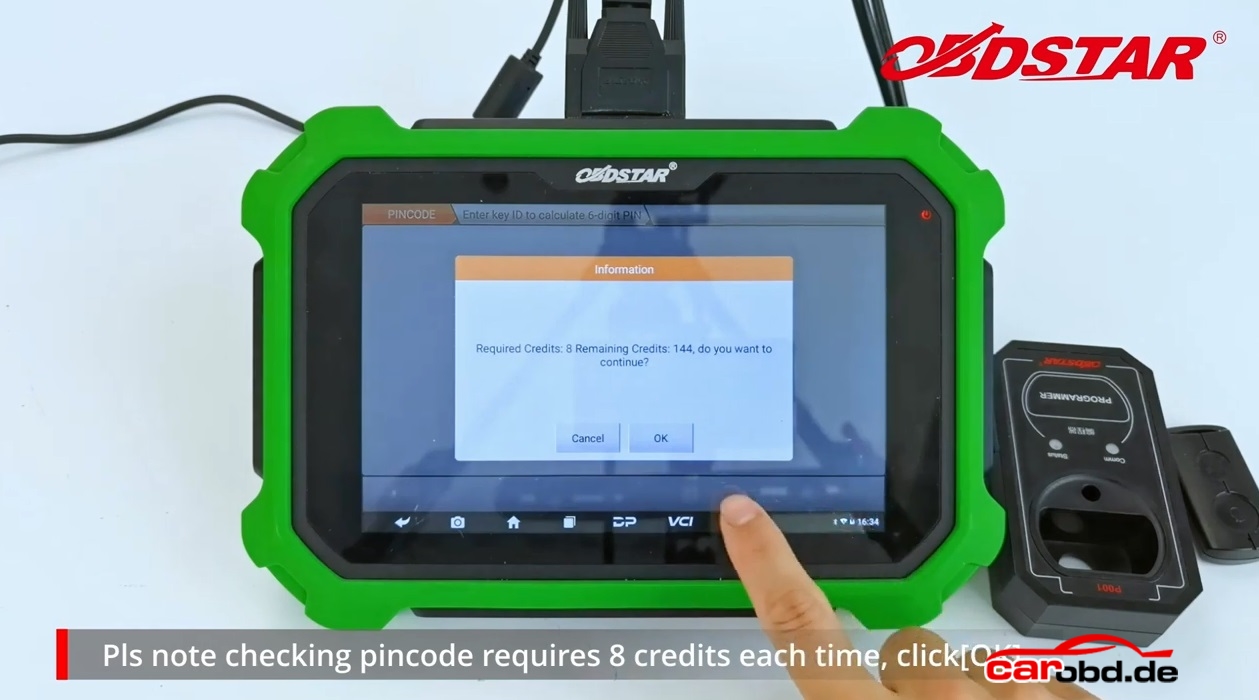
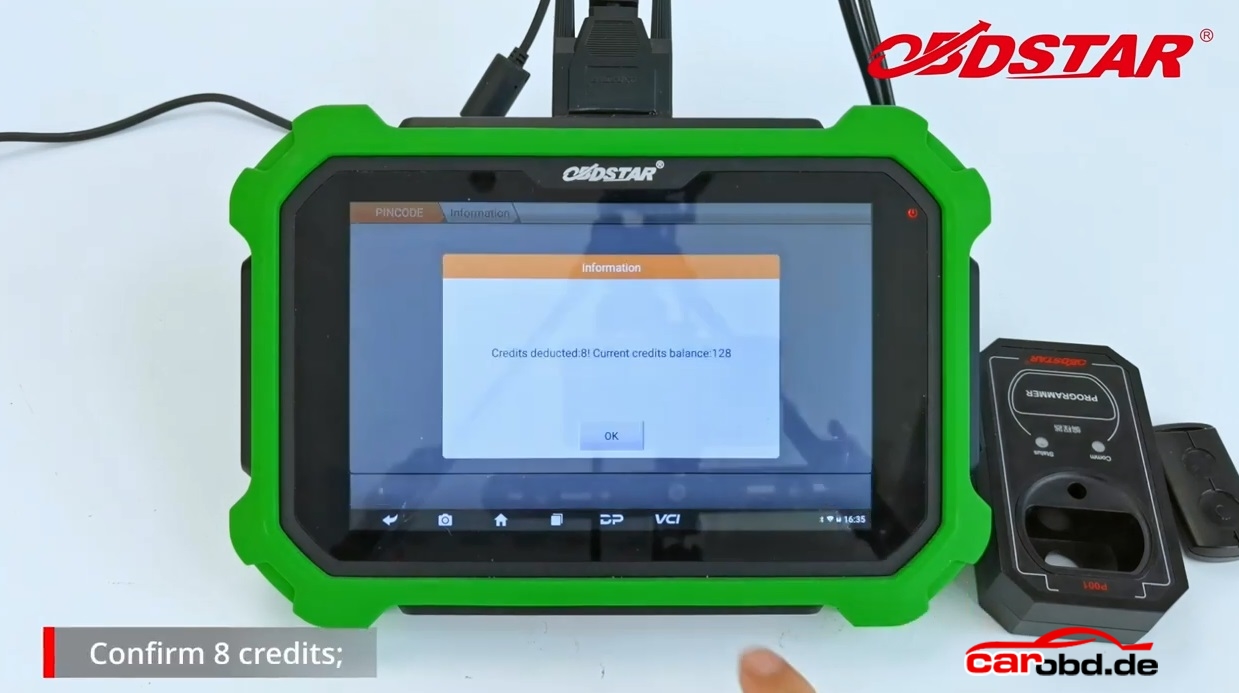
Please note checking pincode requires 8 credits each time,click”OK”
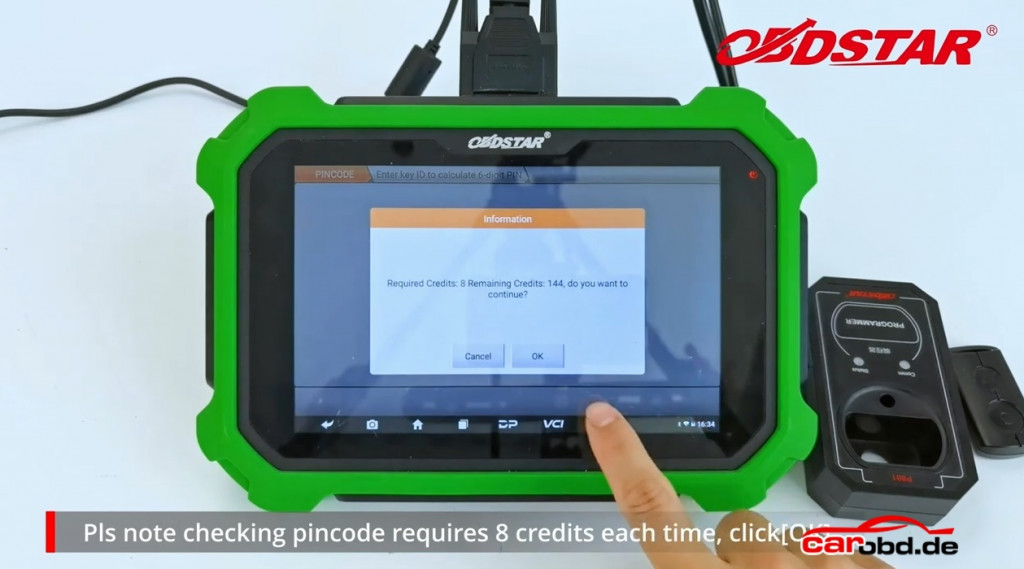
obdstar x300 dp plus calculate yamaha pin code_18

Put original proximity key into P001 programmer,click”Enter”
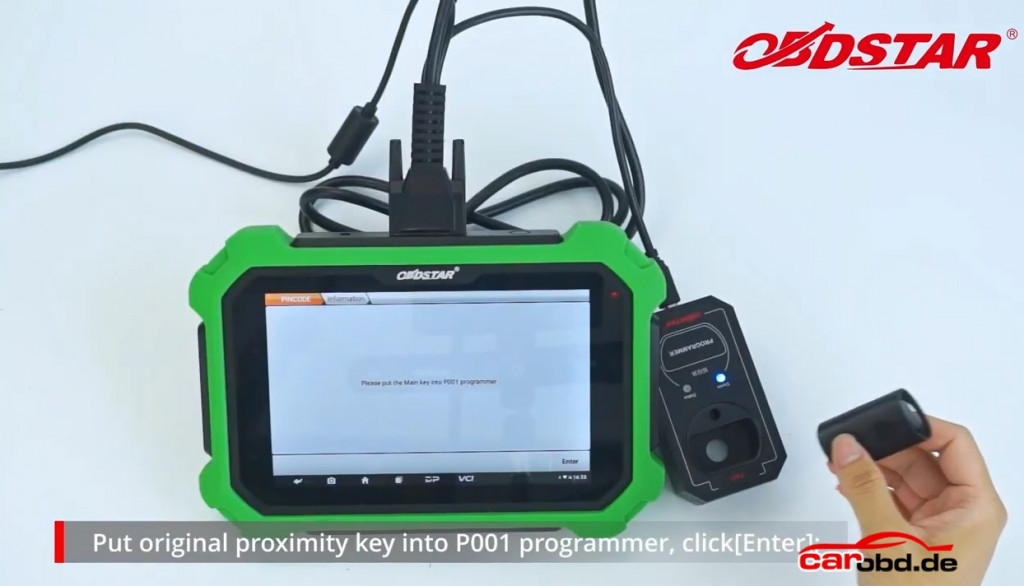
obdstar x300 dp plus calculate yamaha pin code_13

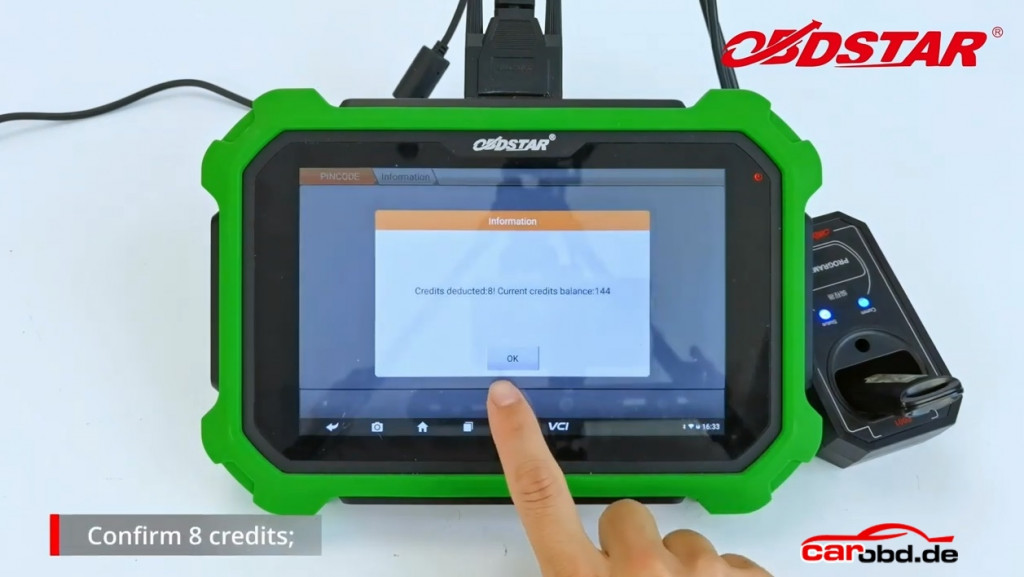
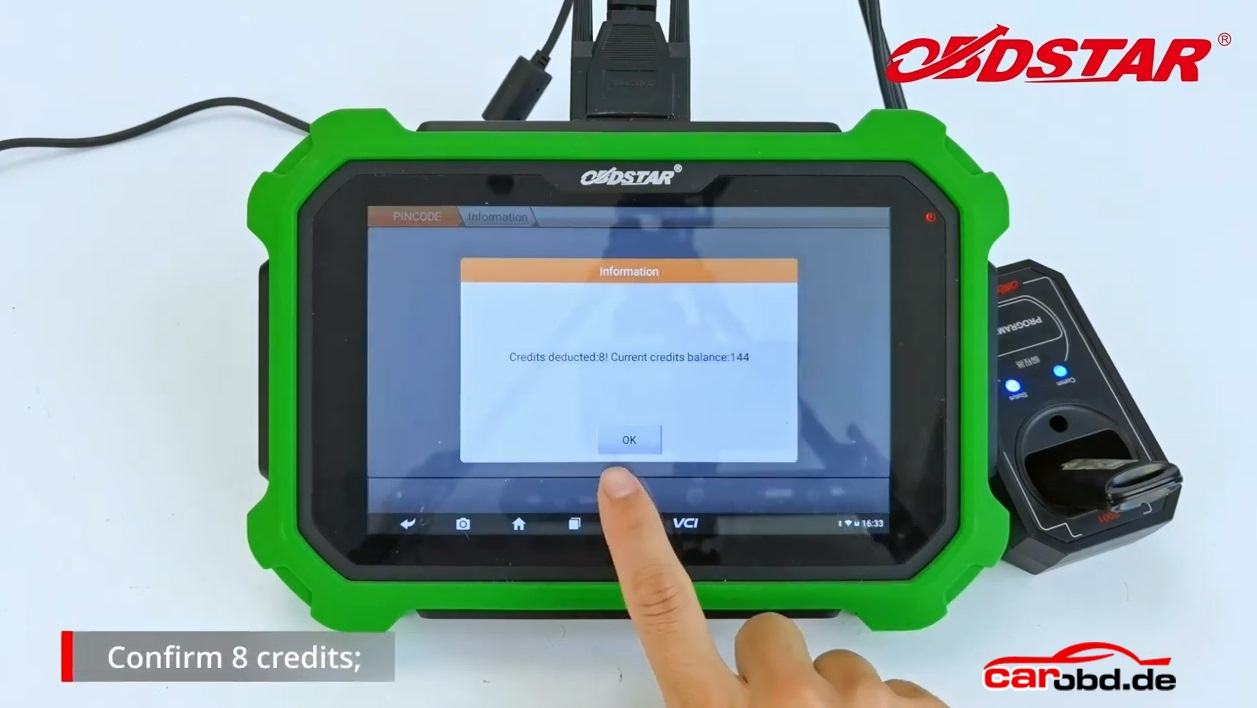
Confirm 8 credits

obdstar x300 dp plus calculate yamaha pin code_14

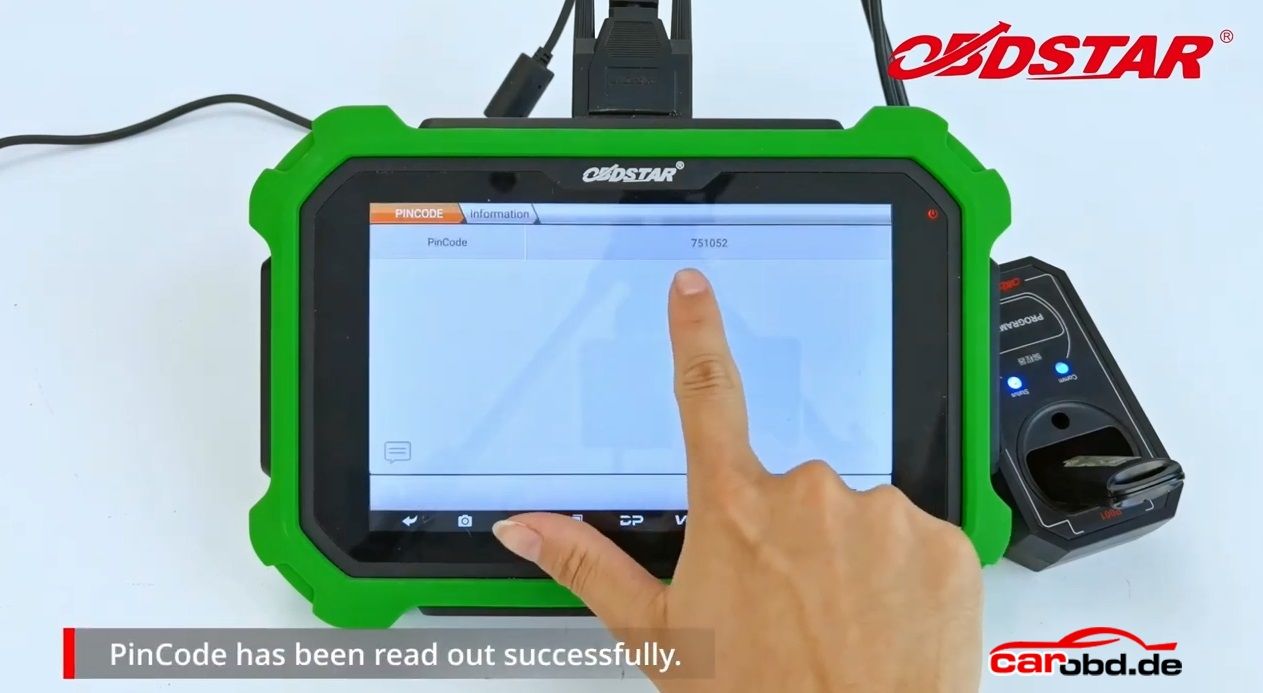
PinCode had been read out successfully
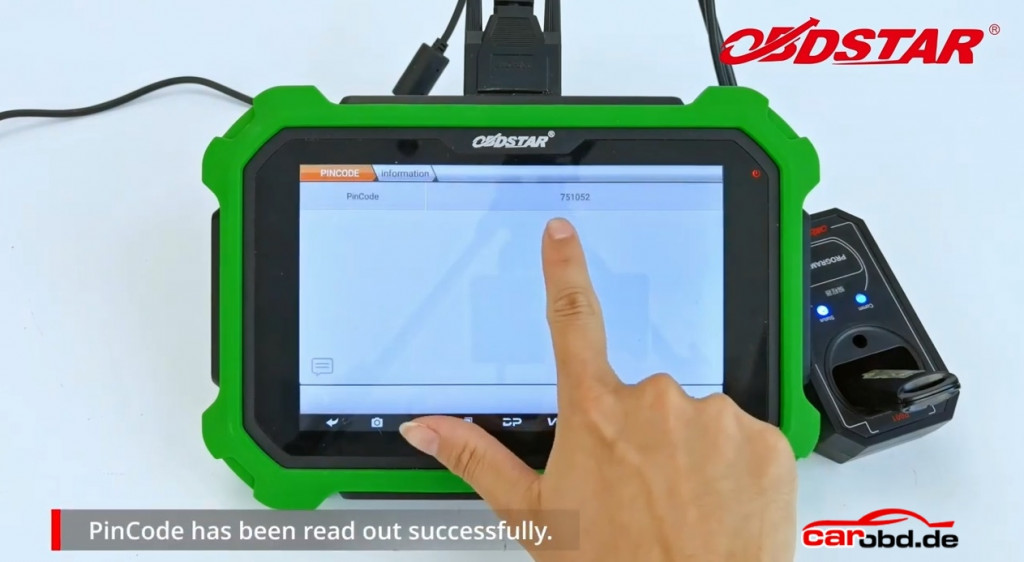
obdstar x300 dp plus calculate yamaha pin code_15

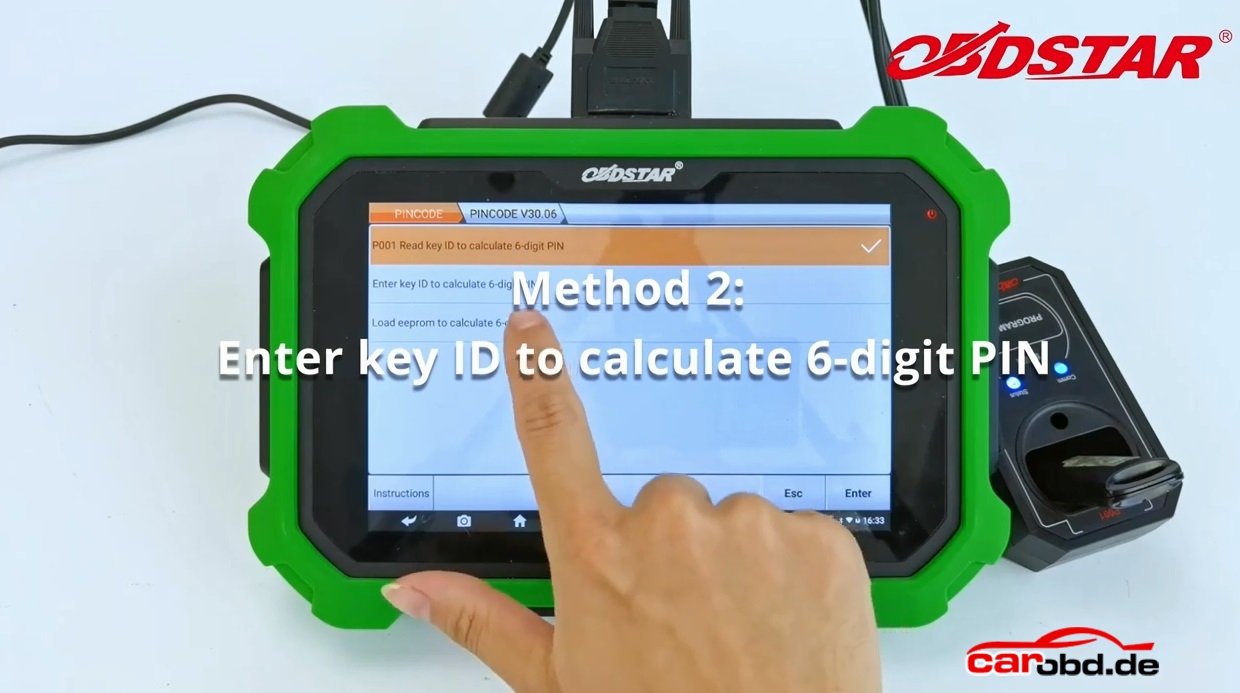
Method2: Enter key ID to calculate 6-digit PIN
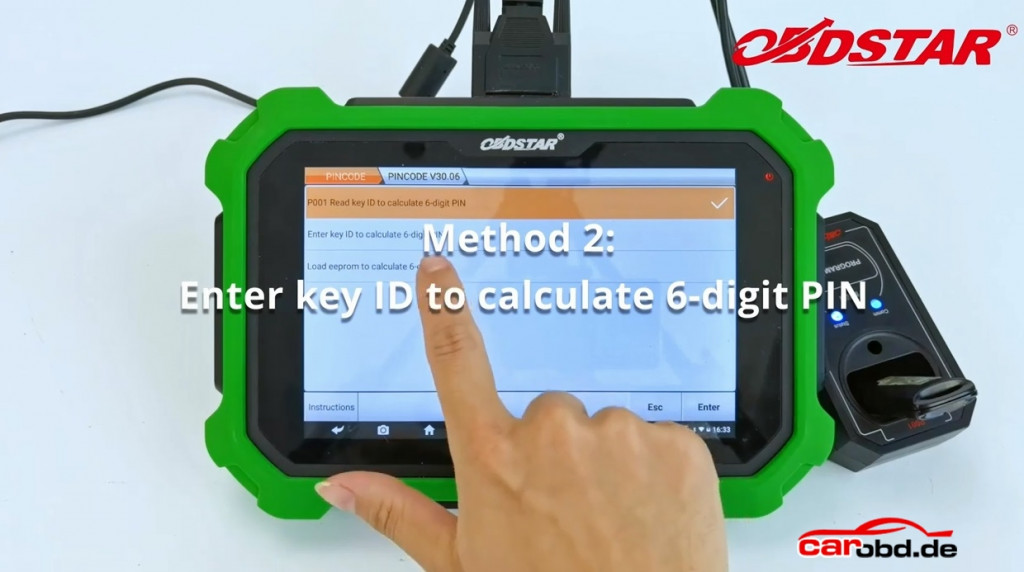
obdstar x300 dp plus calculate yamaha pin code_16

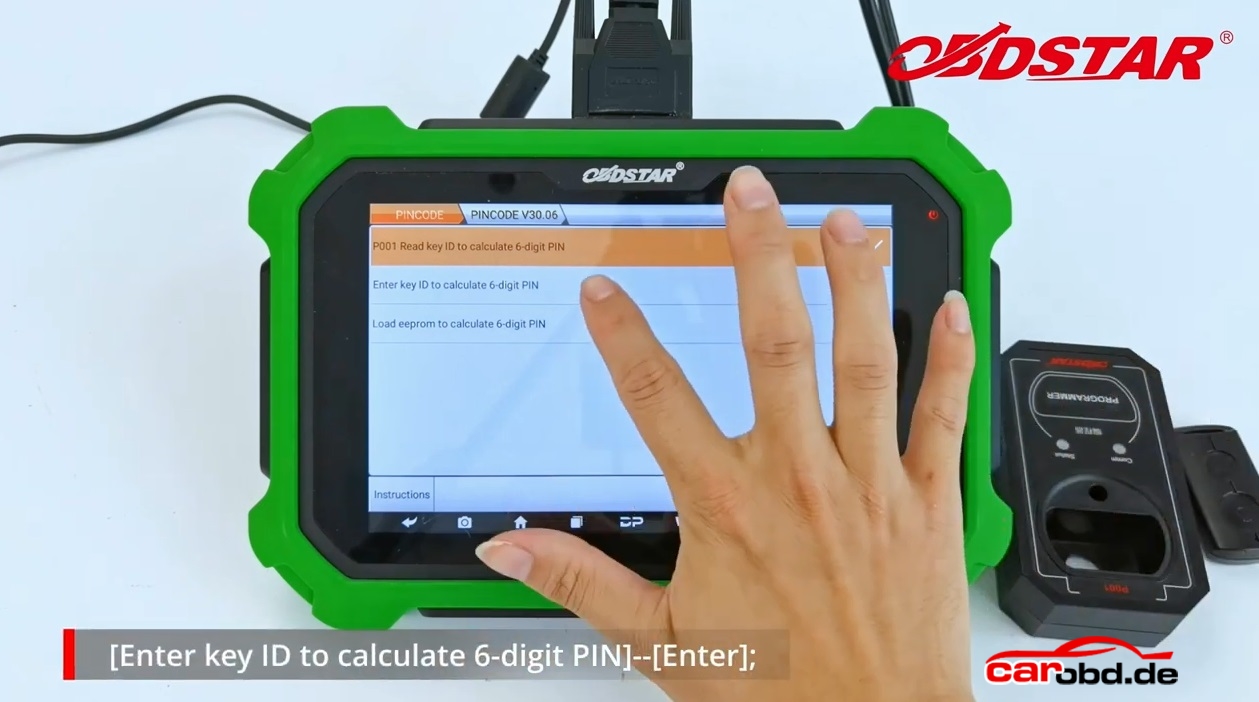
Enter key ID to calculate 6-digit PIN-“Enter”
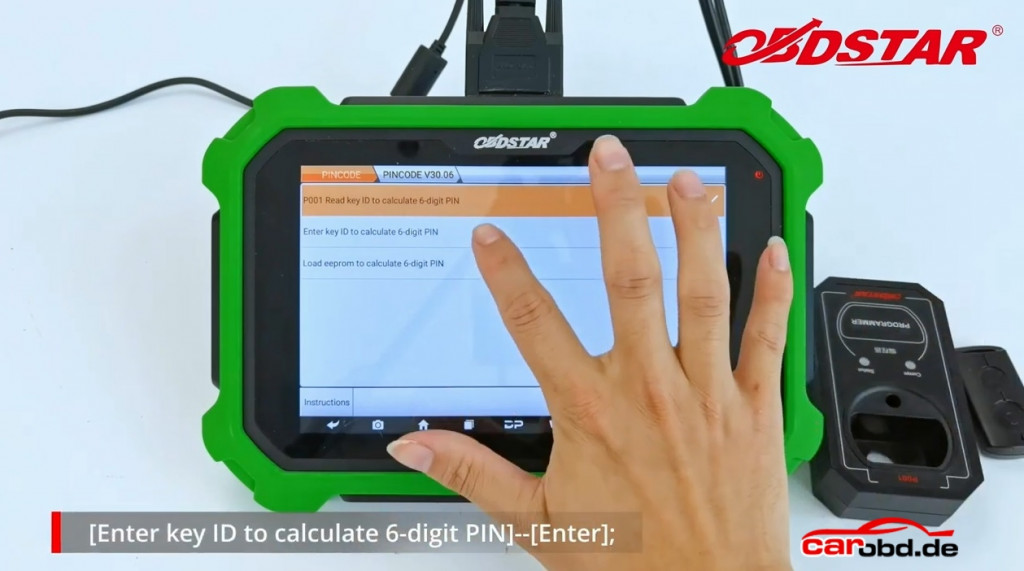
obdstar x300 dp plus calculate yamaha pin code_17

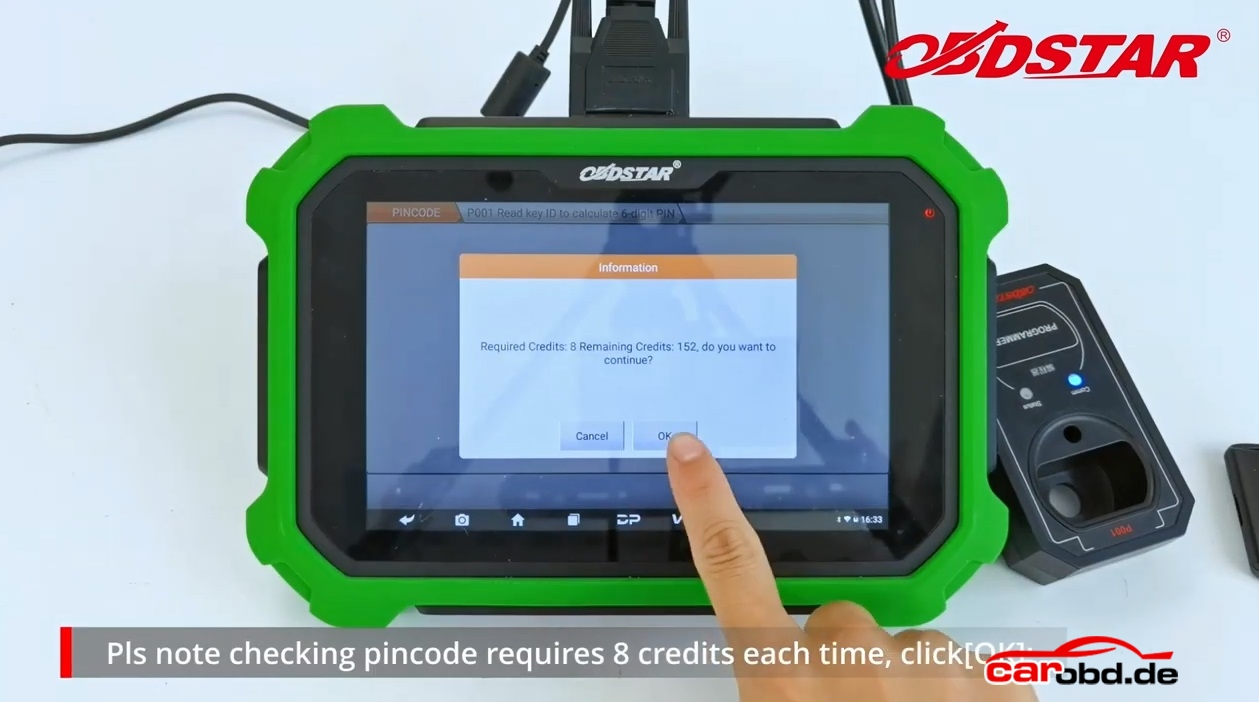
Pls note checking pincode requires 8 credits each time,Click”Ok”
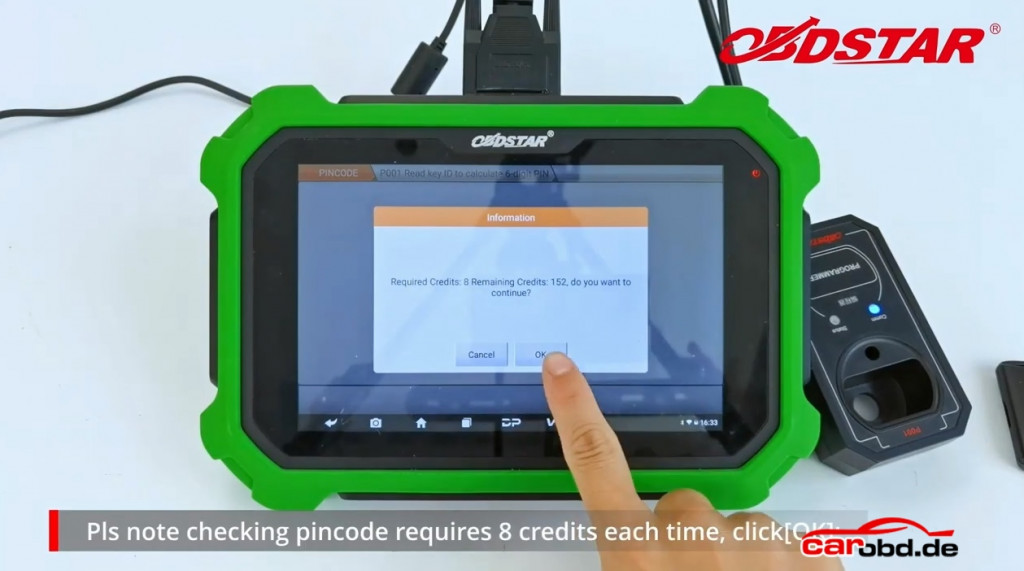
obdstar x300 dp plus calculate yamaha pin code_12

Please enter the 8-digit key ID,click”Enter”(key ID inside the proximity key)
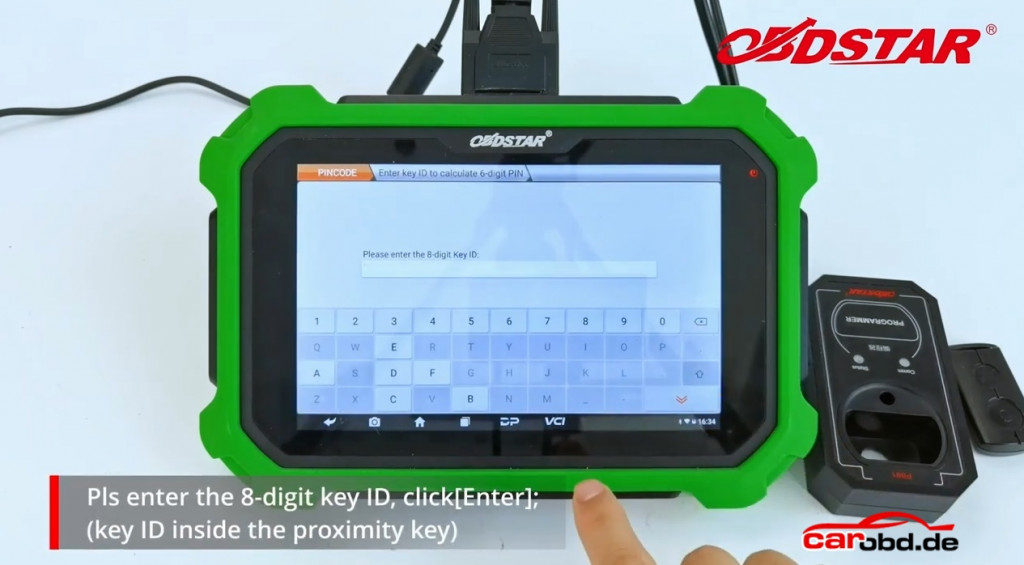
obdstar x300 dp plus calculate yamaha pin code_19

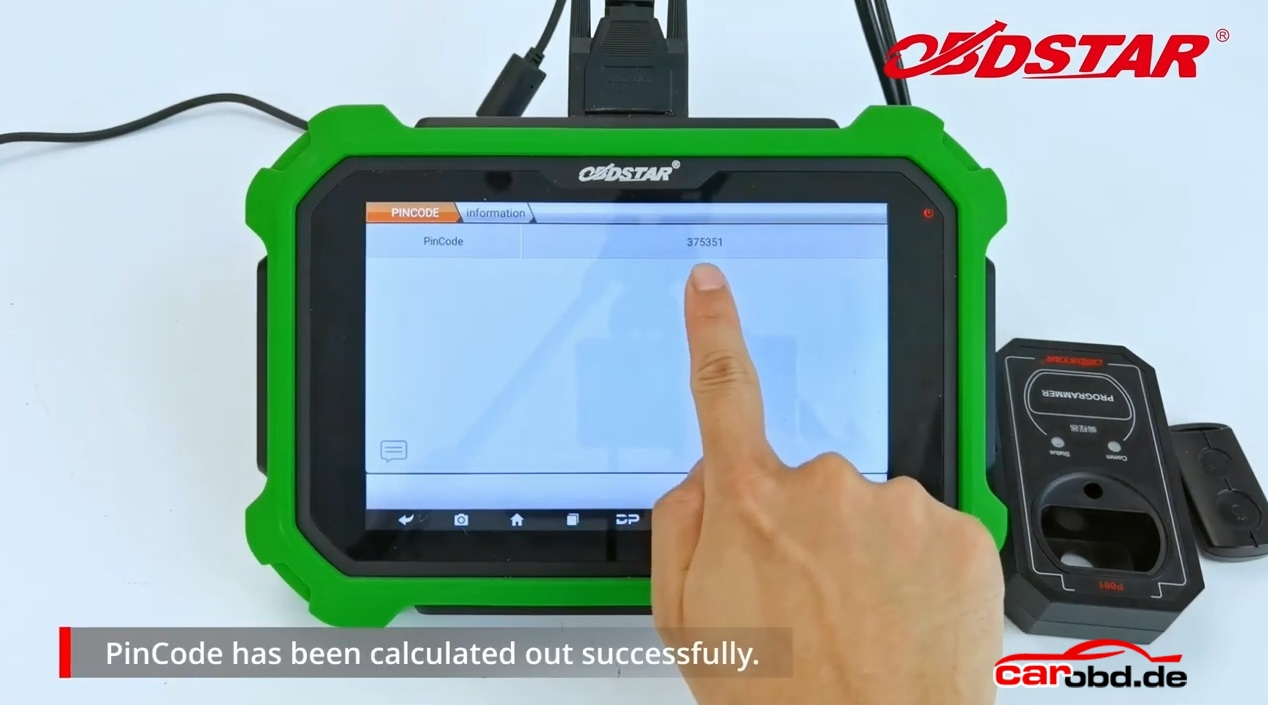
PinCode has been calculated out successfully
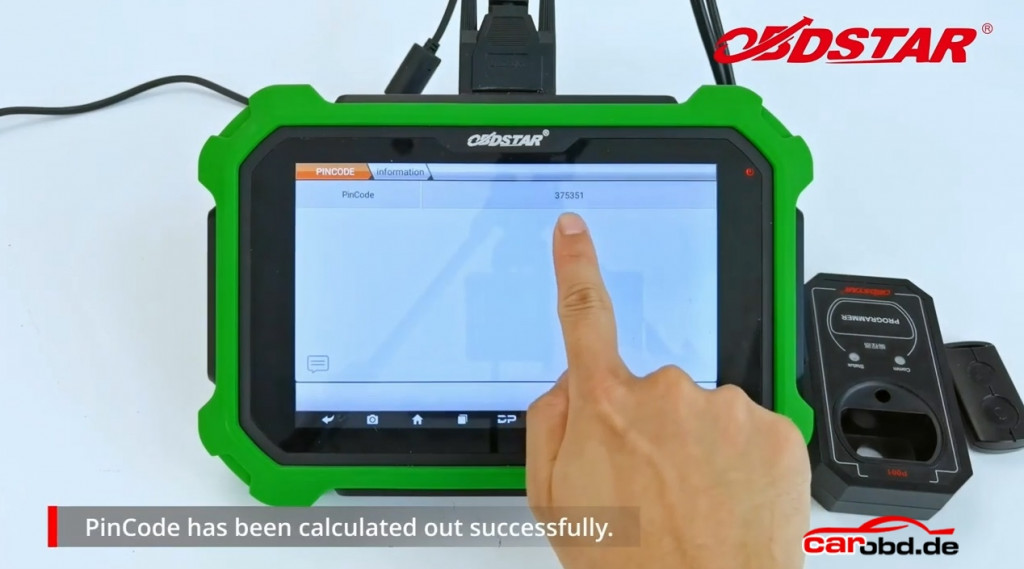
obdstar x300 dp plus calculate yamaha pin code_20

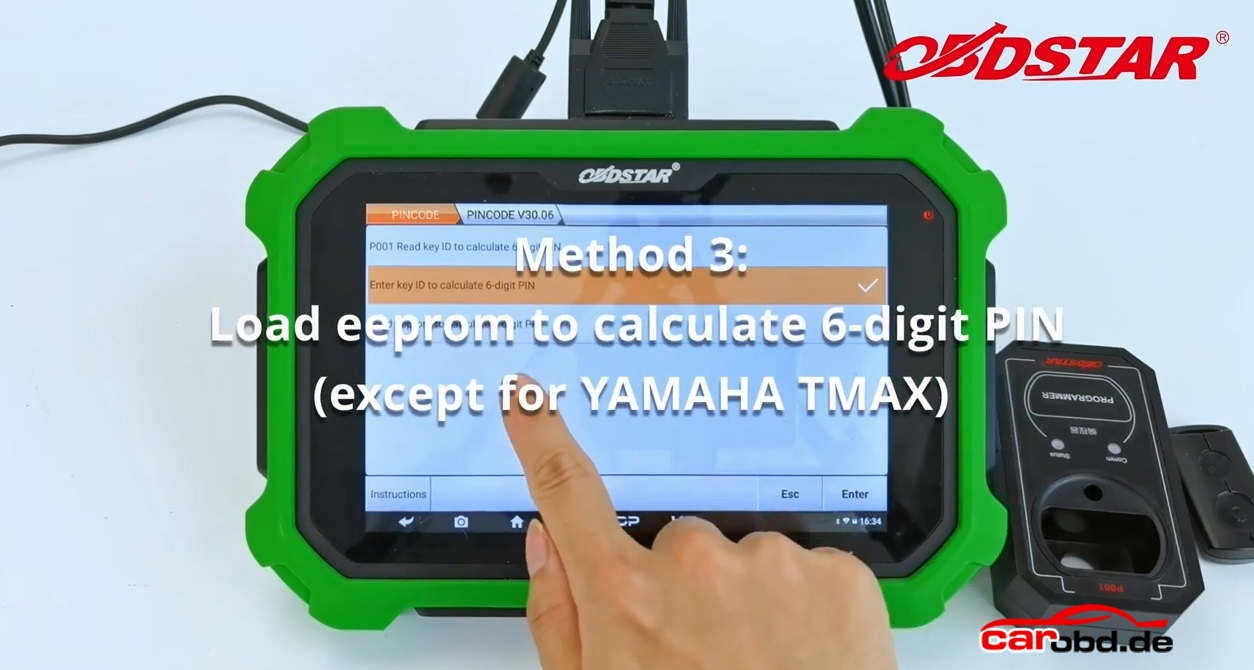
Method3: Load eeprom to calculate 6-digit PIN(except for YAMAHA TMAX)
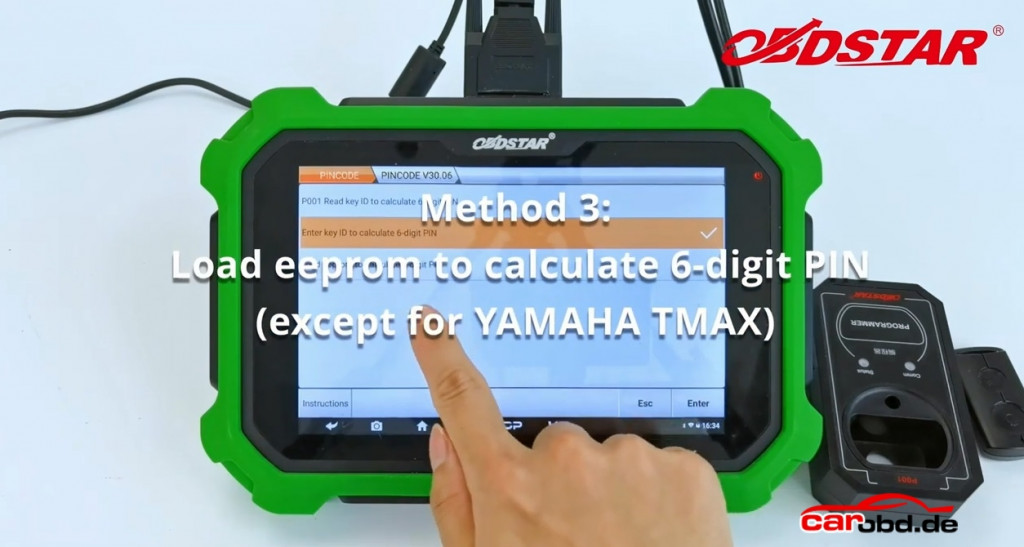
obdstar x300 dp plus calculate yamaha pin code_21

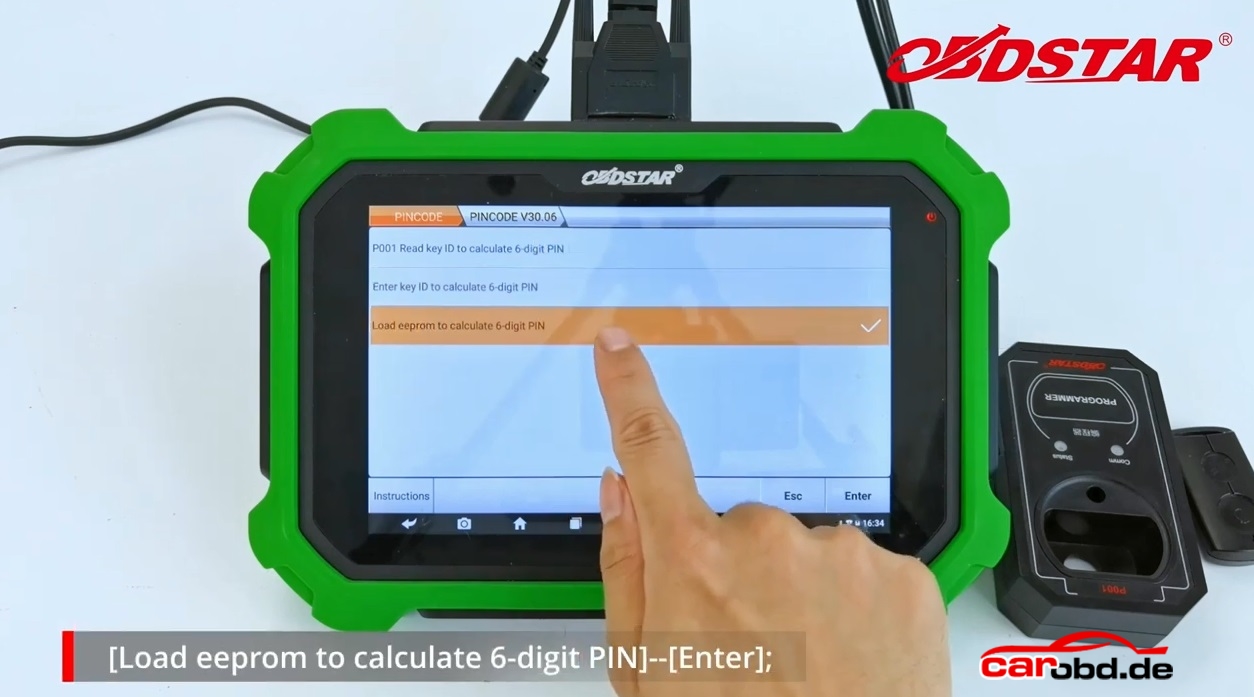
Load EEPROM to calculate 6-digit PIN-“Enter”
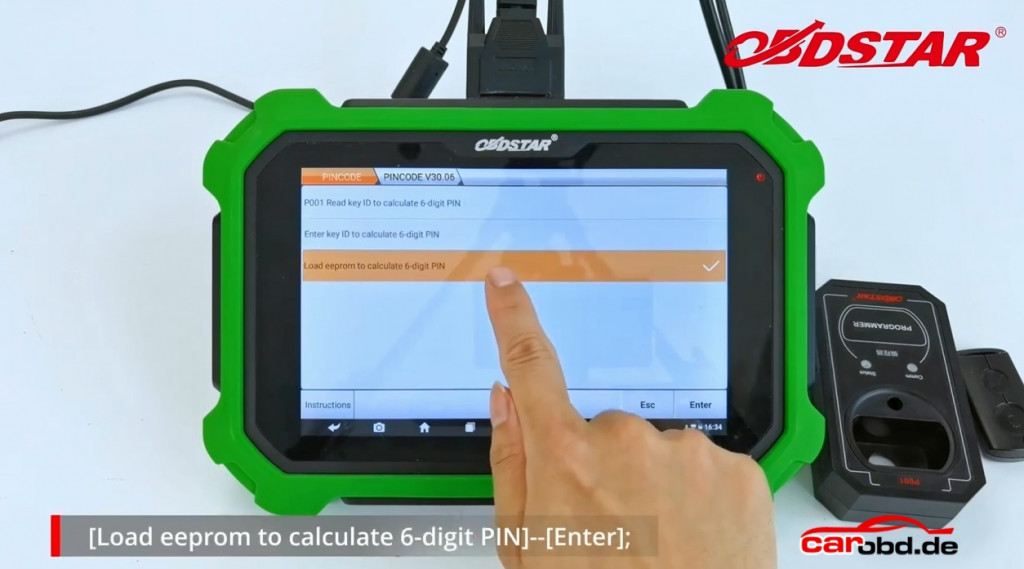
obdstar x300 dp plus calculate yamaha pin code_22

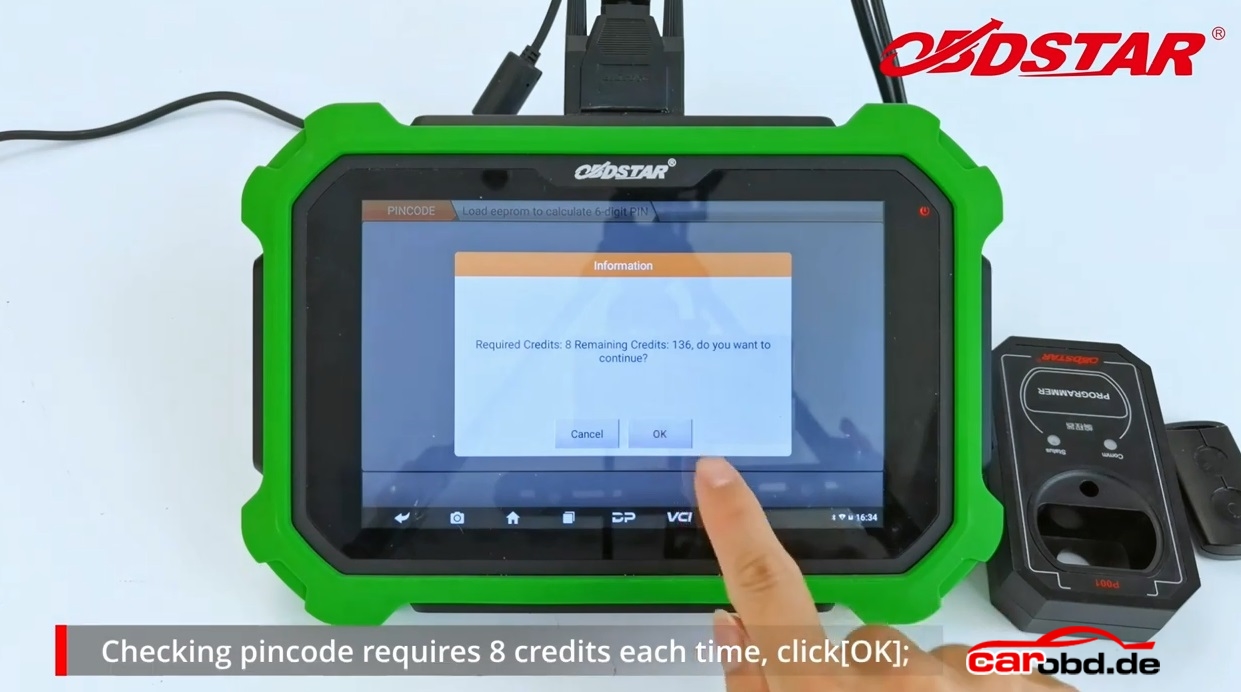
Checking pincode requires 8 credits each time, click”OK”
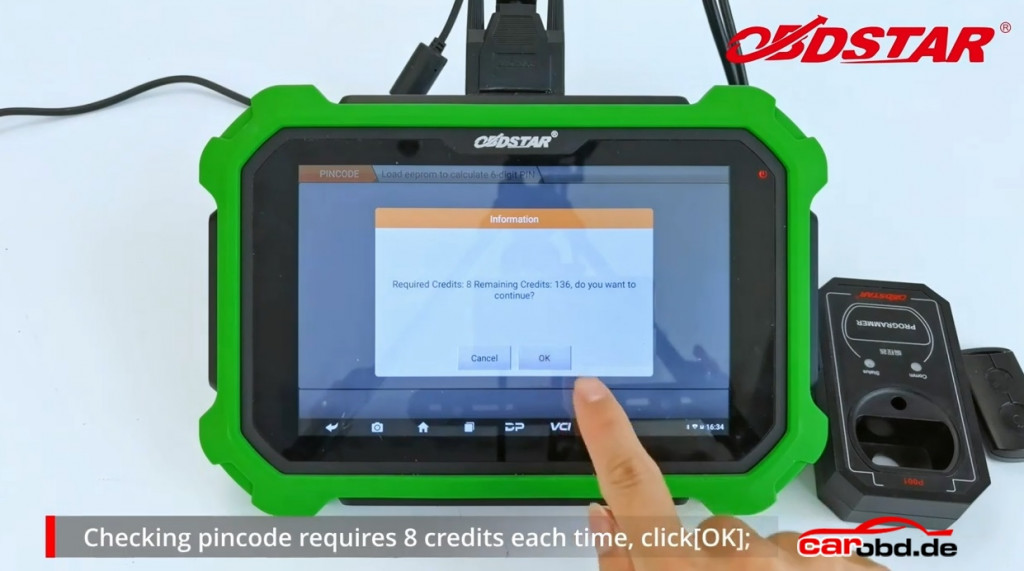
 

obdstar x300 dp plus calculate yamaha pin code_23

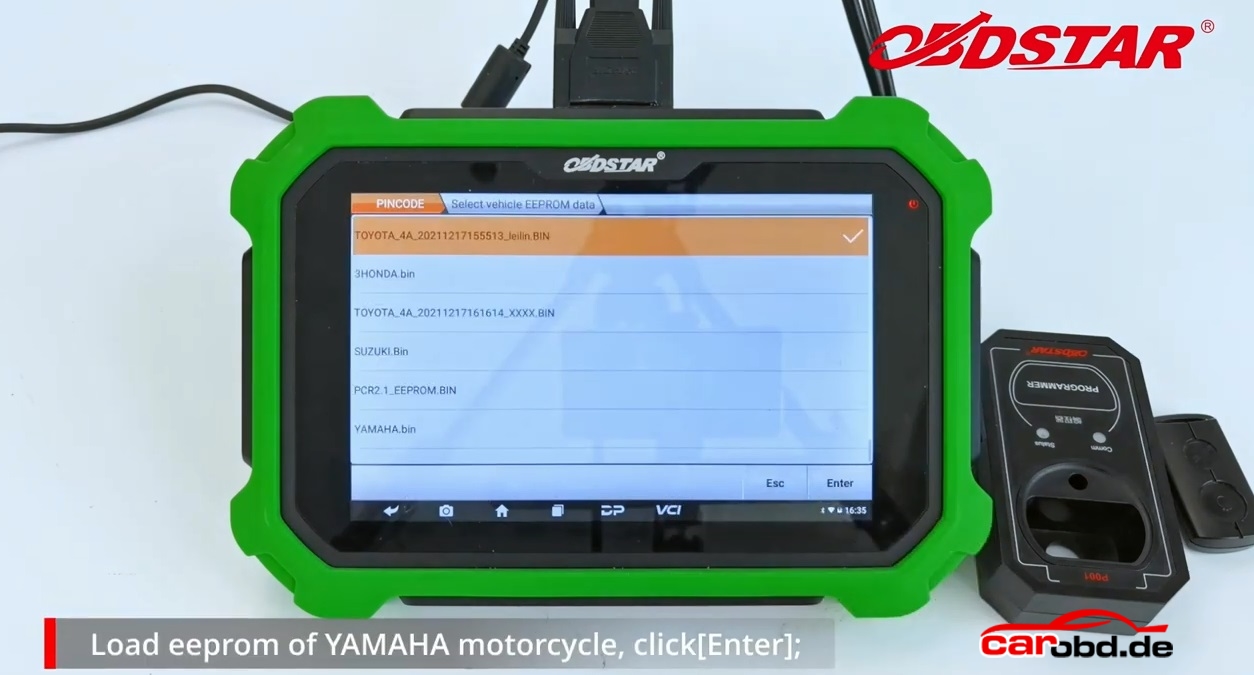
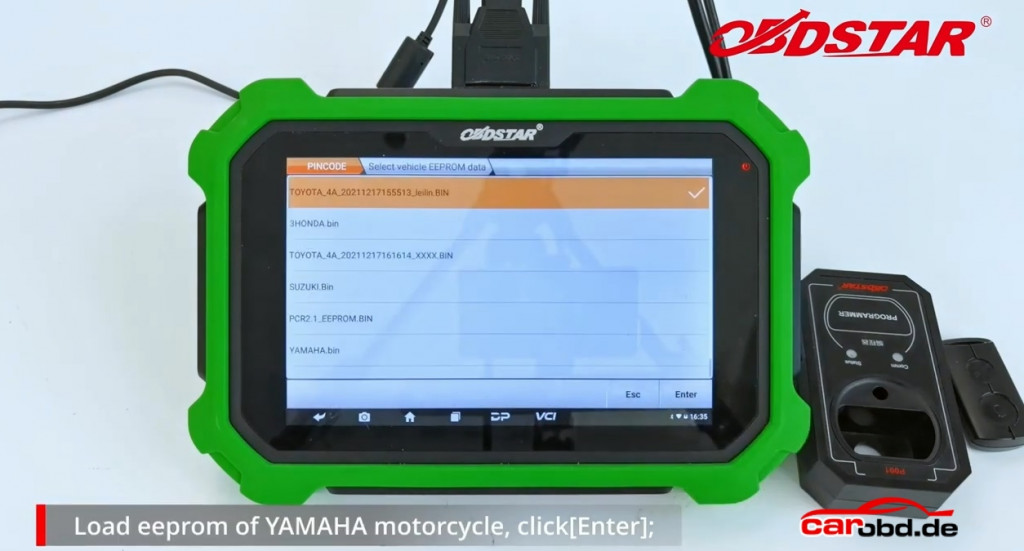
Load EEPROM of YAMAHA motorcycle,click”Enter”
obdstar x300 dp plus calculate yamaha pin code_24

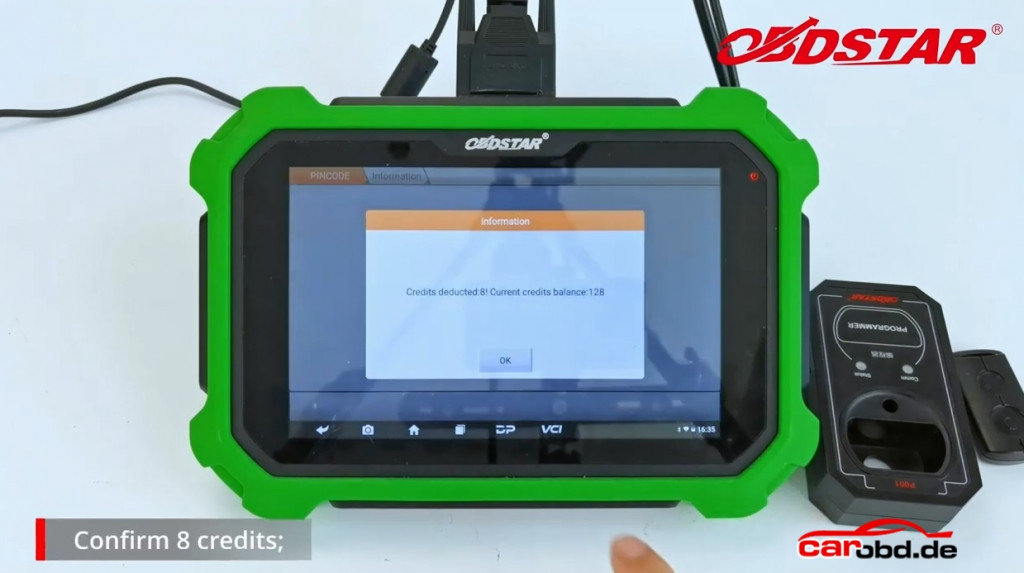
Confirm 8 credits

obdstar x300 dp plus calculate yamaha pin code_25

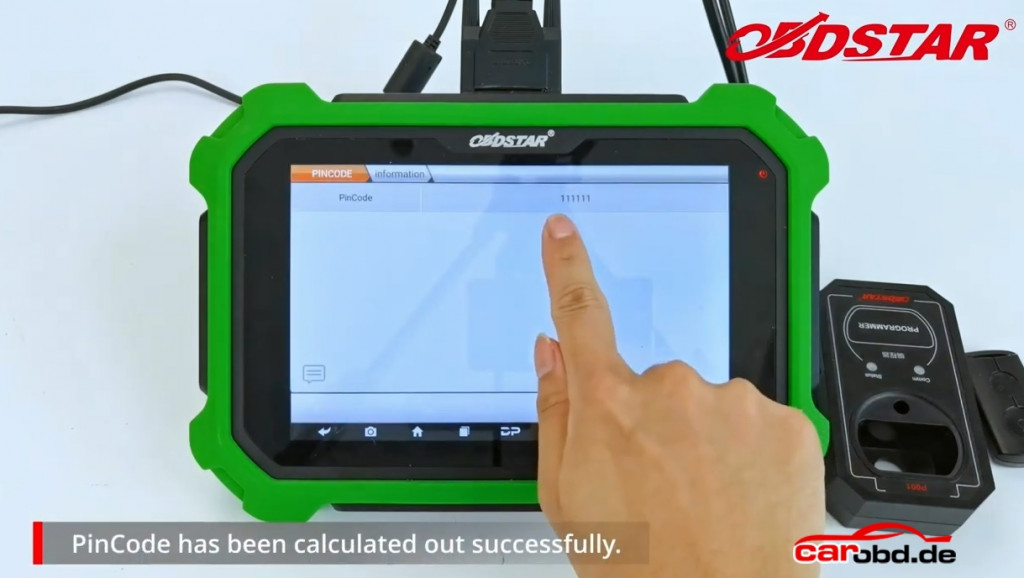
PinCode has been calculated out successfully
obdstar x300 dp plus calculate yamaha pin code_26

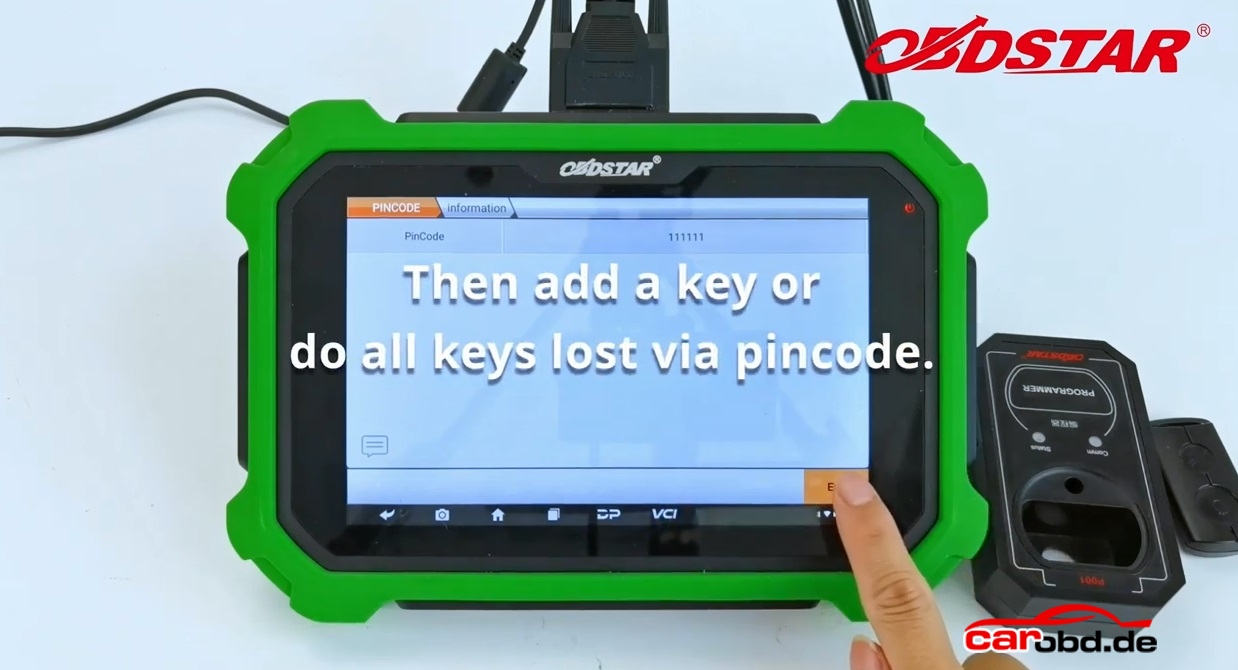
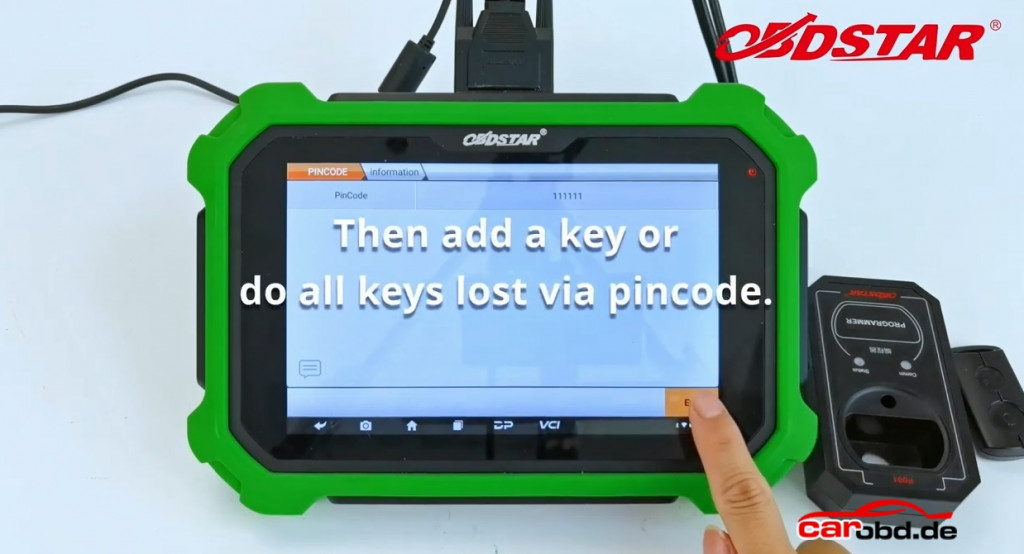
Then add a key or do all keys lost via pin code
obdstar x300 dp plus calculate yamaha pin code_2

XTOOL X100 Pro3 professional key programmer OBD2 car code reader diagnosis scanner more Special functions then pro2

XTOOL X100 Pro3 professional key programmer OBD2 car code reader diagnosis scanner more Special functions then pro2

XTOOL X100 Pro3 Highlights:

1. Upgrade Version of Xtool X100 Pro2.
2. Free Update With LifeTime on www.xtooltech.com

3. Free Supported Languages: English, German, Spanish, Portuguese, French, Italian, Polish, Russian
4. OBD2 Diagnosis System: Read Codes, Erase Code, Live Data, Freeze Frame, I/M Readiness, Vehicle Info.
5. X100 PRO3 adds 7 special functions like ABS, TPS, EPB, Steering Angle Sensor Adjustment, Oil reset, eps and Throttle Relearn

X100 PRO2 vs X100 pro3

X100 PRO2: IMMO, EEPROM Adapter, Odometer adjustment
X100 pro3:  IMMO, EEPROM Adapter, Odometer adjustment, ABS, TPS, EPB, Steering Angle Sensor Adjustment, Oil reset, eps and Throttle Relearn

QQ图片20210805172046

Xhorse SW-007 Smart Remote Watch Keyless Go Wearable Super Car Key In Stock Now

Xhorse SW-007 Smart Remote Watch Keyless Go Wearable Super Car Key In Stock Now

1. Xhorse Universal Smart Proximity multi-functional watch can be used as a replacement remote smart key to control a vehicle: start and stop the car, open and close the trunk, lock and unlock doors, as well support for panic function.
2. This universal smart Keyless Go watch is compatible with over 30,000 vehicle models from Honda, Buick, Ford, Cadillac, Nissan, Mitsubishi, Chevrolet makes, and others.
3. Use Remote Generation feature on any Key Tool series devices such as Mini Key Tool, Key Tool MAX, or Key Tool Plus and then program it to the vehicle using a professional programming tool.

Features:

Sapphire Glass – double glare-proofed curved sapphire crystal glass for enhanced visibility and clarity
Quartz Movement – exquisite Japanese movement
5ATM Water Resistant (50 Metres)– can withstand splashes, shower and is suitable for swimming. It is not suitable for water sports or diving.
Luminous Display – clearly readable in the dark
Case Material: 316l stainless steel with a ceramic bezel
Leather Watch Strap: the first layer of cowhide + PU leather
Dust-proof
Many are asking the cars Xhorse Smart Remote Watch supports. You can refer to the list on Vehicle Remote – MINI KEY TOOL -Xhorse APP. Most of the keys with label of PROX are supported.

Shop Link: https://www.carobd.de/wholesale/xhorse-sw-007-smart-watch.html


xhorse-sw-007-smart-watch-4

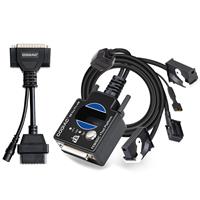
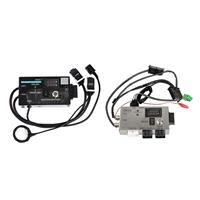
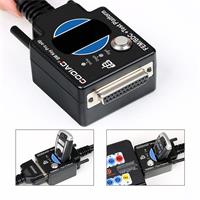
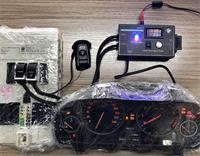
GODIAG FEM BDC Test Platform for BMW Works with Autel IM608/VVDI2/CGDI BMW/VVDI Key Tool Plus etc for Bench Connection

GODIAG For BMW FEM/ BDC Programming Test Platform

Godiag FEM / BDC programming test platform is a dedicated device developed for BMW locksmiths, maintenance engineers and FEM / BDC programming engineers.

Name Godiag BMW FEM/BDC Test Platform Other FEM/BDC Test Platform
Picture
Price 43EUR 51EUR
Key Recognition Area
Stable, easy to identify the keys

Connect to key by wire, need to move
keys all the time to detect
Power Plug Interface Godiag dedicated OEM connector Connect to power supply via clip, not stable
Extend Functions Work with the obd2-db25 adapter to connect to
more ecu and modules (db25 free in package)
No

Shop Link:https://www.carobd.de/wholesale/godiag-test-platform-for-bmw-fem-bdc.html.html