

Tag Archive | cg100x

How to Generate Remote Key with CG100X ?

How to Generate Remote Key with CG100X ?

CG100X programmer’s recent upgrade 2.0.7.0 added remote key generation function.
We will show how to generate a remote key using CG100X

What remote do be used ?
CG100X will only generate CG remote

  • 1CG wired remote =25 points
  • 1CG wireless remote= 40 points
  • 1 CG Smart remote = 60 points.

The generate points generated will be tied to the user’s CG account

How to generate Remote using CG100X ?

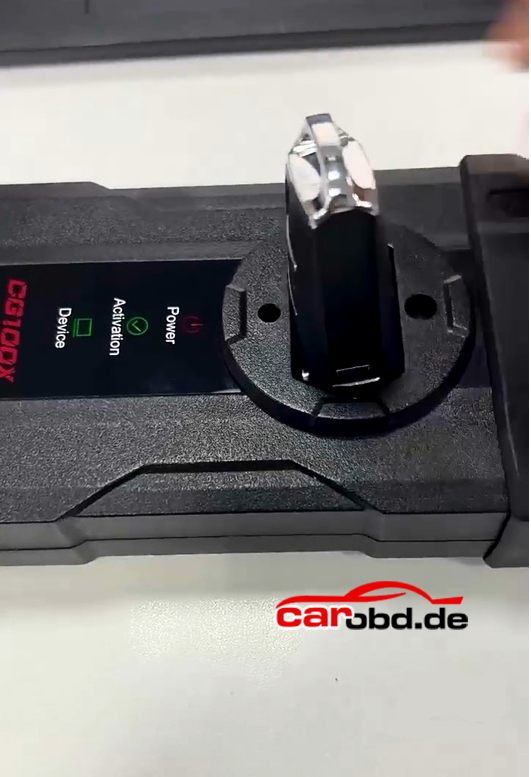
Place a CG remote into CG100X’s induction coil.
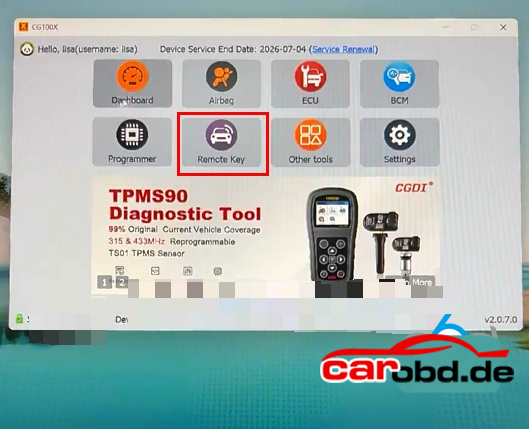
Go to Remote Key function
Select brand-model and the corresponding remote program
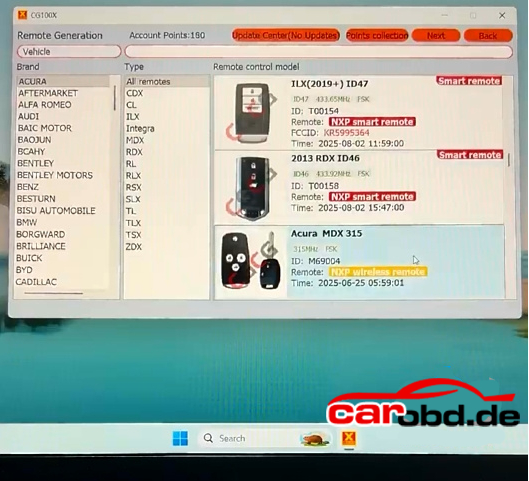
For example: Acura MDX 315mhz
Supports wireless and wired generations
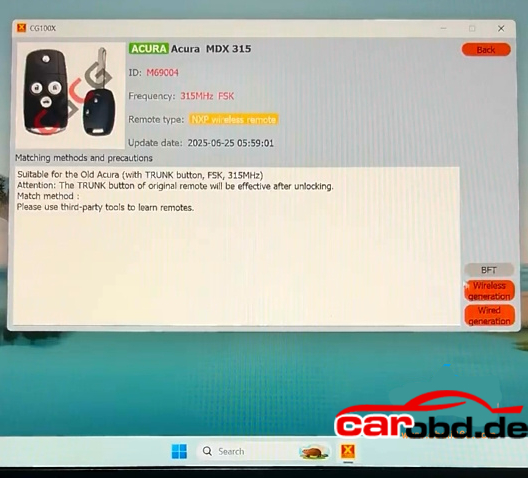
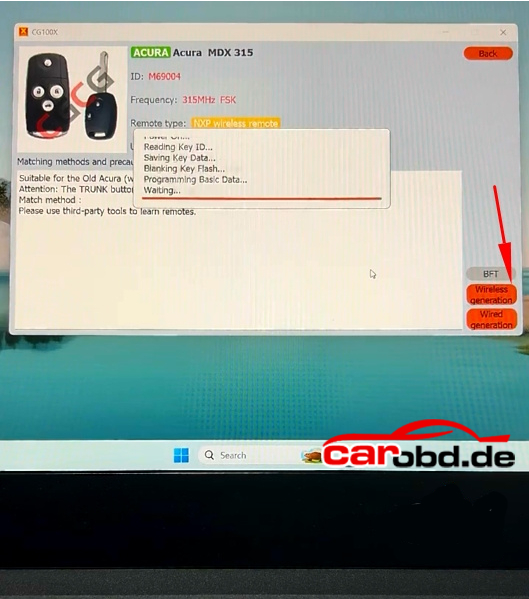
Here select wireless generation
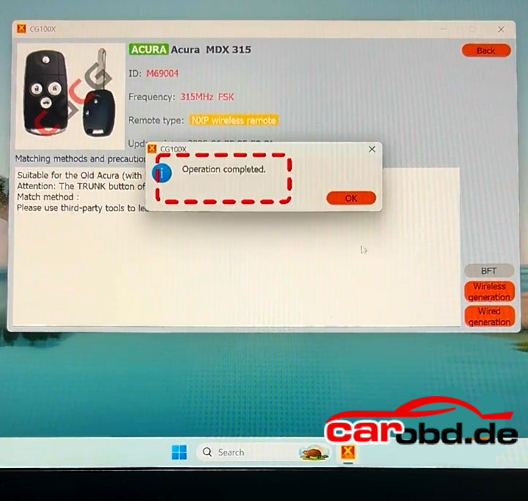
Generate remote successfully
After generating remote key, program remote with CGDI A2 or other key programmers

For more infomations,please contact technical service

Whatsapp: +86 19947637411
Email: Sales@Carobd.de

CG100X Reset Mercedes Sprinter W907 Airbag R7F7010643

How to read and write Mercedes Sprinter W907 airbag ECU with CG100X Programmer.

CG100X has a solution for this airbag ecu. Only read and write, need to edit data manually and write to SRS to reset creash data.

Airbag module HW:A9079017900

BOSCH Number: 0285015024

Processor: Renesas R7F7010643(RH850) eeprom 95128

Select Programmer function. Search R7F701064 mcu.

Check wiring diagram.

Connect CG100X with airbag module via Pro V2 adapter. Don’t forget to connect 12V power supply to CG100X.

Read and save Dflash

Read and save PFLASH

Read and Save OPBT0 data

Then read and save BOOT data.

Modified srs eeprom dflash data by tuners or 3rd party.

Wire modified airbag dflash data back to SRS module

Reset airbag module successfully

Carprotool also does this airbag ecu.

pinout to CPT.

CPT-1 is RESET
CPT-2 is VCC
CPT-5 is RXD
CPT-6 is TXD
CPT-7 is FMLD0
CPT-8 is P10_8 pin on some devices its optional
CPT-9 is GND

How to change server connection area for CG100?

How to change server connection area for CG100?

Hello dear all CG100 users, these days , many customer met problem when open CG100 software : Device Service End Date is not expired , but software still ask you to pay to update … (as the picture following )

cg100x serve connection

If you met this problem, please do not worry , follow these steps and then it will be ok.

Open software –> settings –>Server connection –> Choose the server one by one
For example: First choose Mainland China , and then must restart software. If China server not work, then choose Asia Pacific,Americas,Europe,Middle East server one by one.
(Please note : Every time you switch servers, you need to restart the software)

cg100 serve connection