

2M2 TANK CNC Key Cutting — Schlage by Code
Workflow: TANK App → Residential Key → Schlage profile → Fixture setup → Key blank clamping → Code/Cut
Depths → Automatic cutting → Finished-key check
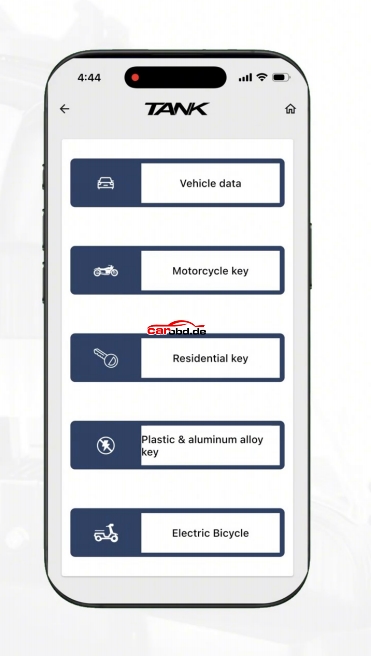
1. Open the TANK app
Launch the TANK application and enter the key-cutting section. Select Residential key from the available key categories.
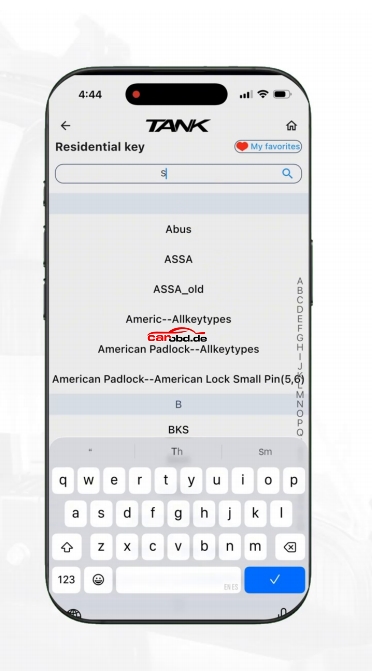
2. Search for the Schlage key profile
Use the search field to locate Schlage, then select the required Schlage key family/profile shown in the video
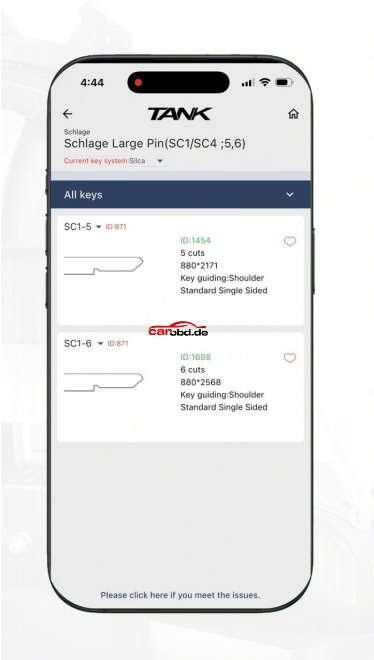
3. Select the correct key type
Choose Schlage Large Pin (SC1/SC4) and select the matching key specification. The video shows a 6-cut SC1-6 profile being selected.
4. Follow the clamping guide
Tap Continue. The app displays a fixture/clamping diagram. Follow the indicated orientation before installing the key blank.
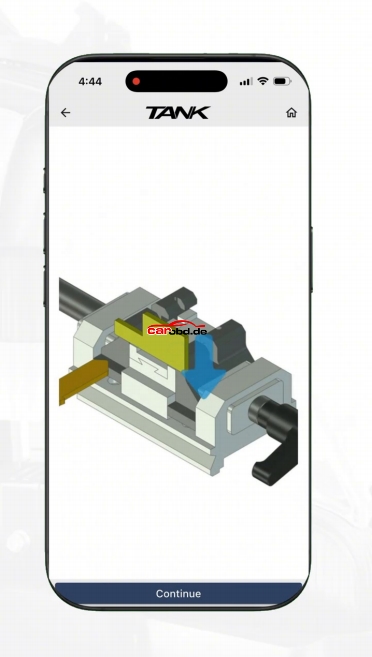
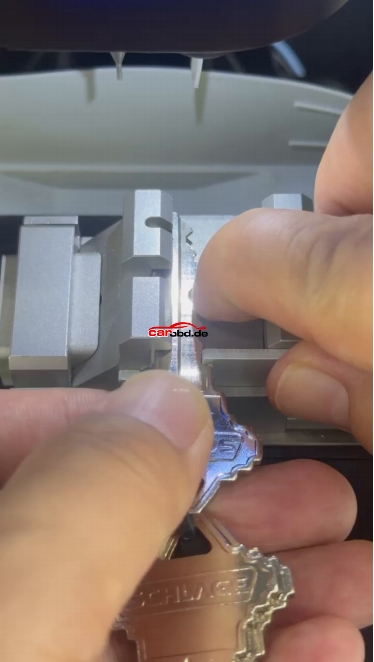
5. Clamp the key blank
Install the appropriate key blank in the machine vise/fixture and secure it firmly. Make sure the blank is seated in the correct position and orientation.
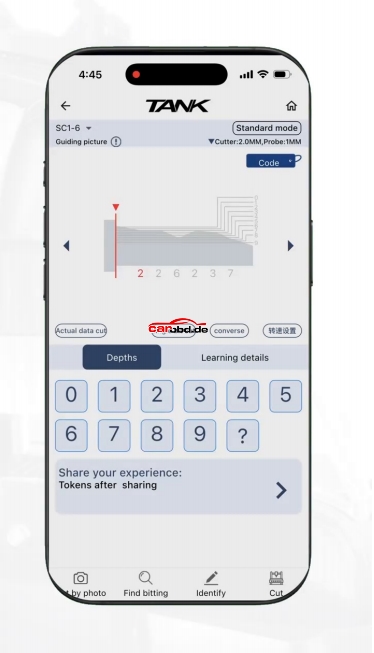
6. Enter the key code / cut depths
On the cutting screen, select Code and enter the required cut-depth information for the authorized key. The app displays the cut positions graphically.
7. Start the automatic cutting process
After confirming the settings, start the machine. The cutter automatically follows the programmed positions and depths to mill the key blank
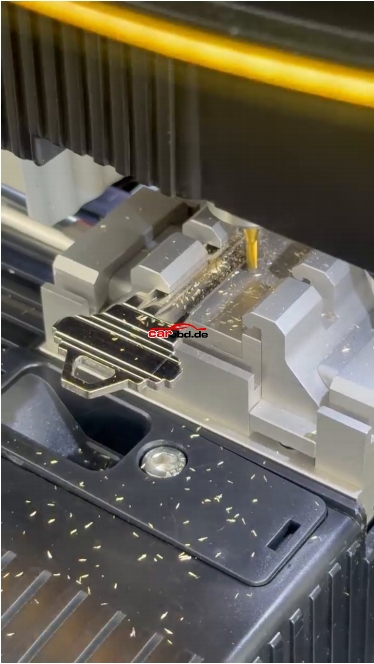
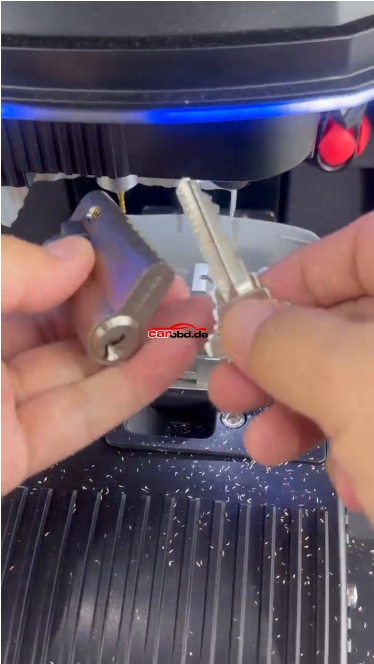
8. Finish and verify the new key
When cutting is complete, remove the finished key carefully, clean away metal chips, and compare the cut profile with the selected specification. Test it only on the lock you are authorized to service.
For more product and technical support,please contact Jenny
Whatsapp: +86 19947637411
Email: Sales@Carobd.de