
KDYDIY KD-X4 Copy NCF29AX Series Smart Key using KD ZB71 Remote
Keydiy KD-X4 and KD-MAX update NCF29xx smart key synchronization function(read original key data to copy/add smart key) on April 17th 2026
Keydiy will read original key data for the following smart key chip types:
NCF29A1
NCF29A4
NCF29A2
NCF2953
NCF29A3
NCF2954
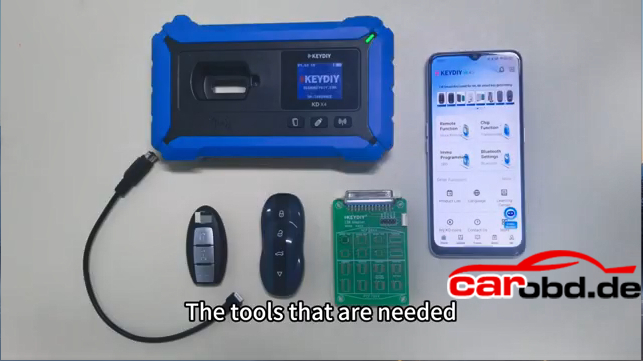
Device Used:
Keydiy KD-X4 or KD-Max key tool
Keydiy ZB71 smart remote (Must write data into the KD ZB71 remote !!)
Keydiy #13 NCF29xx interface board
Original key
Kindly Note:
Update the KD device App to the latest version.
It is not a simple read and copy procedure. Some keys require removing the chip and solder onto the KD interface board to read OEM key data.
Don’t need to generate remote program before reading key data.
Procedure:
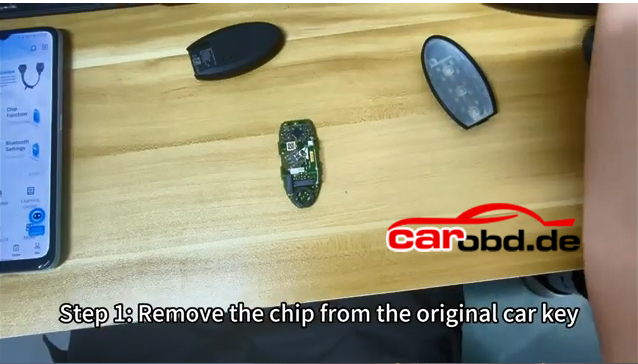
Step 1: Remove the chip from the original car key.
Disassemble the original smart key and remove the NCF29Ax chip from the OEM key.
Step 2: Solder the chip on the KD #13 NCF29xx adapter
Connect the KD #13 adapter with KD-X4 or KD-Max
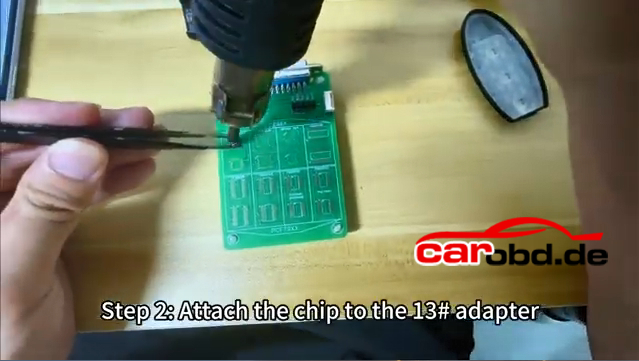
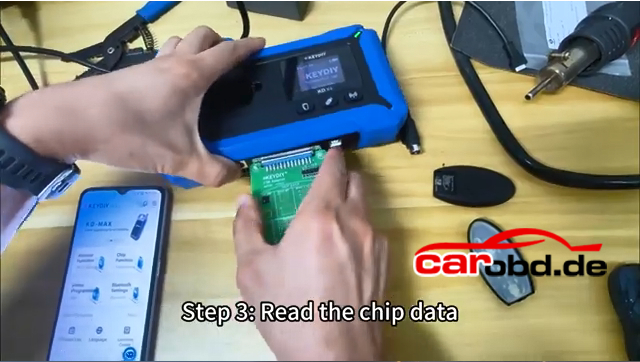
Step 3: Read chip data
Go to Remote Function-Smart Key Clone-Universal Smart Key Synchronization
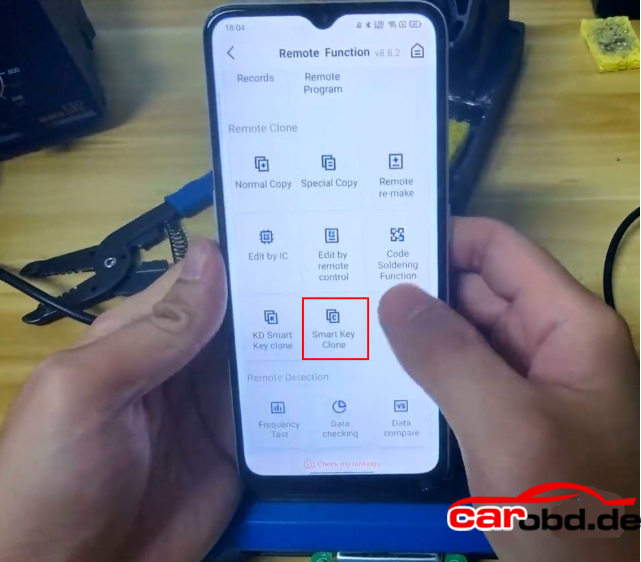
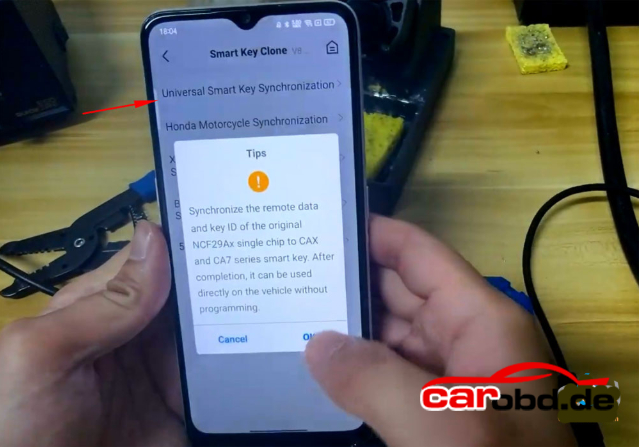
Synchronize the remote data and key ID of the original NCF29Ax single chip to KD ZBX and ZB7 series smart key
It can be used directly on the vehicle without programming.
If don’t have KD#13 adapter, follow the wiring diagram to solder wires to the key circuit board.
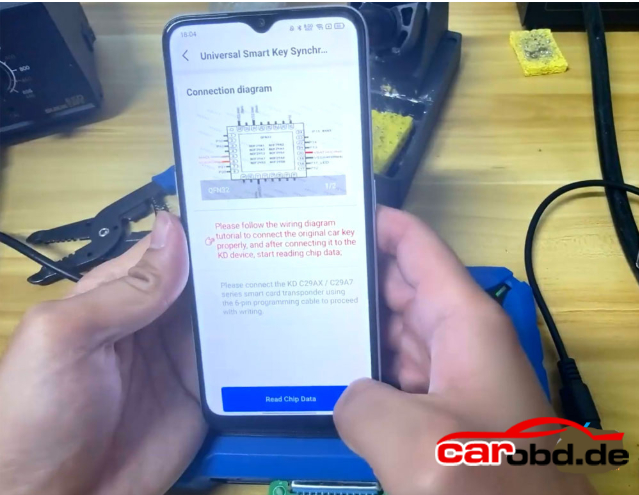
Read Chip Data
Save chip data
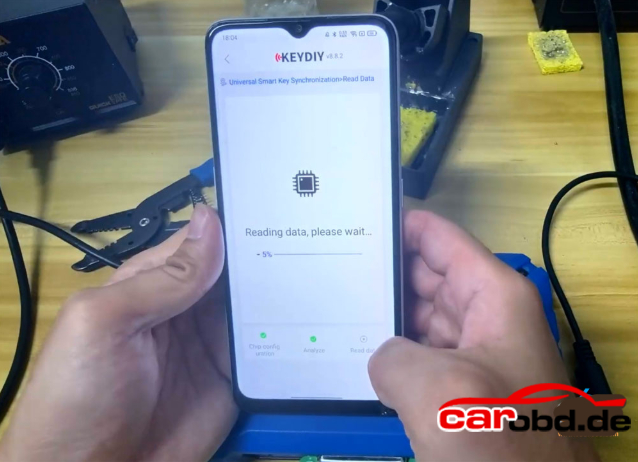
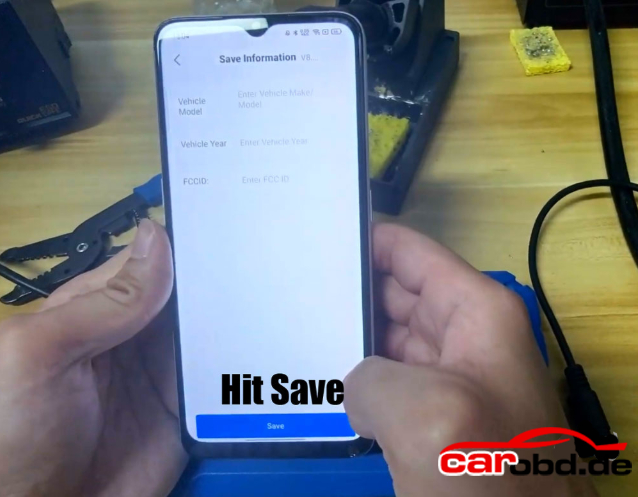
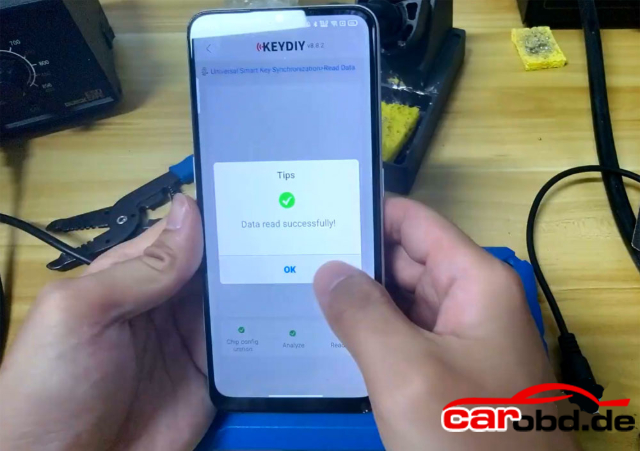
Remove the #13 adapter from KD-X4
Resolder the chip back to the orignal key.
Step4: Write the chip data onto the KD ZB71 remote
Connect the KD 29AX and 29A7 series smart car using 6-pin programming cable.
Connect the programming cable with KD-X4 device.
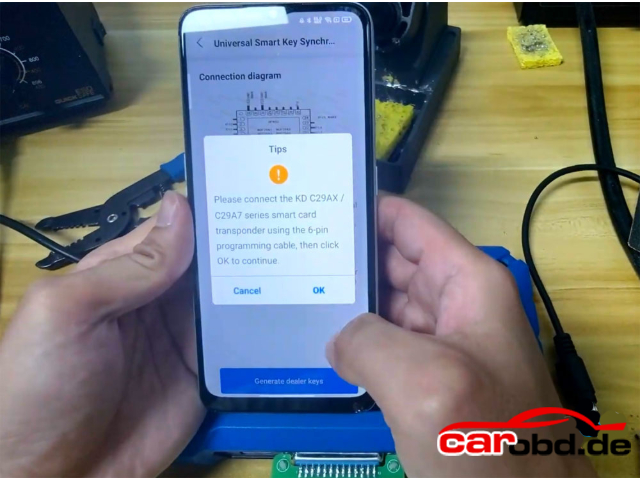
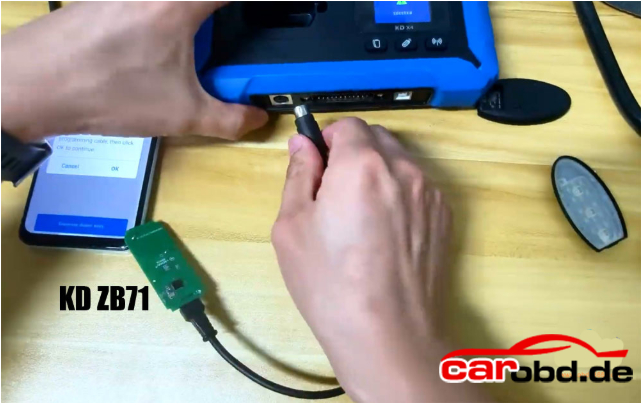
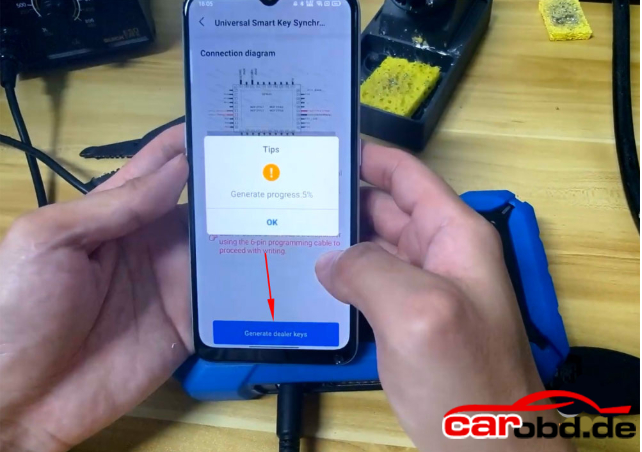
Generate dealer key
Generate dealer key successfully
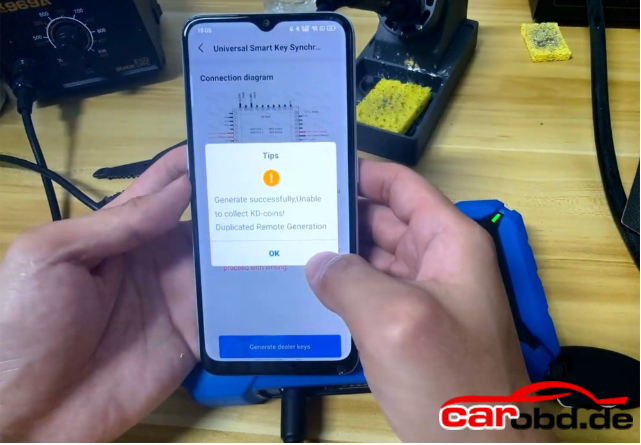
Install the key shell to the KD ZB smart remote.
Don’t need to program key in car after writing KD remote
Test the KD and OEM key’s function
For more informations,please contact Technical Service
Whatsapp: +86 19947637411
Email: Sales@Carobd.de