Autodiagtool.de Volvo 88890300 Vocom Interface Diagnose On Sale

Volvo 88890300 Vocom Interface Support WIFI connection for Volvo/Renault/UD/Mack Truck Diagnose

ONLY NEED:715 EUR
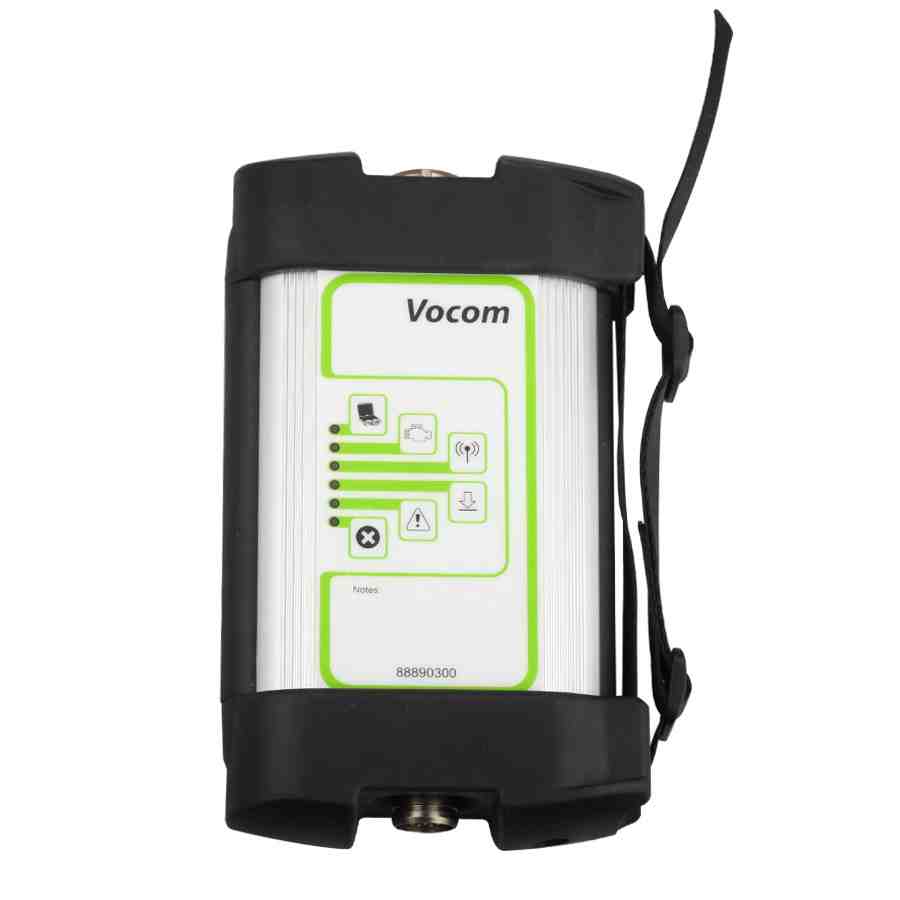
volvo-88890300-vocom-interface-support-wifi-connection-for-truck-1

Volvo 88890300 Vocom Interface for Volvo/Renault/UD/Mack Truck Diagnose With WIFI Support Online update.
It was developed to make repair shop tasks easier and more efficient.
Vocom can be used in the repair shop, out in the field, at the roadside, or during test drives.

Buy Volvo 88890300 Vocom For 4 Reason
1. Volvo 88890300 Vocom Interface is a diagnostics application that covers the whole repair process through the use of plug-ins.
2. With Volvo 88890300 Vocom Interface you can diagnose, test, calibrate, and program a product. A product could be a vehicle, engine, or a machine.
3. Volvo 88890300 Vocom Interface provide functions for updating the tool, communication with the product, and other external applications. The set of plug-ins, user authorizations, and available languages is adjustable to provide every user with what they need.
4. This device support WIFI connection.
Volvo 88890300 Vocom Interface Sofware:
1. Software version: PTT1.12/2.40, software come with package for free, this software must installed on Windows XP system computer. Support Multi-languages.
2. Software version: PTT2.03/3.02(Optional). This is latest software version. This software need additional purchase, price is 230usd. Support install on Windows 7, support multi-languages.
Volvo 88890300 Vocom Interface Functions:
Identify a product.
View information history.
Diagnose a selected product.
Test a selected product.
Program a selected product.
Calibrate a selected product.
Package List:   
1 pc x   88890300 Vocom Interface
1 pc x   OBD2 Cable
1 pc x   8pin Cable
1 pc x   14pin Cable
1 pc x   12pin Cable for Renault trucks
1 pc x    USB cable
1 pc x    PTT 1.12/Vcads 2.43
Volvo 88890300 Vocom Interface Software Display:
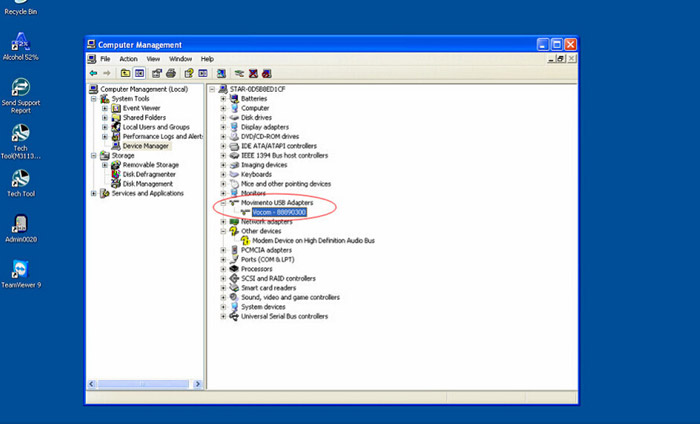
volvo-88890300-vocom-interface-support-wifi-connection-for-truck-pic-1 volvo-88890300-vocom-interface-support-wifi-connection-for-truck-pic-2

Chinese National Day Activity on AutodiagTool.de

Dear Friends
Thanks for your always support on carobd.de
In order to greet Chinese National Day,all online catagories are in discount. Order reach a special amount will get related discount.
We use a different promotion method to press our wishes.

Order lower than 500EUR get 5% discount
Order 500~800EUR get 6% discount
Order over 800 get 7% discount.

Order more will save more.

Best Wishes
Regards
AutodiagTool Team

national-holiday-promotion

How to Update Ford VCM Firmware

How to Update Ford VCM Firmware ?
Recently most of our customers wants to use V96 software, but finishing software installation, the firware is not compatible.
So they need to update firmware again.
However, some of them dont know how to update or failed updating.

The following steps will tell how to update lower version to higher version

1.Find the button on the interface and then press it.

press-button-1
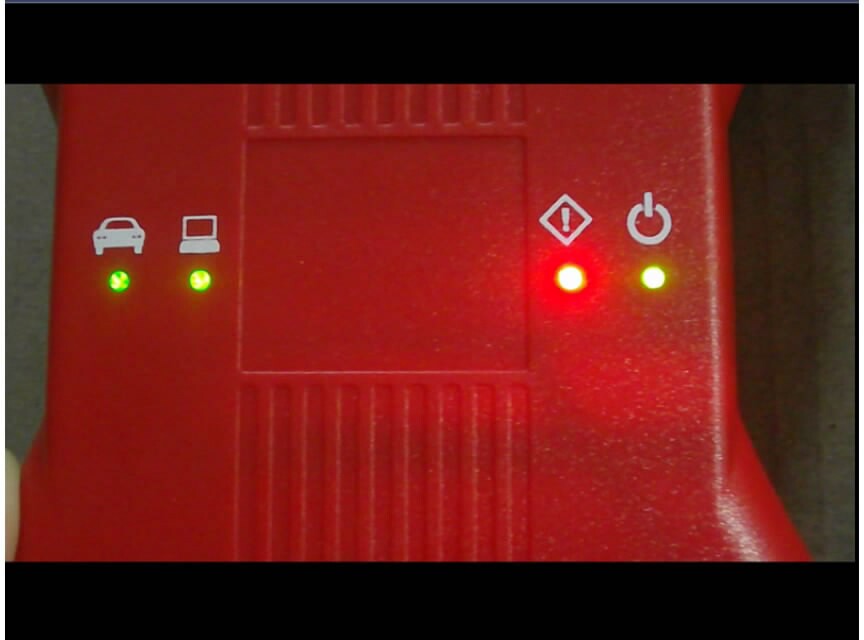
2.After confirming, connect power and waiting from all lights on and then left.. And connect laptop via USB cable.

waiting-for-light-on-2
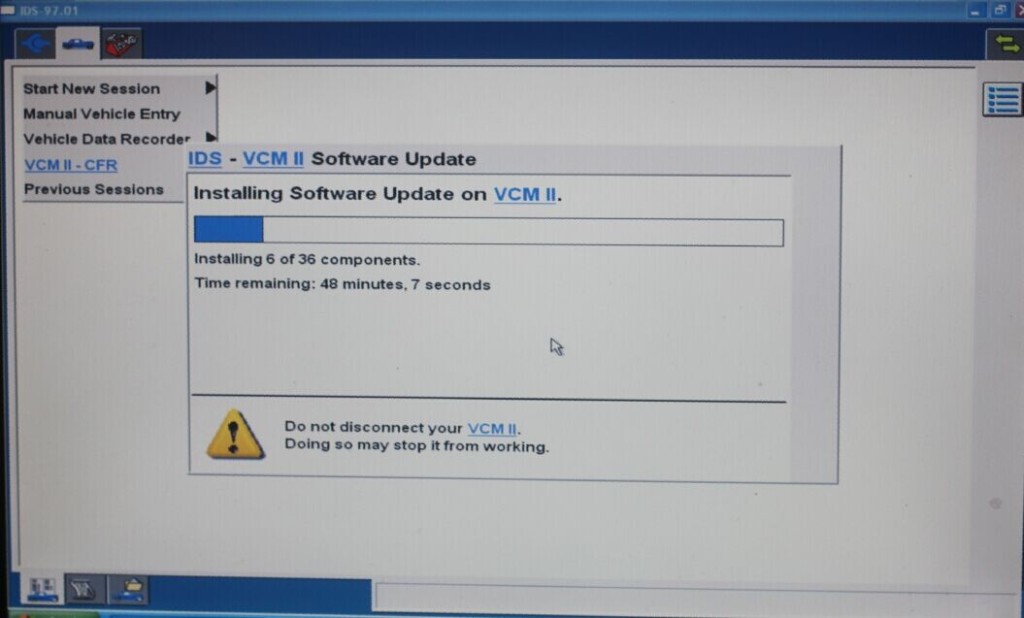
3.Open software , there is a message to ask for “firmware update”

open-software-3


open-software-3-1
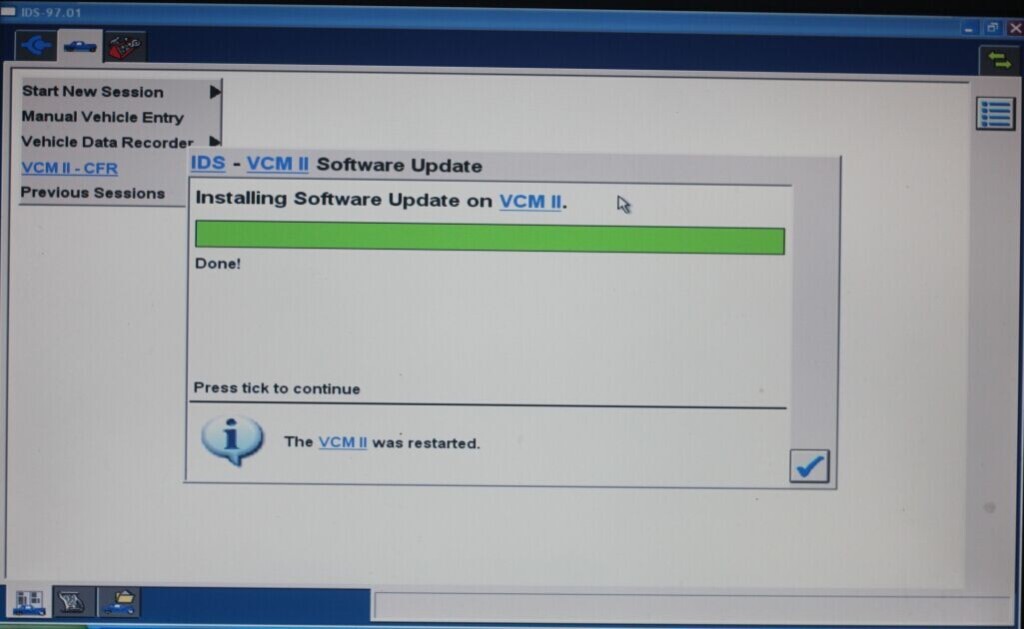
4.Once finishing updating,restart the laptop and connect device again.

restart-laptop-connect-device-4

OPCOM OP-COM 2012 V CAN OBD2 OPEL FW V1.59 with PIC18F458 chip Support Win7

OPCOM 2012 diagnostic tool for Opel cars covers almost all Opel cars, even new cars with CAN-BUS based diagnostic, such as Vectra-C, Astra-H,Zafira-B. It lets you read and clear fault codes, support many control units.

It can not be updated, once updated the device may be damaged.

Most of customers asked if this device is with German language or not ?

I am sorry to tell that only English available.

Since it is now updated to V2012, so the following pics is the software display to be a reference.

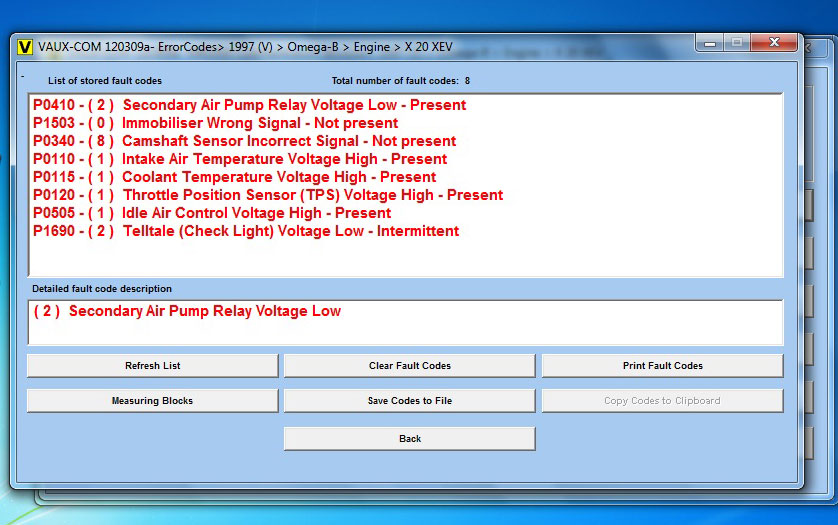
op-com-vaux-com-software-display-a1 op-com-vaux-com-software-display-a2 op-com-vaux-com-software-display-a3 op-com-vaux-com-software-display-a4 op-com-vaux-com-software-display-a5 op-com-vaux-com-software-display-a6


New Arrival Cost-effective Lexia-3 V48 PP2000 V25 with Diagbox

New Arrival Lexia-3 V48 PP2000 with diagbox V7.57.
New with original chip and support peugeot 307
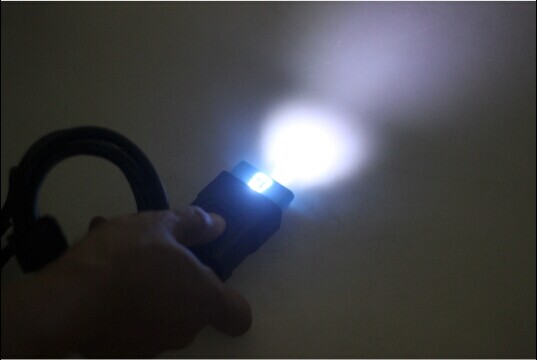
The most important is main cable come with LED light, better for night work!

1. Support multi-language: English/ German/ French/ Japanese/ Russian/ Spanish/ Portuguese/ Swedish/ Turkish/ Dutch/ Polish/ Italian/ Hungary/ Greek/ Czech

2. It works for both Citroen and Peugeot. Now support Peugeot 307!
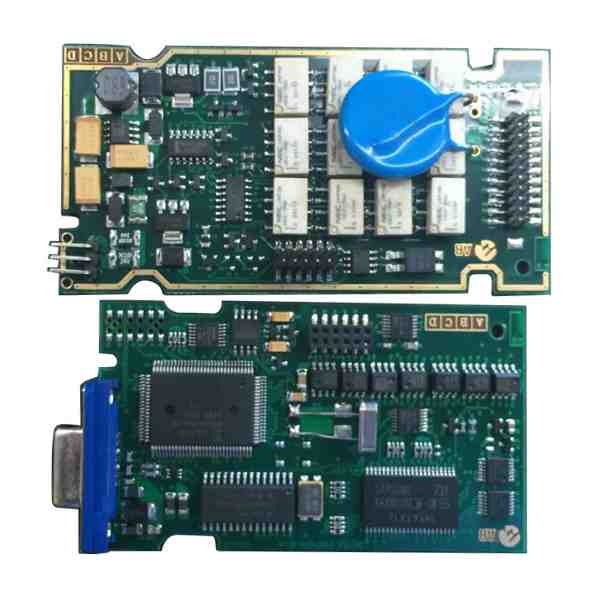
3. Lexia-3 PCB edge is golden with original full chips. Double PCB has 7pcs optocouplers, which are 100% original and new.
4. lexia-3 relays are 12pcs, which are 4.5V, it is more stable.
5. PP2000 have 2pcs Optocouplers

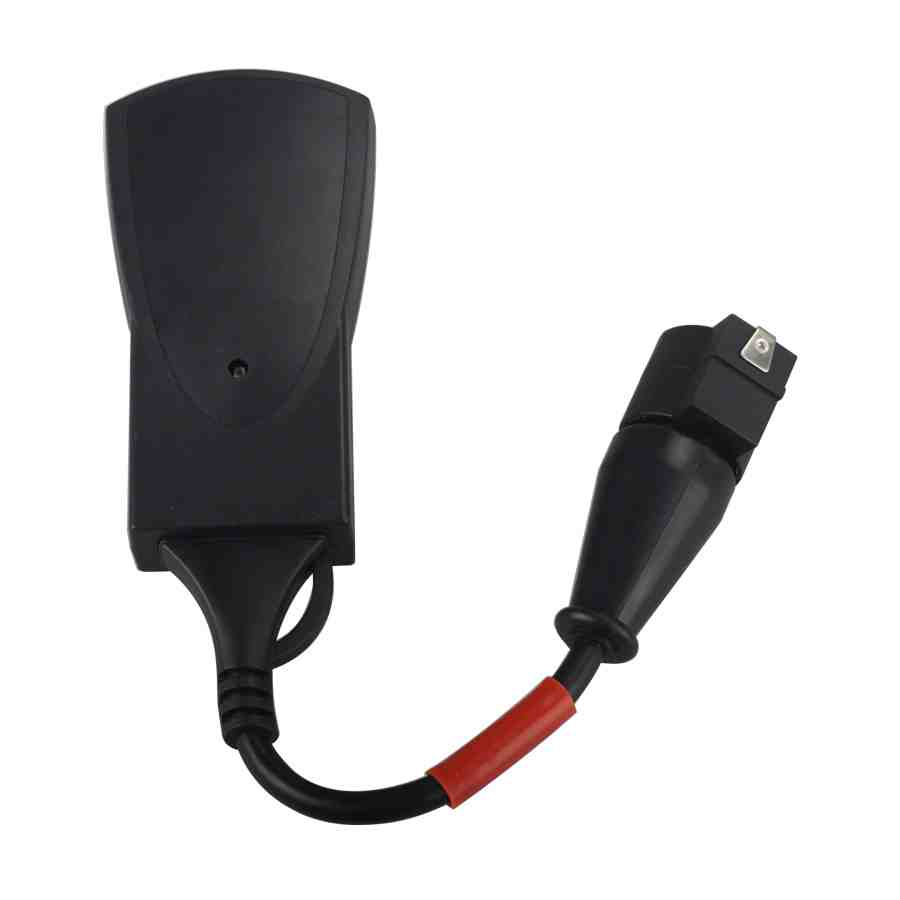
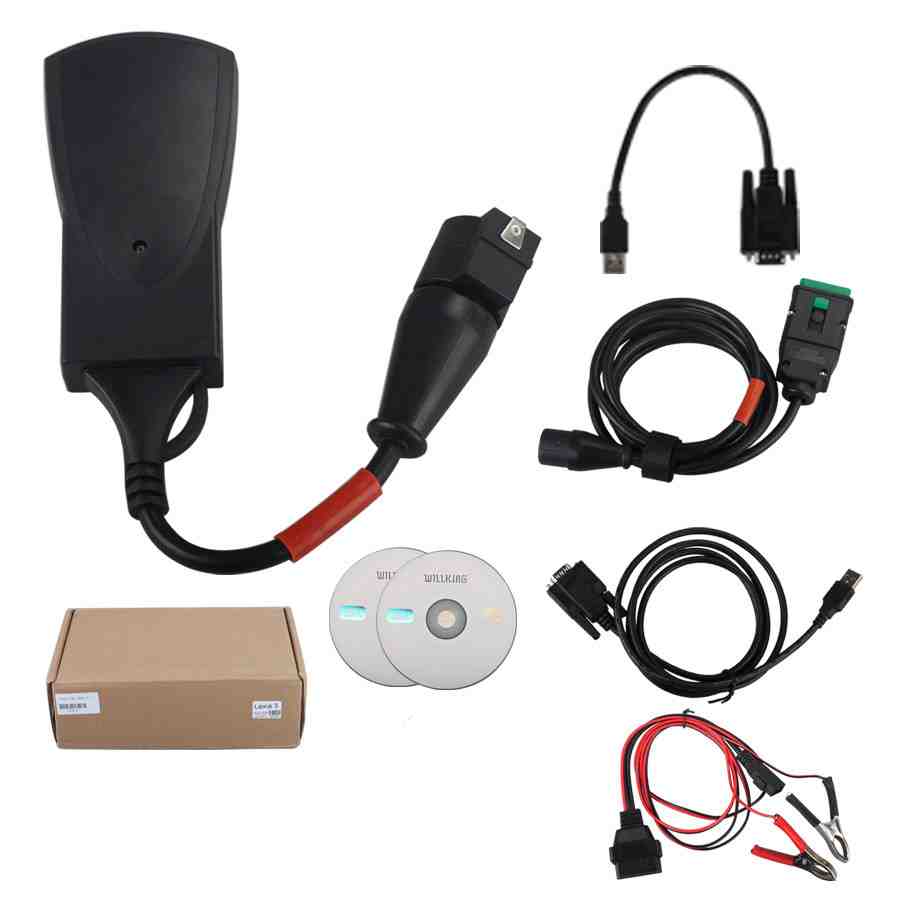
cost-effective-lexia-3-v48-tool-5 cost-effective-lexia-3-v48-tool-15 lexia-3-v48-led-light-display lexia-3-v48-pcb-display

New Arrival VCM II 2 in 1 Diagnostic Tool for Ford IDS V96 and Mazda IDS V95

New Arrival VCM II 2 in 1 Diagnostic Tool for  Ford IDS V96 and Mazda IDS V95

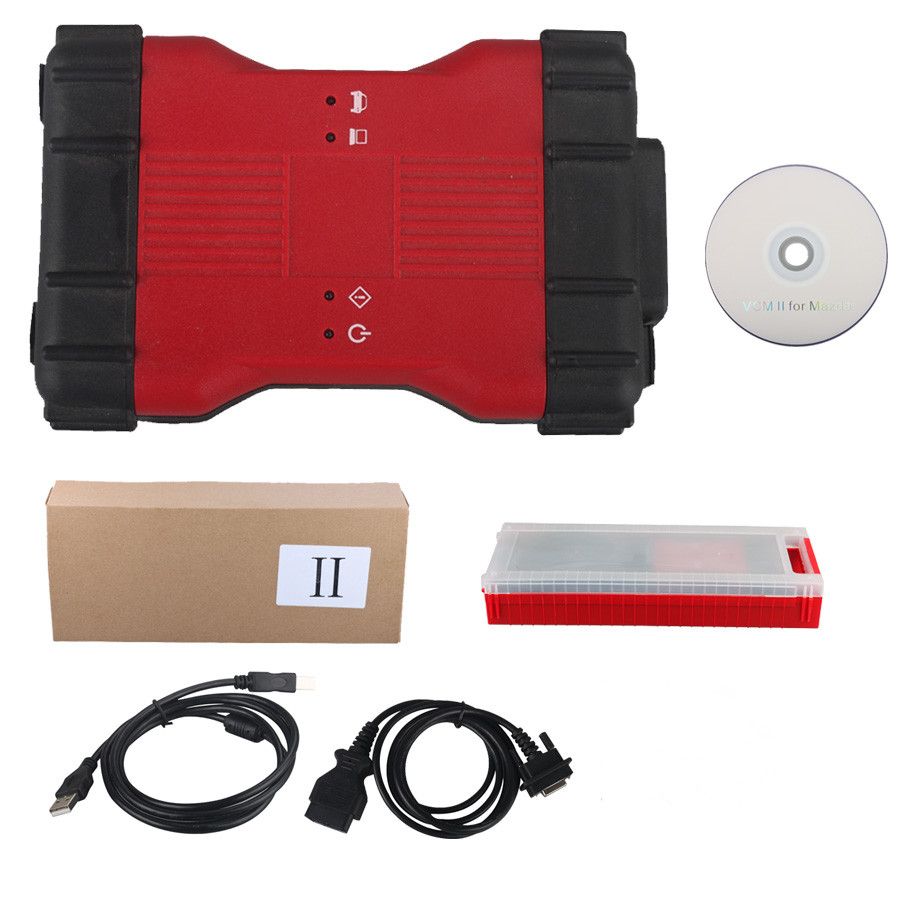
VCMII 2 in 1 for Ford and Mazda Description

VCMII 2 in 1 is an OEM diagnostic interface for the vehicles of Ford and Mazda. It can be compatible with OEM software of Ford IDS and Mazda IDS

Top 5 Reasons to get VCM II

1. FORD IDS Version: V96, Mazda IDS Version: V95
2. Support virtual machine, Ford and Mazda software can be installed on one computer.
3. Support multi-languages: English/Japanese/Portuguese/Romanian/Korean/Dutch/Polish/Turkish/Spanish/French/Italian/Croatian/Danish/German/Swedish/Finnish/Slovenian/Czech/Russian/Greek/Chinese
4. Update by CD with unlocked firmware
5. Support both new and old vehicles.

Requirement on Computer

1. Computer has at least 4GB Memory
2. Computer need produced after 2000 year, too old computer can not run the software.
3. OS needs to be WINDOWS XP SP3.

new-vcmii-diagnostic-tool-for-ford-ids-mazda-11

KTAG KTM100 No Message on Software Error

One of our customer had been installed KTM100 software well.

But there is no message from the software.

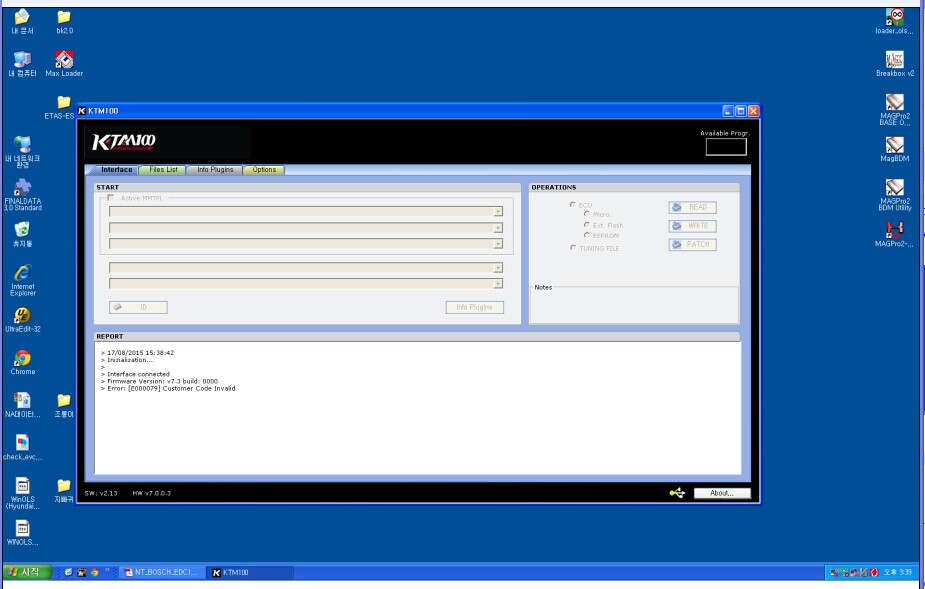
So he find us and offer the error pic to us , as following

ktm100-no-message-error


How do we solve it when we met this problem ?

Our engineer offered some solutions

First:Pls check there is no internet on your laptop.

Second:Pls check if the driver is installed well or not.

Third:Pls check TF card is good or not.

After checking by our customers , he finally find the problem.

The problem is TF card. After repairing TF card, the communication is normal now.


Latest Volvo VIDA DICE 2014D No Communication Error

Hi Jenny.
It is installed on Win 7 ultimate
No error message, problem is shown on (1) photo. No connection to vehicle, and Vida cannot see dice.
Picture of Dice connected to car (ignition on) and PC (vida running) (2) please not at the moment USB (dice) is connected to pc the USB COM light blinks few times.
I am running explorer 11 (3)
I did run Dice diagnostics pictures (4-8) shows all 4 test results.
Hope you can identify my problem.
(1) Problem
(2)
(3)
(4-8) Dice diagnostic
Additional info
I did now try uninstall all Vida and dice related. Restart.
Then i did uninstall first Explorer 11, restart, than explorer 10, restart.
Now I am running explorer 9 (as mentioned on your homepage)
Instal all again, restart, patch, restart.
No change, no connection to dice.
USB drivers for dice does install automatically. At that moment there is blinking lights at dice USB COM light.
If i disconnect USB cable bluetooth light turns on. (this pc does not have bluetooth).
Vida did instal in suggestet (by vida) folder C:\vida
Patch did run on C:\
Also try on C:\vida   (result in error)
The following is the solution from my customer
Hi Again… 🙂

Problem solved…
If the pc has dot net (Net frame works) 4.5.1 or newer installed this causes communication problems..
I did uninstall Netframeworks 4.5.2 on my pc and communication works.
If the should run into same problem.
Thank you for your time anyway.
Enjoy your weekend.
Regards