
KD-X6 — 2016 Porsche Cayenne KD Key Adding Procedure
Note: Exact BCM board locations, component identification, and vehicle-specific conditions should be verified against the applicable service information before performing the procedure.
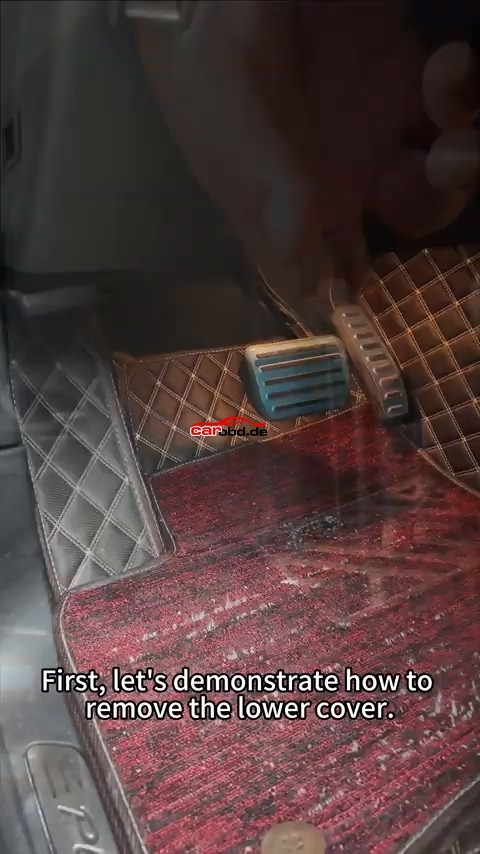
1. Remove the BCM lower cover
Remove the lower cover under the steering wheel. Locate the clip/retaining points and release them carefully.
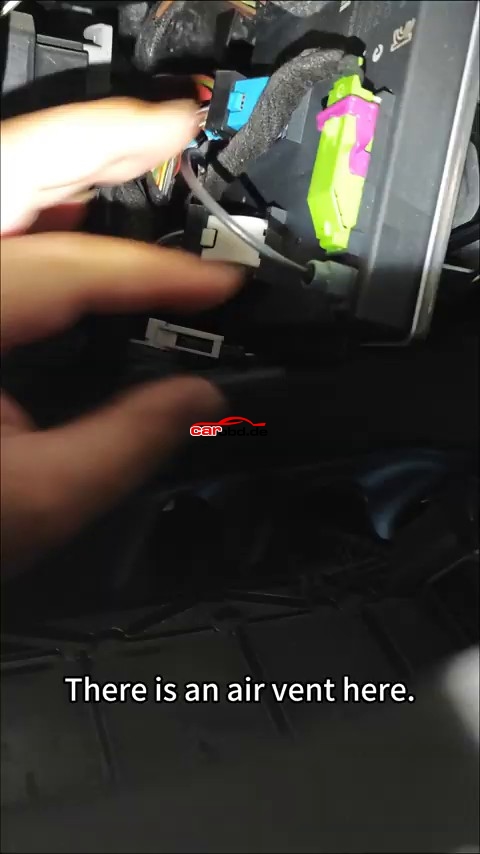
2. Remove the BCM
Look under the steering wheel and locate the BCM/module. Release the retaining clip(s) and remove the module
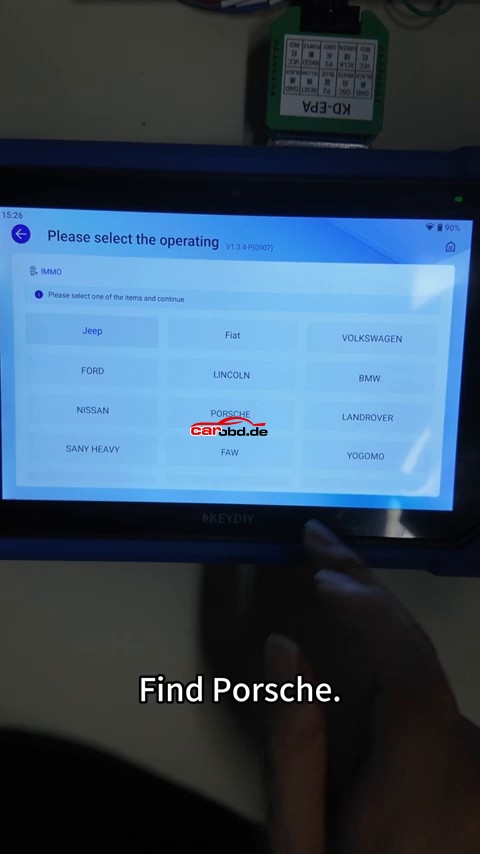
3. Enter IMMO Programming
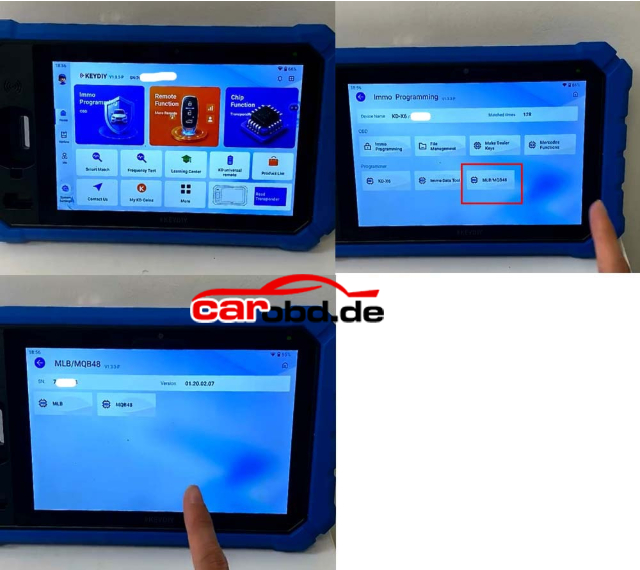
On the KD-X6, enter the IMMO programming function and select Porsche.
4. Connect the adapter
Connect the required adapter to the KD-X6. Follow the on-screen instructions for the Porsche BCM connection.
5. Select the chip version
Select the chip/oscillator type : the 1N35H ceramic crystal oscillator version.
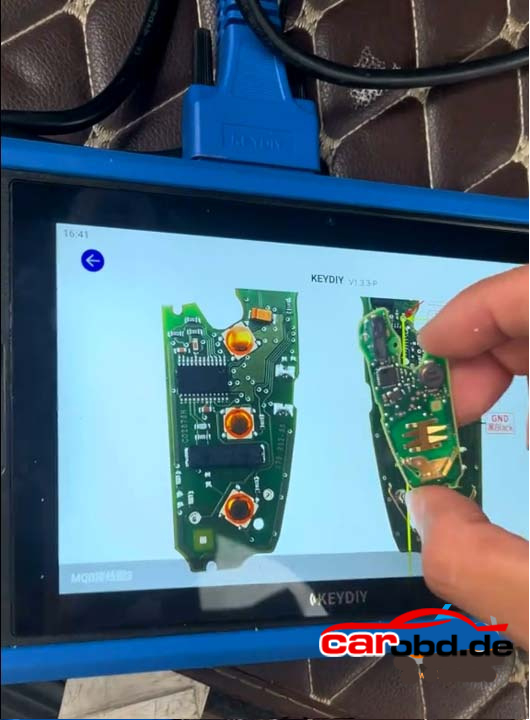
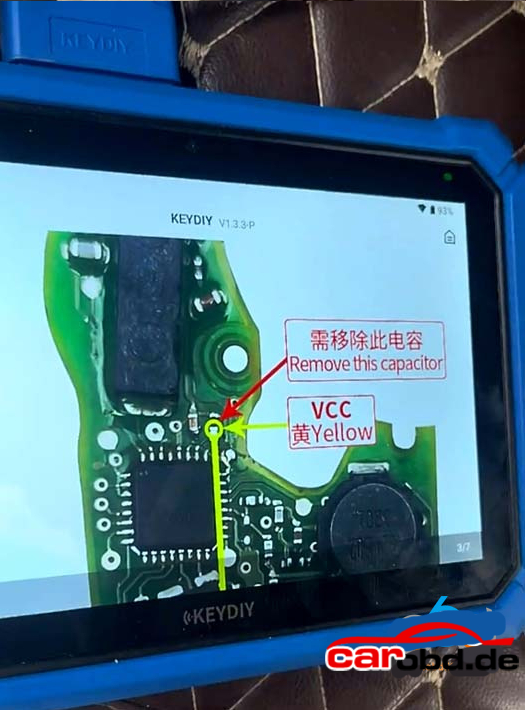
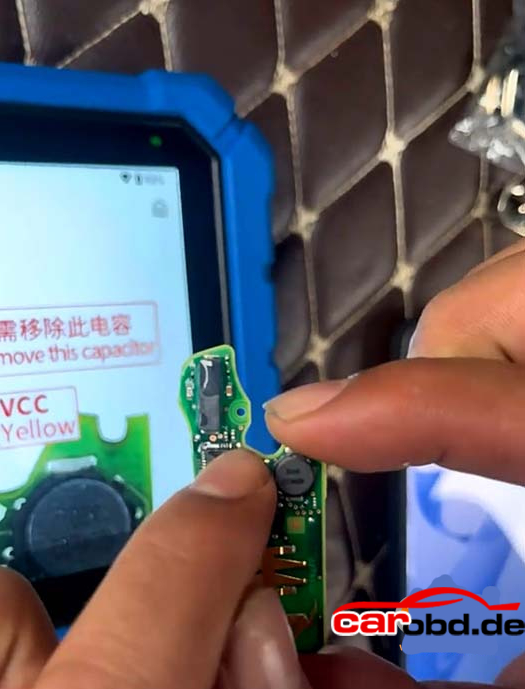
6. Prepare the BCM board
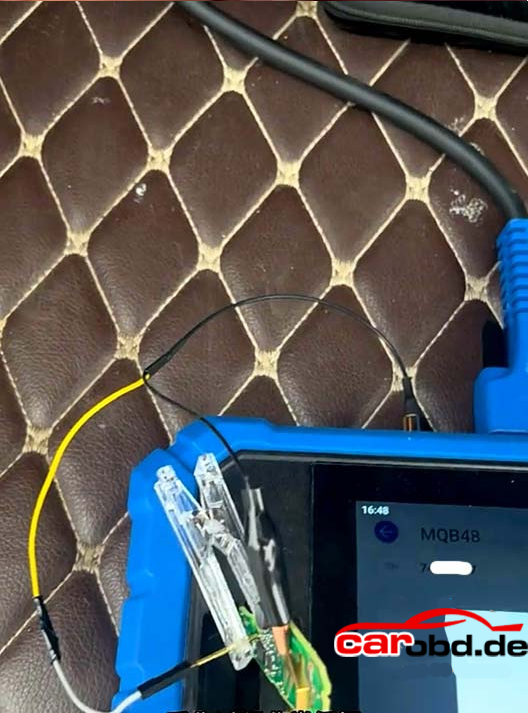
There two components that need to be removed. Perform the board modification exactly as demonstrated.
7. Check the modification
After cutting/removing the specified components, use a multimeter to verify the result. It notes that the relevant points should not be connected if the cut is successful.
8. Start the BCM data read
Confirm the adapter is connected correctly, start the operation, and click Read to read the module data.
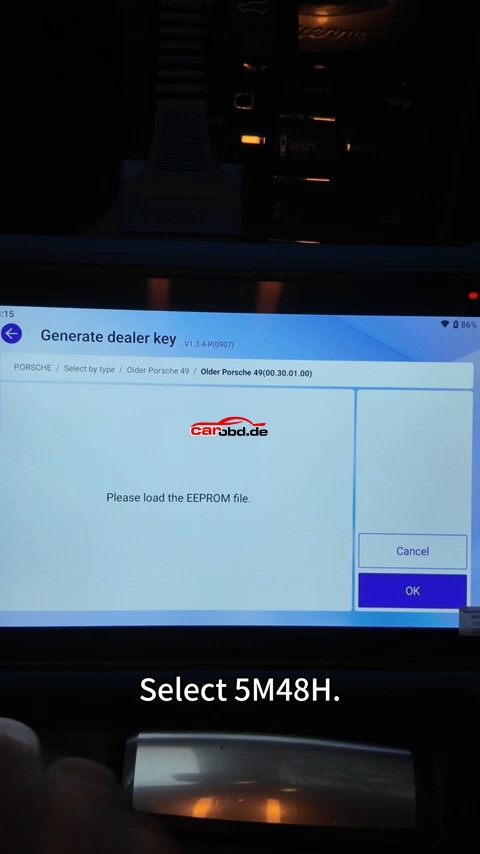
9. Generate the dealer key
Open Generate Dealer Key. Insert the universal key into the sensing coil of the device, select 5M48H, load the locally saved file, and click Generate Key.
10. Prepare the vehicle for key learning
Return to the vehicle. Turning the key/handle back and forth about three times before proceeding with key learning.
11. Enter key learning
Enter Key Learning and turn on the hazard lights
12. Learn the first key
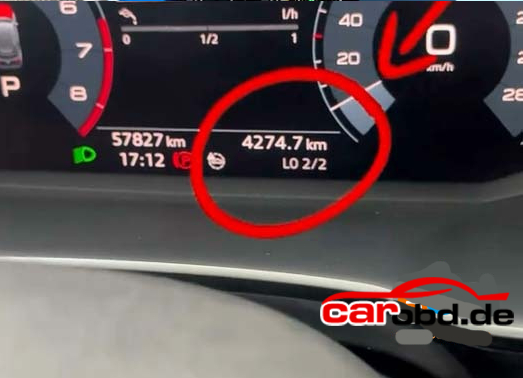
Insert the first key to be programmed and turn on the ignition. It indicates that successful learning is shown on the dashboard.
13. Learn the next key
Within 30 seconds, remove the previous key, insert the next key to be programmed, and turn the ignition off/on as instructed.
14. Confirm the key count
It shows the dashboard displaying 02-02 after the second key is learned, indicating the demonstrated two-key learning sequence has completed.
15. Verify key operation
Turn off the hazard lights and test the learned key functions. Then locking/unlocking and the trunk button.
Quick Workflow
Remove BCM → Porsche IMMO Programming → Connect adapter → Select chip version → Modify/check BCM board → Read module data → Generate dealer key → Vehicle key learning → Learn additional key(s) → Verify lock/unlock/trunk operation.