

Tag Archive | korhex

Flex Korhex RED Flashing LED Solution

Problem:

One of the Flex users had a problem connecting Korhex adapter for unlocking ECU.
Software shows Connected
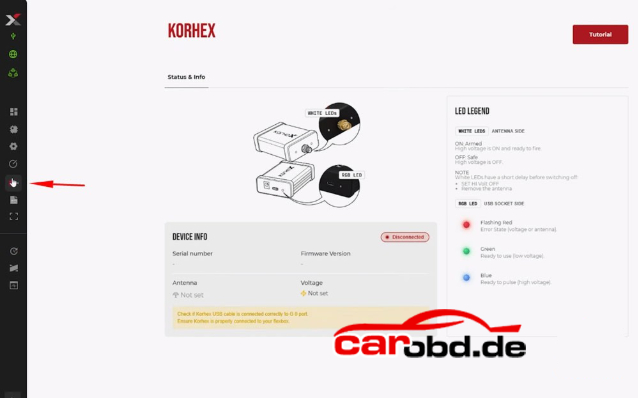
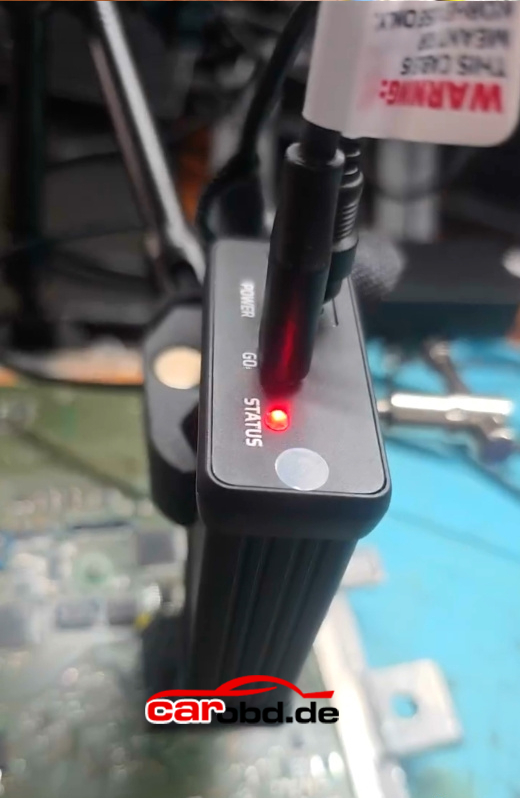
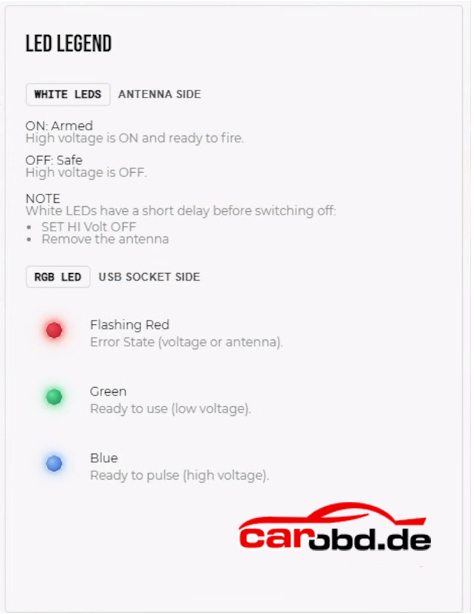
But the RGB LED near the USB/power connector keeps flashing RED continuously.
Solution:
The flashing red LED does not necessarily mean there is a fault

The red flashing LED is normal: the Korhex stays red when it is idle(as when it arrives) and turns green only during a Connect that is at least partly successful.

It can simply mean that Korhex is connected but not currently engaged with a locked ECU.

It does not mean the tool is faulty.

The red light will flash until you open a protocol that needs Korhex. Once you open a protocol that needs Korhex, the light will become green and when it is actually glitching it’ll become blue.

That’s normal until you open the protocol for glitching and then it will change to green.
How to Active MagicMotorsport Korhex Tool ?

Does MagicMotorsport Korhex require activation ?
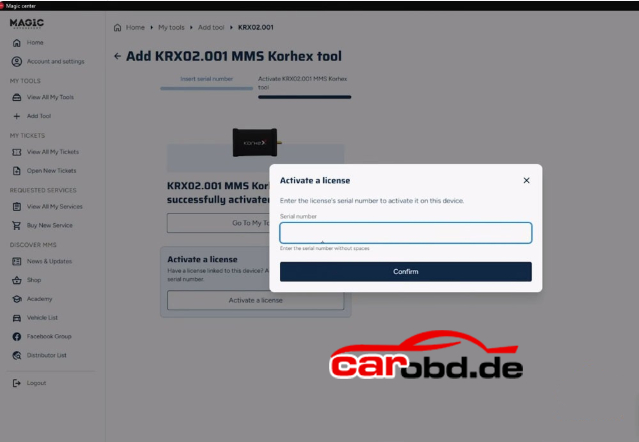
Yes, Korhex requires activation.

How to active Korhex ?
The activation process is straightforward and follows these steps:
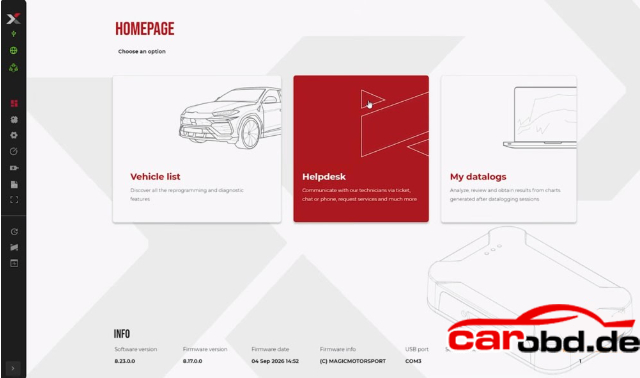
Open the Magic Motorsport Flex software and click on “Help Desk” to go to the Magic Motorsport portal.


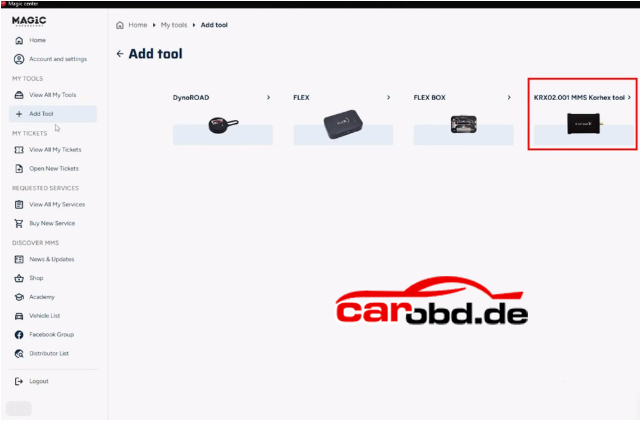
Click“Add Tool” and select Korhex

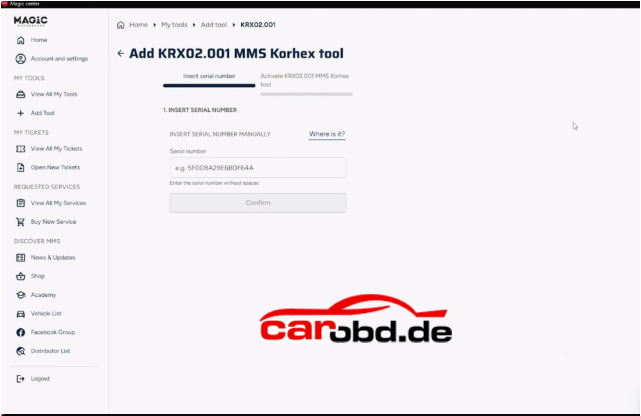
Input the serial number into the Magic Motorsport Flex portal to add the tool to your account.
Where to find the serial number ?
1. In the email MMS sent you after the purchase
2. On the back of the Korhex device unit
3. On the invoice related to the purchase.

Once actived, you can access the Korhex option on the left-hand side of the Flex software, which displays important about the tool. In the top right corner, you wil find a tutorial with images

For more informations about Korhex ,please contact Jenny from www.carobd.de

Whatsapp: +86 19947637411
Email: Sales@Carobd.de

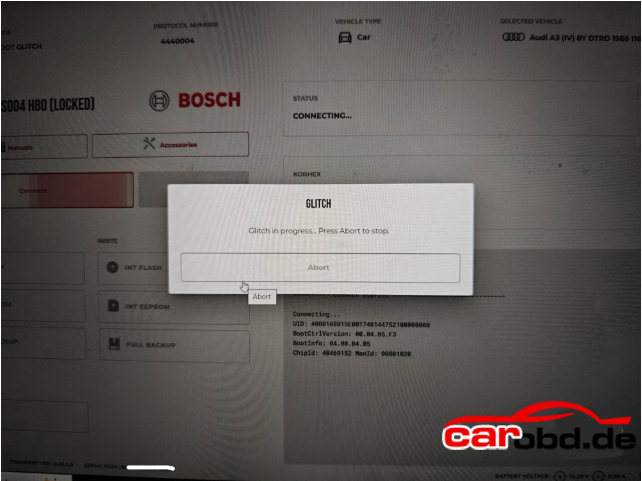
Flex Korhex Stuck on Boot Glitch Process Page Solution

Problem:
Tried to boot Glitch unlock a VAG MD1CS004 H80 ECU with Korhex. Flex reads ECU ID, but nothing happens. Flex software is stuck on the Glitch process page. Any solution?

Solution:

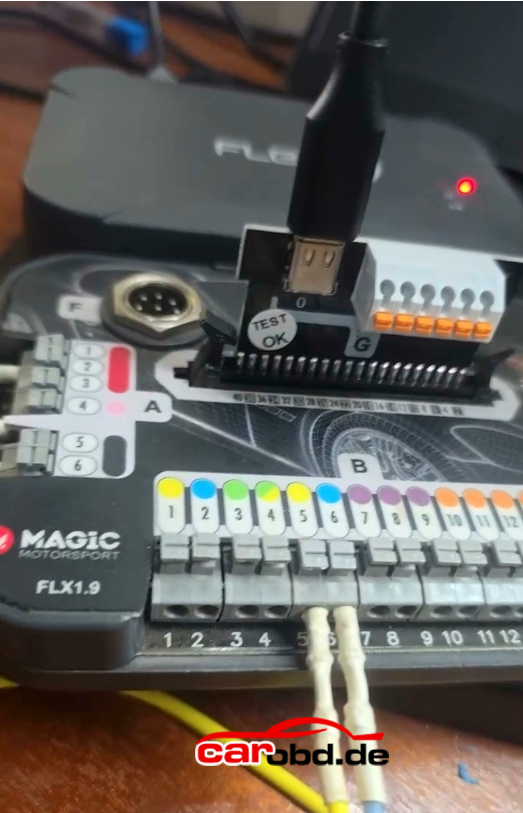
Sometime you need to move Korhex
Move Korhex until you find the right spot !

If not working, abort operation.
If its over glitching.
Turn everything off.
Unplug everything.
Even pins.
Start again.
Allow program to boot and make sure you have 3 green or 2 green and one blue light on top left.
If needs update, update flex.
Then reconnect everything.
Place korhex central to plate.
Wabble plate in a square if it touches edge nudge it central
Make sure your E1 connector is on or off in manual on flex and follow instructions.
If it doesn’t read or connect email support on ticket.