Archives

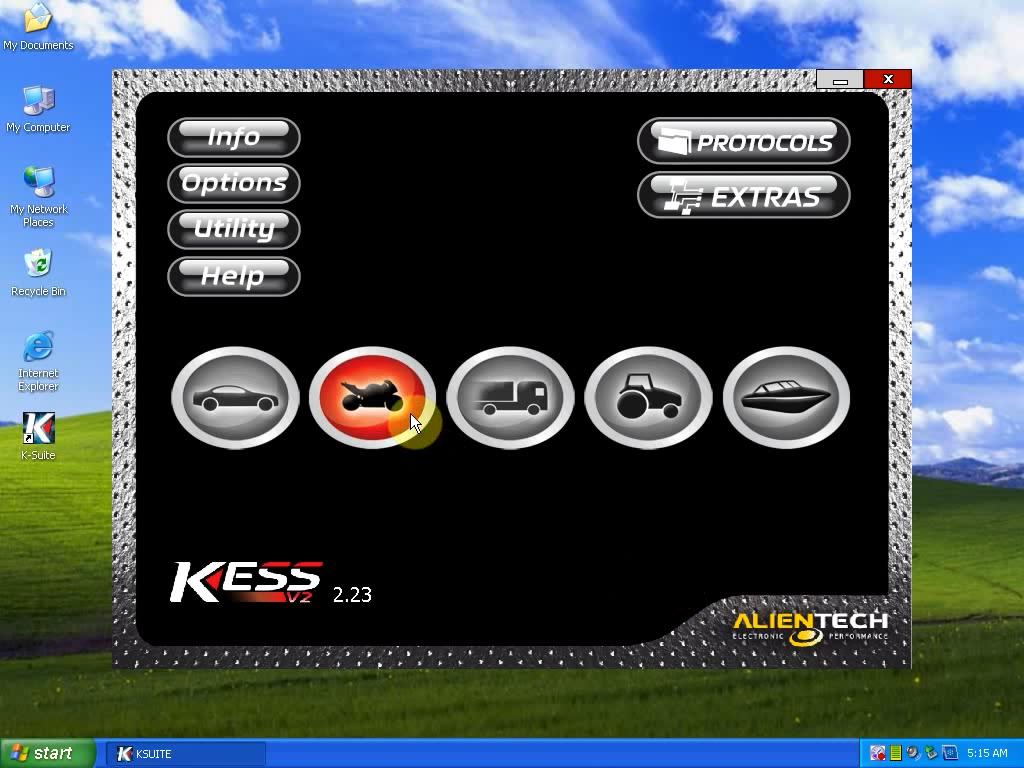
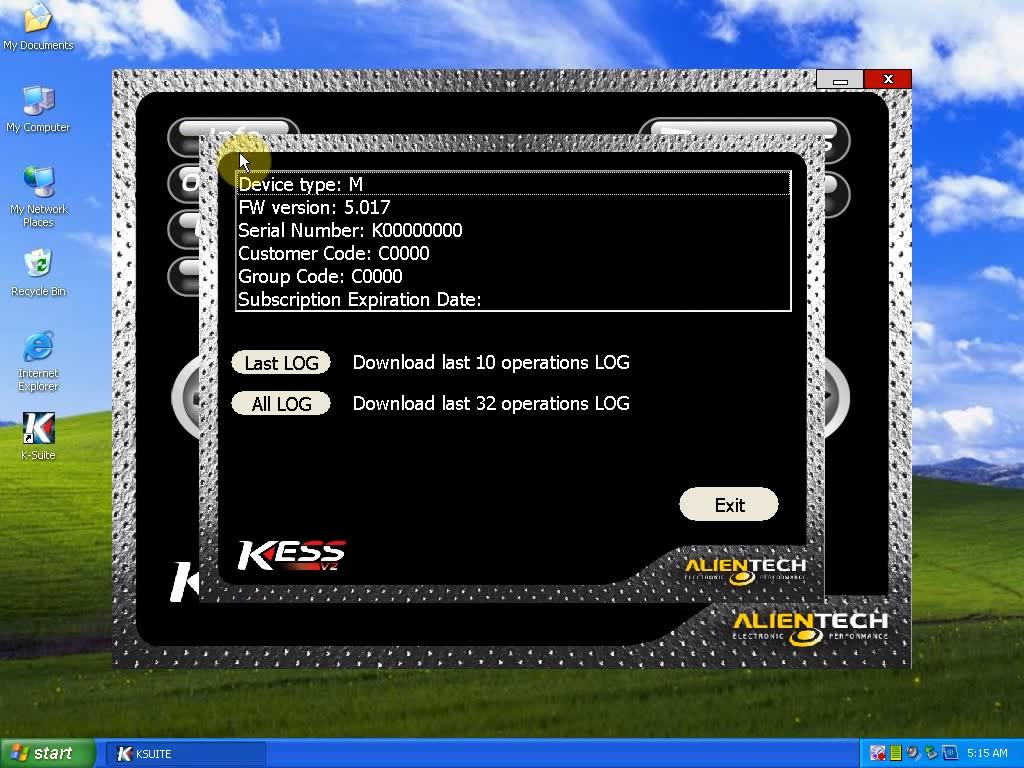
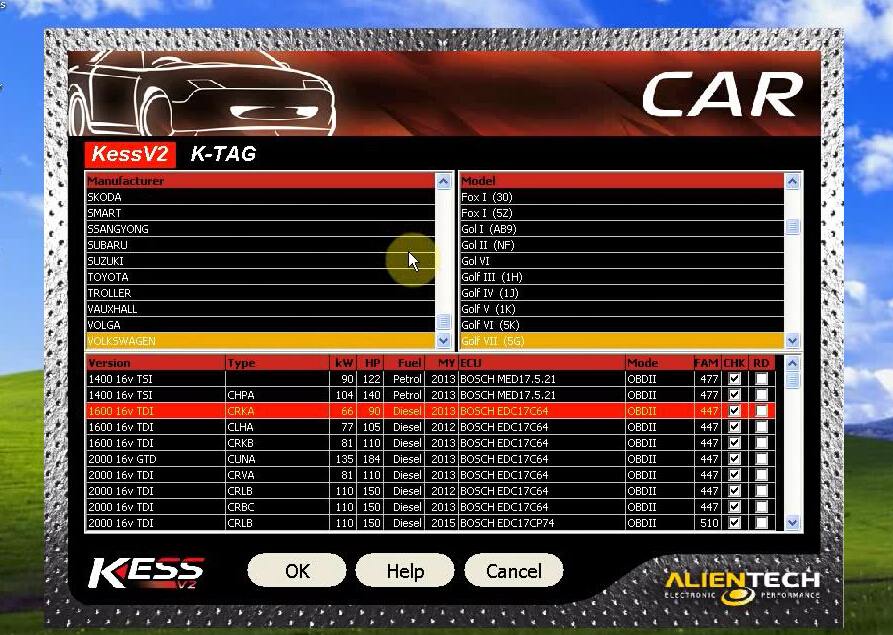
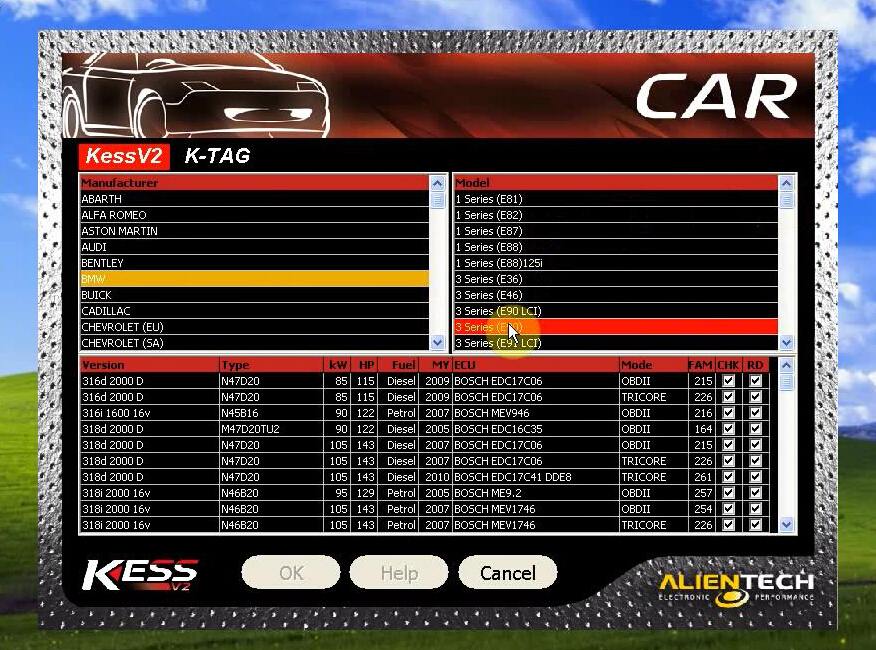
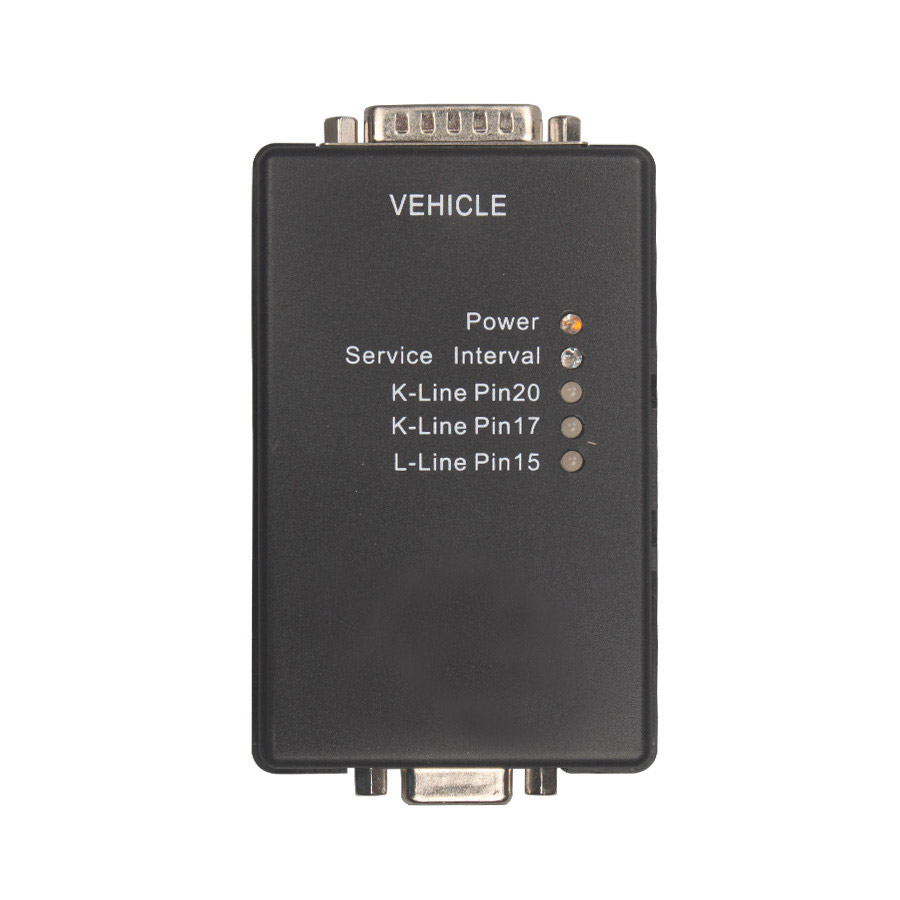
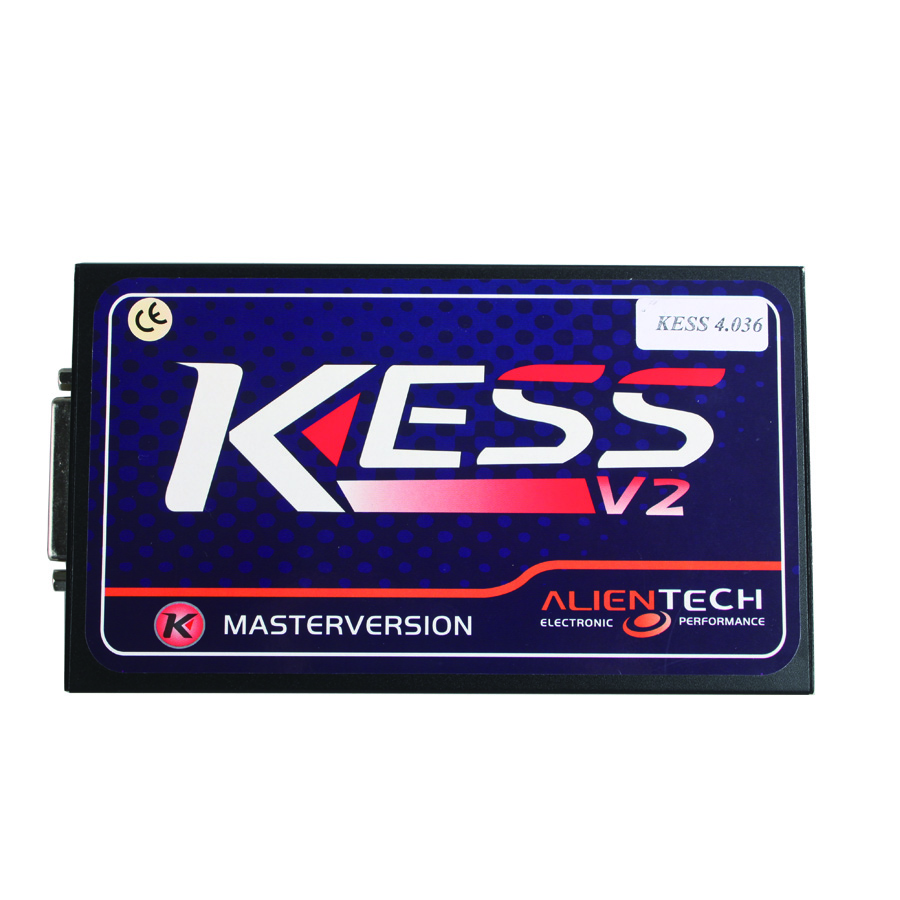
Kess V2 is update to V2.28 at present

Lots of customer asked me that they have seen the newest version of KESS V2,and want to it.

Yes,it is update on this mouth,the newest version is V2.28 at present.

But our engineer said the old version of V2.25 is better and stable,we have test few of cars,so you can choose the version by your use hobby,V2.28 can support new cars,V2.25 is stable.

Highlights of Kess V2 V2.28

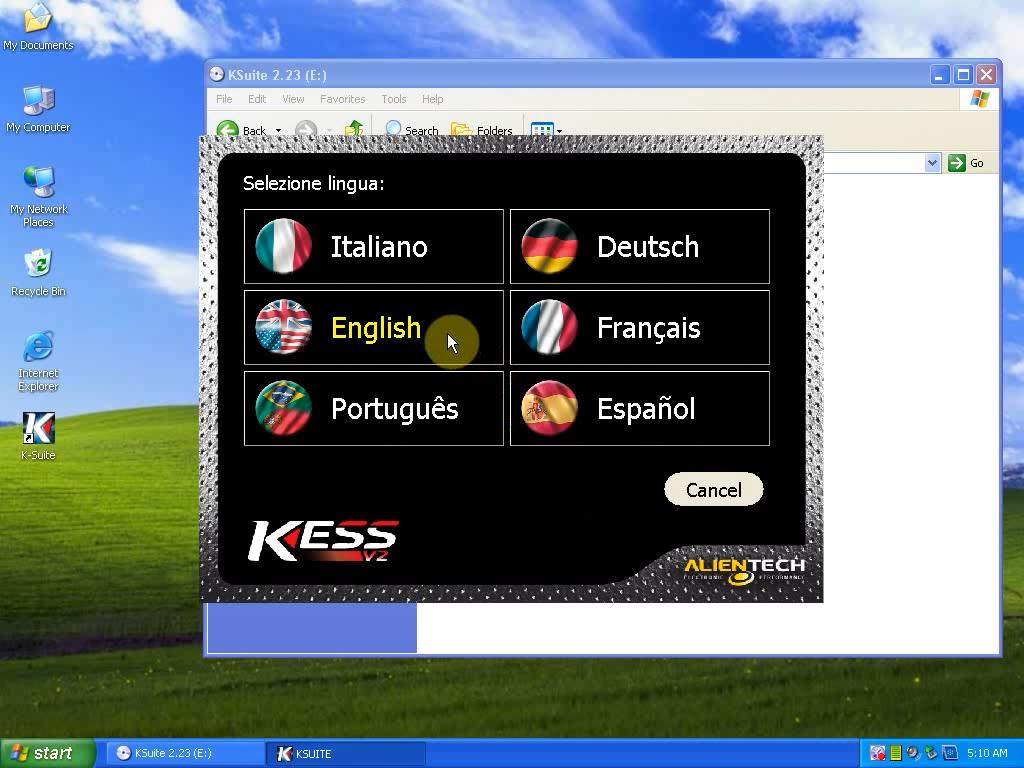
1. Multi-languages available: German, Spanish, Italian, Portuguese, French,English
2. Software Version: V2.28 Hardware Version: V4.036
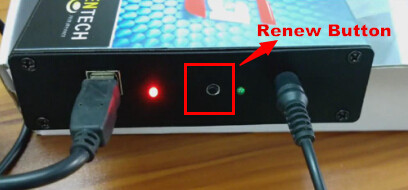
3. Without tokens limitation, new KESS V2 add one renew button on the main unit. This button is used to charge tokens. Once your tokens run over, just click this button, then tokens will go back to 30 tokens. You can go on to use it again. No need change new tokens chip, no need desolder and program the tokens chip. More easily than ever.
4. Support ECU chip tuning for cars via OBD2 port

Tips on using Kess V2

1. Please do not update this tool online. Please Do remember disconnect internet when you use this tool. Do not connect the internet. It will damage the tool.
2. This one can not works on Truck.
3. Turn off your anti-virus software when start the software. It is not virus, it is just crack software will be recognize as virus.

new-kess-v2-manager-tuning-kit-master-version-1

Difference among Carprog V9.31 V8.21 V7.28, which is the best?

Carprog V9.31 is hot selling recently, and you would find another two versions of Carprog V8.21 and V7.28. What’s the difference among these 3 versions? Is the newest V9.31 the best one?

carprog-full-tuner-programmer-blog-1
3 questions to help users distinguish the difference among v9.31 v8.21 v7.28

Are there more functions for firmware V8.21 than that of Carprog V4.74 (software V7.28)?
(In fact, now the newest firmware for Carprog is V8.21, which means, the newest hardware is V8.21, there is no hardware V9.31 at all.)

Newest Firmware V8.21 CARPROG, with All 21 Adapters, contain much more authorization than V4.74 or other low version CARPROG.

Packed with both software V8.21 and V9.31, software V8.21 needs activation but you will automatically get token renew after it used up. Software V9.31 can be used without activation.

Why choose Carprog V8.21 and V9.31?
CarProg FULL V9.31 is a universal diagnostic, tuning and adjustment tool for:

*Car radios

*Odometer

*Immobilizer repair

*EEPROM and microcontroller programmer

*Transponder key programmer

*Airbag reset

*Dashboards, New Audi dash support, support newer airbags

*Including much more authorization

*It works by plugging Carprog into your car, other end into your computer, loading up the software — and you can begin making instant changes in a few mouse clicks — that dealers would charge up to $500-$2000 for the exact same job, this will save you a ton of money.


How to change mileage for Skoda using Carprog Full V8.21

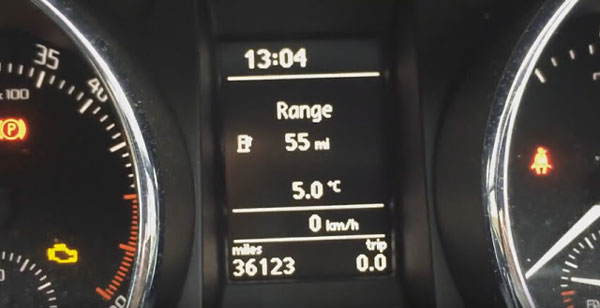
This blog records how I use Carprog V8.21 clone online version to change mileage on Skoda Yeti 2012.

Tool I used: CARPROG FULL V8.21/ V9.31 Perfect Online Version

Vehicle Model: Skoda Yeti 2012

Dashboard: nec&24c64

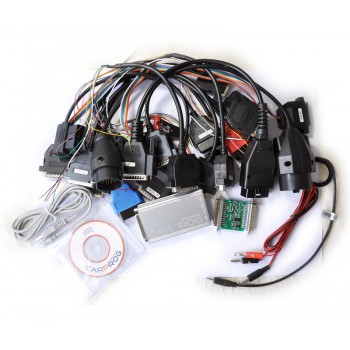
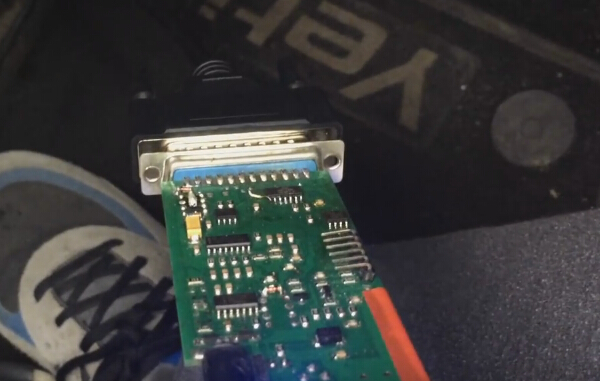
First Connect carprog with adapter and connect to my skoda

carprog-full-v8-21-blog-1

Then open Carprog V8.21 software

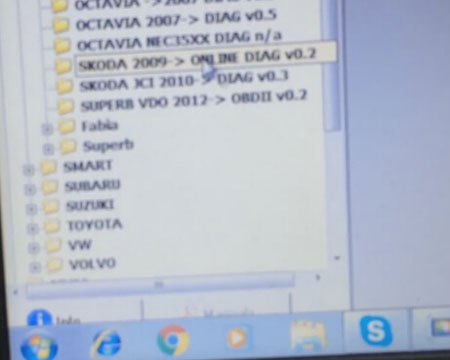
Select DASHBOARD-> SKODA-> SKODA 2009-> DIAG V0.2

carprog-full-v8-21-blog-2

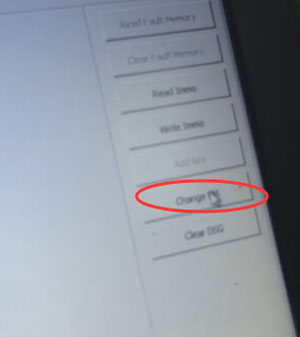
Select change KM

carprog-full-v8-21-blog-3

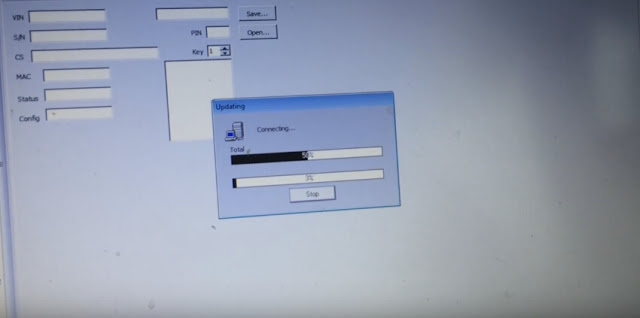
It will connect CAN

carprog-full-v8-21-blog-4

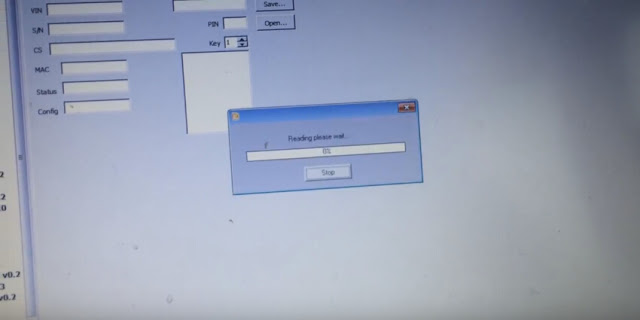
Reading mileage, just wait

carprog-full-v8-21-blog-5

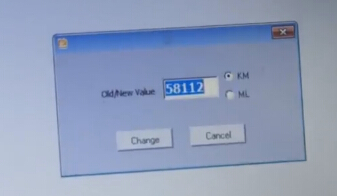
Carprog read the Old KM value: 58112km

carprog-full-v8-21-blog-6

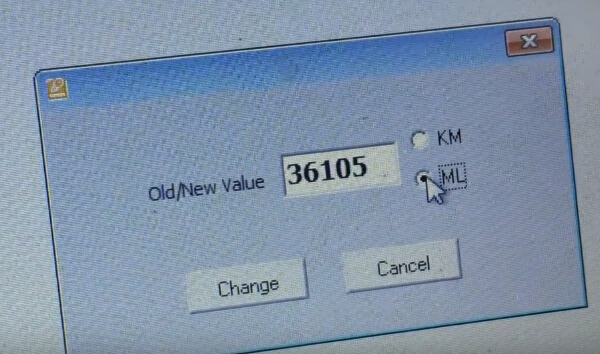
Then Input new value you needed and choose change KM to miles

carprog-full-v8-21-blog-7
Done! Carprog v8.21 change km SUCCESS!

carprog-full-v8-21-blog-8

Chinese Carprog is also good at airbag reset, I will try it and write a test report for you.

MPPS V18 Software Download – 100% working with MPPS eu clone

Free downloads MPPS V18 driver and software here!

MPPS V18 mega link:

https://mega.nz/#!Jo9WSDwZ!a0HJHJlUzhnY4oxf5v-ZZ5_LIlkpr_N34O8jbz3o3iU

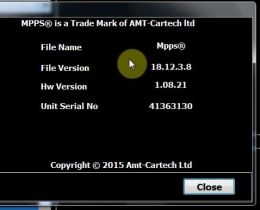
It’s MPPS v18.12.3.8.

Crack version

No need pass

Tested without issues

Safe to use

So, 100% working on MPPS hardware v1.08.21

MPPS hardware v1.08.21:

install-mpps-v18-windows-7-blog-1

Only this version can works with mpps v18 software above

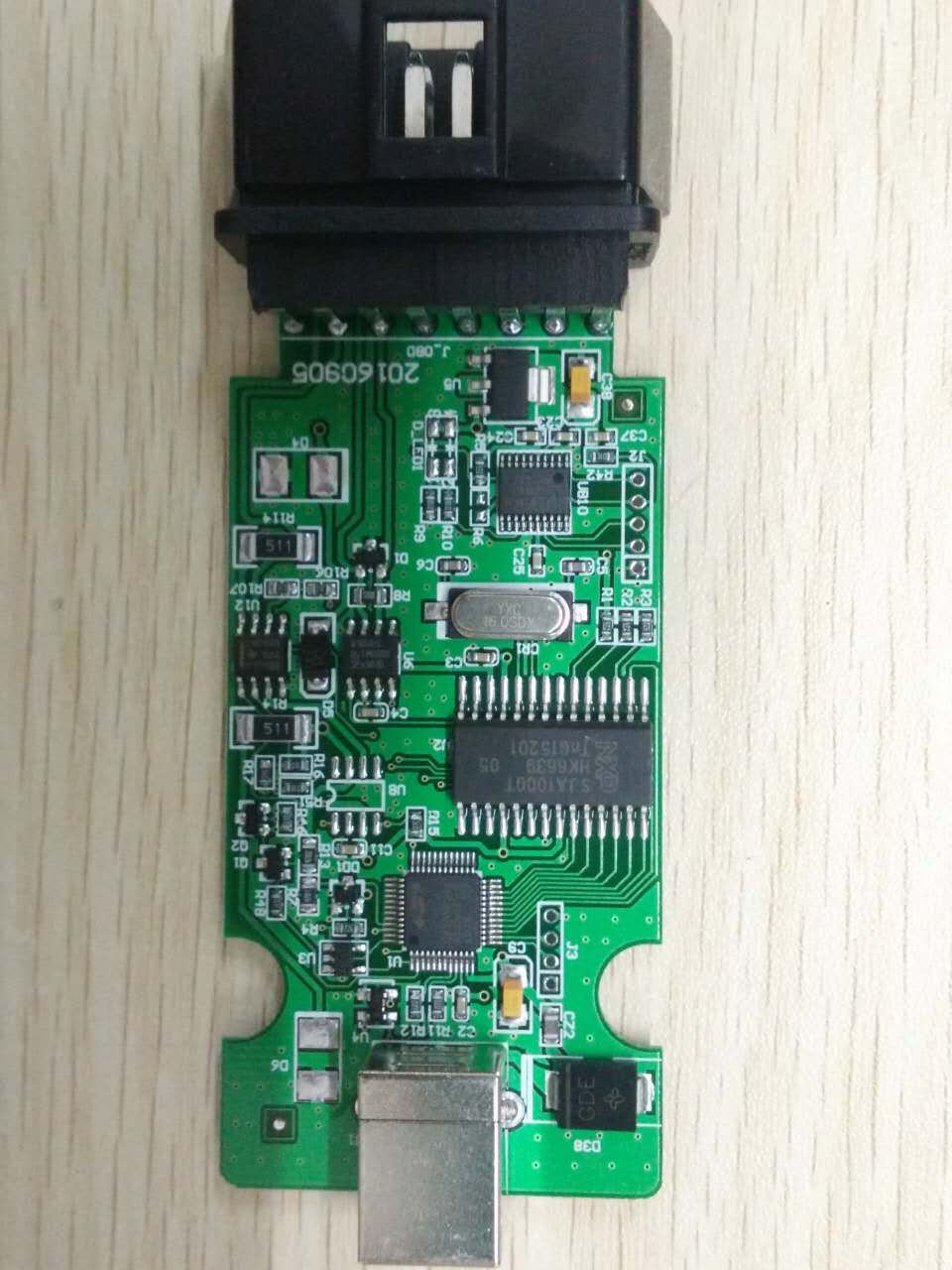
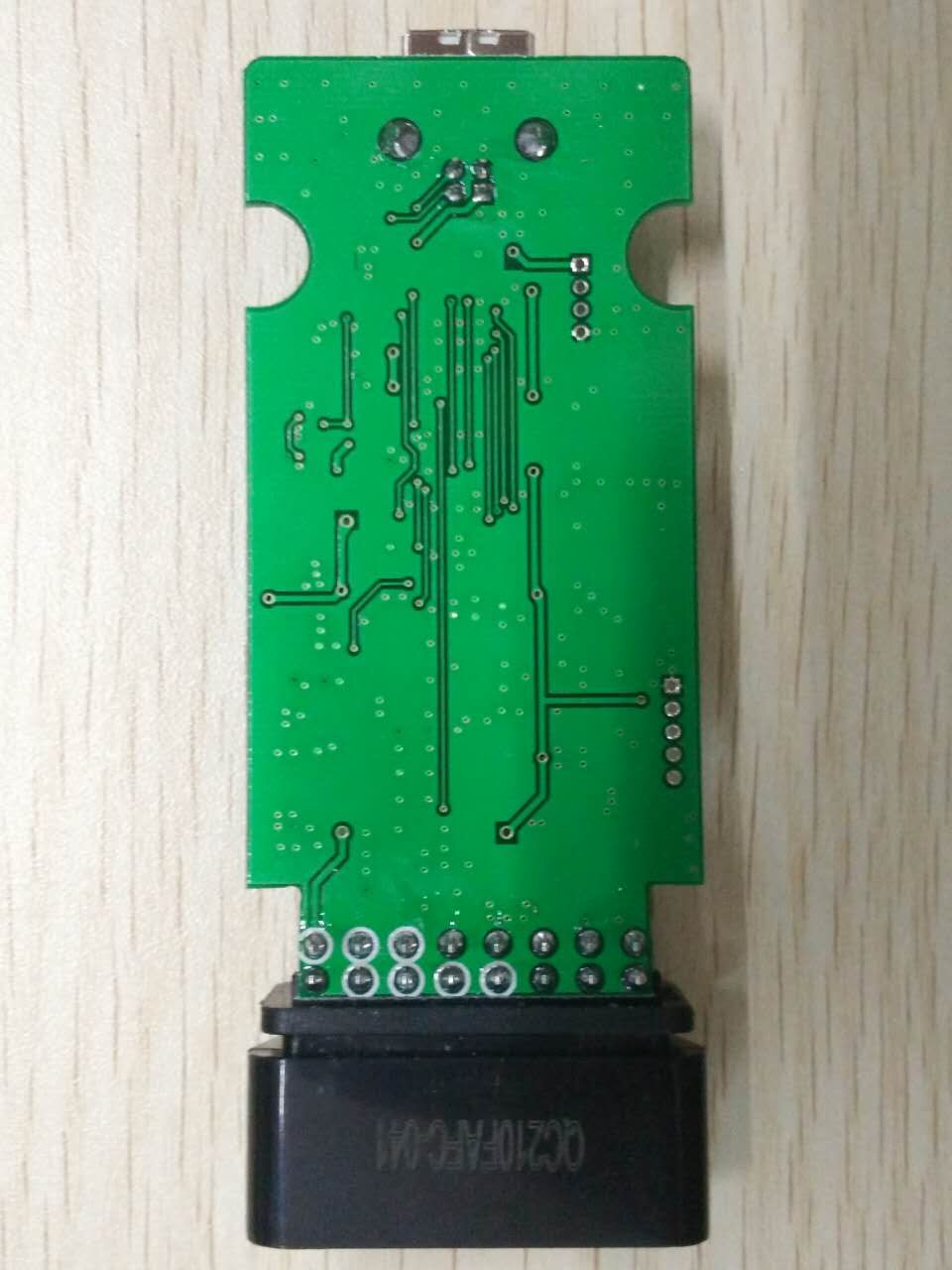
MPPS fw: v1.08.21 printed circuited board:

mpps-v18-pcb-blog-2

mpps-v18-pcb-blog-3

Mpps sw: v18.12.3.8 + fw: v1.08.21= reading / writing ecu(TRICORE + MULTIBOOT) + checksum

mpps-v18-ecu-chip-tuning-tool-blog-4

mpps-v18-ecu-chip-tuning-tool-blog-5
Mpps v18 car list:

https://mega.nz/#!840nybSY!feEzxiZBAswuda8F-9tcwnnZxmZeJcRTE2NSTfYevVI

How to work FGTech Galletto V54 with BDM100 V1255 for ECU tuning?

We all know both FGTech Galletto V54 and BDM100 V1255 are useful for ECU chip tuning. Better and more convenient to use these two interfaces together on same PC. So this blog will show you how to do.

First please know this method comes from forum and is tested ok as well. But try on your own risks. OK. Now let’s start work! The secret is to download driver for FGTech Galletto V54 and BDM100 V1255 by following link:

(OS: Windows7 64 bit)

After download the driver, you plug Fgtech Galletto 4 Master V54 or BDM100 V1255 Programmer into PC USB port.

fg-tech-galletto-4-v54-blog-1

v1255-bdm100-universal-programmer-2


You may not find the driver because Windows doesn’t install it automatically. So you should identify the driver and tunt it down on your own.

Steps to install the driver manually:

  1. Open Device Manager: Press Windows Key + R, type “devmgmt.msc” into the Run dialog, and press Enter.
  2. Find “Map3d MPC555 Interface”, right click, Click update driver→ Browse My Computer → LET ME PICK FROM A LIST
  3. select the device driver you want to install: scroll down manufacturer and find “Amt-Cartech”
  4. Click Have Disk Browse to where you downloaded and unpacked the drive                                                                                                                                                                                                                                                                                                         Choose “fgtibus.inf” and click open. It will probably warn you it’s not signed, but doesn’t matter, you can keep going. And then it should install and work.

100% solution for GENIUS Ktouch ECU programmer fetal error in race 2000 loc

GENIUS Ktouch ECU programmer Runsoftware error “fetal error in race 2000 loc” recently get a part of users confused. Here I share the 100% working solution aim to help more users.

new-genius-flash-point-obdii-tuning-tool-blog-1

Issue goes like this: Device work ok. Read file ok. But fail to export file to computer and fail to edit and tuning. Software not working, dsmanager not working, Runsoftware windows error “fetal error in race 2000 loc”, as you can see below.

new-genius-flash-point-obdii-tuning-tool-blog-2

Follow the solution below, you will solve the problem:

After setup finish, you have to manually replace raceloc.dll C:\Users\Your PC Name\AppData\Local\DimWare\RaceEVO\7.0

Fatal Error with be solved.

Instead of installing old version of race evo software, I have installed the latest.

Latest race evo Software + k-touch with instructions

Now there are more realistic results about k touch.
As you can see below, the device firmware is 5.005 and the available protocols now display correctly on the k-touch software.

new-genius-flash-point-obdii-tuning-tool-blog-3

new-genius-flash-point-obdii-tuning-tool-blog-4

How To Solve The Problems For Kess Comes The Error “EXTERNAL EXCEPION EEFFACE”?

How to Solve Kess V2 comes the error of “EXTERNAL EXCEPION EEFFACE”?

Now many customer asked for help to their Kess V2 comes the problems of “EXTERNAL EXCEPION EEFFACE”,and here is the solution to solve the problems.

kess-v2-blog-1

After install the software,it come the problems,then you need download the 1.93 file.

Here is the download link:https://mega.nz/#!lF4g2LQS

And this is the download key: !O_21c1lcw0-lVqHvYt8Bnjlsn0hOZ8bOx2b92YJrzfM

You can follow the video to operate,it is very easy!

If you have other good way to solve the problems,you can contact us and share with us.


K-Touch New Genius ECU Chiptuning Tool Customer Feedback & Test List

K-Touch ECU Map device allows ECU reading / programming in modern vehicles via OBD2. New Genius K-Touch MAP OBD2 Master with Free Winols 2.24&ECM Titanium 1.61 is update version of Kess v2, more new vehicles supported.
Here Let’s check this, the engineer shares customer’s feedback and test list on New Genius K-Touch MAP Flash ECU Tool:

new-genius-chip-tuning-tool-blog-1

Simos 18 tested ok. Don’t know about simos 12
Tested on many cars Kline an Can and work 100% fine only checksum need to do manually
All simos,denso mitsu ..all ok
Tested on tricore edc17c10 all ok
EDC17C64 ID & WRITE ok (1.6TDI)
MED17.5.5 ID & READ & WRITE ok
ME7.5 ID & READ & WRITE ok
MED17.5.21 ID & WRITE ok
Sagem 3000 ID & READ & WRITE ok
Opel ME7.6.2 ID & READ & WRITE ok
Mercedes EDC16C2 ID & READ & WRITE ok
Simos 12 & 18 ID & WRITE ok
Checksum recalculated with Genuine Race Evo software for all of my tunes.

2014 Ford Fiesta Ecoboost 1.0 125hp auto
-> Read ok
-> Write ok
2013 Mitsubishi ASX/Outlander Sport 2.0 4B11 CVT
-> Read ok
-> Write ok
2014 Chevrolet Orlando 1.8 Petrol Auto
-> Read ok
-> Write ok
2015 Mitsubishi Montero Sport/Pajero Sport 2.5DiD 178hp auto
-> Read ok
-> Write ok
Can make Opel Zafira , Combo , Meriva Denso ECU
Tested psa edc17c10 read on boot and test write by obd ok

k-touch-test-display-blog-2
Here you can freely check more about new genius ktouch flash ecu chiptuning tool support list.

New Genius & Flash Point OBDII/BOOT Protocols Hand-Held ECU Programmer

New Genius is the world’s first Touch & Map device which allows reading/programming the ECU in modern vehicles over OBD2. New Genius Touch & MAP is update version of Kess v2, more new vehicles supported.
 new-genius-chip-tuning-tool-1-blog
The New Test Result:
new-genius-chip-tuning-tool-board

Tested on:
Simos 18 tested ok. Don’t know about simos 12
Tested on many cars Kline an Can and work 100% fine only checksum need to do manually
All simos,denso mitsu ..all ok
Tested on tricore edc17c10 all ok
EDC17C64 ID & WRITE ok (1.6TDI)
MED17.5.5 ID & READ & WRITE ok
ME7.5 ID & READ & WRITE ok
MED17.5.21 ID & WRITE ok
Sagem 3000 ID & READ & WRITE ok
Opel ME7.6.2 ID & READ & WRITE ok
Mercedes EDC16C2 ID & READ & WRITE ok
Simos 12 & 18 ID & WRITE ok
Checksum recalculated with Genuine Race Evo software for all of my tunes.

2014 Ford Fiesta Ecoboost 1.0 125hp auto
-> Read ok
-> Write ok
2013 Mitsubishi ASX/Outlander Sport 2.0 4B11 CVT
-> Read ok
-> Write ok
2014 Chevrolet Orlando 1.8 Petrol Auto
-> Read ok
-> Write ok
2015 Mitsubishi Montero Sport/Pajero Sport 2.5DiD 178hp auto
-> Read ok
-> Write ok
Can make Opel Zafira , Combo , Meriva Denso ECU
Tested psa edc17c10 read on boot and test write by obd ok
No support Toyota                  obd only write med17.5.2. and 17.5.21 (not tested)