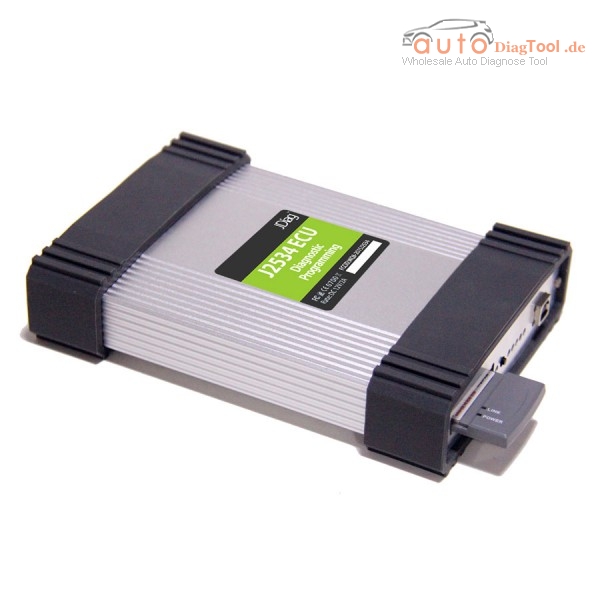
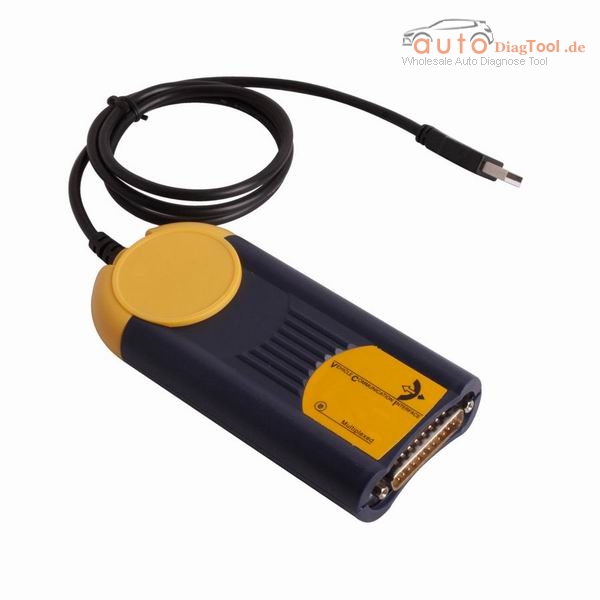
New I-2015 Multi-Diag Access J2534 Pass-Thru OBD2 Device
Top 4 Reasons to Get I-2015 J2534:
1. Latest Version: V2015.01
2. Support Multi-languages: French/ Spanish/ German/English/ Italian/ Portuguese/ Bulgarian/ Croatian/ Czech/ Danish/ Dutch/ Finnish/ Hebrew/ Hungarian/ Polish/ Romanian/ Russian/ Serbian/ Slovenian/ Swedish/ Turkish
3. Support 23 Brands Updated, 5300 New Systems
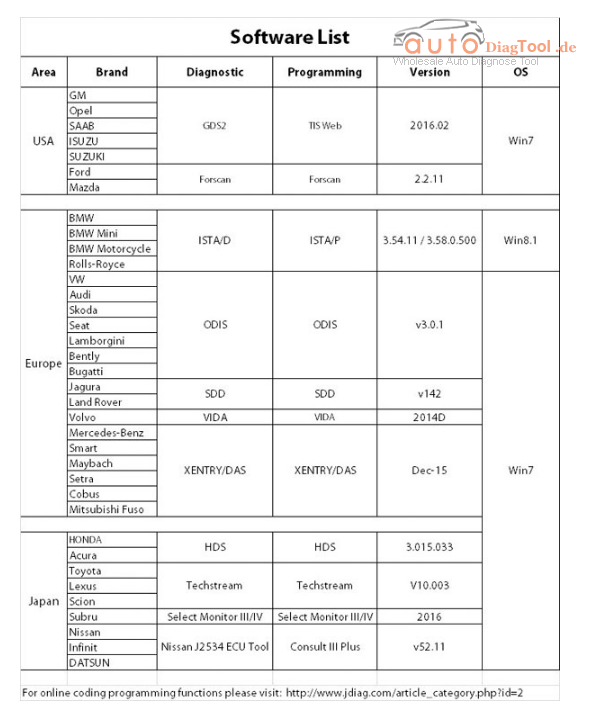
4. Operating System: Windows XP; Windows 7 32bit
Software activation Notice:
1. Must disconnect network when install the software.
2. Must watch our installation video when install the software and drivers. (Please contact customer service to get the installation video)
3. I-2015V Multi-Diag Access J2534 needs activation, after installing the software pls send ID (format is only 31-xxxxxxxxxxx) to us, we will send the activation code.
Archives
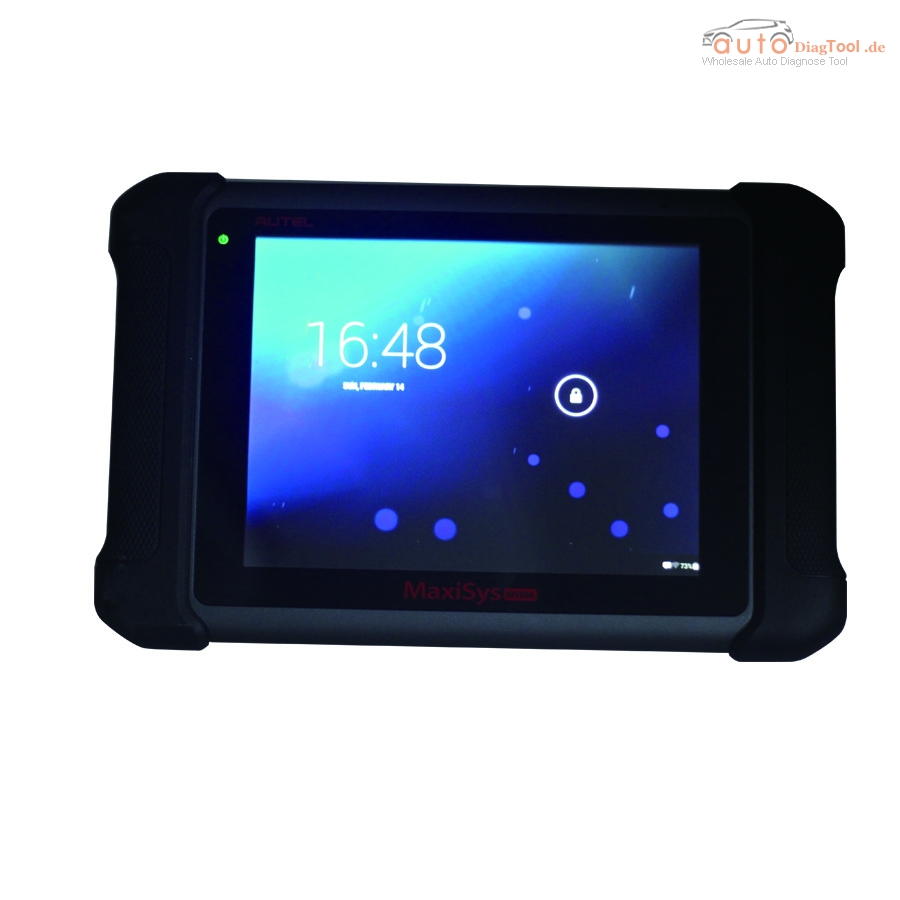
How to update DS708?
How to update DS708
Frist,you need register the tool:
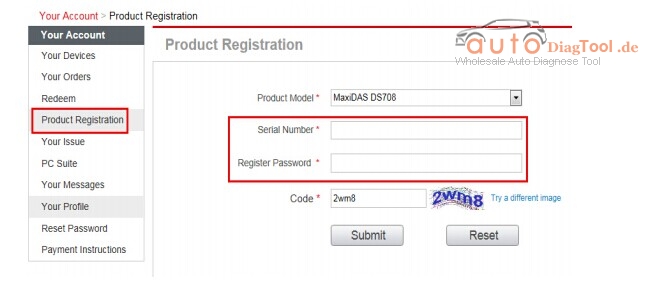
Log in our website to register an autel ID.Then log in our website with your autel ID and password to register your DS708.
http://pro.auteltech.com/

After registering DS708 on our website,please make sure that the serial number and register password that you input are correct.
On DS708,you can press on Setup-Help-About to double check the serial number and register password.
Method: Updating via DS708
After registering DS708 on the website succussfully,please connect
DS708 to internet via Ethernet connection or Wifi,and then choose
Update on the main screen of DS708.
When the Update screen loads successfully,you can download all the
software updates directly on DS708.
PS:To ensure high internet speed,Ethernet connection is recommended.
How to Install the Digiprog 3 V4.94 Software
When you receive the software, the next is to install it:
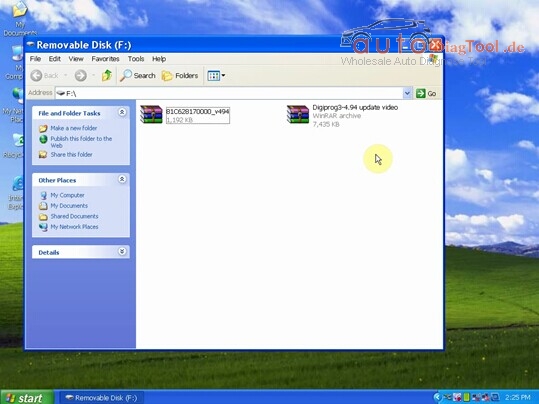
Step 1 – Download the V4.94 update software from your email, open it and and find two zipped files inside.
Copy and paste the two files to desktop and unzip them. You will then get two document file folders in the same name.

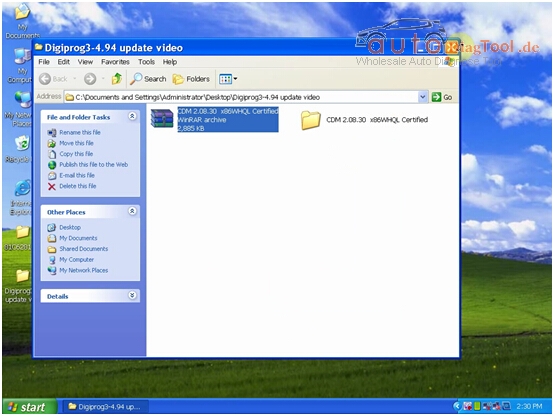
Step 2 – Open “Digiprog3 V4.94 Update Video” folder, find a zipped file “COM 2.08.30 x86WHQL Certified” and unzip it.
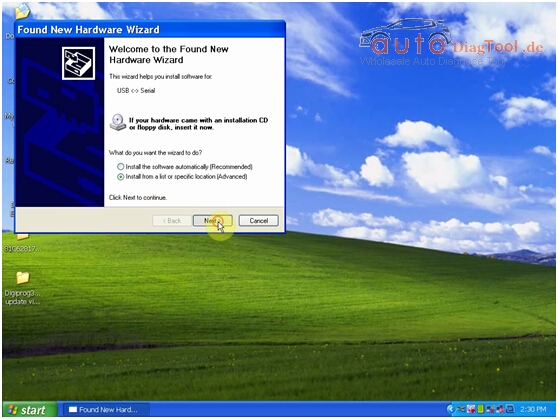
Step 3 – Plug Digiprog3 hardware to the USB port of your computer and a “Found New Hardware Wizard” window will pop up.

Step 4 – Next select “Install from a list or specific location (Advanced)”.

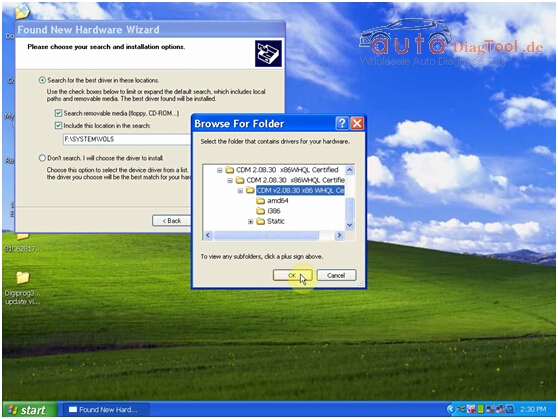
Step 5 – Select “Include this location in the search”, click “Browse”, select “COM 2.08.30 x86WHQL Certified” and click “Ok”.
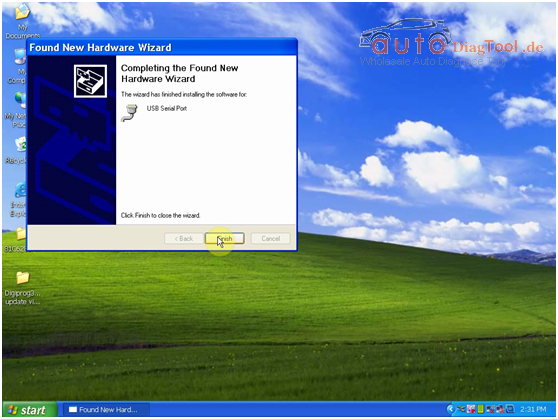
Step 6 – The “Found New Hardware Wizard” window will pop up again. Click “OK” – “Next” – “Finish”.
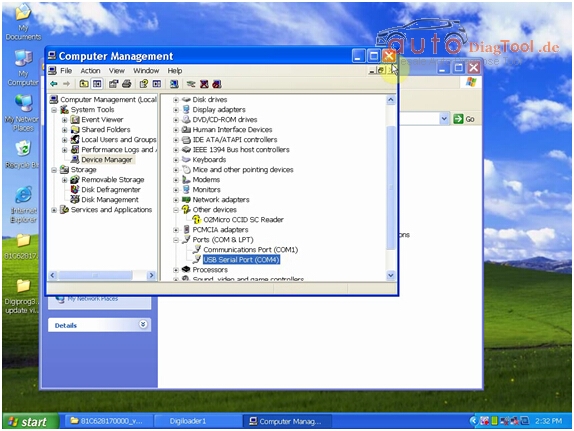
Step 7 – Now check if there is “USB Serial Port (COM4)” under “Computer Manager”. This is to make sure the driver is installed successfully.
If you do not find the option, repeat Step 3 to 7.
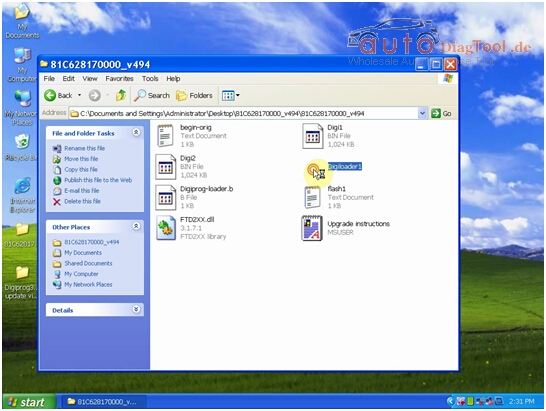
Step 8 – Open the other file on the desktop, you will get 8 things in the file. Double click on “Digiloader1” to open it.

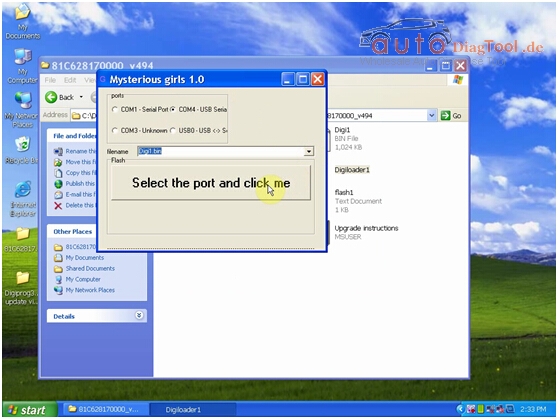
Step 9 – Select “COM4 – USB Serial”, “Digi1.bin” and click “Select the port and click me”.
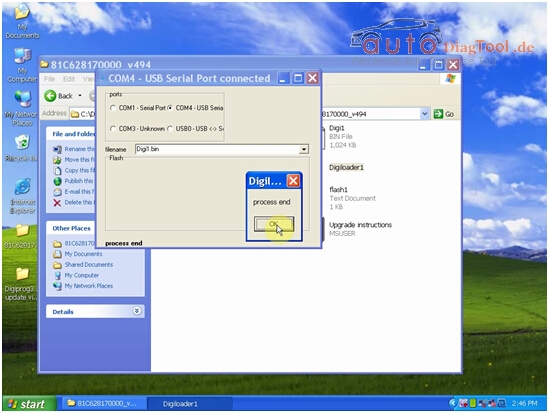
Step 10 – When you get a “Process end” prompt, it means the V4.94 Digiprog 3 software is installed successfully The upgrade process takes a few minutes.
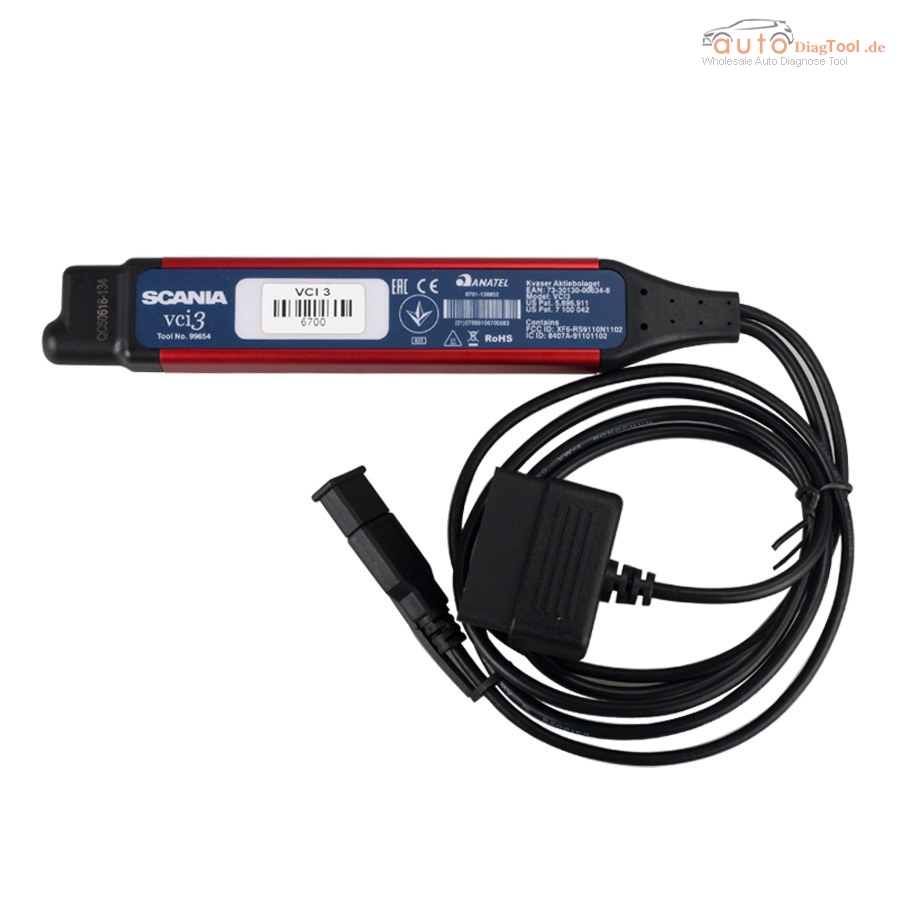
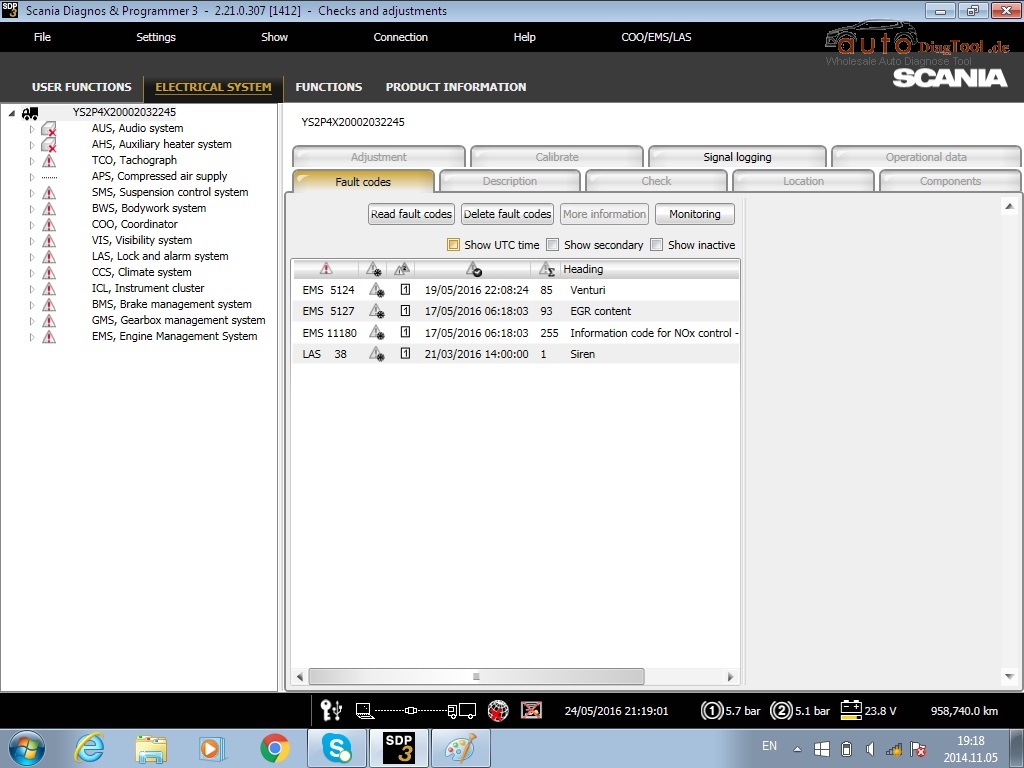
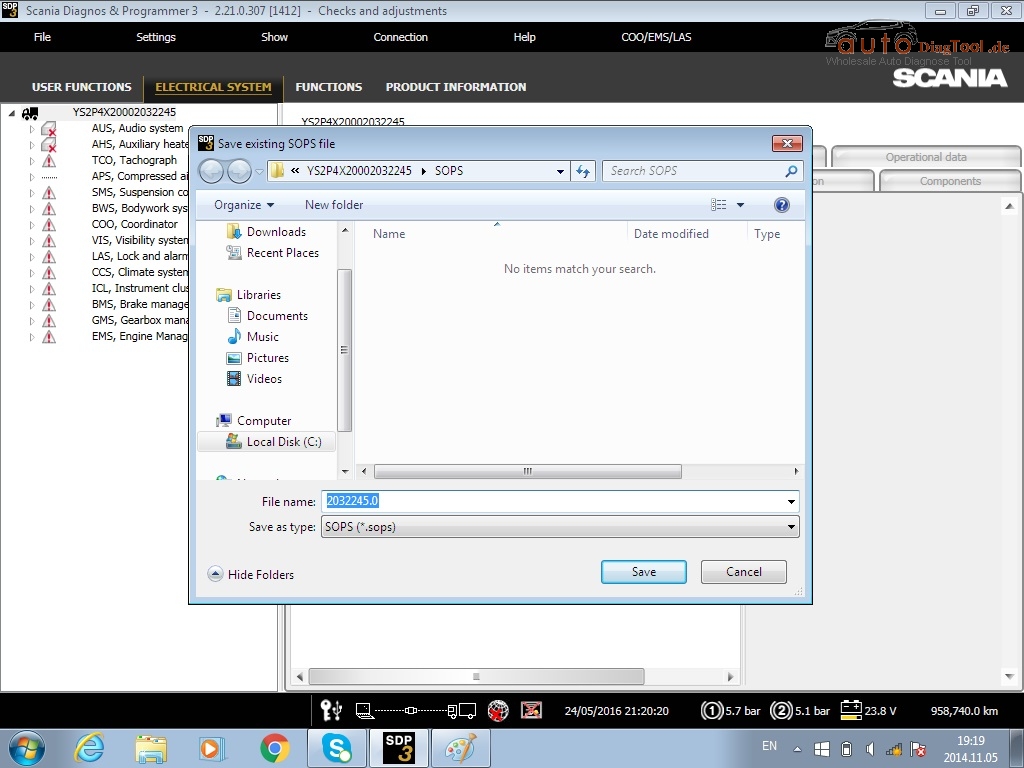
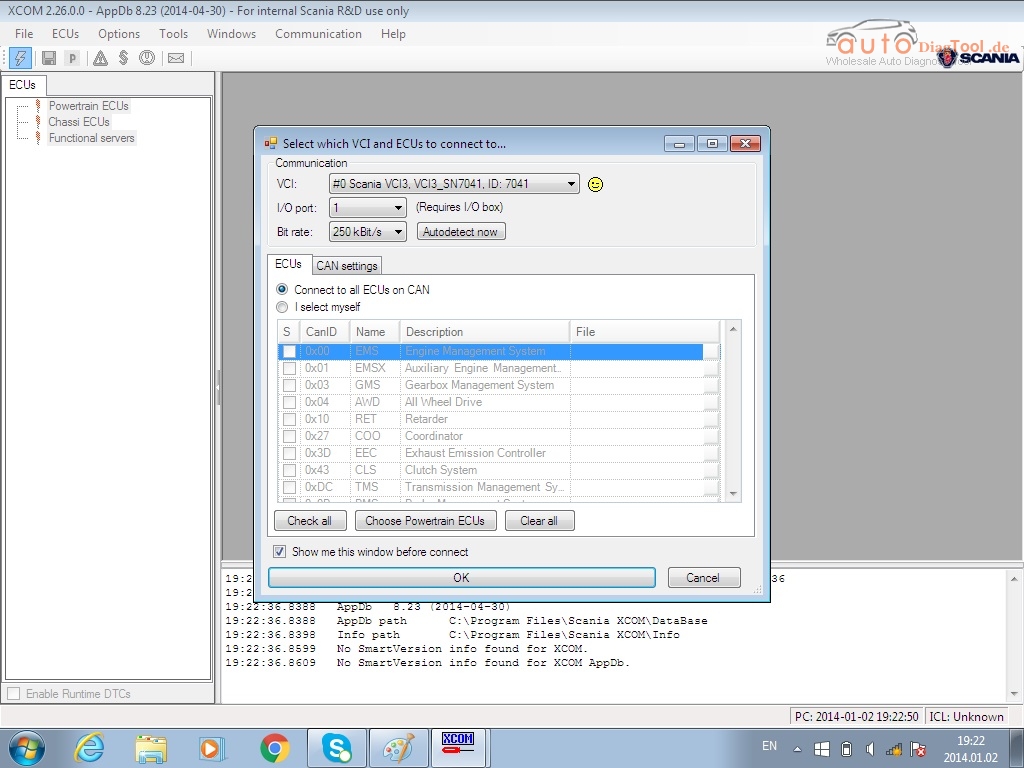
Customer feedback for Scania VCI-3 Scanner
V2.24 Scania VCI3 VCI3 Scanner Wifi is a brand new tool designed by Scania to provide full maintenance for all Scania trucks, buses and other heavy vehicles or heavy duty engines made by Scania.
One of my customer said the VCI3 is very good to use,here is the function he has tested which all is ok:
If you have the test same funtion,we will really appreciate if you share with us.
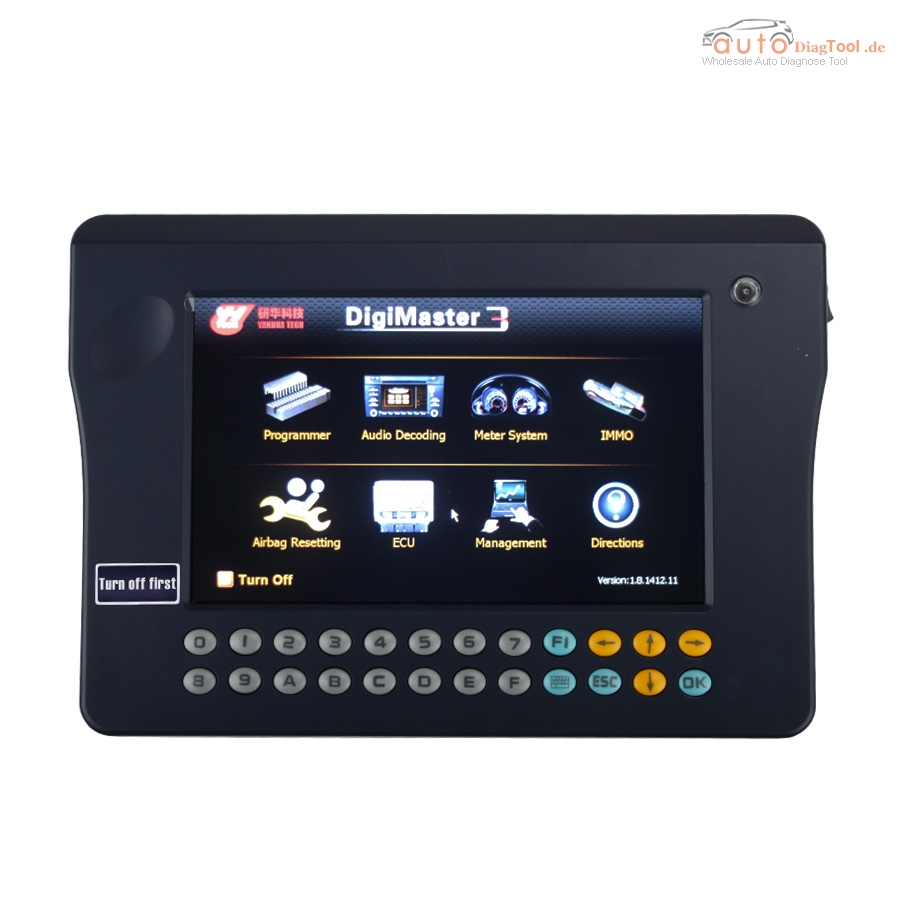
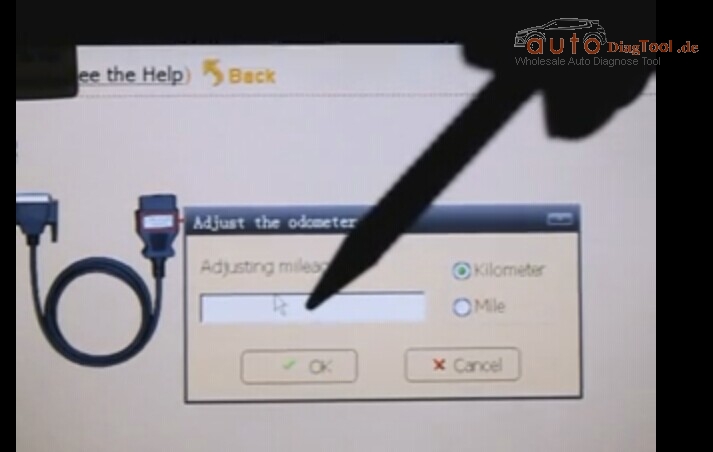
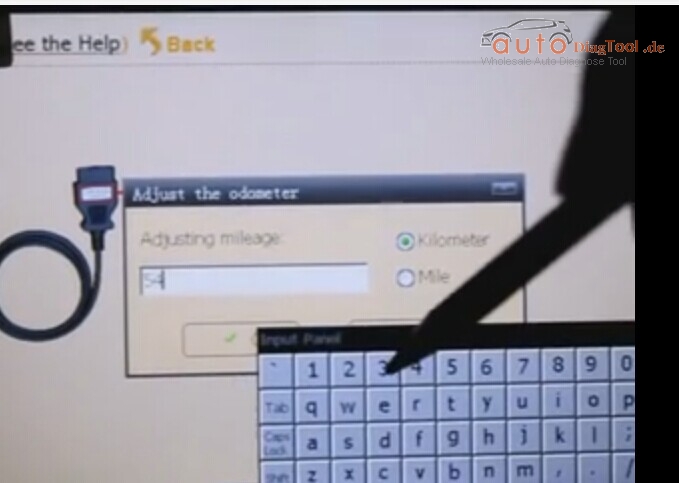
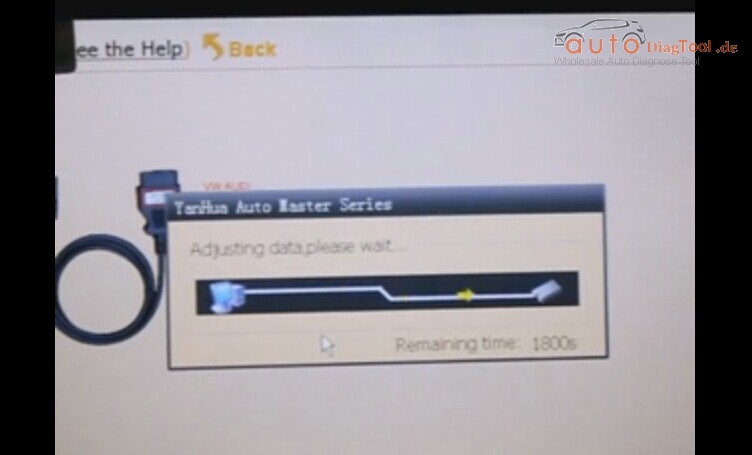
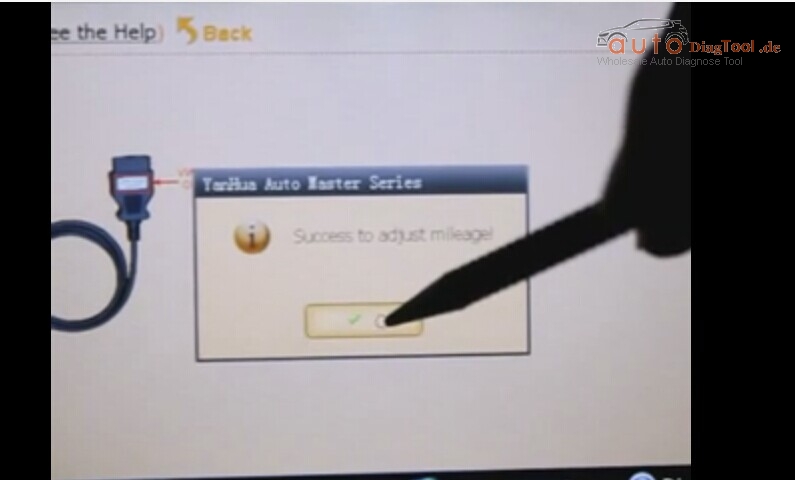
How to Operate Digimaster 3 ?
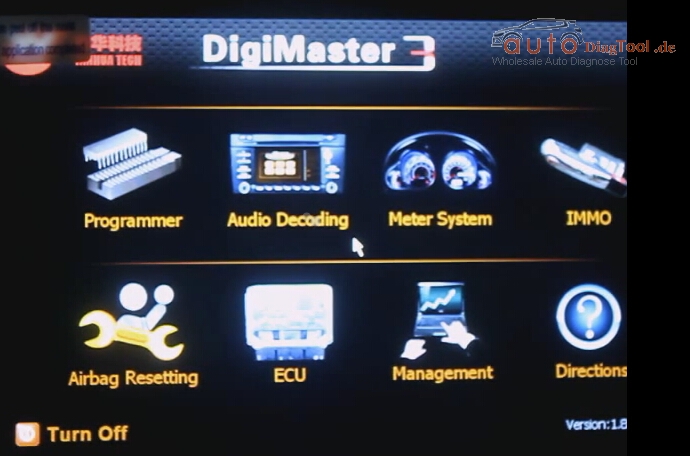
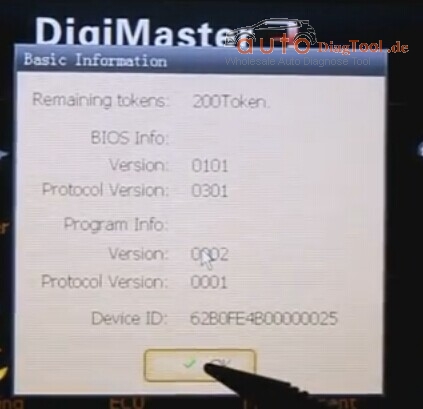
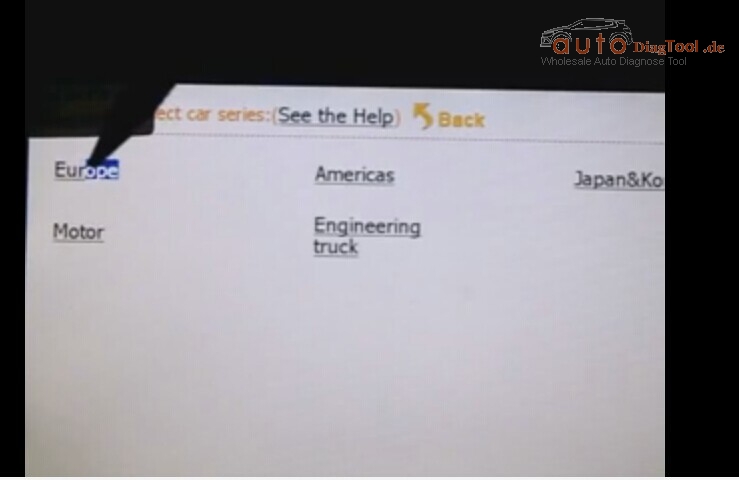
Here only needs 8 step to make it:
Step 1. Digimaster 3 Function Menu

Step 3. Digimaster 3 Basic Info

Step 4. Digimaster 3 Select Car Series

Step 5. Digimaster 3 Adjust Odometer

Step 6. Digimaster 3 Adjust Odometer

Step 7. Digimaster 3 Adjust GTS
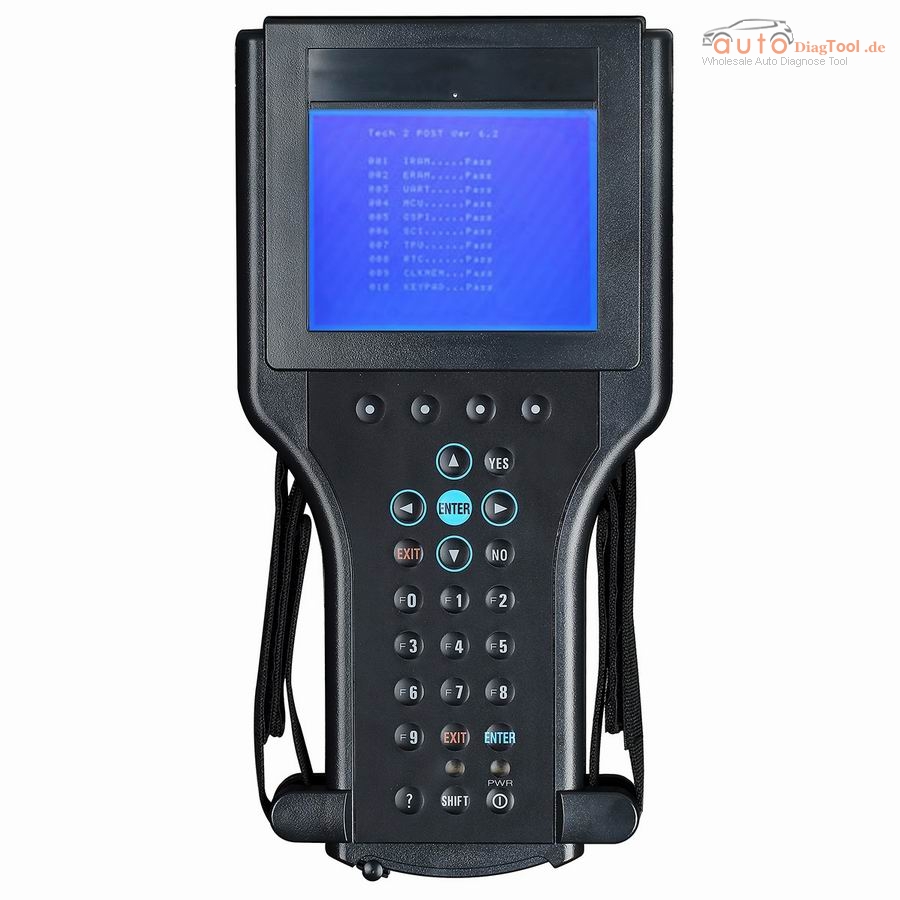
About GM Tech2 Frequently Asked Question
How To Register Autel Maxisys MS906 Diagnostic Scanner?
How to Register Autel Maxisys Ms906? You can follow below step to operate.
Original AUTEL MaxiSYS MS906 Auto Diagnostic Scanner is the updated Version of Autel MaxiDAS DS708 on Android Operating system
In order to get access to the Support platform and obtain update and other services from Autel, you are required to register the Autel MaxiSys MS906 Diagnostic System the first time you use it.
To register the Autel MS906 diagnostic scanner:
1. Visit the website: http://pro.autel.com.
2. On the Sign In page, input your account ID and other information to log in, if you already have an account.
3. If you are a new member to Autel and do not have an account yet, click the Create Autel ID button on the left side.
4. Enter the required information in the input fields, read through Autel’s Terms and Conditions and tick on Agree, and then click Create Autel ID at the bottom to continue.
5. The online system will automatically send a confirmation email to the registered email address. Validate your account by clicking the link provided through the mail. A product registration screen opens.
6. Find out the device’s serial number and password from the About section of the Settings application on the display tablet.
7. Select the product model of your device, enter the product serial number and password on the Product Registration screen, and click Submit to complete the registration procedure.
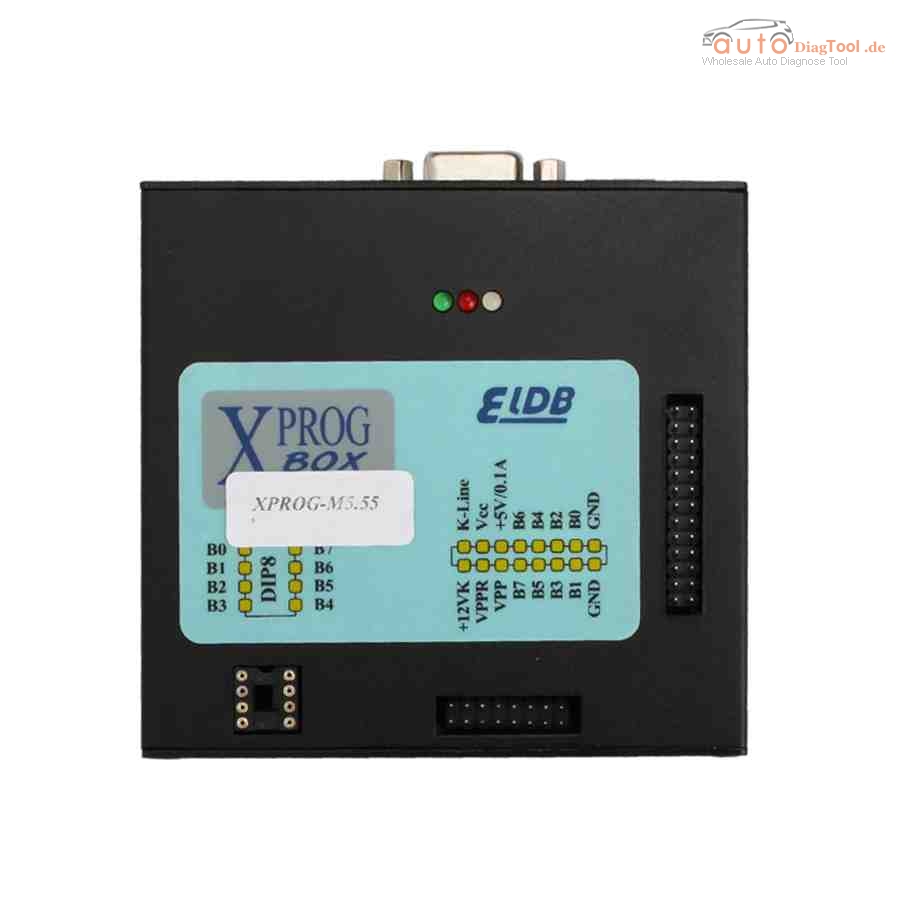
The Difference of all Xprog on autodiagtool.de
The difference of all xprog on carobd.de:
| Item Code | SM48 | SM48-B | SM44-C | SM11-D | SM11-F | SM11 |
| Item Name | XPROG-M V5.5.5 with USB Dongle +T410 Laptop +500GB HDD | XPROG-M V5.5.5 with USB Dongle | XPROG-M V5.50 without USB Dongle | Xprog-m V5.3 with USB Dongle | XPROG-M V5.3 Main Unit | XPROG-M V5.0without USB Dongle |
| Version | V5.5.5 | V5.5.5 | V5.5 | V5.3 | V5.3 | V5.0 |
| Language | English | |||||
| OS | 32Bit/64Bit WinXP/Win7 System | 32Bit WinXP EN System | ||||
| with Dongle | YES | No | YES | No | No | |
| with Laptop | YES (software installed) | No | No | No | No | No |
| Update | No | No | Yes (Check SO294-C) | Yes (Check SO294-C) | Yes (Check SO294-C) | Yes (Check SO294-C) |
| Function | Read/Write ECU/MCU Chip,Eeprom programming | |||||
| Special Function | Decypte New BMW CAS4;Add New Authorization: AUTH-0025 Authorized | Decypte New BMW CAS4;Add New Authorization: AUTH-0025 Authorized | supports more than 450 units (serial EEPROM’s, Microcontrollers (MCU), Electronics Control Units (ECU), DashBoards, Immobilizers, Calculators and others) | support microchips freescale MAC, INFINEON, RENESAS | supports microchips freescale MAC, INFINEON, RENESAS | NO |
| Support List | depends on ECU Chip Types | |||||
| Xprog Serials products difference 1. Different Version 2. Except SM44-C,SM11-D,SM11 without dongle, replaced by Chips, Others contain dongle 3. No hardware version, different software version with different hardware version, except V5.0, v5.3 others is the same 4. V5.0 Xprog is much more stable than V5.3 5. you can buy SO294-C ATMEGA64 Repair Chip to upgrade xprog before V5.5Attention: Only Winxp 32bit System Supported. No Antivirus Progarm, No Internet Connection Before installing Software |
||||||
2014D VOLVO VIDA DICE Diagnostic Tool all Details
Considering some regular users are finding low cost working VIDA DICE 2014D VOLVO Diagnostic Tool, carobd.de engineer developed and tested working fine, see details as follows.
Item No. SP170-1, Super Volvo Dice Pro+ 2014D, €69+ shipping cost, €22 lower than Item No.SP170 which sales for €88.
item No. SP21-C, 2014D VIDA DICE Diagnostic Tool, €133 +free shipping by express without tax.
PC board: reading following PC board, you will visually judge the quality of low cost the VIDA DICE 2014D.
PC board Display:
How to install and use 2014D VOLVO VIDA DICE Diagnostic Tool?
Requirement on computer:
step 1:It must be windows 7
step 2:It need to be Internet Explorer 8
step 3:Computer memory need over 2GRAM
step 4:C:// must have 40GB space
step 5:Software must install on C://
step 6:It must be NTFS format
Original Digimaster 3 Free shipping On Autodiagtool.de
Digimaster 3 Digimaster III Original Odometer Correction Master Update Online
Digimaster 3 is also called Digimaster III or shortly D3 is new developed odometer correction master. It works with various types of adapter you can easily achieve odometer correction, audio decoding, airbag resetting, engine ECU resetting, IMMO, programming key for Benz &BMW etc.
Language: English
All digimaster 3 has already been registered before shipped out. So no need register again. Customer who want buy digimaster 3 please do have basic knowleage about chip desoldering.Techinical question about DIGIMASTER III, please check our techinical service next to the description.