Archives

2014D VOLVO VIDA DICE Diagnostic Tool all Details

Considering some regular users are finding low cost working VIDA DICE 2014D VOLVO Diagnostic Tool, carobd.de engineer developed and tested working fine, see details as follows.

Item No. SP170-1, Super Volvo Dice Pro+ 2014D, €69+ shipping cost, €22 lower than Item No.SP170 which sales for €88.

super-volvo-dice-pro-diagnostic-tool-blog-1

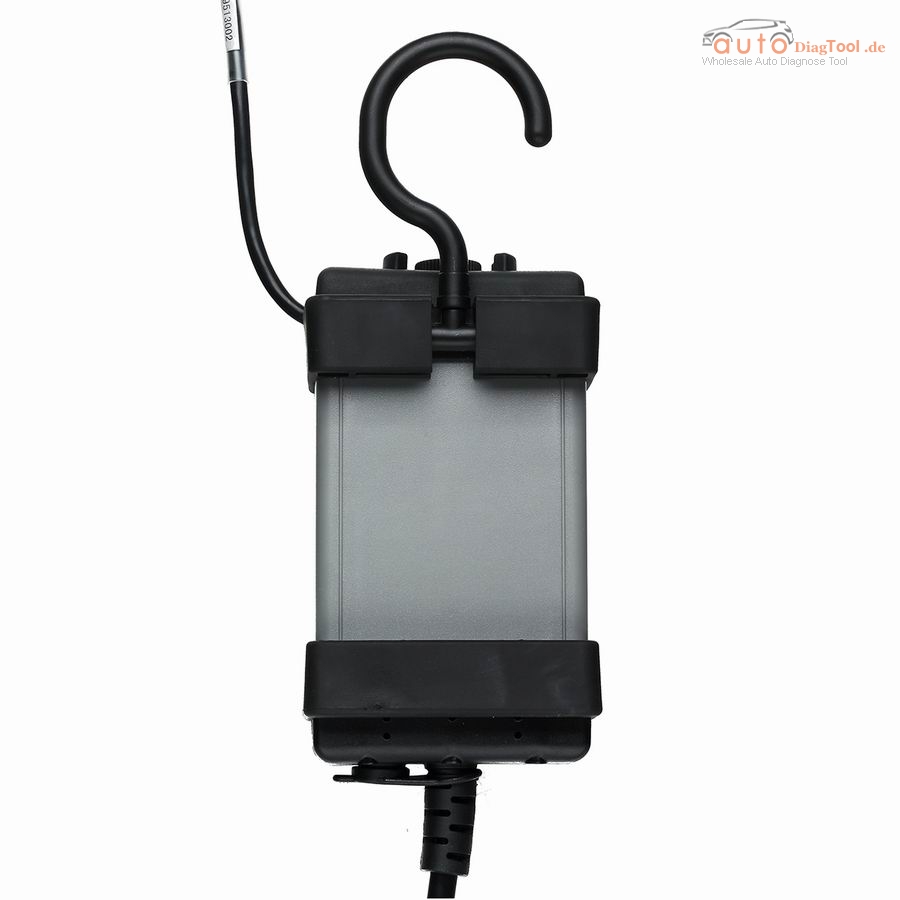
item No. SP21-C, 2014D VIDA DICE Diagnostic Tool, €133 +free shipping by express without tax.

volvo-vida-dice-main-interface-blog-2

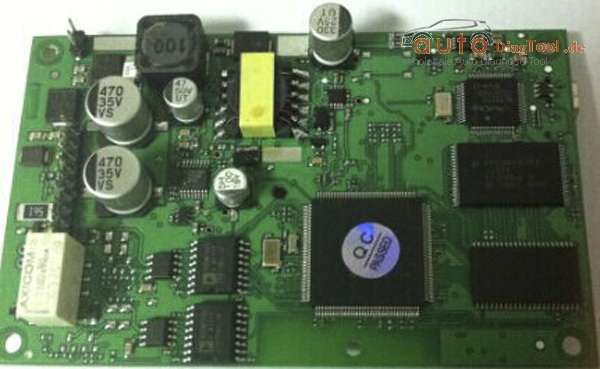
PC board: reading following PC board, you will visually judge the quality of low cost the VIDA DICE 2014D.

PC board Display:

volvo-vida-dice-main-board-blog-3

volvo-vida-dice-main-board-blog-4

How to install and use 2014D VOLVO VIDA DICE Diagnostic Tool?

Requirement on computer:

step 1:It must be windows 7
step 2:It need to be Internet Explorer 8
step 3:Computer memory need over 2GRAM
step 4:C:// must have 40GB space
step 5:Software must install on C://
step 6:It must be NTFS format


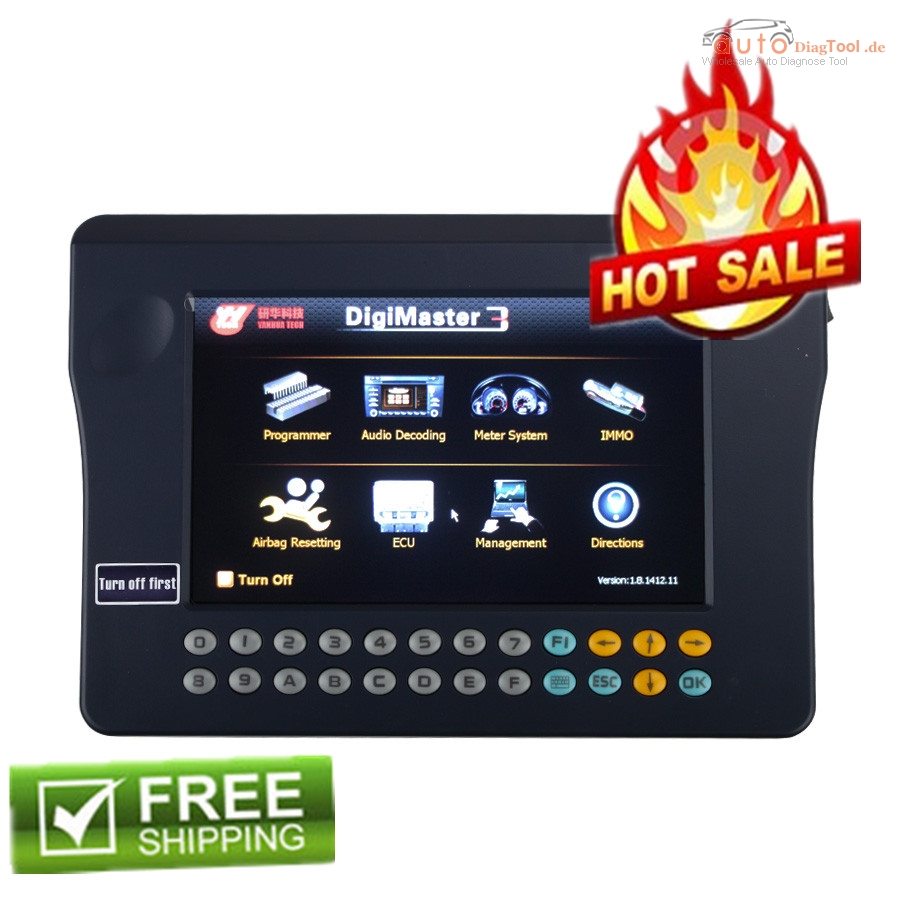
Original Digimaster 3 Free shipping On Autodiagtool.de

Digimaster 3 Digimaster III Original Odometer Correction Master Update Online

Digimaster 3 is also called Digimaster III or shortly D3 is new developed odometer correction master. It works with various types of adapter you can easily achieve odometer correction, audio decoding, airbag resetting, engine ECU resetting, IMMO, programming key for Benz &BMW etc.

digimaster-3-digimaster-iii-original-odometer-correction-master-8

Language: English

Newest Hardware Version: V1.8.1504.24
Unlimited Tokens
Kindly Note

All digimaster 3 has already been registered before shipped out. So no need register again. Customer who want buy digimaster 3 please do have basic knowleage about chip desoldering.Techinical question about DIGIMASTER III, please check our techinical service next to the description.

Digimaster 3 update kernel After update EBOOT, it is necessary to update kernel. Tips: Before update EBOOT, please instal D3 TOOL first.
Step 1: Click button “8” and “OK” together, then power on. The indication of “Press OK to continue and ESC to cancel” will appear on the screen. Press “OK” into Renovation.
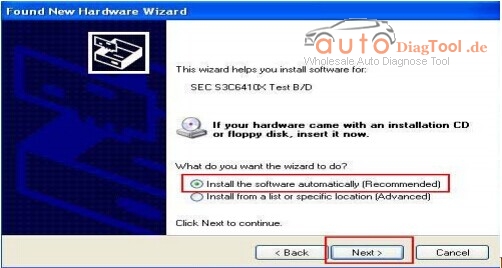
Step 2: “Found new hardware” is found in the system when you connect USB cable with the PC.
digimaster-iii-1
Step 3: choose “install the software automatically”, click “next”.
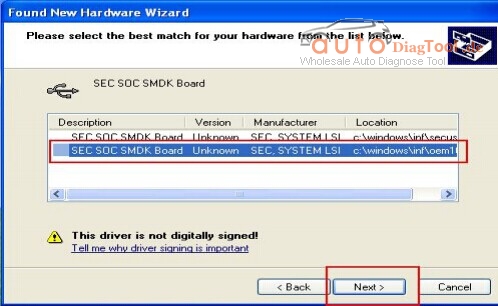
Step 4: If DIGIMASTER 3 has been installed already, choose the second “SEC SOC SMDK Board” in dialog box, and click “Next” to complete driver installation.
digimaster-iii-2
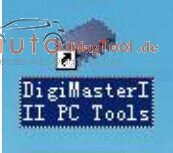
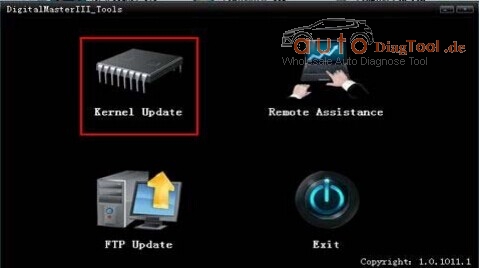
Step 5: Double-click Digimaster 3 PC Tools and choose “Kernel Update”.
digimaster-iii-3
digimaster-iii-4
Step 6: Indication ” USB connect succeed “will appear as below after the USB is connected.
digimaster-iii-5
Step 7: click “Kernel Update”, choose “EBOOT_20110427.bin” then click “OK” to start EBOOT program update. Step 8: After 10sec. the DIGIMASTER 3 screen appears a twinkling red ‘YH’ logo which means EBOOT update is complete.
After update EBOOT successfully, please turn the power off and choose an appropriate way to update the kernel.
TIPS: Please unload the anti-virus software and firewall temporarily in order to run the software normally.

ECU Chip Turning device

What is the ECU?

ECU is Electronic Control Unit,also call Trip Computer,just like Computer,it is control all the running  device.

Here has same ECU chip turning on www.carobd.de

V2.22 KESS V2 Manager Tuning Kit :

V2.22 KESS V2 Manager Tuning Kit master with Unlimited Token and Renew Button Firmware V4.036, add more latest protocols and ECUs, more detailed cable connection instruction.new-kess-v2-manager-tuning-kit-master-version-blog-1

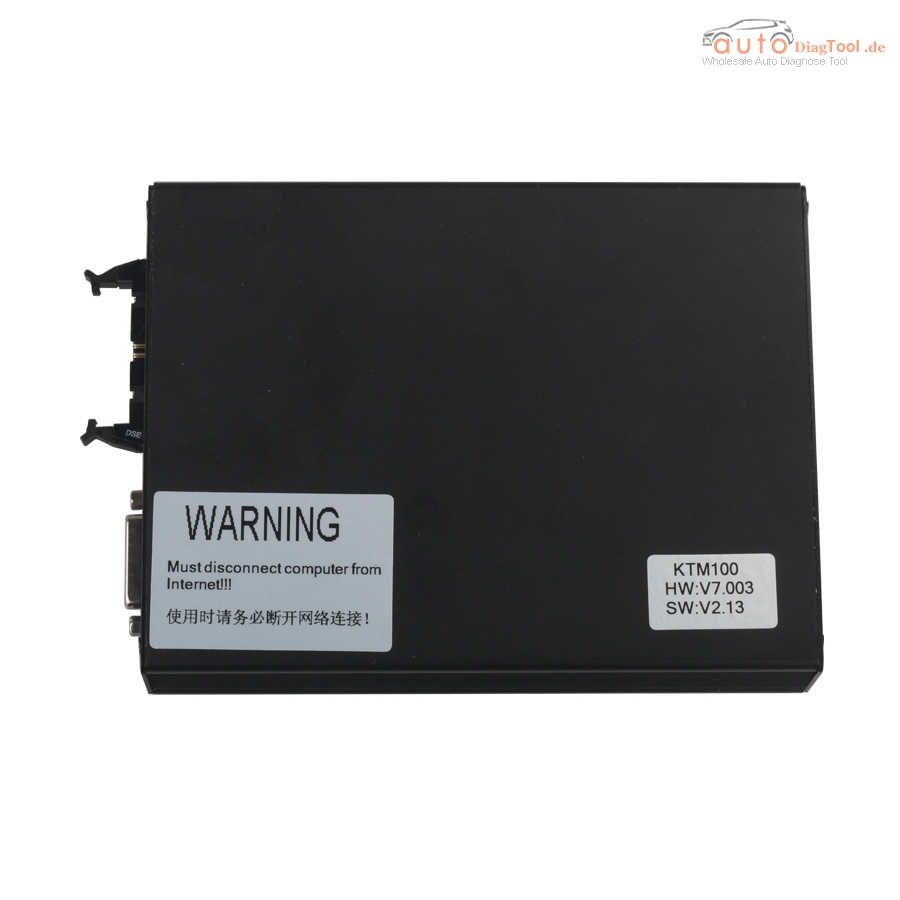
Ktag K-tag KTM100 V2.13 Firmware V7.003 Master Version ECU Programmer :

ktag-ktm100-ecu-programmer-blog-2

Ktag KTM100 V2.13 Master Version ECU Programmer with newest Firmware V7.003 and renew button, no tokens limitation. This Ktag newly Add BMW Gasoline F Chassis and Mercedes W222. K-tag V7.003 work more stable and conveient. After you choose car model, it will automatically identify ECU model and chip type.

How to: Mazda CX5 correct mileage using OBDSTAR F100

The newly released OBDSTAR F100 provides one more choice for the technicians who need to correct mileage for for Mazda and Ford car models.

Following parts are about the steps for Mazda CX5 correct mileage using OBDSTAR F100.

Mazda Mileage correction tool to use:

OBDSTAR F100 pro.

Note: the original F100 pro is made by OBDSTAR Company, and there are some authorized dealers e.g www.carobd.de

Mazda model to test:

Mazda CX5

Steps: Mazda CX5 correct mileage using OBDSTAR F100:

Plug F100 pro into the car OBD port.

F100 programmer boots, and press ENT

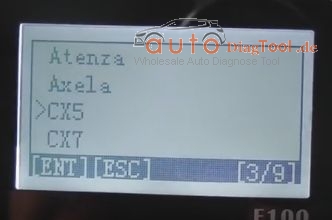
Select Mazda CX5

F100-mileage-correction-blog-01

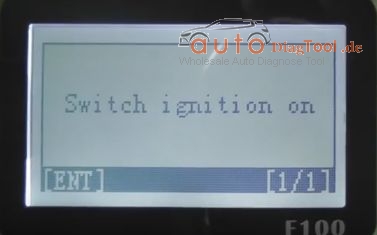
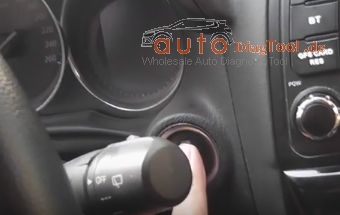
Turn on ignition

F100-turn-on-ignition-blog-02

F100-mileage-correction-blog-03

Before modify the mileage value. Please execute [ Data backup] function.

Press ENT, and it establishes communication.

Please turn off the ignition switch and then turn the ignition switch on.

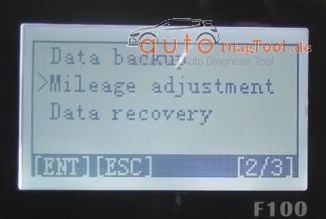
Choose “Mileage Adjustment”, press ENT to go on and ESC to back.

F100-mileage-correction-blog-04
Remark: if kilometer value with readout instrument shows the number of …

Communication…

Please turn off the ignition switch and then turn the ignition switch…

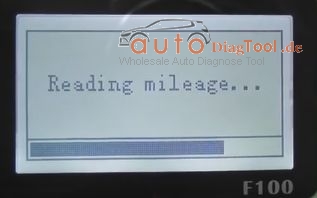
Then go on reading mileage as follows…

F100-mileage-correction-blog-05
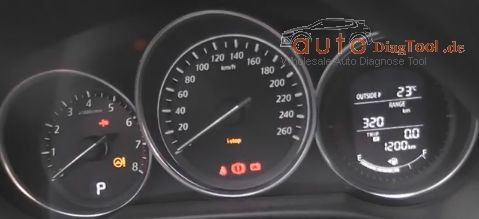
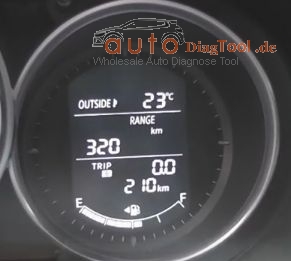
Current mileage value: 1200 KM

Please confirm the mileage value correct

Please enter the value you want to adjust-XXXXXX (eg:000210)

Enter Value: XXXXXX(eg:000210)

Communication…

Please turn off the ignition switch and then turn on the ignition switch.

F100-mileage-correction-blog-06
Adjusting mileage…

Complete.

F100-mileage-correction-blog-07
Hope it helps.

MINI VCI techstream V10.30.029 Success Case

MINI VCI techstream V10.30.029 Success Case

Start by purchasing Xhorse Mini VCI cable Techstream software even here:

http://www.carobd.de/wholesale/cheap-mini-vci-single-cable-for-toyota.html
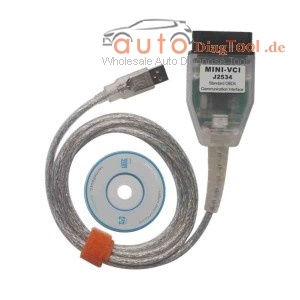
cheap-mini-vci-single-cable-for-toyota-blog-1

The price of a pair of tens. Reads and does everything and a bit more. (Visit the Toyoon with the OBD connector that is, from the 1996 vissiin)

For you to read the AHC’s pressures that are likely to be too high. The front end is handled springs (torsion bars) tightening, the rear springs can be reached in the exchange. They are marmoritiskillä I remember a couple of hundred / piece, lower prices can be viewed even if the www.partsouq.com, there can be found in an exploded view. Exchange is a piece of cake. The springs are of different length, the left somewhat longer. In another pink and one purple color of the character, I do not remember either way. AHC-shoot springs is a lot looser when the norm-iskariversion.

Then, when the springs and the AHC’s neutralizing pressure is in place so it’s time to look at the condition of iskarien. Iskarithan is not what it seems iskareilta, they are alone without hydraulic damping and probably all right. Shocks is the balls (and control valves), which has a total of four, two on each side between the rocker and the frame. the condition of Niitten get a hint about when comparing AHC fluid reservoir (the co-driver in the corner under the bonnet white tank) liquid level between upper and lower positions of the suspension. Bowl on the side of a measuring scale, at least 7, but preferably 11 line should be between the upper and lower positions. If it is less so the balls of the former. the normal pressure due to the above-mentioned rautajousista If you do not have kohdillaan as those line readings are not reliable, then no.

Balls hell to pay at Toyota, Would it 700-800 / pc England but can be found in the Pleiades called company which has the whole set (4 pieces) I remember one of the 700. They do not have orkkikset but Citikan balls with Toyo adapter. In fact, I put those couple of years ago and play it well.

Exchange of balls is quite easy, just tarvii big spanner that holds smirglata little thinner that can accommodate between. At the same time AHC fluids exchange (2x 2,5ltr nest box with Toyota, I think the 50e / pntö)

If you still want more after that, the load carrying capacity of such springs may be in the air to throw bags of “Air Lift 1000”. Satkun with a set price amount. I’ve got a little one would’ve used stock. I thought that thing would’ve tullu only condition but they did not come, so the springs and balls of the exchange, and then there was no longer an air cushion for tarvista so I took off. (My cart oo ku not less than 1.5t)

AHC in the life of the soul can be found in a very http://forum.ih8mud.com/threads/definit info … ms.604577 /

That is, in brief:

1.Cable + software that you get a pressure reading (20e)
2.The front springs tightening (0e)
3.Rear springs exchange (200-400e)
4.liquids and todnäk balloons exchange (800e-2500e)
5.Any addition to the air springs (100e)

The money returns to some extent, but everything is actually done, and after that is just like driving a different car.

Get you there to the top?

So yeah, it’s still that if those (iron) springs to save (ie, does not change or tighten) or job otherwise not postpone for too long, then the AHC’s components having so much hurt that then can’t survive any more balloons exchange but starts to go AHC pump etc. other stuff, and then tons of runs quite a few.
www.autodiagtool.de Some of VCM II Ford IDS update to V100

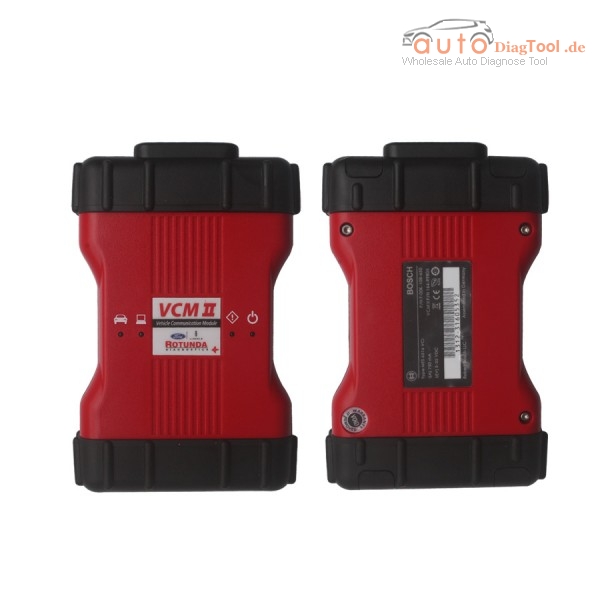
VCM II V100 Support VMM and CFR Diagnostic Scanner Deutsche Version for Ford

OEM VCM II IDS For Ford Multi-Language Diagnostic Tool V100 Support Key Programming:
1 Support Key Programming.It can do ford cars from 1996-2014.
2 Update by CD.
3 Can do Ecu program.

Now,www.carobd.de Some of VCM II Ford IDS update to V100

new-release-ford-vcm-ii-diagnostic-tool-sp177-c-blog

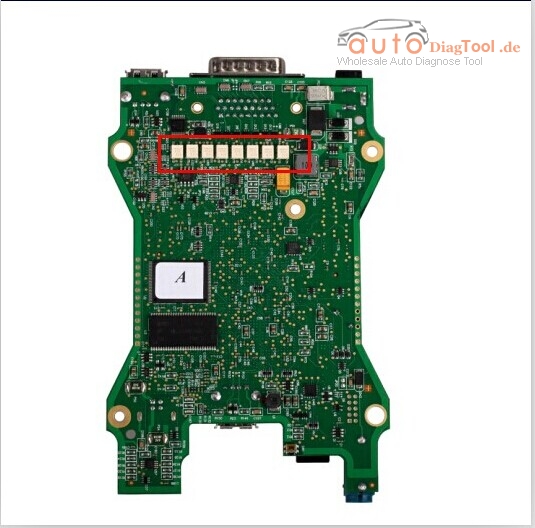
PCB Board

ford-vcm2-a-quality-pcb

Difference between All VCMII Series

Difference Among VCM II
 Item NO. Car Model Software Version Wireless Function Wireless Card Quality/Main Board
 SP177  Ford  IDS V100  NO  NO  Quality A
 SP177-C  Ford  IDS V100  Yes  NO  Quality A
 SP177-C1  Ford  IDS V97  Yes Yes  Quality A
 SP177-D  Mazda  IDS V96  NO  NO  Quality A
 SP177-E  Mazda        LandRover&Jaguar  IDS V97
JLR SDD V142
 NO  NO  Quality A
 SP177-F  LandRover&Jaguar  JLR SDD V142  NO  NO  Quality A
 SP177-G  Ford                          LandRover&Jaguar  IDS V100

JLR SDD V142

 Yes  NO  Quality A
 SP177-1  Ford  IDS V100  Yes  NO  Quality B
 SP177-C2  Ford  IDS V97  Yes  Yes  Quality B
 SP177-FB  LandRover&Jaguar  JLR SDD V139  NO  NO  Quality B
 SP177-DB  Mazda  IDS V96  Yes  NO  Quality B
 SP177-B   Ford VCM II Customer Flight Recoder(CFR) Cable (VP-2)

How to solve scania 2.24 prompt need to update?

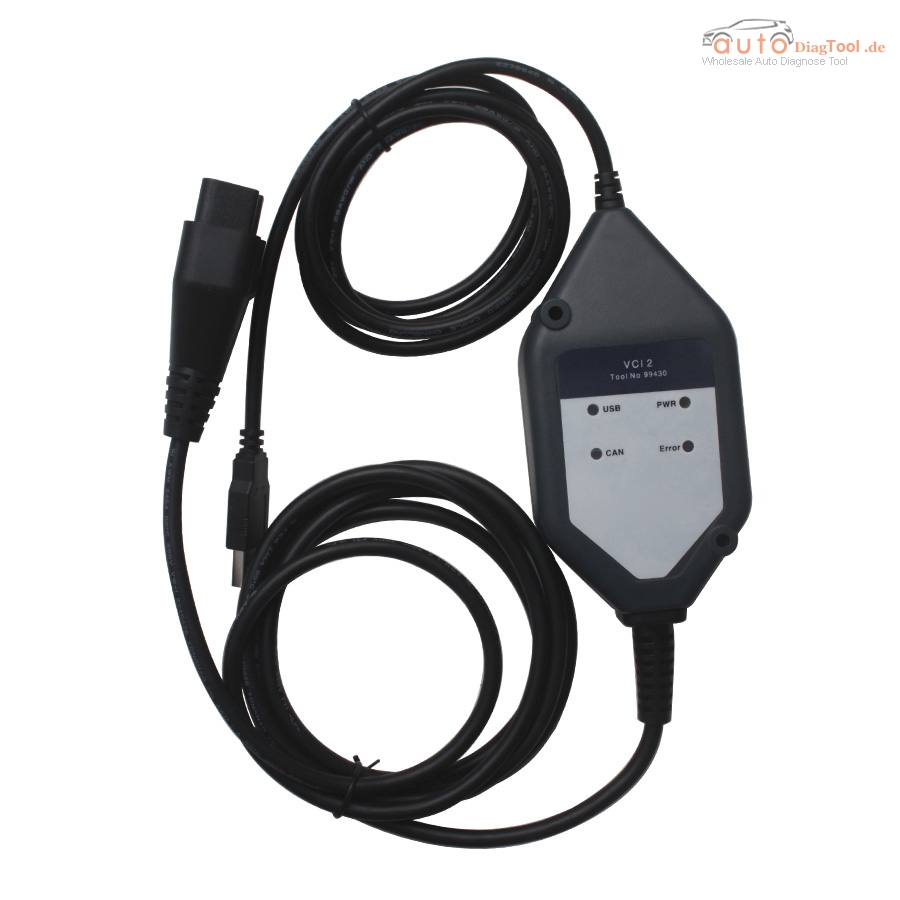
I have a customer who bought the scania 2.24 from our website.

vci2-truck-diagnostic-tool-for-scania-main-unit-blog-1

Yesterday,he told me the device prompt that the software need to update.

So,here is the solution way to solve this problems:

solve-way

And you can download the software here.

If you have other good way to solve this problems,you can share your experience here also.


How does New Genius Work Process?

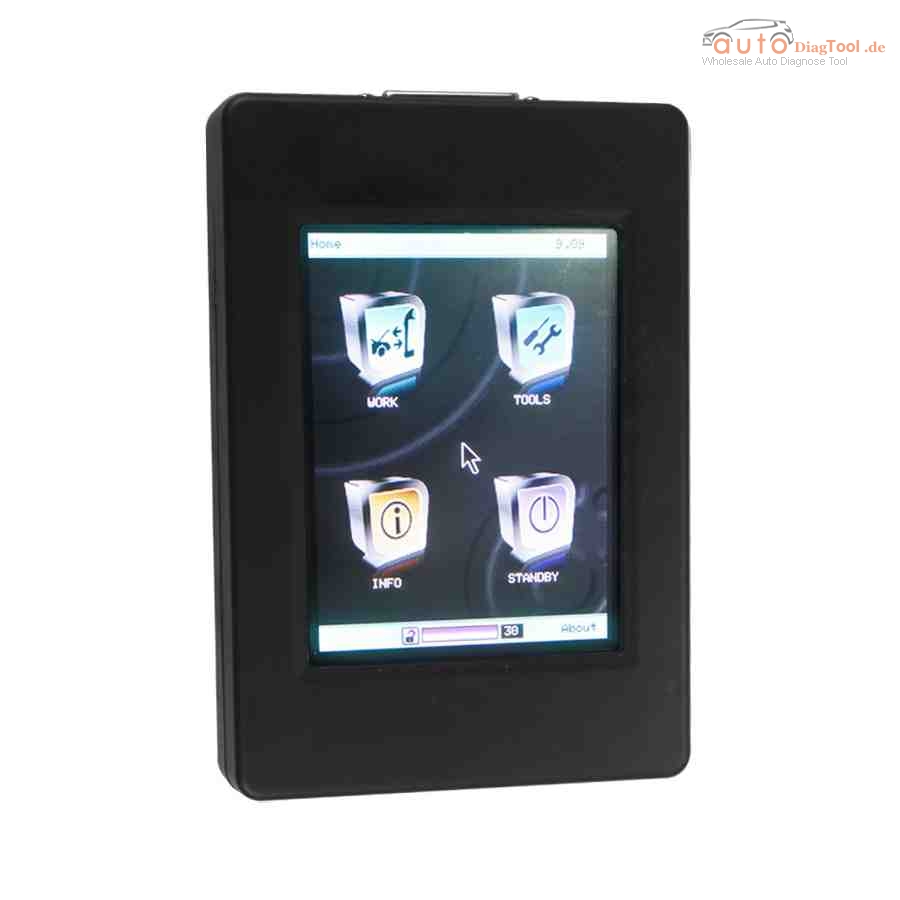
New Genius is the world’s first Touch & Map device which allows reading/programming the ECU in modern vehicles over OBD2. New Genius Touch & MAP is update version of Kess v2, more new vehicles supported.
new-genius-chip-tuning-tool-1
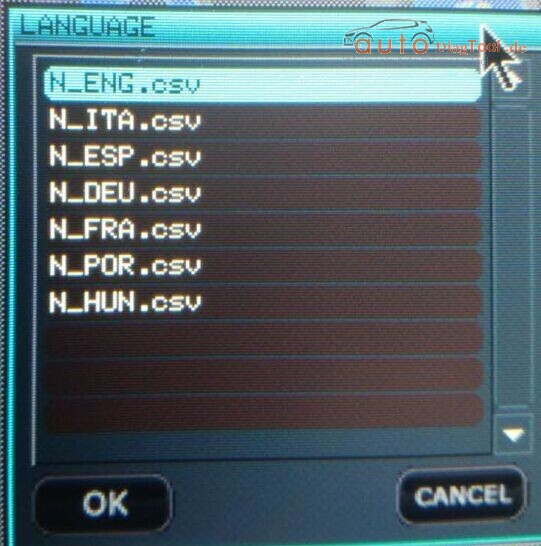
The language of New Genius 
Engnlish,Italian,German,French,Portuguese,Hungarian
new-genius-language-pic-1-1
How does New Genius Work Process?
You can follow below five step to finish the process.
1. Read ECU data from Vehicle
Start your vehicle, plug the new genius to your car via OBD2 port, to read ECU data
2. export the ECU data to laptop
Before you start to export the ecu data to your laptop or PC, you need install a K-touch software, which is used to export ecu data from new genius to your pc, and import new edit ecu data from pc to your new genius machine
Connect the new genius device to your laptop via USB cable, export the ecu data read by new genius to laptop
3. Edit and reprogram the ecu data
 If you can edit and reprogram ECU, you can do this by yourself; if not, you need send the ECU data to professional engineer to edit and reprogram
4. import the ecu data to new genius
Connect the new genius to laptop via usb cable, import the new edit ecu data to your new genius machine
5. Write ECU data to vehicle
Start your vehicle, plug the new genius to your car via obd2 port, write the new ecu data to your vehcile
Finish!

Free Download BMW Creator C110 V4.3 Software English German

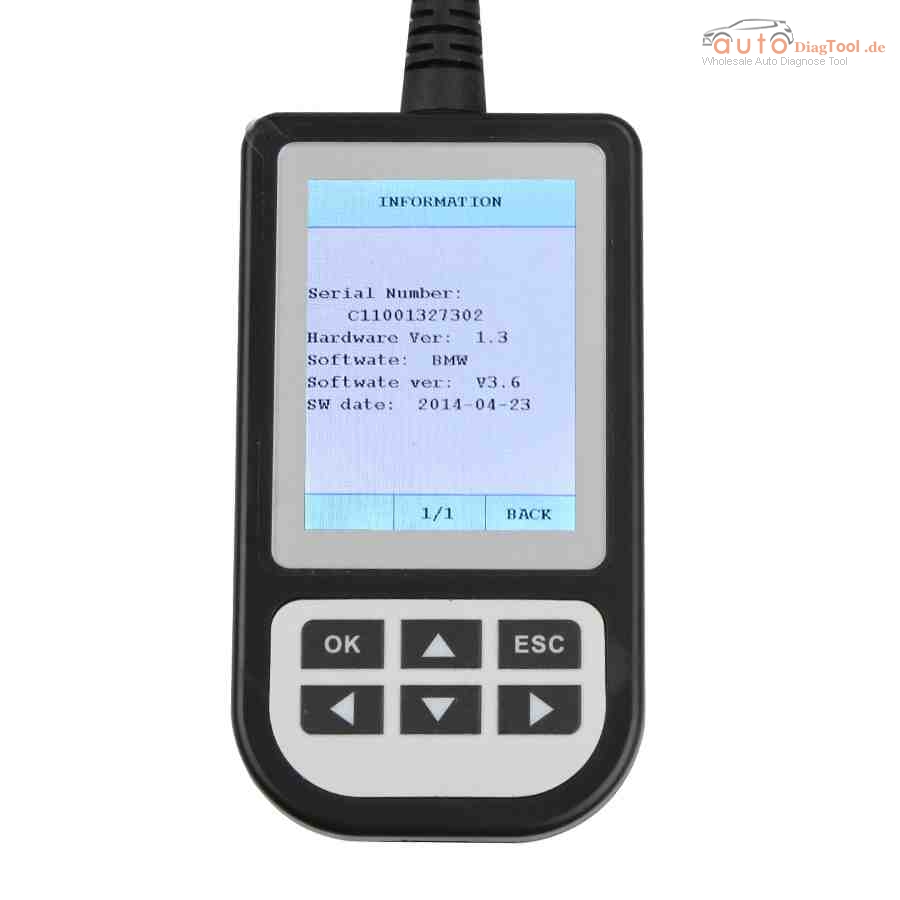
Free download Creator C110 V4.3 BMW coder reader software here and follow the update steps below for update and diagnosis on more BMW cars.

creator-c110-bmw-code-reader-new-1

* Update steps:

Setup Update tools
1) Download update tool

Update tools V1.1

The machine of Serial Number the last data is “1” use this tool to update.

Update tools V3.0

1)The machine of Serial Number the last data is “2” use this tool to update.

2) Double click the [Setup file] to setup the tool.

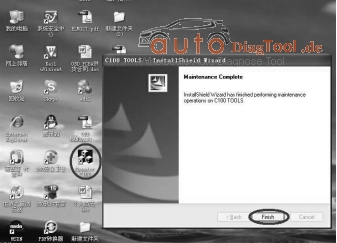
3) Operate follow the instructions , and finish to setup.

creator-c110-4.3-UPDATE
4) Setup the software in your computer.

5) After finish setup , there is a icon of scanner in desktop.
Download Creator C110 software

C110_V4.2_DE  German Language

Run Update tools

1) Double cleck the update tool icon and Run the update tool and Operate in accordance with photographs

2) Used the USB cable connected to scanner and PC, if connect success, the software on pc will display “Creator USB CONNECT”

3) Click [Update] button.

4) Check red rang ; you can change the path , and find the update file which is received

5) Select update file and click [open] button.

6) Into the upgrade interface, wait for the end of upgrade
WARNNING:

Do not power off during update!

Do not Plug or Unplug USB tools during update!

Start Update

1) Waiting for a few minutes. The software will update the BMW code reader.

2) If update success, the software will display [Update success!]; if update not success, it will display [Update fail! Try again].

3) Press [finish] , the scanner is already updated ,and you can unplug the scanner from PC.

* Creator C110 Supported car model:

Supports BMW 1 Series, 3 Series, 5 Series, 6 Series, 7 series, 8 series, X series, Z series and Mini

* BMW Creator C110 Function:

Read trouble codes, clear trouble codes, displays live data stream, Clear adaptation and vehicle version information.